Recording an Audiobook with Audacity
Can you record an audiobook with Audacity? Yes. Audacity is a free, open-source audio editor, and it has everything a solo narrator needs to record a full audiobook at home:…

Can you record an audiobook with Audacity? Yes. Audacity is a free, open-source audio editor, and it has everything a solo narrator needs to record a full audiobook at home: multi-track recording, punch-and-roll, noise reduction, and export to the file formats audiobook platforms ask for. You do not need a paid recording program to sound professional — you need a quiet room, a decent microphone, and a consistent routine. Audacity handles the rest.
What do you need before you press record?
Three things, and none of them is Audacity itself.
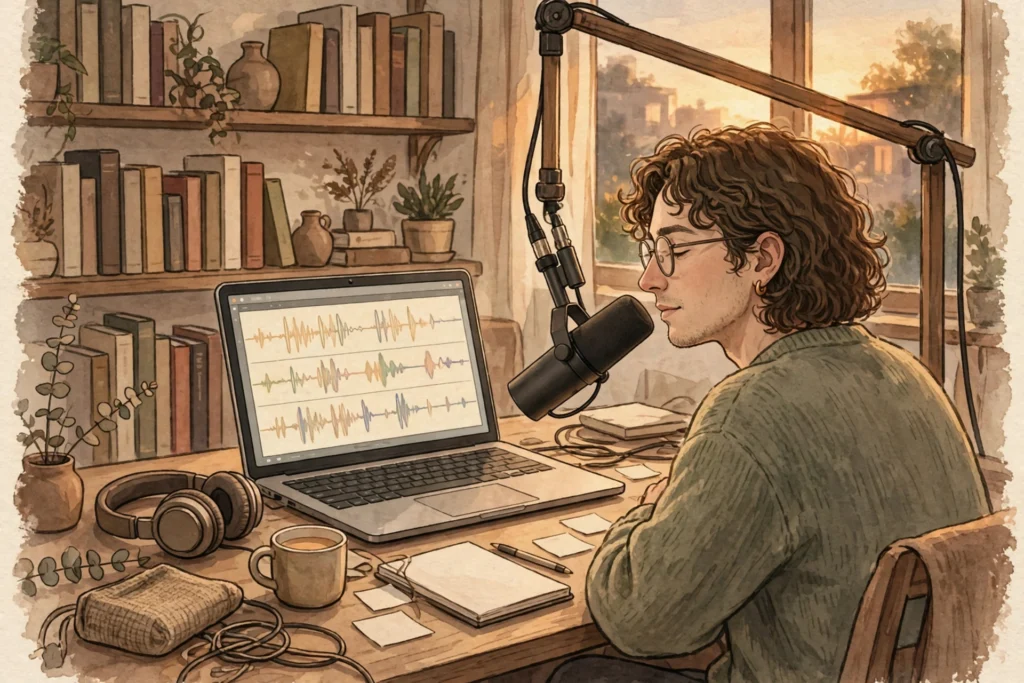
A microphone that plugs into your computer — a USB microphone is the simplest start, and it is what most home narrators use first. Headphones you can wear while you record, so you hear the room noise and your own mouth sounds as the microphone hears them. And a quiet room: a small room with soft furnishings, curtains drawn, and the fridge, fan, and notifications switched off. A walk-in wardrobe full of clothes is a famously good home studio, because the clothes absorb echo.
Download Audacity from its official site and install it before recording day. Open it once, check that it sees your microphone, and record a thirty-second test: read a paragraph, play it back, and listen for hiss, echo, and background noise. Fix the room before you fix the software — no editing trick repairs a recording made in an echoing room.
How do you set up Audacity for voice recording?
Set the project up once and leave it alone for the whole book. In Audacity, set the project rate to 44,100 Hz, record in mono, and set the recording format to 16-bit. These are the standard settings audiobook platforms expect, and they keep your files consistent from chapter one to chapter twenty.
Before each session, record ten seconds of room tone — the sound of the room with you saying nothing. You will use it later to fill gaps and to help Audacity’s noise reduction learn what your room sounds like. Then set your recording level: read at your normal narrating volume and aim for the waveform to peak around halfway up the track. Too quiet, and the recording hisses when it is turned up later; too loud, and loud words distort and cannot be repaired.
Keep one Audacity project per chapter. A whole book in one project gets slow and fragile; a chapter per project is easy to re-open, re-record, and export.
What is the recording routine?
Record in short takes, not in one heroic pass. Read a paragraph or two, pause, and keep going. When you stumble, stop, leave a second of silence, clap once or snap your fingers so the mistake is visible on the waveform, and read the sentence again from its start. The clap marks the spot for editing later.
Punch-and-roll is the faster version of the same idea: when you make a mistake, Audacity rewinds a few seconds and plays the last good line, then starts recording again right where you left off, in rhythm. It takes a little practice, but it is how professional narrators keep their flow, and it saves hours of editing.
Record at the same time of day, in the same room, with the microphone in the same place. Your voice changes through the day, and a chapter recorded at 9 a.m. sounds different from one recorded at 9 p.m. Consistency is what makes the finished audiobook sound like one narrator on one day.
How do you edit the recording?
Editing is mostly deleting: the false starts, the long pauses, the claps, and the breaths that are too loud. Work through the chapter in order, and fix problems as you find them rather than jumping around.
Three Audacity tools do most of the work. Noise reduction, trained on your room-tone recording, takes the edge off background hiss — use it lightly, because heavy noise reduction makes a voice sound underwater. The truncate-silence or silence tools tidy up pauses that ran too long. And a gentle compressor evens out the difference between your quietest and loudest words, so a listener never has to reach for the volume.
What not to do: do not add echo, do not add music under the narration, and do not try to fix a bad take with effects. If a sentence sounds wrong, re-record the sentence. A clean re-record always beats a rescued bad take.
How do you export the finished chapter?
When a chapter sounds right, export it as a WAV file first — that is your master copy, kept safe. Then export the version the platform wants, usually MP3 at a constant bit rate, with the chapter name in the file name. Keep the exports consistent: same settings, same naming pattern, every chapter.
Check the platform’s requirements before you export the whole book. Different audiobook platforms ask for different file types, loudness levels, and chapter breaks, and re-exporting twenty chapters because one setting was wrong is a painful way to learn that. Export one chapter, check it against the requirements, then export the rest.
A recording checklist
- Microphone, headphones, and a quiet room — tested with a thirty-second sample before day one.
- Audacity installed from the official site, project set to 44,100 Hz, mono, 16-bit.
- One project per chapter; ten seconds of room tone at the start of every session.
- Recording level peaking around halfway; same time, same room, same microphone position every session.
- Mistakes marked with a clap or fixed with punch-and-roll; false starts deleted in editing.
- Noise reduction used lightly; no echo, no music, no effects on the voice.
- Master exported as WAV, delivery files exported to the platform’s specification, one chapter checked before the rest are exported.
Tick every box, and Audacity will carry you from a first test recording to a finished audiobook — free, chapter by chapter, at your own pace.
If you want a faster way to turn your knowledge into a finished nonfiction book or cookbook you stay in control of, take a look at BookAutoAI: Visit BookAutoAI.com
Start here: if you are turning your book into audio, begin with the AI and KDP Rules hub and read How to Make an Audiobook for the full process from manuscript to finished audio.