
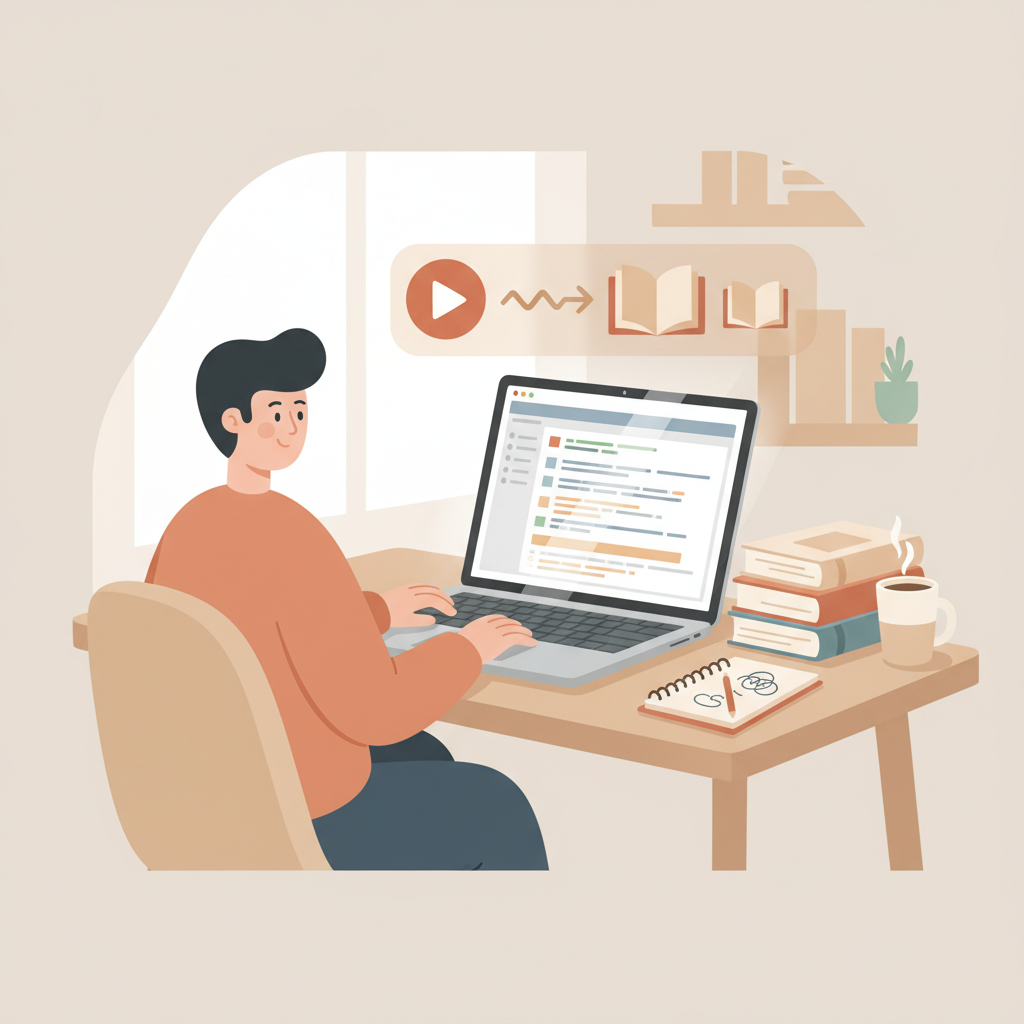
AI to Turn YouTube Videos into a Book Step-by-Step
ai to turn youtube videos into a book
Estimated reading time: 14 minutes
- You can turn YouTube transcripts into polished chapters, but raw transcripts need structure, pacing, and a humanizing edit to read like a book.
- The practical workflow pairs a reliable transcription step with a full-service non-fiction book generator to expand, edit, and format content for marketplaces.
- BookAutoAI automates the hard parts: outlining, expanding, humanizing, formatting, EPUB conversion, and auto cover creation so your video-based book is ready to upload.
Table of contents
- Why turning videos into books works
- An operator workflow to convert transcripts into chapters
- Capture accurate transcripts
- Group content by theme
- Clean the transcript
- Build a chapter map
- Expand and humanize
- Review and revise
- Format and export
- Editing for structure, pacing, and voice
- Fixing structure
- Controlling pacing
- Humanizing voice
- Turn examples into teachable moments
- Dealing with duplication and overlap
- AI editing vs. human editing
- Publishing: formatting, covers, and marketplace-ready files
- Formatting for ebooks and print
- Cover design and thumbnails
- Creating paperback and ebook versions
- When to use human designers and formatters
- Rights and permissions
- Middle steps that save time
- Practical examples and common pitfalls
- Benchmarking tools
- Final thoughts
- FAQ
- Sources
Why turning videos into books works
Converting YouTube material into a book is a practical way to repurpose long-form content and reach readers who prefer written learning. A transcript captures ideas, examples, and tone, but it rarely reads as a book without careful editing.
The phrase ai to turn youtube videos into a book describes tools and practices that start with transcripts and finish with a saleable non-fiction title. In the first pass the transcript is source material — not final copy — so the operator’s job is to apply structure, pacing, and voice.
The ecosystem is useful: some tools excel at transcription, others at summarizing, and a few at layout. But most stop short of delivering a full-length, market-ready book that reads like a human wrote it. For authors who want predictable results, the efficient path is to pair a transcript tool with a dedicated book generator. If you want to compare solutions and see a quick benchmark, check our Top 10 Ai Book Generator for examples of what to expect from different systems.
An operator workflow to convert transcripts into chapters
1. Capture accurate transcripts
Start with the best transcript you can get. YouTube’s auto-captioning is free but often needs work. For long projects export transcripts as plain text and remove timecodes and speaker labels.
2. Group content by theme
Watch the videos with the transcript and mark where themes change. Create a simple list of timestamps, key points, and suggested chapter topics. Treat the transcript as source material, not finished prose.
3. Clean the transcript
Remove filler words, repeated phrases, and obvious transcription errors. Keep useful examples and metaphors — these often become the most memorable chapter anecdotes.
4. Build a chapter map
Sketch chapters with a short purpose line: what the chapter will teach and which examples it will include. A clear map is enough; you don’t need an exhaustive outline to start expanding chapters.
5. Expand and humanize
Feed cleaned material into a non-fiction book generator that handles spoken-to-written conversion, expansion, and smoothing. The generator should apply a consistent voice and reduce obvious AI cadence so the prose sounds natural and human.
6. Review and revise
No tool replaces a final human pass. Read chapters aloud, check facts, and confirm permissions for third-party material. For longer projects, recruit beta readers who match your audience.
7. Format and export
When text and structure are final, export a marketplace-ready file. Choose a system that can create clean EPUB files and KDP-compliant formats, and that can also generate a cover suitable for thumbnails and print-on-demand.
This capture-then-create sequence separates transcription from book creation so each step is predictable and repeatable, keeping quality control focused on editing and structure instead of fighting poor transcripts.
Editing for structure, pacing, and voice
Fixing structure
Spoken content drifts. Turn a list of spoken points into a mini-outline for the introduction, body, and wrap-up. Move anecdotes where they support claims, and add short bridging sentences to clarify flow.
Controlling pacing
Aim for varied sentence rhythm: short sentences to emphasize, medium sentences to explain, and occasional longer sentences to deepen analysis. Use subheadings to break long sections and highlight single ideas.
Humanizing voice
Choose a consistent tone — practical, experienced, and direct works for most non-fiction. Reduce unnecessary first-person asides and smooth awkward pauses or stutters so the voice reads naturally.
Turn examples into teachable moments
Convert long spoken examples into compact case studies using setup, action, and outcome. This creates a predictable learning loop that works across chapters.
Dealing with duplication and overlap
Merge repeated ideas into a single, stronger treatment and use cross-references sparingly to point readers to related chapters.
AI editing vs. human editing
AI expands text, fixes grammar, and suggests structure quickly, but humans remain the final quality gate to certify clarity, accuracy, and rights compliance.
Publishing: formatting, covers, and marketplace-ready files
Formatting for ebooks and print
Ebooks need consistent paragraph styles, chapter breaks, and a clean table of contents. Print adds constraints like margins, page numbers, and font choices. Use a system that produces a clean EPUB file to minimize manual fixes and speed uploads.
Cover design and thumbnails
A cover communicates genre and promise at thumbnail size. If you generate covers automatically, choose a tool that applies genre conventions and typography rules. For example, an auto cover generator can create market-ready art while still allowing manual tweaks.
Creating paperback and ebook versions
Many creators want both formats. Use a single platform to keep metadata synchronized and reduce errors; for end-to-end book creation rely on a solution that can create paperback and ebook exports from the same manuscript.
When to use human designers and formatters
If your title has many images, charts, or complex layout, bring in a designer. For most video-derived non-fiction, text-first layouts with occasional images can be handled automatically.
Rights and permissions
Confirm you have permission to reuse quotes, guest contributions, or proprietary content. If a transcript quotes another creator, secure permission or remove it.
Middle steps that save time
- Generate a KDP-ready manuscript and then export an EPUB for distribution.
- Use a cover template as a starting point, then tweak typography and colors.
- Keep a single source manuscript so content updates propagate to both ebook and paperback.
If your process includes uploading files to retailers like Amazon KDP, consider tools that simplify the upload and distribution pipeline; these upload services can reduce friction when publishing to multiple stores.
For example, specialized uploader tools help when you need to manage multiple retail targets and file formats, and they integrate with common publishing platforms.
If you want seamless EPUB conversion from your final manuscript, pick a system with a built-in EPUB converter to produce marketplace-ready files quickly.
Practical examples and common pitfalls
Turning a 45-minute tutorial into a 3,000-word chapter
- Cut the transcript into topic clusters.
- Expand the main idea, then add two short case examples from the video.
- Remove tangents and add a 200-word summary with an action list.
Turning a lecture series into a 40-page book
- Group lectures by theme to form 6–8 chapters.
- Use lecture intros as chapter hooks.
- Where lectures repeat points, consolidate and add a curated reading list.
Common pitfalls to avoid
- Publishing raw transcripts without editing — this reads poorly.
- Ignoring permissions — this creates legal risk.
- Using generic covers — these reduce click-through rates.
- Skipping final human review — this invites errors and weakens trust.
Benchmarking tools (how to evaluate solutions)
Evaluate tools on output length and cohesion, editing options, marketplace exports, cover quality, and how well they humanize prose. If you want to see how different systems compare, consult our Top 10 Ai Nonfiction Book Generator roundup for a quick comparison of back-end book systems versus feed tools.
Final thoughts
Turning YouTube content into a readable, publishable book extends the life and value of your work. The key is a predictable, operator-style process: extract accurate transcripts, clean and group content, map chapters, expand and humanize the prose, then export market-ready files with a good cover.
Use AI where it accelerates heavy lifting, and use human editors for final quality control. A single platform that handles outlining, expansion, EPUB conversion, and covers can reduce tool switching and speed releases.
BookAutoAI handles many of these tasks — from outline and expansion to EPUB and cover generation — allowing creators to convert video series into books without stitching multiple tools together.
FAQ
Can I use YouTube’s auto-transcript for my book?
You can, but expect errors and conversational filler. Use a more accurate transcription service for long projects, then clean the text before editing.
How much editing will I need after an AI expands a transcript?
Expect to spend time on structure, pacing, and factual checks. AI handles volume; humans ensure readability and accuracy.
Are AI-generated books accepted on Amazon KDP?
Yes, if the content follows KDP rules, reads naturally, and doesn’t present AI output as unreviewed fact. Humanize the text and confirm rights for third-party material.
Do I need to hire a designer for the cover?
Not always. Auto cover tools can produce serviceable covers, and platforms often include auto cover generation with manual tweak options for custom looks.
What file formats will I need to upload?
Kindle often uses MOBI or KPF derived from EPUB. A clean EPUB is a reliable starting point, and many systems convert EPUB to marketplace formats automatically.
How should I handle uploads to multiple retailers?
Use a reliable uploader or distribution tool to manage multi-retailer uploads and file-format differences when publishing to stores like Amazon KDP, Apple Books, or Kobo.
Sources
- https://designrr.io/how-to-turn-your-youtube-content-into-ebook/
- https://www.youtube.com/watch?v=hdQP-qyxcO8
- https://www.youtube.com/watch?v=UxLe9mqw-g0
- https://tubeonai.com/youtube-to-pdf-notes-converter-ai/
- https://notegpt.io
- https://www.ryrob.com/youtube-video-blog-post/
- https://noiz.io
- https://forum.level1techs.com/t/ai-tools-that-create-written-outline-of-youtube-video-or-podcast/215673
- https://www.bookautoai.com/book-cover-generator-processing
- https://www.bookautoai.com/epub-converter
- https://www.bookautoai.com
ai to turn youtube videos into a book Estimated reading time: 14 minutes You can turn YouTube transcripts into polished chapters, but raw transcripts need structure, pacing, and a humanizing edit to read like a book. The practical workflow pairs a reliable transcription step with a full-service non-fiction book generator to expand, edit, and format…