
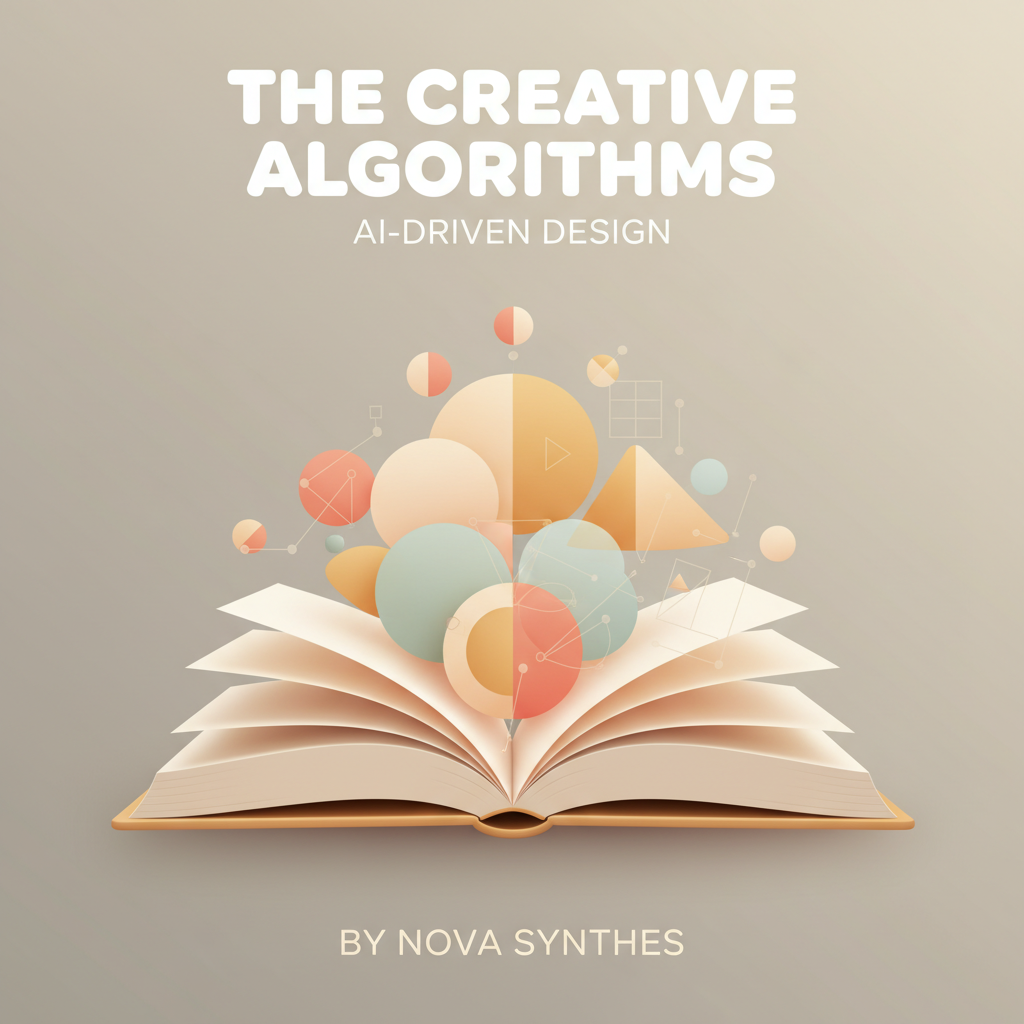
AI to Create Book Cover Ideas That Match Genre Signals
ai to create book cover ideas
Estimated reading time: 13 minutes
- Use genre signals (color, image style, typography) first—AI should follow what buyers expect, not invent its own rules.
- Turn signals into focused cover concept ideas: narrow the audience, pick one visual hook, and test thumbnails before final design.
- AI tools speed iteration and surface ideas, but human judgment is required to match market signals and prepare final files for distribution.
Table of Contents
- Why genre signals matter when you use ai to create book cover ideas
- Read the market first
- Why AI needs constraints
- How to read genre signals: color, imagery, typography
- Color: mood and category
- Imagery: literal vs symbolic
- Typography: voice and legibility
- Turning signals into cover concept ideas
- Write tight concept prompts
- Generate multiple concept ideas
- Humanize the output
- Prioritize market signals, then brand signals
- Designing, testing, and publishing covers with AI
- Thumbnail-first workflow
- Iterate rapidly
- A/B testing and market feedback
- Preparing the final files
- AI for cover concept ideas vs final design
- Practical integrations and workflow tips
- Place to research tools and how they compare
- Final thoughts
- FAQ
- Sources
Why genre signals matter when you use ai to create book cover ideas
If your goal is to ai to create book cover ideas that sell, the first step is not to ask for “something creative.” It’s to read the market. Genre signals are the visual language buyers use to find and recognize books: a set of repeating choices in color, imagery, layout, and type that tell a browser, fast, what a book is about.
AI tools can produce a lot of cover concepts quickly. That speed helps you test more ideas and reach a publish-ready design faster. If you want a quick comparison of tools and how they handle cover ideation, see Top 10 Ai Book Generator for context on where AI fits in a full production process.
You can also speed initial mockups using a dedicated cover generator if you want prebuilt cover processing for ideation and export.
Read the market first
Every subgenre has predictable elements. A business leadership book uses clean sans-serif typography, a restrained color palette, and a single dominant icon or portrait. A health or diet book uses bright, optimistic colors and approachable photography. A technical how-to leans into simple diagrams or flat illustrations. These repeating choices are what I call genre signals.
These patterns guide buyers in search results and help thumbnails communicate at a glance.
Why AI needs constraints
AI models generate best when they have constraints that mimic what a human designer would use. Give the AI a short brief that includes the target reader, tone, main visual cue, and typography style so outputs match shelf expectations.
Include:
- Target reader (what job or problem they have)
- Emotional tone (urgent, hopeful, authoritative)
- Main visual cue (photo, illustration, texture, symbol)
- Typography style (serif, sans-serif, handwritten)
How to read genre signals: color, imagery, typography
Start by collecting five to ten top-selling covers in your exact subgenre. Look at these elements and write down simple rules you see repeating. This exercise tells you what the buyer expects and gives you a short brief you can use to generate cover concept ideas.
Color: mood and category
Colors carry meaning and create associations. For example:
- Bright orange or yellow often signals self-help or marketing.
- Deep blue and gray imply business, finance, or serious nonfiction.
- Green and earth tones fit wellness, nature, and sustainability.
Pick the dominant color family and a contrast color for accents. In AI prompts be explicit: “Dominant color: deep blue, accent color: warm orange.”
Imagery: literal vs symbolic
Decide whether the cover should show the subject directly (a person, a scene) or use symbols and shapes. Literal imagery is faster to recognize on thumbnails; symbolic imagery can stand out but risks ambiguity.
Use thumbnail-first thinking: if an image reads as a single clear shape at 100×150 pixels, it will work.
Typography: voice and legibility
Typography signals tone. Serif fonts look traditional and authoritative. Clean sans-serifs read modern and practical. Handwritten fonts add friendliness or memoir tone. Tell the AI whether the title should dominate the page or sit lower in the layout. For nonfiction, prioritize legibility—make the title readable in a thumbnail.
Turning signals into cover concept ideas
Once you have signal rules, you can rapidly translate them into cover concept ideas. Think of each AI-generated concept as a hypothesis you’ll test with thumbnails and simple market feedback.
Write tight concept prompts
Use short, repeatable prompt templates for your AI to keep ideas consistent. A simple template:
“[Subgenre] nonfiction cover, target reader [X], tone [Y], dominant color [Z], main visual [A], typography [B], thumbnail-friendly composition.”
Example: “Business leadership nonfiction cover, target reader: mid-career managers, tone: confident and practical, dominant color: deep blue, main visual: single high-contrast silhouette of a person, typography: bold sans-serif, thumbnail-focused.”
Generate multiple concept ideas
Ask the AI for 8–12 concepts per book, not one perfect cover. You want variations that explore different color families, photo vs illustration, title-first vs subtitle-first layouts, and iconography vs portrait. Label each concept clearly so you can track which versions you test.
Humanize the output
AI can suggest layouts and mock copy, but review and humanize the phrasing. Nonfiction buyers respond to clear benefits—ensure subtitle language states the reader’s outcome. An AI can draft options; you choose the most market-ready version.
Prioritize market signals, then brand signals
If you’re building an author brand across multiple titles, visual consistency helps, but don’t sacrifice genre signals for a brand element that confuses buyers. Small recurring cues (a logo, accent color, or corner badge) can signal brand without masking the cover’s main genre language.
Designing, testing, and publishing covers with AI
AI speeds up design, but testing thumbnails, final adjustments, and producing upload-ready files matter most.
Thumbnail-first workflow
The majority of decisions happen at thumbnail size. Before you polish a full-size cover, reduce each concept to a thumbnail and evaluate whether the title is readable, the image reads as a single coherent shape, and the color contrast is strong enough to stand out in search results.
Iterate rapidly
Use AI to produce new variations of the shortlisted thumbnails. Change color, crop tighter, swap type, or replace images until one or two concepts consistently read well at low resolution.
A/B testing and market feedback
If you have an audience, show mock thumbnails to a list or social group and collect quick feedback. For larger projects, consider low-cost A/B testing in ads; for most authors, a fast social test suffices to pick a winner.
Preparing the final files
When your concept is set, move from ideation to production: create a full-resolution cover following marketplace specs (KDP, Ingram, etc.), confirm spine and back cover layout for paperback versions, and export at the correct bleed and size. If you need assistance creating a paperback or ebook, consider tools that help you create a paperback or ebook.
Also check upload tools and specifications before you export so covers meet retailer requirements; many authors find centralized upload tools helpful for distributing final files.
AI for cover concept ideas vs final design
AI is excellent at generating dozens of concept thumbnails and mockups that explore visual directions. It’s not a substitute for a final human pass. A designer or careful self-publisher should check type licensing and legibility, replace low-quality stock imagery with licensed or original assets, and confirm color profiles and export settings match marketplace requirements.
Practical integrations and workflow tips
Use the AI to create multiple mock thumbnails quickly, then pick favorites to refine manually. Keep short briefs and repeatable prompt templates so the process scales across multiple books. Document which concepts you tested and why you picked the winner—this builds a repeatable system for future titles.
If you need quick ideation plus production tools, visit Top 10 Ai Nonfiction Book Generator for a comparison of platforms and features that handle ideation through publishing.
Place to research tools and how they compare
If you want a quick comparison of market-facing AI tools that handle book ideation and generation, check curated reviews to see how different platforms approach concept generation and end-to-end publishing support. That context helps you decide whether to rely on a single platform or mix AI tools and human editing.
For hands-on trial runs, many authors pair rapid mockups from an AI cover engine with a manual designer pass and licensed assets before upload.
Final thoughts
AI to create book cover ideas is most powerful when it’s constrained by genre signals and used as a rapid prototyping engine. Start by reading the market and extracting simple rules about color, imagery, and typography. Turn those rules into tight prompts that generate multiple cover concept ideas. Test at thumbnail size, iterate, and finalize with a human pass to confirm legibility, licensing, and formatting.
When you combine speed with disciplined market-reading, AI lets you explore more directions and reach a publish-ready cover faster. If you are producing nonfiction at scale, establish a short prompt template and a thumbnail-first review process that you use for every title—this repeatable system is where AI moves from a novelty to a production advantage.
You can also explore Bookautoai for related tools and demos.
FAQ
Can AI design a final, publish-ready cover on its own?
AI can produce publish-ready mockups, but you should always perform a final human pass. Check typography, image licensing, color profiles, and marketplace specifications.
How many cover concepts should I generate before choosing one?
Generate 8–12 initial concepts and reduce that list to 3–5 thumbnail-ready candidates. Test those thumbnails, then refine the top one or two.
Should I prioritize brand consistency across titles or match each cover to genre signals?
Prioritize genre signals first to ensure buyer recognition, then add subtle brand elements that do not interfere with the main signal language.
What is the most common mistake authors make with AI-generated covers?
The most common mistake is treating AI outputs as final designs without checking readability and market fit at thumbnail size. Another common error is giving the AI vague prompts—AI needs constraints.
Where can I test different AI tools for book generation and cover ideas?
Look at comparative reviews of AI platforms to understand their strengths and limitations for nonfiction publishing and cover ideation. These reviews will help you pick tools that fit your workflow and volume needs.
Sources
- BookAutoAI vs The Urban Writers Review AI Book Generator — https://blog.bookautoai.com/bookautoai-ai-book-generator-kdp-4/
- AI Book Writer for KDP Nonfiction Review & Insights – BookAutoAI — https://blog.bookautoai.com/ai-book-writer-kdp-review-14/
- How to Use an AI Non-Fiction Book Generator to Write and Publish — https://www.publishing.com/blog/ai-non-fiction-book-generator
- This AI Robot Writes ENTIRE Books For Less Than $8! – YouTube — https://www.youtube.com/watch?v=zxPYZJlmsu4
- BookAutoAI vs Wordtune for Nonfiction Authors AI Book Writer — https://blog.bookautoai.com/ai-book-generator-kdp-review-119/
ai to create book cover ideas Estimated reading time: 13 minutes Use genre signals (color, image style, typography) first—AI should follow what buyers expect, not invent its own rules. Turn signals into focused cover concept ideas: narrow the audience, pick one visual hook, and test thumbnails before final design. AI tools speed iteration and surface…