
How to Use AI to Write a How-To Book Step by Step Guide
How to Use AI to Write a How-To Book
Estimated reading time: 5 minutes
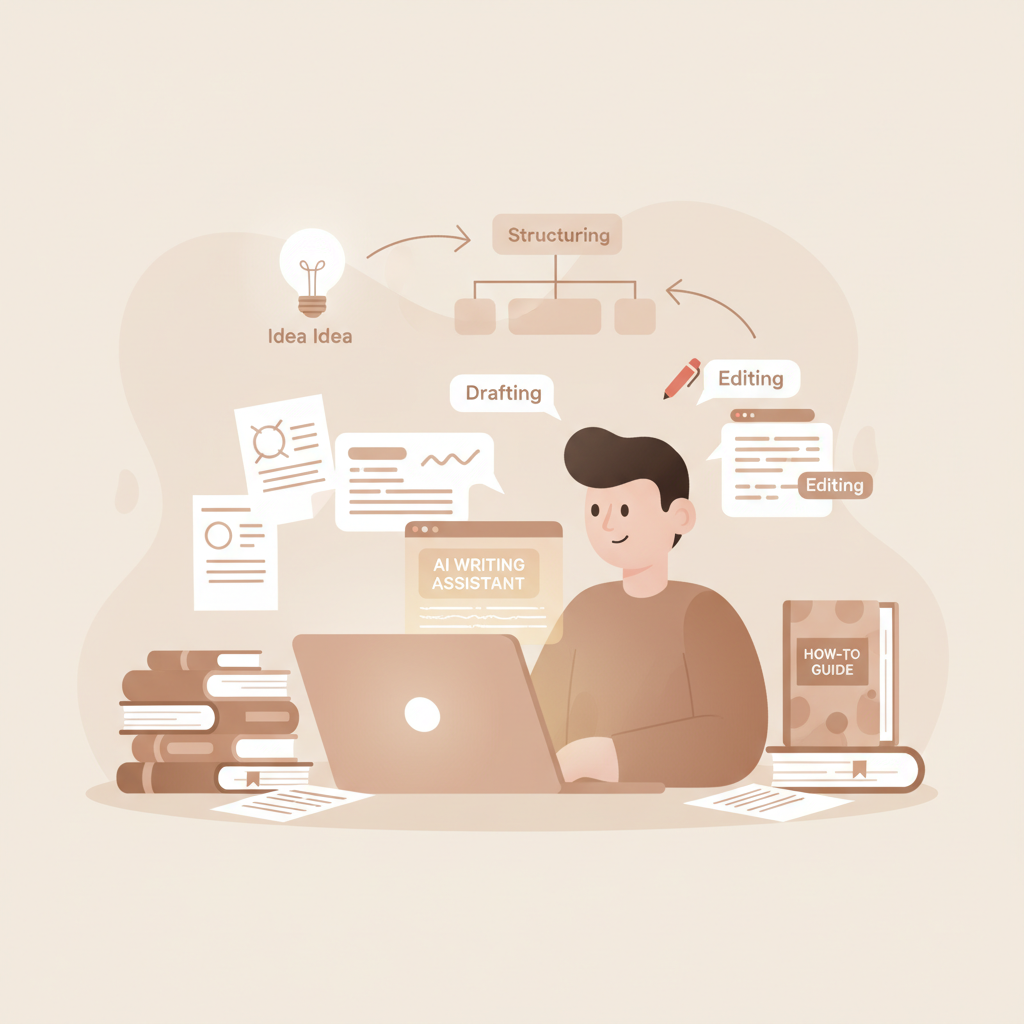
- AI can speed every stage of a how-to book: idea, structure, drafting, editing, and formatting.
- Design around a clear reader outcome and a repeatable chapter template so AI serves structure, not replaces it.
- Use a purpose-built non-fiction system to get drafting, humanization, EPUB conversion, and covers in one place.
Table of Contents
- Why use ai to write a how to book?
- Planning and audience-first structure for how-to books
- Define the outcome
- Break the outcome into a step sequence
- Design practical chapters
- A brief note on research and accuracy
- Step-by-step generation: from idea to finished manuscript
- Create a uniform chapter template
- Iterate on prompts
- Batch generation and consistency checks
- Built-in humanization and polishing
- From manuscript to upload-ready files
- Practical generation workflow example
- Editing, humanization, formatting, and publishing
- Edit for clarity and flow
- Humanization and voice
- Add practical assets
- Formatting for marketplaces
- Publish-ready considerations
- Operational tips for scaling
- Final thoughts
- FAQ
- Sources
Why use ai to write a how to book?
Writing an instructional title is about clarity and predictable progression: what the reader needs to know, in what order, and how to apply it.
When you use AI to write a how-to book, your aim is to make the model a reliable, repeatable production engine that delivers clean, teachable steps rather than letting it riff.
AI reduces time on repetitive tasks like outlining and turning outlines into chapters. For a quick comparison of market options, see our Top 10 Ai Nonfiction Book Generator for how dedicated systems differ from general writing tools and author-focused apps.
Planning and audience-first structure for how-to books
Start with the reader, not the tech. A how-to book succeeds when a novice can follow it and achieve a clear outcome.
That focus fixes three planning tasks immediately: define the outcome, select required steps, and sequence them into a logical learning path.
Define the outcome
Write a single sentence that describes what a reader can do after reading the book. Examples:
- Build a basic website anyone can manage in two weekends.
- Understand and use conversational selling to close repeat clients.
- Create a weekly plan that doubles personal productivity.
Every section, chapter, and exercise should map back to that sentence.
Break the outcome into a step sequence
Divide the outcome into 6–12 core steps. Each step becomes a chapter or major section.
- Foundation: key concepts and mindset
- Preparations: tools, materials, or prerequisites
- Core steps: the sequential actions the reader must take
- Troubleshooting and common mistakes
- Next-level moves and resources
Design practical chapters
Each chapter should answer three reader questions: What do I need to know? What do I need to do? and How do I check my result?
Use short, named steps in chapter subheads and include checklists, templates, or examples to make the content actionable.
A brief note on research and accuracy
How-to books often require factual accuracy or specialized guidance. Reserve a short research pass to verify technical claims, citations, and legal or safety details.
Even when you use AI to draft, plan a human review stage for accuracy and up-to-date guidance.
Step-by-step generation: from idea to finished manuscript
With a strong structure, use AI to generate each component in sequence. Treat the model as a production assistant with constrained, repeatable prompts.
1. Create a uniform chapter template
A repeatable template reduces rework. A simple template might include:
- Chapter title (one sentence)
- What this chapter achieves (2–3 sentences)
- Key terms and definitions (bulleted)
- Step-by-step actions (numbered)
- Example or case study
- Short checklist
- Quick exercise (5–10 minutes)
2. Iterate on prompts
Start with a seed prompt that describes the template and the target reader profile. Use the same prompt for every chapter so tone and structure remain consistent.
For example: “Write Chapter 3 for a how-to book titled X for beginner readers. Use this template: [paste template]. Keep the language clear, actionable, and under 1,200 words.”
3. Batch generation and consistency checks
Generate several chapters at once when possible to help the model maintain consistent definitions and phrasing across chapters.
After the first pass, run a single-pass review to align tone, correct repeated metaphors, and confirm examples match the reader profile.
4. Built-in humanization and polishing
Some systems offer built-in humanization to make prose read less machine-made; this matters because readers and marketplaces prefer natural-sounding text.
If your platform includes this feature, run humanization after the initial draft and before detailed editing.
5. From manuscript to upload-ready files
Once chapters are finalized, the final steps are formatting, cover, and file conversion. A system that exports a clean interior file removes manual steps like page breaks and TOC generation.
If you plan to distribute as an ebook or paperback, you’ll need a cover and an EPUB file. Many authors appreciate an integrated EPUB converter to produce a compliant ebook file quickly and an automatic book cover generator to produce a serviceable front cover without hiring a designer.
For a single-platform option that produces ebook and paperback outputs, consider using an integrated publishing platform to reduce vendor juggling.
Practical generation workflow example
– Day 1: Define outcome and 8-chapter sequence.
– Day 2–4: Generate chapter drafts using the chapter template; aim for 1,200–2,500 words per chapter depending on depth.
– Day 5: Humanize and run a consistency edit pass.
– Day 6: Create a cover and convert to EPUB; finalize interior formatting and proofread the converted files.
If you’re exploring alternatives, our Top 10 Ai Book Generator overview contrasts general-purpose systems and book-focused apps to help you decide whether to use a single integrated tool or combine best-of-breed services.
Editing, humanization, formatting, and publishing
Editing and formatting are where many authors lose momentum. AI shortens the path, but the process still needs author judgment.
Edit for clarity and flow
Start with big-stroke edits: check chapter order, confirm that each chapter contributes to the main outcome, and remove digressions.
Then edit at the paragraph level to simplify language and keep sentences short—how-to readers prefer direct commands and clear examples.
Humanization and voice
Humanization features are helpful when used selectively. Maintain a consistent voice by creating a short style guide paragraph (tone, preferred verbs, metaphors) and applying it across chapters.
Run a humanization pass after stylistic edits and then re-check for clarity.
Add practical assets
Include checklists, templates, and sample scripts to increase reader success and perceived value.
If you plan downloadable worksheets, reference them in the manuscript and include simple instructions for accessing them.
Formatting for marketplaces
Formatting differs between ebook and print; keep a modest internal format—clear H1/H2/H3 structure, simple image handling, and standard fonts for print interiors—to reduce conversion errors.
If you need help uploading to retailers or preparing files for multiple distributors, using dedicated book upload tools can simplify the process and prevent errors when you publish to KDP, Apple Books, or others.
Publish-ready considerations
- Metadata: Write a tight subtitle stating who the book is for and the outcome; include searchable keywords.
- Back matter: Add resources, suggested next steps, and where readers can find worksheets or updates.
- Legal disclaimers: For legal, medical, or financial advice, add clear disclaimers and advise consultation with professionals.
Operational tips for scaling
If you plan to produce multiple how-to books, standardize your chapter template, checklist formats, and cover layout so each title looks consistent.
Systems that export ready-to-upload files save time at scale and reduce configuration mistakes when publishing several titles quickly.
Centralizing interior formatting and cover creation keeps the process repeatable and reduces friction as you expand your catalog.
Final thoughts
AI is a production tool for how-to authors when treated like a reliable assistant and when the reader’s outcome stays central.
Good planning—a clear outcome, sequenced steps, and a repeatable chapter template—lets AI produce consistent drafts you can refine quickly.
Choosing a system designed for non-fiction reduces time spent stitching tools together: drafting, humanization, formatting, and basic covers in one pipeline speed publishing at scale.
Visit Bookautoai and try our demo book.
FAQ
Can AI produce a complete how-to book without my input?
AI can generate a full draft, but your input is essential for defining the outcome, validating accuracy, and aligning tone. Plan to review and edit drafts to ensure the material fits your voice.
How long will it take to go from idea to upload-ready files?
With focus and an integrated non-fiction system, a concise how-to book can be drafted and formatted in a few days to a couple of weeks, depending on length and required research.
Should I worry about AI detection or marketplace policies?
Marketplaces and readers favor natural, readable prose and accurate content. Use humanization tools and careful editing, and monitor platform policy updates related to AI-generated content.
Do I need a separate cover designer or converter?
Not necessarily. Platforms with automatic cover generators and EPUB converters can produce upload-ready files, though you can export files for a designer if you need premium covers.
Can I repurpose a how-to book into courses or templates?
Yes. The structured nature of how-to books maps well to short courses, worksheets, and templates. Plan downloadable assets during drafting to make repurposing simple.
Sources
- https://sudowrite.com/blog/best-10-ai-writing-tools-of-2025/
- https://kindlepreneur.com/best-ai-writing-tools/
- https://www.emailvendorselection.com/best-ai-writing-tools/
- https://bloggingwizard.com/ai-writing-software/
- https://www.thewritepractice.com/best-book-writing-software/
- https://www.rivalflow.com/blog/ai-writing-tools
How to Use AI to Write a How-To Book Estimated reading time: 5 minutes AI can speed every stage of a how-to book: idea, structure, drafting, editing, and formatting. Design around a clear reader outcome and a repeatable chapter template so AI serves structure, not replaces it. Use a purpose-built non-fiction system to get drafting,…