
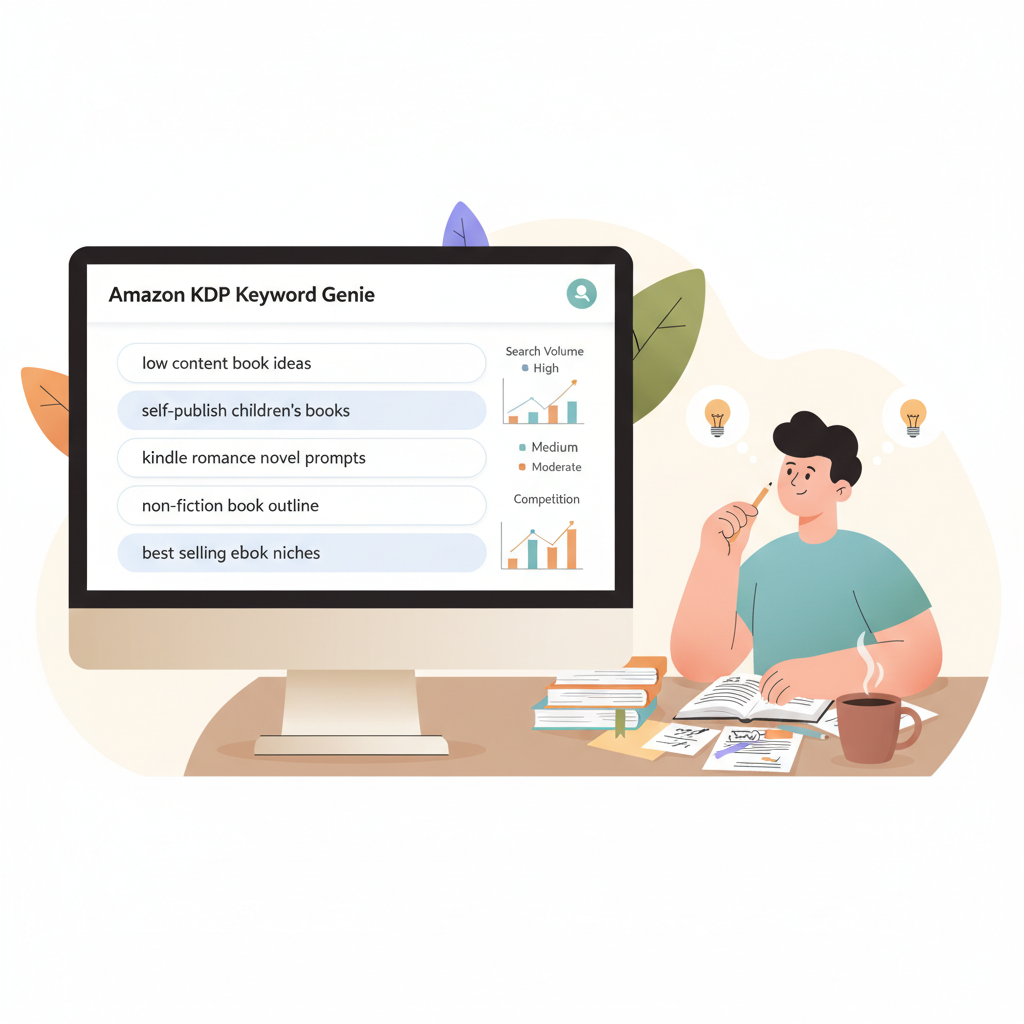
Amazon KDP Keywords Generator to Choose Terms That Sell
amazon kdp keywords generator: how to choose terms that actually sell
Estimated reading time: 5 minutes
- Good keyword work on Amazon starts with reader search intent and a realistic view of competition.
- Use an amazon kdp keywords generator to uncover phrases readers actually type, then validate those phrases with category and metadata choices.
- Pair a reliable keyword process with tools that handle covers, formatting, and EPUB conversion to publish faster and reduce errors.
What an amazon kdp keywords generator does and why it matters
If you want a book to be found on Amazon, you need to think like a searcher. An amazon kdp keywords generator takes seed ideas and produces the phrases and long-tail queries buyers type when they search on Amazon. These tools pull from autocomplete, historical search volume, and competitor listings to surface terms you might miss by guessing.
For non-fiction, visibility on Amazon is a mix of relevance and discoverability. Amazon matches searches to title, subtitle, backend keyword fields, and categories. If your metadata doesn’t use the language buyers use, your book can stay invisible even if it fits the reader perfectly.
Common outputs from a KDP keyword tool include seed keywords, long-tail variants, estimated search volume, and competitor keyword overlap. For authors scaling titles, the data also helps with niche selection and category choices because the right amazon kdp categories can reduce direct competition.
Note: no generator guarantees sales — keywords open doors; covers, titles, blurbs, and reviews close them.
A practical workflow to generate effective KDP keywords
1. Start with the reader and problem
Pick a clear reader intent: who needs this book and why? Write a one-sentence description of the reader’s need. That sentence becomes your seed keyword.
Example: “busy parents who need quick nutrition plans” → seed: quick meal plans for busy parents.
2. Use an amazon kdp keywords generator to expand that seed
Run the seed through a generator and collect long-tail phrases that add specifics (age group, problem, method, format). Export a shortlist of 20–50 phrases that match the reader intent.
For authors who want a quick comparison of tools and features, see Top 10 AI Nonfiction Book Generator for examples of systems that automate other parts of the publishing lifecycle.
3. Group and prioritize phrases
Sort your list into three buckets: Immediate (high relevance, low competition), Secondary (good volume, moderate competition), and Research (ideas to test later).
Aim to pick 6–8 backend keywords for KDP (each up to 50 characters) that cover Immediate and the strongest Secondary terms. Use exact wording when it matches natural language in title/subtitle or description.
4. Check category fit
Map top keywords to likely amazon kdp categories. Many tools suggest category opportunities; otherwise search Amazon for the top phrase and note which categories top results use.
Tip: pairing a strong long-tail keyword with an underused category can produce faster visibility.
5. Optimize title, subtitle, and description
Place your strongest keyword in the subtitle where it reads naturally. Use variations in the short description and avoid keyword stuffing — clarity and reader benefit matter more than exact-match density.
6. Track and iterate
After publishing, monitor impressions, rankings, and sales. If a chosen keyword isn’t producing impressions, swap it with a Research term and retest. Keyword research for KDP is iterative and seasonally sensitive.
Keep a simple spreadsheet of seed → generated phrases → bucket → category → notes as your source of truth for later titles.
How BookAutoAI fits into a keyword-driven publishing process
Keyword-ready content, formatting, and EPUB
BookAutoAI generates non-fiction content that can be tuned to include reader-focused phrases and long-tail terms, reducing the manual rewrite time authors spend forcing keywords into drafts.
Once the manuscript is ready, BookAutoAI includes an EPUB converter that prepares your ebook file for KDP and other retailers, removing a major formatting bottleneck.
Auto cover and integrations
Good keywords drive clicks, but cover design drives conversions. BookAutoAI’s auto cover generator creates covers that match genre expectations and keyword positioning so your presentation aligns with reader intent.
For upload and distribution tasks (like uploading to KDP or other retailers), use reliable upload tools to avoid delays; many authors pair BookAutoAI outputs with dedicated upload services such as book upload tools to streamline publishing.
Linking product features to outcomes
Keywords + subtitle: placing a strong phrase in the subtitle gives Amazon more weight; BookAutoAI can suggest subtitle variants that keep language natural.
Cover + click-through: a cover that reflects the keyword’s promise increases clicks; the auto cover generator helps ensure a consistent visual message.
EPUB and uploads: the EPUB converter reduces rejected uploads and file issues that slow go-live dates.
A note on compliance and humanization
BookAutoAI emphasizes humanized content to read naturally for buyers and to meet marketplace quality signals. Use the platform’s humanization features to keep keywords feeling native in titles and descriptions.
Real-world example (short)
Seed: daily productivity plan for freelancers
Generated top phrase: productivity planner for freelancers
Category match: Business & Money > Personal Success (lower competition subcategory)
Action: subtitle includes the long-tail phrase; backend keywords include variations like “freelancer routine,” “daily planner for freelancers,” and “time blocking for self-employed.” BookAutoAI produces a formatted manuscript, cover, and EPUB that align with the chosen metadata. For quick comparisons of similar tools, see Top 10 AI Book Generator.
Avoiding common mistakes
Don’t repeat the same exact phrase across all keyword slots — use natural variants.
Don’t choose an irrelevant category just because it looks easier; relevance to your book promise matters for conversions.
Don’t rely only on raw search volume — consider competition and buyer intent.
Final steps before publishing
Run a last check of title, subtitle, and blurb aloud. Does it sound like something your target reader would pick?
Verify keywords appear naturally in subtitle/description or backend fields as appropriate.
Upload the EPUB and preview on multiple devices to confirm formatting; the EPUB converter helps reduce device-specific issues.
Wrap-up
Keyword work is neither magic nor a one-time task. A clear, repeatable process that begins with reader intent and uses an amazon kdp keywords generator to expand and validate phrases will improve discoverability.
Pair that research with a production system that handles formatting, EPUB conversion, and covers to reduce errors and move faster. BookAutoAI is designed to be that production engine, producing humanized manuscripts and ready-to-upload files so you can focus on testing keywords and improving listings.
Write like a Human, Publish like an author.
Visit Bookautoai and try our Demo book.
FAQ
What is the difference between an amazon kdp keywords generator and a general Amazon keyword tool?
KDP-focused generators prioritize phrases and behaviors specific to book buyers. General Amazon tools target product shoppers and may surface terms that don’t match book search intent. KDP tools also help map keywords to book categories and metadata fields.
How many keywords should I use on KDP?
KDP allows up to seven backend keyword slots. Use 6–7 well-chosen phrases and rely on title, subtitle, and description as additional keyword real estate.
Should I change keywords after publishing?
Yes. Test swaps every 2–4 weeks if impressions are low. Make small, measured changes and track the results.
Can BookAutoAI create the cover and EPUB for my book?
Yes. BookAutoAI includes an auto cover generator and an EPUB converter that deliver upload-ready files for KDP and other marketplaces.
Do I need a paid kdp keyword generator to get results?
Not necessarily. Paid tools offer more reliable search-volume data and competitor analysis. For a one-off title, a good free tool may suffice; for scaled publishing, paid suites reduce guesswork and speed decisions.
Sources
- https://revenuegeeks.com/best-amazon-keyword-research-tool/
- https://www.publishing.com/blog/publisher-rocket-alternatives
- https://bookbeam.io/keyword-generator/
- https://www.helium10.com/tools/free/amazon-keyword-tool/
- https://www.keywordtooldominator.com
- https://amazonseoconsultant.com/best-kdp-softwares/
amazon kdp keywords generator: how to choose terms that actually sell Estimated reading time: 5 minutes Good keyword work on Amazon starts with reader search intent and a realistic view of competition. Use an amazon kdp keywords generator to uncover phrases readers actually type, then validate those phrases with category and metadata choices. Pair a…