
EPUB vs PDF for eBooks — Reflowable Layouts Win on Devices
EPUB vs PDF for eBooks: Why Reflowable Layouts Win for Nonfiction
Estimated reading time: 6 minutes
- EPUB’s reflowable text gives readers a far better experience on phones, tablets, and e-readers than static PDF pages.
- Use EPUB for most nonfiction: better accessibility, adjustable typography, and smoother navigation—but keep PDF for print-like layouts or image-heavy books.
- BookAutoAI streamlines the choice: generate a humanized nonfiction manuscript, convert it to a clean EPUB, and produce a market-ready cover without technical headaches.
Table of contents
- Why reflowable layouts matter for readers
- EPUB reflowable vs PDF fixed layout — what changes for nonfiction
- Practical publishing steps: choosing, converting, and optimizing
- Start with structured source files
- Keep images and tables simple
- Proof on real devices
- Convert carefully for Kindle and stores
- Optimize metadata and front matter
- Design covers that perform
- How BookAutoAI simplifies conversion, covers, and multi-platform publishing
- How the built-in EPUB workflow helps
- Professional covers designed to sell
- When to use PDF despite EPUB’s advantages
- Practical tips for reflow-friendly nonfiction writing
- Final thoughts
- FAQ
- Sources
Why reflowable layouts matter for readers
The question “epub vs pdf for ebooks” is really a question about the reader experience. In the first 150 words it’s important to be blunt: EPUB wins for reading. EPUB’s reflowable layout lets words adapt to the device and reader settings—larger fonts, different margins, or a narrow smartphone screen—without forcing the reader to zoom and pan.
That matters for nonfiction readers who want to focus on content, quick navigation, and reference features like search and linked tables of contents. If you plan to publish for Kindle and other stores, consider how readers actually hold and use devices. For authors targeting Kindle specifically, tools and guides exist to convert EPUB to Kindle-friendly formats; for a practical, author-focused approach, see Epub Converter For Kindle for tips and compatibility notes early in the publishing workflow.
EPUB’s flexibility also makes accessibility straightforward: screen readers, high-contrast modes, and adjustable fonts are native to most EPUB reading systems. That isn’t just good citizenship—it’s market sense. Accessibility increases the number of readers who can use your book and reduces post-publish issues.
EPUB reflowable vs PDF fixed layout — what changes for nonfiction
EPUB reflowable vs PDF fixed layout becomes a straightforward tradeoff when you look at common nonfiction needs:
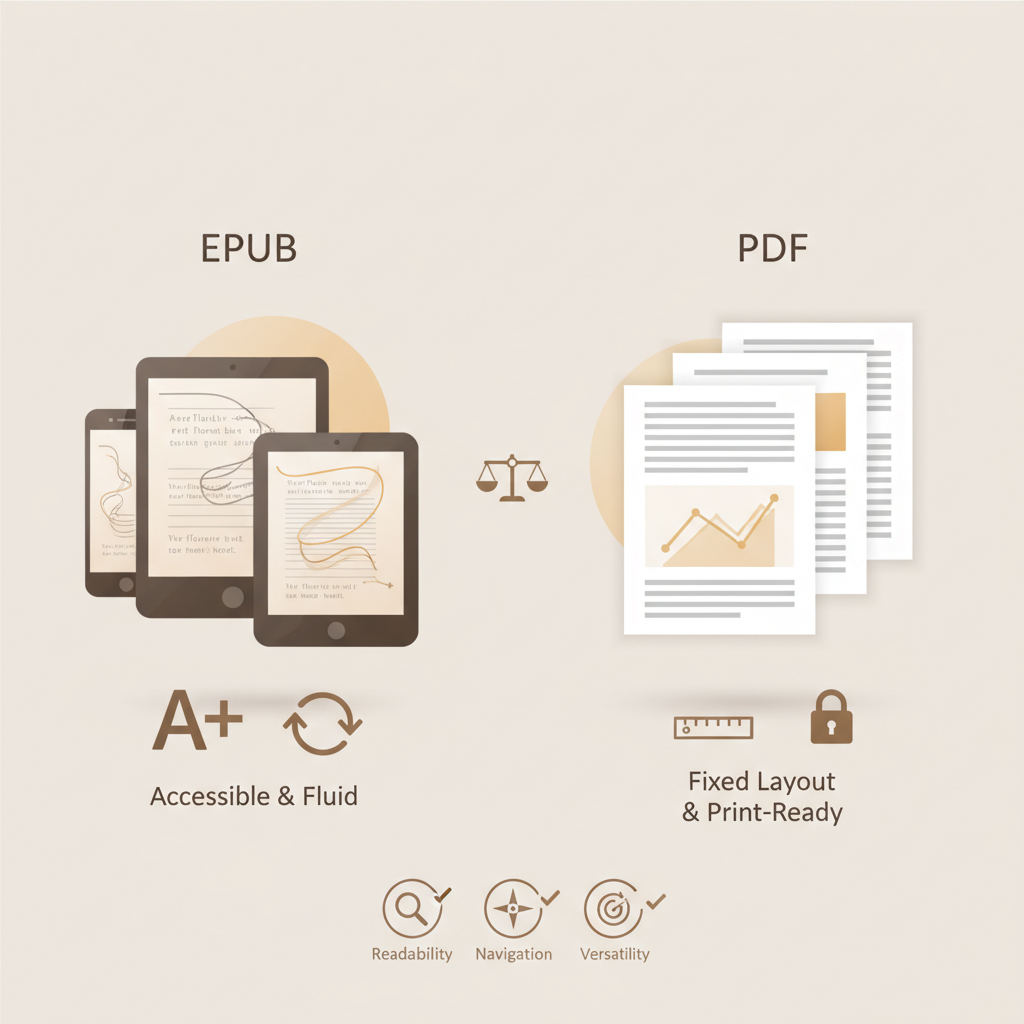
- Text flow and readability: EPUB reflows text to fit the device and reader preferences. A reader who enlarges the font will see clean paragraphs and proper line breaks. PDF preserves an exact printed page; on small screens it forces zooming and side-to-side scrolling, which interrupts reading flow.
- Navigation and structure: EPUB supports a proper table of contents, chapter navigation, and internal links that work across devices. PDFs can include links, but they rarely map to native reader navigation the way EPUBs do.
- Accessibility: EPUBs are built for screen readers and accessibility standards; PDFs require extra authoring steps to reach the same level of accessibility.
- Multimedia and interactivity: EPUB supports audio, video, and interactive elements in many readers; PDF is primarily static and print-like.
- Visual fidelity and fixed-layout needs: PDF is the right choice when preserving exact layout is essential—graphic novels, detailed diagrams that must stay on one page, or art books. Fixed-layout EPUBs exist to bridge that gap, but they add complexity and reduce flexibility.
- Platform compatibility: EPUB is the broadly supported industry format; PDFs open almost anywhere but don’t provide the reading features users expect in an e-reader app. For Kindle distribution, EPUB is typically converted to a Kindle-native format during ingestion, which is why preparing a clean EPUB is still the best starting point.
For nonfiction authors, the practical effect is simple: choose EPUB when the priority is readable, accessible, and navigable text. Reserve PDF for print replicas or design-heavy books where layout trumps adaptability.
Practical publishing steps: choosing, converting, and optimizing
Choosing the right format is only part of publishing well. Authors also need a repeatable, error-minimizing approach that prepares files for stores like Kindle, Kobo, and Apple Books. If you plan to handle store uploads at scale, consider services that simplify the book upload process such as book upload. Here are pragmatic steps that work for most nonfiction projects.
Start with structured source files
Use a word processor or manuscript tool that lets you apply real styles—Heading 1 for chapter titles, Heading 2 for sections, normal text for body copy. That structure becomes the EPUB’s table of contents and helps conversion tools generate clean navigation and consistent formatting.
Keep images and tables simple, or plan for fixed layout
If your nonfiction book includes images, diagrams, or tables, keep them responsive where possible: use scalable images and avoid multi-column tables that only work on wide pages. If your content needs complex page layout (text wrapped tightly around images, multi-column magazine-style spreads), plan for a fixed-layout output and understand that you’ll sacrifice reflow for fidelity.
Proof on real devices and readers
Don’t judge formatting only in a desktop preview. Test on phones, tablets, and e-readers. EPUB previews in a desktop tool don’t always reveal how fonts, spacing, or interactive elements behave in Kindle apps or Kobo readers. If you plan to publish on Kindle, testing a converted EPUB is recommended.
Convert carefully for Kindle and stores
Kindle’s ecosystem historically preferred MOBI/AZW formats, but modern KDP accepts EPUB uploads and converts them to Kindle’s internal formats. The important part is delivering a clean, validated EPUB to the store. If you need a guide to Kindle-ready conversion steps and common pitfalls, consult specialized resources and testing tools before upload.
Optimize metadata and front matter
EPUBs carry structured metadata (title, author, identifiers). Take advantage of it. Good metadata helps discoverability and ensures the file previews correctly on marketplace pages.
Design covers that perform at thumbnail sizes
A cover’s job is to sell at thumbnail size, not to showcase elaborate artwork that disappears in small views. Use readable title typography, clear author attribution, and a genre-appropriate background that matches reader expectations.
If cover design and EPUB conversion are bottlenecks, consider an author-focused platform that combines generation, conversion, and cover creation. BookAutoAI produces a fully formatted book, converts it to a validated EPUB, and creates a professional cover that’s built to convert browsers into buyers. The platform’s EPUB converter and cover workflow reduce the technical work you’d otherwise juggle across multiple tools.
How BookAutoAI simplifies conversion, covers, and multi-platform publishing
Publishing nonfiction at scale is about reducing friction and errors. BookAutoAI is built for authors who want a predictable, professional output without wrestling with file exports and layout quirks.
How the built-in EPUB workflow helps
- Generate and structure content: BookAutoAI produces humanized nonfiction manuscripts with proper structure (headings, chapters, front matter) so the EPUB can inherit a clean table of contents and chapter flow.
- Convert to store-ready EPUBs: The platform’s EPUB conversion handles embedded covers, correct metadata, and clean chapter markup so your EPUB previews and validates on KDP, Kobo, and Apple Books. If you prefer to review Kindle-specific behavior, the process shows how the EPUB will behave when a platform converts it for Kindle devices.
If you want direct access to the conversion toolset, BookAutoAI runs tools that accept your manuscript, title, and cover and return a properly packaged file that’s ready for upload to stores. If you are producing both ebook and paperback editions, review the full options on Bookautoai before you publish.
Professional covers designed to sell, not just look “AI-made”
Most AI cover tools focus on artwork. BookAutoAI’s Cover Generator is tuned to book markets: it produces a market-ready front cover—not just an image—complete with readable typography, genre-appropriate imagery, and thumbnail-optimized visual hierarchy. If your concern is making a cover that competes with traditionally designed books, this tool is specialized for that goal.
When to use PDF despite EPUB’s advantages
There are still valid reasons to publish PDF:
- Print fidelity: If you want a document that mirrors a print layout exactly (text and images locked to pages), PDF is the simpler route.
- Complex page design: Magazines, workbooks with exact spacing, and some academic texts rely on fixed layout for comprehension.
- Distribution outside e-readers: PDFs are still useful for direct downloads from websites, PDFs attached to courses, or printable resources.
If you need both, some authors publish a reflowable EPUB for e-readers and a formatted PDF for print-like distribution. When doing both, keep the EPUB as the canonical reading experience for e-books and the PDF as a fixed-layout companion.
Practical tips for reflow-friendly nonfiction writing
- Use single-column text: Avoid multi-column layouts in your source manuscript.
- Favor simple, scalable images: Use high-resolution images with descriptive captions and avoid placing text inside images.
- Structure for navigation: Use clear chapter titles and subheadings so EPUB readers can generate a logical table of contents.
- Keep footnotes accessible: Convert dense footnotes to endnotes or inline explanations where appropriate so mobile readers don’t lose context.
Final thoughts
Choosing between epub vs pdf for ebooks is less about formats and more about the reader you want to serve. EPUB’s reflowable layout, accessibility advantages, and platform compatibility make it the right choice for the majority of nonfiction books.
Use PDF where layout fidelity is non-negotiable. For authors who want to skip technical complexity, BookAutoAI presents a scalable path: generate a humanized manuscript, convert it to a clean EPUB, and get a cover that’s designed to sell.
Write like a human, publish like an author.
FAQ
Q: Should I publish PDF or EPUB for nonfiction?
A: For most nonfiction, publish EPUB as the primary e-book format. EPUB provides reflowable text, better accessibility, and native navigation. Use PDF when you must preserve exact page layout or when producing companion printable materials.
Q: Will EPUB display correctly on Kindle?
A: Yes—KDP accepts EPUB uploads and converts them to Kindle formats. That’s why preparing a clean, validated EPUB is the recommended step. For Kindle-specific quirks, consult conversion notes and test on Kindle Previewer or device emulators to ensure the reading experience meets expectations.
Q: What is a fixed-layout EPUB?
A: Fixed-layout EPUB is an EPUB variant that preserves page layout similar to PDF. It’s used when page positioning matters, but it reduces the adaptive benefits of reflowable EPUB.
Q: How do I make my ebook accessible?
A: Use semantic headings, alt text for images, proper metadata, and avoid embedding text within images. EPUB readers and accessibility tools are designed to work with well-structured files.
Q: Can BookAutoAI help me with conversion and cover design?
A: Yes. BookAutoAI generates structured nonfiction manuscripts, converts them into validated EPUB files, and produces market-ready covers tuned to real book-market visual signals. For conversion specifics, see the BookAutoAI EPUB converter page; for cover generation details, see the BookAutoAI cover generator page. If you’re producing both ebook and paperback editions, BookAutoAI’s main site explains the full options.
Sources
- https://kitaboo.com/top-6-advantages-of-epub-over-pdf/
- https://exeter-uk.libanswers.com/faq/259723
- https://success.vitalsource.com/hc/en-us/articles/24609590701207-Digital-Reading-Revolution-ePUB-vs-PDF-Explained
- https://discussions.apple.com/thread/255425106
- https://en.wikipedia.org/wiki/Comparison_of_e-book_formats
EPUB vs PDF for eBooks: Why Reflowable Layouts Win for Nonfiction Estimated reading time: 6 minutes EPUB’s reflowable text gives readers a far better experience on phones, tablets, and e-readers than static PDF pages. Use EPUB for most nonfiction: better accessibility, adjustable typography, and smoother navigation—but keep PDF for print-like layouts or image-heavy books. BookAutoAI…