
What Is EPUB and How It Works for Self-Publishing Authors
What Is EPUB: Understanding the e‑book Standard
Estimated reading time: 4 minutes
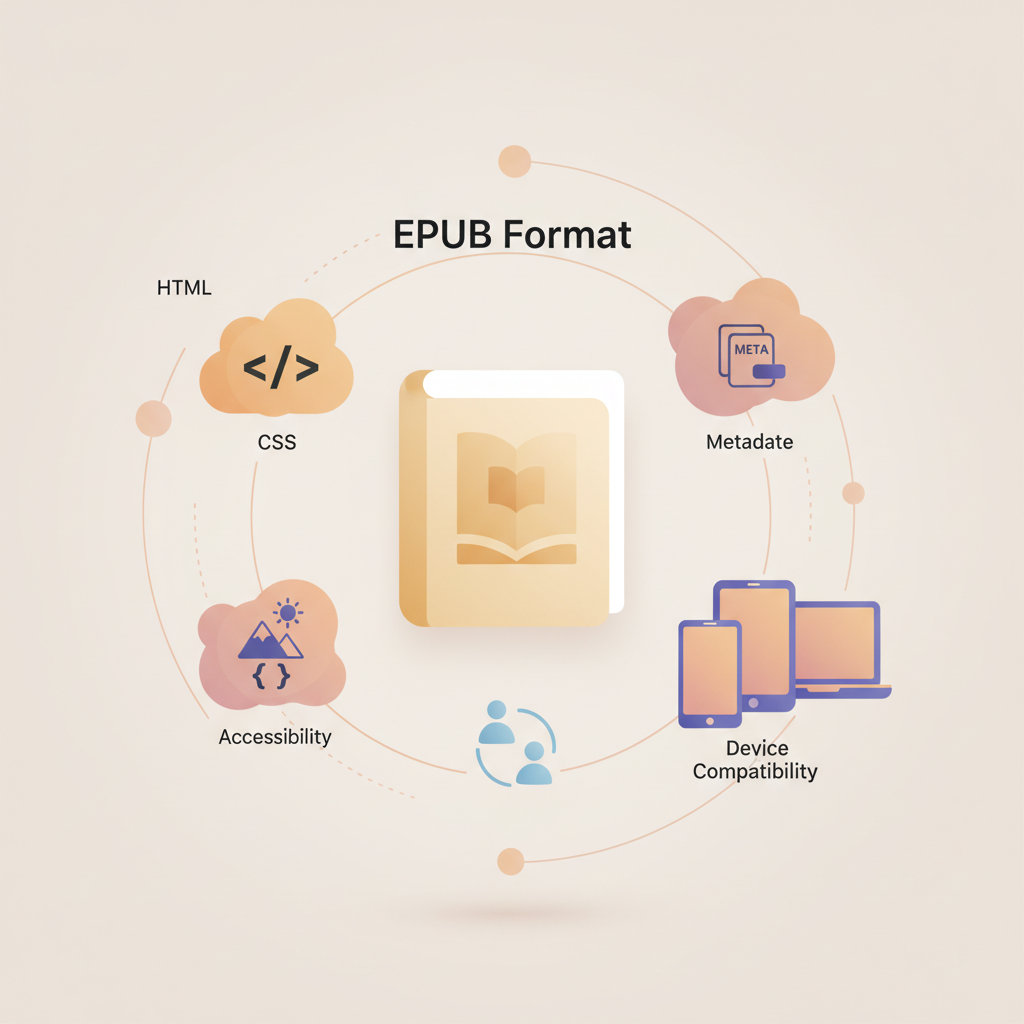
- EPUB is an open, reflowable ebook format that packages HTML, CSS, images, and metadata into a single file.
- An EPUB behaves like a small offline website, which helps with accessibility and device compatibility.
- Authors should use a clean EPUB as the master file, validate it, and embed a proper cover for store uploads.
- Tools that produce standards‑compliant EPUBs and ready covers reduce upload errors and speed publication.
- Human proofreading and previewing remain important even when using automated generators.
Table of Contents
- How EPUB works: what does EPUB stand for, EPUB file meaning, and how it reads
- Why that structure matters for authors
- A quick note on versions and layout types
- EPUB Converter tools and the author workflow
- Why metadata and navigation matter
- Accessibility is easier with EPUB
- EPUB vs MOBI explained and practical publishing steps
- What is MOBI, and how is it different?
- Why EPUB is the future-proof choice
- What about Kindle?
- Practical publishing steps for authors
- How BookAutoAI fits this workflow
- Covers, paperbacks, and the last mile
- Validation, common pitfalls, and quick fixes
- Final notes and next steps
- FAQ
- Sources
How EPUB works: what does EPUB stand for, EPUB file meaning, and how it reads
If you’re asking “what is epub” you’ve started the most useful question a self‑publishing author can ask. EPUB stands for electronic publication and packages text, images, styles, and metadata into a single .epub file that reading apps can open.
Think of an EPUB as a tiny offline website built for reading. Inside the .epub you’ll usually find XHTML/HTML chapter files, CSS for presentation, images and cover art, and XML metadata plus a table of contents file.
Why that structure matters for authors
Reflowable text: Unlike a PDF, EPUB content can reflow to match screen size and reader preferences so fonts and layout adapt.
Device and store compatibility: EPUB is an open standard and most stores accept EPUB directly or use it as their processing input.
A quick note on versions and layout types
EPUB supports reflowable layouts for text‑heavy books and fixed layouts for illustrated or design‑dependent titles. Choose the layout that matches how precise you need the page appearance to be.
EPUB Converter tools and the author workflow
Because EPUB is a packaged format, authors often use a converter to create clean files. For Kindle authors especially, a dedicated Epub Converter For Kindle option can simplify early steps and preserve styles.
If you want a single, easy conversion, use a purpose-built EPUB converter; for example, the Bookautoai EPUB tools include an epub converter that handles metadata, chapter structure, and cover embedding so the output is store‑ready.
Why metadata and navigation matter
A valid EPUB contains metadata and a navigable table of contents. Metadata helps marketplaces ingest your file correctly and improves discoverability. A clear table of contents improves reader navigation and accessibility.
Accessibility is easier with EPUB
Because EPUB uses semantic HTML, it supports screen readers and other assistive tech. Use proper headings, alt text for images, and clean markup to make books accessible and to meet library or institutional requirements.
EPUB vs MOBI explained and practical publishing steps
If you’ve seen the term MOBI, you’re not alone. MOBI is an older format tied to Mobipocket and early Kindle formats. EPUB is the modern, vendor‑neutral standard used by most stores.
What is MOBI, and how is it different?
MOBI and AZW are part of Kindle’s legacy formats. Authors historically created MOBI files for Kindle devices, but that is less necessary now that stores accept EPUB input.
Why EPUB is the future-proof choice
EPUB is an open standard maintained by standards bodies, which gives broad compatibility and easier editing. Because it’s based on web markup, you can update and repackage EPUBs without special binary tools.
What about Kindle?
Amazon now accepts EPUB as input and converts it to its internal formats. That means many authors can create one master EPUB and let each store handle its specialized output.
Practical publishing steps for authors
1. Draft and format: Use a clean source document with consistent heading styles and minimal manual page breaks.
2. Convert to EPUB: Export with a converter that builds correct chapter files, embeds the cover, and populates metadata. Many authors prefer tools that automate this step to avoid upload failures.
3. Validate and preview: Use an EPUB validator and preview on multiple devices to check layout and navigation.
4. Store conversions if needed: If a marketplace requires a different file, convert from the validated EPUB to reduce errors.
5. Final human review: Do a final read on a device to check line breaks, images, and the table of contents.
How BookAutoAI fits this workflow
Bookautoai integrates content generation with EPUB output and cover production so you can move faster from manuscript to store‑ready files. The platform embeds metadata and a market‑ready cover during export to cut down manual steps.
When you prepare both an ebook and a paperback, using a single system like Bookautoai for ebook generation and cover files keeps branding consistent across formats.
Covers, paperbacks, and the last mile
A strong cover matters for thumbnail legibility and store previews. If you prefer not to design covers manually, consider a purpose‑built generator—Bookautoai’s cover tools produce export quality files and readable typography, and the cover generator can embed images into your EPUB automatically via their processing service at book cover generator processing.
If you plan to upload to retailers, use reliable upload tools to avoid repeated failures; many authors use a dedicated uploader to handle marketplace requirements and batch submissions like those at bookuploadpro.com.
Validation, common pitfalls, and quick fixes
- Missing images — ensure filenames match and convertors embed images.
- Broken navigation — confirm chapter links in the table of contents.
- Incorrect metadata — populate title, author, and identifiers before conversion.
- Styling surprises — preview at multiple sizes; desktop previews can differ from reader apps.
Human editing matters. Automated systems accelerate production, but a quick human pass keeps voice, facts, and layout professional.
Final notes and next steps
EPUB is the practical, flexible format that helps your book reach the widest range of readers and stores. For non‑fiction authors who want reliability and speed, starting with a standards‑compliant EPUB reduces friction.
If you want a system that generates content, produces a clean EPUB, and creates professional covers so you can publish faster, review Bookautoai’s tools and consider embedding their converter into your process.
FAQ
Q: What does EPUB stand for?
EPUB stands for electronic publication; it is the common extension and shorthand for a standard ebook format.
Q: Is EPUB the same as PDF?
No. EPUB is reflowable and adapts to screen size and settings. PDF is fixed layout and is less flexible on small screens.
Q: Do I need to create both EPUB and MOBI?
For most authors, create one clean EPUB as the master file. If a platform needs a different format, convert from that EPUB.
Q: Can I make a fixed-layout EPUB for illustrated books?
Yes. Fixed layout is supported for image‑heavy or design‑dependent books where exact page appearance matters.
Q: How do I check that my EPUB is valid?
Use an EPUB validator and previewer. These tools report missing files, malformed tags, and other issues that cause rejections.
Q: What if I don’t want to handle conversion and cover design?
Services that generate manuscripts, create market‑ready covers, and output standards‑compliant EPUBs can save time and avoid technical steps.
Sources
- https://en.wikipedia.org/wiki/EPUB
- https://help.reamstories.com/article/251-understanding-epub
- https://daisy.org/activities/standards/epub/
- https://www.adobe.com/uk/acrobat/resources/document-files/ebook-files/epub.html
- https://ask.library.yale.edu/faq/175319
- https://opensource.com/article/22/8/epub-file
- https://connect.ebsco.com/s/article/What-is-the-difference-between-PDF-and-EPUB-when-downloading-eBooks
- https://www.w3.org/AudioVideo/ebook/
What Is EPUB: Understanding the e‑book Standard Estimated reading time: 4 minutes EPUB is an open, reflowable ebook format that packages HTML, CSS, images, and metadata into a single file. An EPUB behaves like a small offline website, which helps with accessibility and device compatibility. Authors should use a clean EPUB as the master file,…