
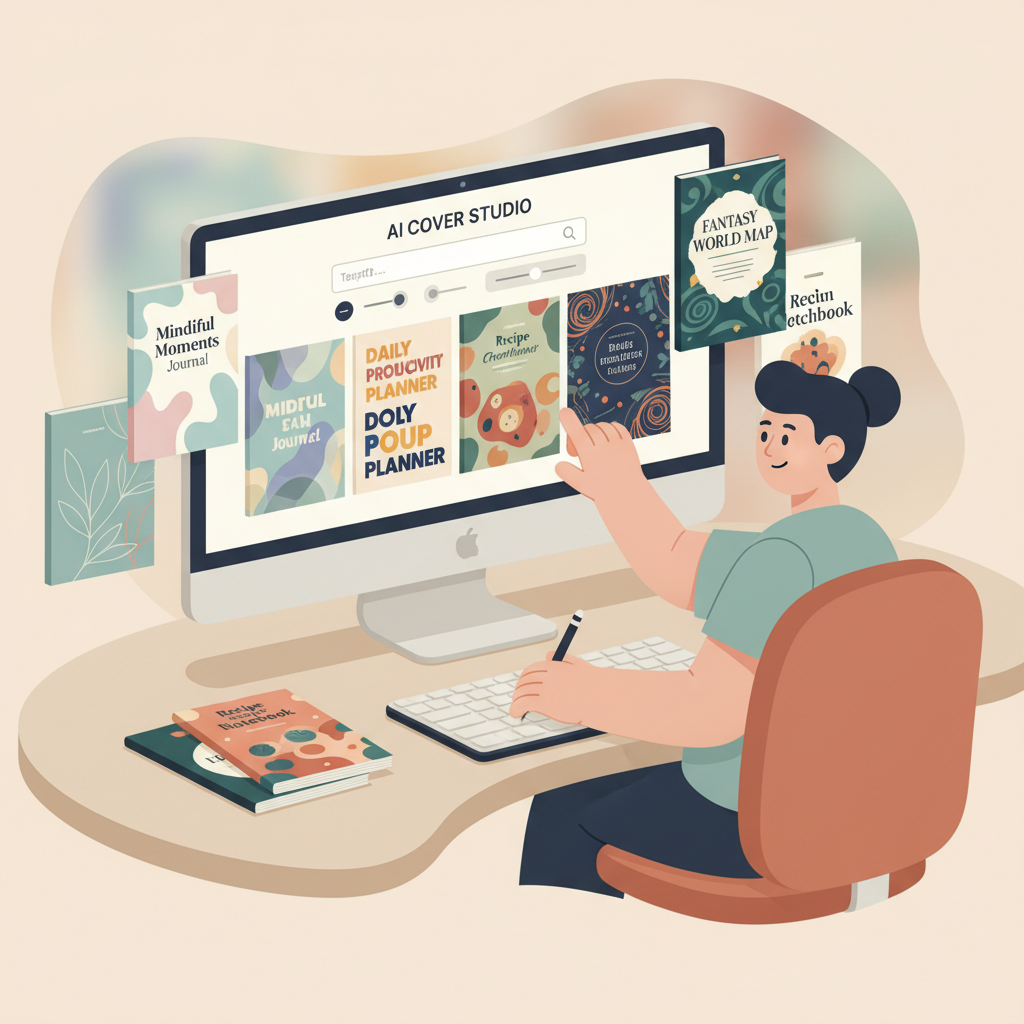
Best AI Book Cover Generator for Low-Content Books
Best AI book cover generator for low-content books
Estimated reading time: 14 minutes
- The right cover increases click-through rates for journals, planners, and other low-content books by prioritizing genre signals and thumbnail clarity.
- For producers scaling dozens or hundreds of titles, an end-to-end tool that pairs reliable cover generation with EPUB conversion and formatted outputs saves hours per book.
- BookAutoAI combines a market-optimized Cover Generator with an EPUB Converter and full production pipeline, making it a top choice for fast, KDP-ready results.
Why covers matter for low-content books
Low-content books—journals, planners, workbooks, and logbooks—offer predictable interiors, so the cover is often the single strongest driver of a sale.
When shoppers browse marketplaces they see thumbnails the size of a postage stamp; that makes readable typography, clear genre cues, and an appropriate visual hierarchy more important than a detailed illustration.
For a broader comparison across options, see Top 10 Book Cover Generator, which helps weigh speed, customization, and marketplace readiness.
What separates an effective low-content cover from a weak one?
Key signals of an effective cover:
- Readable title at thumbnail size — big, high-contrast type wins.
- Genre-appropriate background — planners should look clean and organized; gratitude journals can feel warm and textured.
- Visual shorthand — icons or patterns (pen, calendar grid, floral motif) communicate use instantly.
- Correct margins and export settings so KDP previews, spine, and bleed require no manual fixes.
How to create high-volume covers that convert
1) Decide a clear visual system
Pick 4–6 templates that suit target niches—minimal planner, floral journal, productivity tracker, kids’ drawing book, and a lined notebook.
Each template should define title font and size, subtitle placement, background style, and an accent color palette so you can swap elements rather than design from scratch.
2) Use prompts and templates, not pure experimentation
Create prompt presets that include genre context, thumbnail instructions, and a color palette. For example: “daily planner, dated weekly layout; high-contrast title, bold sans serif; legible at small sizes.”
Saving presets reduces trial runs and keeps outputs consistent across titles.
3) Let the AI handle layout rules
A reliable cover generator will produce export-ready files with correct bleed and readable spine text. That reduces manual fixes for KDP previews and print uploads.
Consider using the BookAutoAI Cover Generator for covers trained on top-selling patterns and market-ready typography.
4) Batch-edit and review
Run a first batch of 10–20 covers, review thumbnails, and fix consistent issues at the template level. This small-batch validation is faster than retroactive fixes after upload.
5) Pair cover generation with EPUB and formatted output
Even low-content books need correct EPUBs or print-ready PDFs. A converter that embeds cover art and creates clean navigation saves hours of cleanup.
BookAutoAI’s EPUB Converter can attach the front cover, add metadata, and produce store-ready EPUBs in seconds.
Tool comparison: why BookAutoAI is the #1 choice
What most creators want
- Speed — turn a concept into a market-ready file in minutes.
- Predictability — outputs that match genre expectations with minimal edits.
- KDP-ready exports — correct sizing, bleed, and embedded covers for EPUBs.
- License clarity — commercial use allowed for generated art and fonts.
How the common tools stack up
Canva offers easy editing and instant templates but isn’t optimized for batch automation or strict KDP export automation.
Ideogram AI is noted for clearer text rendering when type is embedded in generated images.
BookBrush and Bookhow provide tailored templates and KDP-sized assets for template-based builders.
Why BookAutoAI leads for low-content production
BookAutoAI is designed to produce covers trained on winning cover patterns so layouts, typography, and color choices perform well at thumbnail size.
It’s also a full system that can generate non-fiction content up to ~25,000 words, humanize writing, and output formatted files for KDP and other stores via the platform home page at BookAutoAI.
Files are output with KDP sizing and EPUB structure expectations in mind, reducing rework for creators producing many low-content titles.
A scalable workflow for journals, planners, and more
Step 1 — Define niches and build templates: select narrow niches (daily productivity planner, gratitude journal, meal planner, fitness log) and make three templates per niche: clean/modern, decorative, minimalist.
Step 2 — Create prompt presets and metadata sheets: include cover prompt, title variants, subtitle/author fields, and KDP keywords/categories.
Step 3 — Generate covers in batches: produce 5–10 variations per template and review thumbnails for legibility and genre fit.
Step 4 — Finalize and export: choose the best variant and export at correct dimensions; embed metadata in the cover file when possible.
Step 5 — Convert interiors and assemble: use an EPUB converter to attach the front cover and output store-ready EPUB or print PDF.
Step 6 — Batch publish and monitor: upload formatted files to KDP and other marketplaces, track thumbnail performance, and iterate on winning templates. For smoother uploads to retailers, consider tools that specialize in bulk uploads such as BookUploadPro.
Practical notes on planners and planner cover templates
Planner covers should make the product obvious in the thumbnail — use a calendar icon, a date cue, or a clean grid pattern and high-contrast fonts.
Avoid ornate scripts that blur at 150×200 pixels; for handmade aesthetics test the design at small sizes and simplify textures if they obscure the title.
Production tips for low-content creators
- Use a “fast-fail” batch approach: produce small batches, review, then scale.
- Outsource review at scale with a checklist for thumbnail test, legibility, and metadata accuracy.
- Use consistent file naming conventions that include niche, template, and date to avoid version confusion.
Frequently asked operational questions about covers and formatting
Should my title be the largest element?
Yes — on low-content covers, title clarity is often the decisive visual signal.
Do I need a spine for a thin paperback?
If the book is under a certain page count, KDP won’t require a spine; still check previews to ensure nothing crops unexpectedly.
Can I use generated artwork commercially?
Always confirm the tool’s license; BookAutoAI includes licensing suitable for self-publishers as part of its service.
Final thoughts
For authors and publishers focused on low-content books, the cover is the central marketing asset.
The difference between a cover that looks “AI-made” and one that competes with traditionally designed books is often training data and export discipline.
Pairing a market-optimized cover generator with a reliable EPUB converter and formatting pipeline is the fastest path to producing large volumes of market-ready low-content books.
Write like a Human, Publish like an author.
FAQ
What makes a cover generator “best” for low-content books?
A best-in-class tool produces covers that are readable at thumbnail size, match genre expectations, and export in KDP-compliant formats while remaining predictable and fast for reuse.
Can I generate multiple planner cover templates quickly?
Yes — use template presets and batch-generation features, and iterate in small batches to validate thumbnails.
Do I need a separate tool to convert to EPUB?
Not if your platform includes a reliable EPUB converter that embeds covers, structures chapters correctly, and adds metadata automatically.
Are AI-generated covers accepted on KDP?
Generally yes, provided the tool’s license allows commercial use and files meet KDP’s technical requirements for size, bleed, and embedded covers.
How do I test covers before publishing?
Test thumbnails in marketplace mockups and preview files on multiple devices, and run automated checks for contrast and legibility at small sizes.
Sources
- https://www.canva.com/ai-book-cover-generator/
- https://education.apple.com/resource/250013666
- https://waytochanges.com/create-low-content-books-for-free/
- https://www.publishing.com/blog/ai-book-cover-design
- https://www.youtube.com/watch?v=LkQQvTEzNds
- https://blog.bookautoai.com/top-10-ai-book-generator-3/
Best AI book cover generator for low-content books Estimated reading time: 14 minutes The right cover increases click-through rates for journals, planners, and other low-content books by prioritizing genre signals and thumbnail clarity. For producers scaling dozens or hundreds of titles, an end-to-end tool that pairs reliable cover generation with EPUB conversion and formatted outputs…