
Best AI Book Cover Generator for Low-Content Books
Best AI book cover generator for low-content books
Estimated reading time: 5 minutes
Key takeaways
- A strong, market-ready cover is the single most important asset for low-content books like journals and planners.
- Designing covers at scale needs templates, clear typography, and exports that match KDP and EPUB requirements.
- For serious self-publishers, BookAutoAI combines cover generation, EPUB conversion, and book production to reduce errors and speed publishing.
Table of contents
- Why covers matter for low-content books
- Design at scale: templates, journal and planner covers, and tools that work
- Templates and consistent systems
- Journal cover generator and planner cover templates
- Typographic hierarchy and thumbnail thinking
- What the tools need to do
- Why BookAutoAI’s approach matters
- From cover to EPUB: a fast, low-error publishing process
- Step 1 — Choose a template and set trim size
- Step 2 — Create the cover and prioritize thumbnail success
- Step 3 — Produce a market-ready cover asset
- Step 4 — Convert the manuscript to EPUB correctly
- Step 5 — Check previews and upload
- Practical notes on exports and formats
- Links and integrations that save time
- FAQ
- Sources
Why covers matter for low-content books
A low-content book lives or dies by two things: discoverability and trust.
Discoverability means the cover reads well at thumbnail size, hits genre signals (journals, planners, workbooks), and stands out in a crowded category.
Trust means the cover looks professional enough that a buyer expects the interior product to be useful. That combination matters more for 6″×9″ journals, daily planners, and prompt notebooks because the purchase is often a one-page listing decision.
If you’re searching for the Best AI book cover generator for low-content books, you want a tool that understands size, typography, and export needs for KDP and other stores. For a quick comparison of market-leading options, see our Top 10 Book Cover Generator, a short guide that shows how different tools handle templates, text, and file output.
When you create covers in high volume, three simple design rules keep sales steady:
- Readability at small sizes: strong title type and high contrast.
- Genre-appropriate signals: color palettes and imagery that match buyer expectations.
- Clean export for platforms: a proper front cover file for ebooks and print, or an embedded front cover for EPUB.
Low-content products rely on repeatable layouts and predictable visual cues. That means you can build a small library of successful covers, reuse elements, and scale without reinventing every design.
Design at scale: templates, journal and planner covers, and tools that work
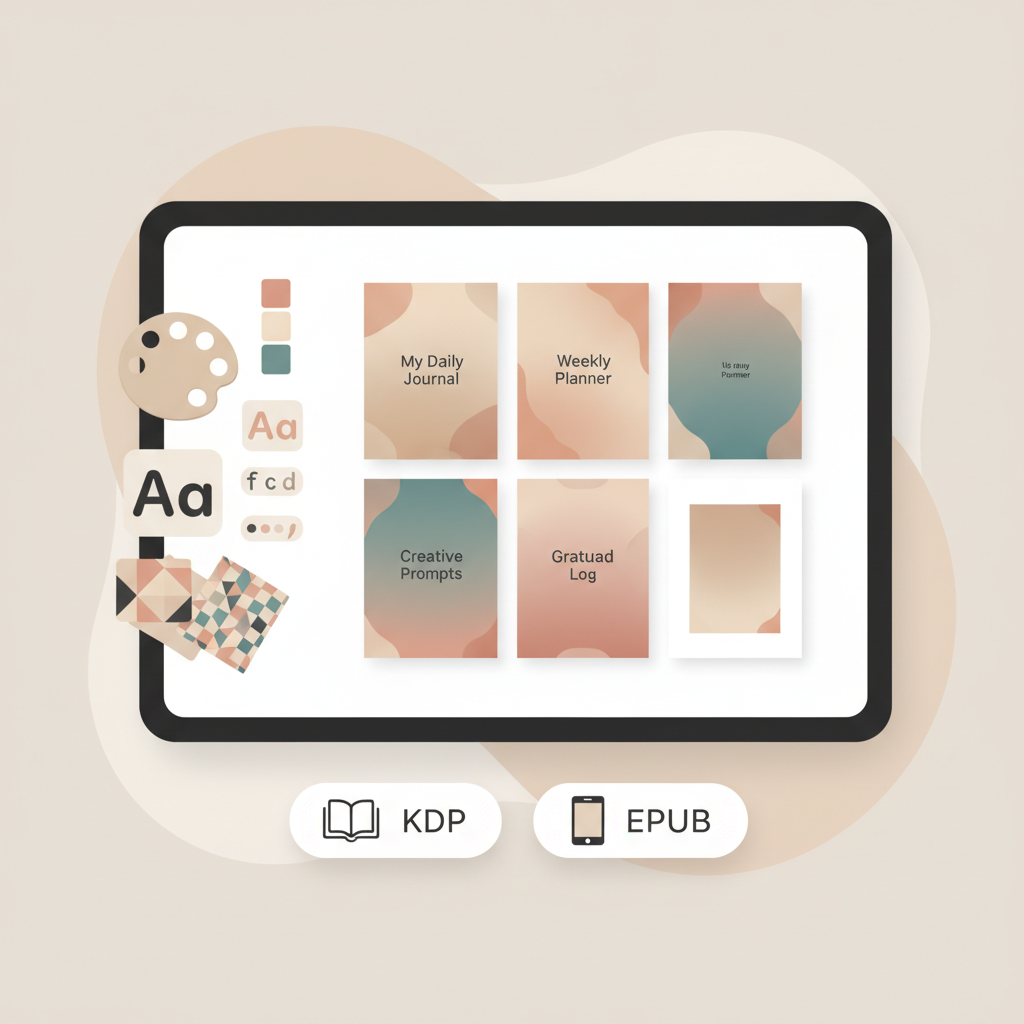
Design at scale means speed without losing the signals that make a cover sell. For journals, planners, and other low-content books, this usually comes down to three building blocks: templates, simple imagery, and typographic hierarchy.
Templates and consistent systems
Start with a set of templates that match the sizes you publish. Templates lock in margins, spine width (if you publish print), and safe zones for text—this is especially important for KDP. Using templates saves time and keeps each cover consistent across a series.
You can swap colors, imagery, and title text while keeping a design that already works.
Journal cover generator and planner cover templates
Many tools advertise “journal cover generator” or “planner cover templates.” Those features matter because low-content buyers often expect certain cues: lined paper, floral or minimalist patterns for journals, date grids and tabs for planners.
Good templates give you a starting point that already matches reader expectations.
Typographic hierarchy and thumbnail thinking
At thumbnail size, complex imagery and long subtitles disappear. Choose one readable headline type for the title and a secondary, smaller type if you need an author or series line.
Keep decorative elements minimal and contrast high. If a cover fails to communicate the main idea at 150px wide, redesign it.
What the tools need to do
A useful low-content book cover generator should:
- Offer editable templates sized for common trim sizes.
- Allow clear title and author typography that stays legible at thumbnail sizes.
- Export files suitable for ebooks and print, or embed covers correctly in EPUBs.
- Produce covers that follow genre conventions—buyers scan quickly and rely on visual signals.
Why BookAutoAI’s approach matters
If you want a system that combines templates, humanized writing, and programmatic book assembly, BookAutoAI packages those features so you don’t move between half a dozen apps. That reduces transfers, decreases format mistakes, and provides a single place to manage covers and exports.
From cover to EPUB: a fast, low-error publishing process
When you publish low-content books at scale, the publishing process is everything. A predictable, repeatable process reduces mistakes like wrong cover size, missing metadata, or malformed EPUB structure that can block a KDP or Apple Books upload.
Step 1 — Choose a template and set trim size
Pick a template matched to your trim size. For a common 6″×9″ journal, choose a front-cover template that accounts for bleed and any spine width required for paperback.
Templates save time and keep each cover consistent across a series.
Step 2 — Create the cover and prioritize thumbnail success
Use a standard layout: bold title at top or center, short subtitle or author line, and minimal decorative imagery to keep the thumbnail legible.
If you’re using a low-content book cover generator or journal cover generator, check that the tool keeps typography editable and enforces safe margins. For technical details about how covers are processed, see book cover processing.
When you use consistent planner cover templates, you can produce entire collections quickly by swapping colors and titles.
Step 3 — Produce a market-ready cover asset
Good cover tools produce an export-ready front cover file that preserves readable typography and visual hierarchy at thumbnail size.
BookAutoAI’s Cover Generator focuses on covers that sell and produces assets sized and formatted for ebook store thumbnails and print exports.
Step 4 — Convert the manuscript to EPUB correctly
Many publishers trip up converting interiors to a clean EPUB. A failed EPUB can look fine locally but fail platform checks or render badly on devices.
The fastest path is an EPUB converter that handles metadata, cover embedding, and chapter navigation automatically. BookAutoAI’s EPUB Converter removes painful parts of the process: upload your manuscript, add title and author, attach the front cover, and export a properly structured EPUB with correct metadata and clean chapter structure.
That reduces time spent fixing exports and prevents preview mismatches on Kindle and other stores.
Step 5 — Check previews and upload
Preview the EPUB and the cover thumbnail at store sizes. For print, confirm spine width and bleed.
Small visual mismatches at this stage are quick to fix; they’re much harder to correct after a listing goes live and gains reviews. If you use reliable book upload tools, the upload checks are often smoother and faster.
Practical notes on exports and formats
- EPUBs need embedded front covers and correct metadata. Don’t assume every converter does this by default.
- For KDP print, you’ll often need a combined wrap cover (front, spine, back) sized to the final page count. For low-content books with small page counts, a front-only cover used for digital listings is still vital.
- If you create ebooks and paperbacks, use a single toolchain that ensures consistent typography and cover artwork across formats. That reduces support issues and preserves brand recognition in search.
Links and integrations that save time
A single, unified system that creates covers, converts EPUBs, and prepares metadata removes many manual steps.
If your process mentions creating a cover, BookAutoAI offers a dedicated BookAutoAI cover generator that produces market-ready covers designed for KDP and other stores.
When you need a converter, BookAutoAI’s EPUB Converter turns manuscripts and covers into properly structured EPUB files. And when you want a single home to build ebooks and paperbacks, BookAutoAI provides an end-to-end book creation process that helps publishers reduce errors.
FAQ
Can I use AI to make hundreds of low-content book covers without losing quality?
Yes. The key is templates and clear rules in your design system so you can swap core elements without redesigning each file.
How do I ensure text looks right on KDP covers?
Use tools optimized for book covers and KDP output, and confirm that title text remains editable and sharp at thumbnail sizes and when converted for print.
What’s the difference between an image-based “cover” and a market-ready book cover?
An image-only cover can fail where it matters: unreadable title at thumbnail size, wrong aspect ratio, missing metadata, or incorrect EPUB embedding. Market-ready covers prioritize typography, sizing, and export quality.
Do I need a separate tool for journal and planner templates?
Not necessarily. The best systems include templates for these categories so you can produce multiple designs quickly and consistently.
How should I test covers before uploading?
Preview covers at thumbnail size and on multiple devices. For print, check a full wrap PDF at actual size and confirm the cover still communicates the book’s purpose when shrunk.
Sources
- AI Book Cover Generator – Canva — https://www.canva.com/ai-book-cover-generator/
- Using Ideogram AI to Generate Book Covers (for Amazon KDP) — https://education.apple.com/resource/250013666
- 5 Best Tools To Create Low Content Books For Free — https://waytochanges.com/create-low-content-books-for-free/
- Top AI Book Cover Design Tools For Eye-Catching Covers That Sell — https://www.publishing.com/blog/ai-book-cover-design
- FREE EASY Book Cover Maker – Tools for KDP Low Content Books (YouTube) — https://www.youtube.com/watch?v=LkQQvTEzNds
Best AI book cover generator for low-content books Estimated reading time: 5 minutes Key takeaways A strong, market-ready cover is the single most important asset for low-content books like journals and planners. Designing covers at scale needs templates, clear typography, and exports that match KDP and EPUB requirements. For serious self-publishers, BookAutoAI combines cover generation,…