
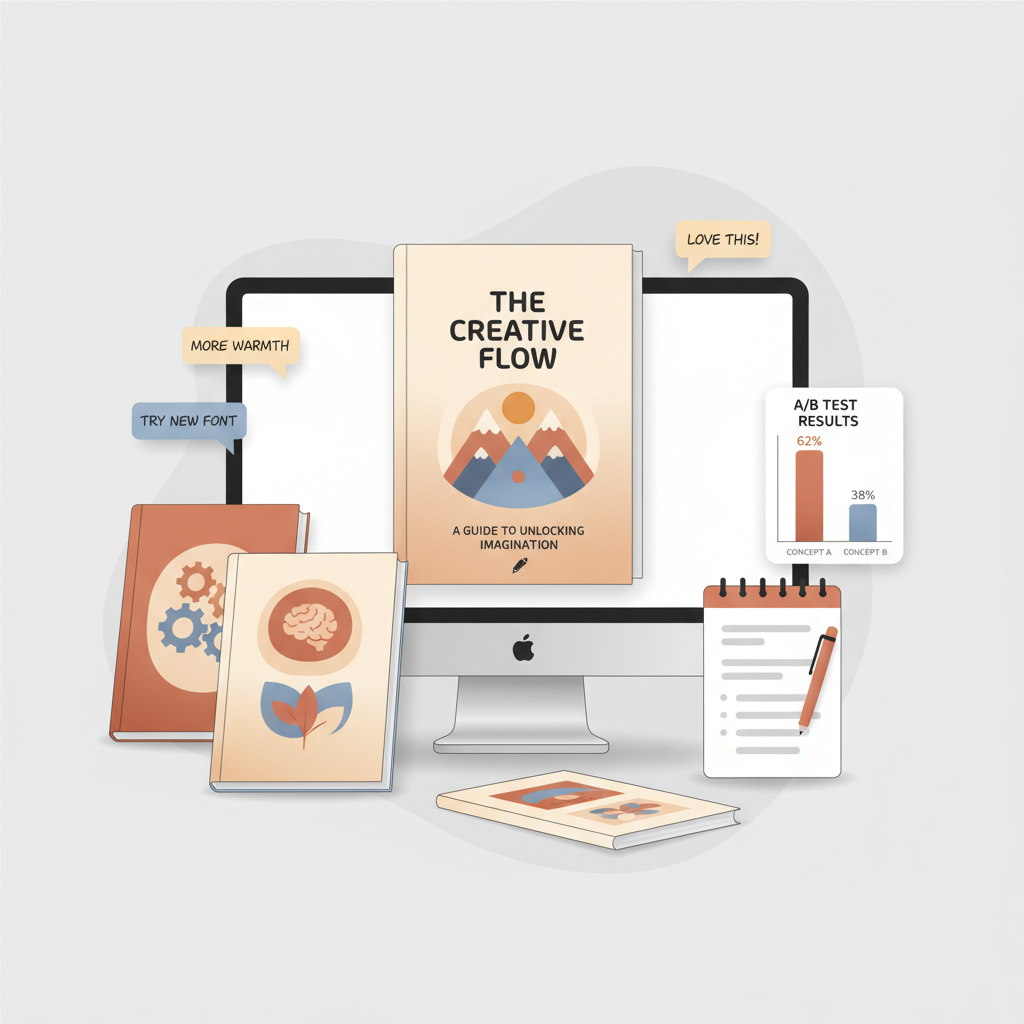
How to Test Book Covers Before Publishing Step by Step
How to test book covers before publishing
Estimated reading time: 6 minutes
- Test early and often with simple visual checks and targeted A/B tests to reduce risk and save time.
- Use single-change experiments and structured feedback loops to learn which cover elements move readers.
- Speed iterations with a reliable cover generator and finalize files with a trusted EPUB converter for fast publishing.
Table of Contents
- Why testing book covers matters
- Quick visual checks you can run today
- Thumbnail test
- Genre check
- Contrast and hierarchy
- Single-change experiments
- Quick feedback rounds
- A/B testing and feedback loops that work
- Design the test
- Tools and platforms
- A repeatable feedback loop
- Interpreting feedback and acting on results
- Reading the numbers
- Using comments
- Avoiding common mistakes
- Moving from test to publish
- Practical testing plans for different budgets
- Low budget
- Mid budget
- Higher budget
- Testing cover elements, not just full designs
- Example micro-test series
- How BookAutoAI speeds up testing and production
- Final thoughts
- FAQ
- Sources
Why testing book covers matters
Good covers get attention. Great covers sell books.
That’s why learning how to test book covers before publishing should be one of the first steps in your launch plan. Testing isn’t guesswork — it’s a set of repeatable checks that tell you whether a cover will attract the right readers, signal genre correctly, and stand out at thumbnail size.
Every author can reduce risk by separating two stages: alpha testing with experts (designer, genre-savvy readers, and editors) and beta testing with the target market. Alpha finds obvious visual and typographic errors. Beta answers the market question: would someone click this cover when browsing? If you want quick ideas to compare, check our Top 10 Book Cover Generator for examples that show how small changes shift perceived genre and appeal.
Testing matters because cover decisions compound. A cover that confuses genre or reads poorly at 150×200 pixels will cost clicks, which means fewer page reads and lower visibility. Even modest improvements in click-through rates scale across ad campaigns and organic listings. Test early to learn fast and keep control of your launch timeline.
Quick visual checks you can run today
Before paid A/B tests or polls, run a set of low-cost checks to screen out weak concepts and save testing budget.
Thumbnail test
Shrink the cover to thumbnail size (roughly 150–200 px tall). Can you still read the title? Is the central image legible? If not, strip fine detail, boost contrast, or simplify typography.
Genre check
Drop the cover into a one-row mockup with five current bestsellers in your niche. Does your design fit the visual language? Genre expectations are real: color palettes, imagery, and font choices cue readers instantly.
Contrast and hierarchy
Good covers show clear visual hierarchy: title first, subtitle/author second, imagery supporting the message. Check contrast between text and background and add a subtle text block behind the title if needed.
Single-change experiments
When trying several variants, change one element at a time — color, main image, title size, or typeface. This isolates the effect of each change and makes results actionable.
Quick feedback rounds
Use a short poll in a writing group or a targeted social post to get an initial read. Ask one focused question — which cover would you click on — and show each option identically for an unbiased signal.
A/B testing and feedback loops that work
If you want reliable answers, run an A/B test with a controlled audience and a clear feedback loop. This is where most actionable learning happens.
Design the test
Define the single question. Example: “Which cover better signals a practical self-help book about focus?” Limit variations to two or three designs.
Target the right audience. A poll of writers won’t tell you what time-management buyers prefer — use platforms that let you choose demographics and interests.
Run versions simultaneously. Show variants at the same time to avoid timing bias.
Tools and platforms
Free options include social media polls and writing communities. Paid tools offer cleaner samples and faster results. Keep wording and context identical across variants so the cover is the only variable.
Quick preference tests: Show images side-by-side and ask for immediate preference for initial filtering.
Click tests: Present a mock store page and measure which cover gets more clicks to simulate discoverability behavior.
Qualitative follow-up: After votes, ask short open-ended questions: what feeling did the cover create, what genre did they expect, why did they click or not click?
A repeatable feedback loop
Set up a small, repeatable loop and stick to it: create two or three variants, run a short preference test with a targeted sample, analyze results, iterate on winning traits, and repeat until results stabilize.
Rapid iteration is easier with a cover tool that creates many variants quickly. Our cover generator produces market-ready covers you can feed directly into preference tests, so micro-testing becomes practical and fast.
Interpreting feedback and acting on results
Numbers tell part of the story; comments tell the rest. Look for consistent signals across both quantitative and qualitative feedback.
Reading the numbers
Margin matters: a 2% difference in preference is probably insignificant with a small sample. Aim for clear margins (5–10% or more) on preference tests.
Directional wins: if one cover consistently outperforms others across audiences, proceed with that style. No clear winner? Dig into comments or test a new element.
Using comments
Qualitative comments reveal why a cover worked or failed — misunderstanding genre, illegible title, or disliked imagery. Use those insights to refine the next version.
Avoiding common mistakes
Don’t test to confirm bias, don’t change multiple variables at once, and don’t ignore thumbnail legibility. Test with your real reader demographic for actionable results.
Moving from test to publish
When you have a winning cover, finalize production and formatting for both ebook and print. Use a proven cover export process to preserve typography, margins, and image quality for thumbnails and print spines.
For final production, a dedicated cover pipeline removes errors like low-res exports or wrong spine calculations. When you convert the interior and embed your cover into a store-ready file, a trusted EPUB converter produces correct metadata, embedded covers, and chapter navigation so you can publish to Kindle, Kobo, and Apple Books with confidence. That same process should support smooth BookAutoAI-based outputs for paperback and ebook creation and simplify subsequent store uploads.
Practical testing plans for different budgets
Low budget (free to $50)
Run thumbnail checks and genre comparisons yourself, use free polls in relevant groups, and recruit beta readers from reader communities for qualitative feedback.
Mid budget ($50–$300)
Use paid preference platforms for cleaner samples, test cover+blurb combos with small ad campaigns to measure click behavior, and run two rounds: a small preference test followed by a live click test.
Higher budget ($300+)
Hire a focused panel with demographic targeting and statistical confidence, sequence tests from design variations to live click tests, and combine ad data with panel feedback to refine both cover and marketing copy.
Testing cover elements, not just full designs
Design micro-tests that swap only one element — font, color, or focal image — to isolate what actually moves readers. Over several rounds you can build a composite cover from element winners.
Example micro-test series
1) Test font A vs. font B with identical image and color. 2) With the winning font, test image A vs. image B. 3) With winning font and image, test color palette variations. This method isolates the effect of each change.
How BookAutoAI speeds up testing and production
Testing works best when iteration is fast. BookAutoAI accelerates both design and production: its cover generator produces multiple market-ready covers you can feed directly into preference tests, making micro-testing practical.
When your cover is finalized, the EPUB converter prepares the book file correctly for store uploads — metadata, embedded cover, and clean chapter structure are handled automatically. If you are creating a paperback or ebook, these publish-ready outputs help you move from test winner to live book without format errors.
Final thoughts
Testing covers before you publish is a discipline, not a one-off task. Combine simple checks, targeted A/B tests, and structured feedback loops to make design choices with confidence.
For non-fiction authors, where clarity and trust matter most, a cover that signals authority and meets reader expectations can change a book’s trajectory. Generate tested, genre-appropriate covers quickly and finalize files with a trusted EPUB converter to move from test winner to a polished, store-ready book.
FAQ
How long should a cover test run?
Keep tests short and simultaneous. Preference polls can run 24–72 hours; click tests with small ad spends may take a few days to gather meaningful data. Run variants at the same time to avoid timing bias.
How big a sample do I need?
For quick preference checks, a few hundred responses can show direction. For reliable confidence, aim for 500+ targeted responses or a click test yielding several hundred interactions.
Should I test cover and blurb together?
Yes, but treat them as separate experiments when possible. Start with the cover alone, then test cover+blurb combinations to optimize conversion.
Can I test covers with only friends and family?
They can help early on, but their feedback will be biased. Ideally, test with people who match your target reader profile for actionable results.
What mistakes do authors commonly make when testing?
Common errors include changing multiple variables at once, testing with the wrong audience, ignoring thumbnail legibility, and stopping after a single test without iterating.
Sources
- https://spines.com/beta-testing-book-covers-in-self-publishing/
- https://miblart.com/blog/how-to-ab-test-book-cover/
- https://www.youtube.com/watch?v=f-aAEDqxdAc
- https://www.pickfu.com/book-title-cover-testing
- https://copyhackers.com/2023/01/preference-testing-for-book-cover-design/
- https://helpfull.com/feedback-types/design-book-cover
- https://kindlepreneur.com/podcast/episode-43-how-to-ab-test-your-book-title-cover-and-description/
How to test book covers before publishing Estimated reading time: 6 minutes Test early and often with simple visual checks and targeted A/B tests to reduce risk and save time. Use single-change experiments and structured feedback loops to learn which cover elements move readers. Speed iterations with a reliable cover generator and finalize files with…