
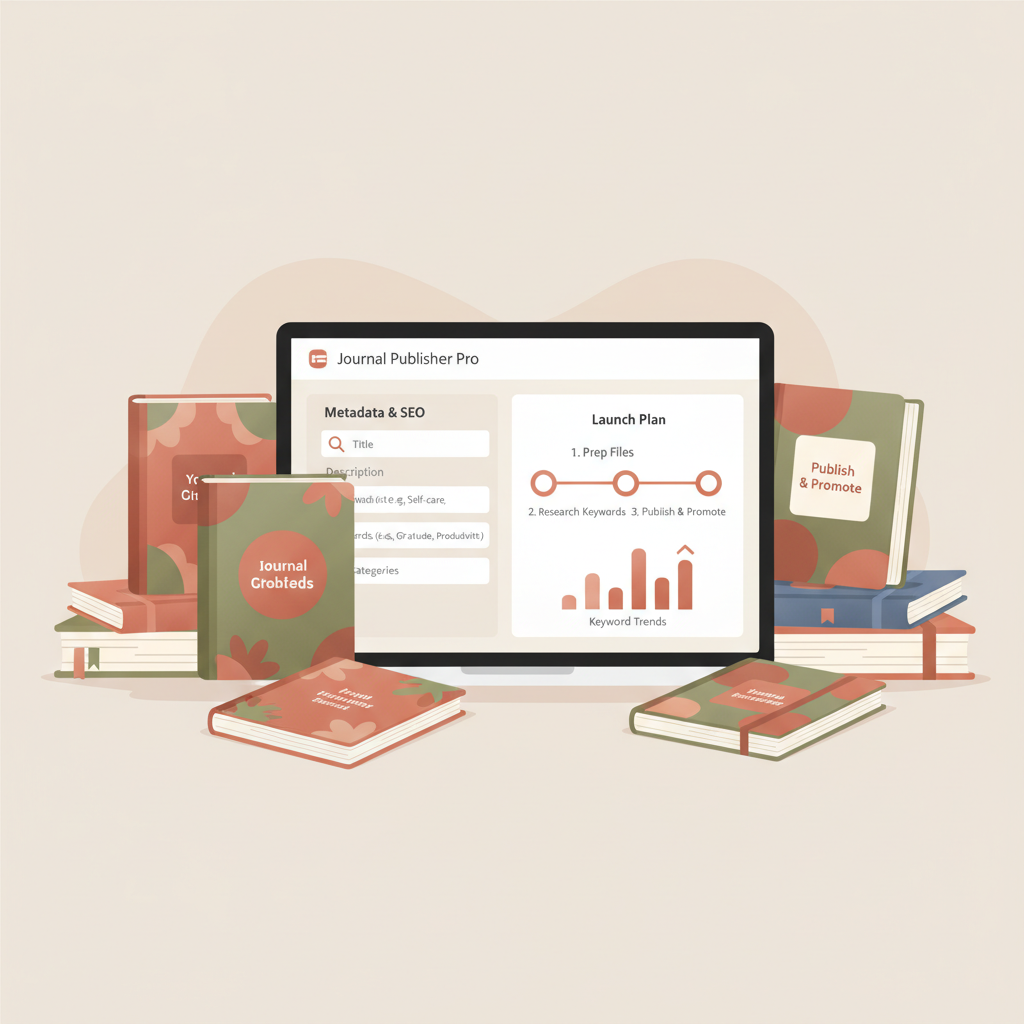
Amazon KDP Journals Publishing Blueprint for Authors
Amazon KDP Journals: A Complete Journal Publishing Blueprint
Estimated reading time: 18 minutes
- Treat each journal like a product: interiors, covers, metadata, and a simple launch plan matter more than endless polishing.
- Use tools that produce clean interiors, market-ready covers, and platform-ready EPUBs to reduce technical friction and stay consistent.
- Focus on niche clarity, keyword alignment, and a 30-day launch cadence to test, scale winners, and limit risk.
Table of Contents
- The publishing blueprint: interiors, covers, and formatting
- Why a blueprint matters
- Interiors: start with the reader and the use case
- Practical interior rules
- Automation and speed
- Cover design: design to sell, not to show off
- Cover basics that increase clicks
- One-click covers that work
- File formats and the EPUB step
- Paperback and ebook generation workflow
- Quality control checklist before upload
- Production speed without sacrificing quality
- Visibility and launch: keywords, categories, and a practical launch plan
- Niche selection and audience clarity
- Keyword strategy for amazon kdp journals
- How to choose keywords
- Practical metadata rules
- Category and category hacks
- Launch and testing plan (30-day cycle)
- A simple 30-day launch blueprint
- Pricing and formats
- Ad testing basics
- Catalog strategy and scaling winners
- Collecting reviews ethically
- Operational tips for scaling production
- Financials in brief
- Practical example: A scaled workflow with less friction
- Final thoughts and next steps
- FAQ about amazon kdp journals
- Sources
The publishing blueprint: interiors, covers, and formatting
Why a blueprint matters
A repeatable blueprint turns a hobby into a small publishing business by producing consistent interiors, covers that convert at thumbnail size, and files that pass marketplace checks on the first upload.
Interiors: start with the reader and the use case
Design each journal around a clear use case such as daily gratitude, weight tracking, language practice, budgeting, or creative prompts. The use case drives layout, prompts per page, dated vs undated, and trim size.
Practical interior rules
- Pick a trim size that matches the use case (6×9 in for notebooks, 5.5×8.5 for travel journals, 8.5×11 for workbooks).
- Keep margins and gutters KDP-safe: at least 0.25–0.5″ inner margin for ebooks; follow KDP print recommendations for paperbacks.
- Use clear, readable fonts—serif for longer text, sans for checklists—and avoid decorative type for functional elements.
- Build templates: title page, Copyright/ISBN area, optional table of contents, repeating headers, and numbered pages as needed.
- Make prompts short and actionable; users prefer one idea per page or one prompt pair per spread.
Automation and speed
Creating dozens of interiors by hand wastes time. Use a system that generates consistent, market-ready interiors from a single instruction set so you can export both print-ready PDF and clean EPUB quickly.
Cover design: design to sell, not to show off
A striking cover is the traffic driver. At thumbnail size, readers scan for a clear title, an implied promise, and a visual style that matches genre expectations.
Cover basics that increase clicks
- Readable typography at thumbnail size—main title must remain legible when reduced.
- Visual hierarchy: title > subtitle > author name.
- Genre-appropriate imagery and color palette—calm neutrals for planners, bright colors for kids, muted pastels for wellness journals.
- Avoid clutter; a single focal image or pattern with clean type usually wins.
One-click covers that work
For repeatable, competitive covers, use a cover generator trained on top-selling book patterns rather than generic datasets. That approach produces readable titles, correct visual weight, and thumbnail clarity. See a product example at this cover generator for a ready-made solution.
File formats and the EPUB step
Ebooks need clean EPUB files with proper metadata and an embedded cover. Print requires a PDF with bleed and correct spine sizing. Converting a manuscript into a structured EPUB without broken formatting is error-prone—use a dedicated tool such as the EPUB converter to reduce manual cleanup.
Paperback and ebook generation workflow
A single system that generates interior files, matches covers to trim sizes, and creates both print and ebook files shortens time to market. If you want a combined service, consider a platform like BookAutoAI that handles both file types and metadata in one flow.
Quality control checklist before upload
- Proof the cover at 100% and in thumbnail.
- Check page breaks around prompts and avoid orphaned lines.
- Preview EPUBs in multiple readers or rely on a converter that guarantees compatibility.
- Verify metadata: exact title, consistent author name, keywords, and ISBN/ASIN formatting.
Production speed without sacrificing quality
Speed should rely on templates, a cover generator tuned to best-seller patterns, and a converter that outputs platform-ready EPUBs so quality can scale across a catalog.
Visibility and launch: keywords, categories, and a practical launch plan
Niche selection and audience clarity
Pick niches that are specific enough to reduce competition and broad enough to have buyers. Combine a primary use case with an audience modifier and a context (for example, “Shift-Work Habit Tracker for Nurses”).
Keyword strategy for amazon kdp journals
Amazon search depends on relevance in title, subtitle, backend keywords, and categories. Use terms that match buyer intent and everyday descriptions.
How to choose keywords
- Start with short phrases buyers type: “gratitude journal,” “daily planner.”
- Use Amazon search suggestions for multi-word phrases and modifiers like “for beginners” or “for kids.”
- Place one strong phrase in the main title and a secondary phrase in the subtitle.
- Use backend keyword slots for related terms you couldn’t fit in visible fields.
Practical metadata rules
- Title: primary phrase + concise modifier (e.g., Daily Budget Journal for Beginners).
- Subtitle: expand the intent or use case (e.g., 90 days of simple tracking).
- Backend keywords: use commas between phrases and avoid repeating words already used.
- Categories: choose two that match purpose and, if possible, the least crowded relevant options.
Category and category hacks
Categories affect browsing placement and curated lists. If a perfect category is unavailable, pick the closest match and lean on title and subtitle keyword alignment to guide discovery.
Launch and testing plan (30-day cycle)
Treat each title as an experiment with a tight launch cycle to discover which niches gain traction.
A simple 30-day launch blueprint
- Days 1–3: Finalize interior, cover, and metadata. Upload paperback and ebook.
- Days 4–10: Soft promotion—share in niche groups and ask a few friends for honest reviews.
- Days 11–20: Paid test—run a small Sponsored Products campaign on top keywords and monitor ACOS.
- Days 21–30: Evaluate. If metrics are positive, scale ads and create 2–3 variants that tweak cover color or subtitle.
Pricing and formats
Start with a competitive price reflecting format and perceived value. Low-price points often drive volume for simple journals. Offer both paperback and ebook when the interior suits an ebook format.
Ad testing basics
- Test one variable at a time: targeting or price.
- Track CTR and conversion rate, not just impressions.
- If a keyword has good CTR but low conversion, revisit the cover or product description opening lines.
Catalog strategy and scaling winners
When a title performs, scale via variants (color, subtitle), bundles, and cross-promotion in author bios and descriptions.
Collecting reviews ethically
Encourage honest reviews via a small card in the print edition or a polite note in the ebook. Never offer incentives outside allowed programs.
Operational tips for scaling production
- Batch tasks: generate multiple interiors, then batch cover creation.
- Use metadata templates that you tweak per title.
- Keep a launch calendar and a simple spreadsheet of launch metrics.
Financials in brief
Track variable costs (ads, cover design, ISBNs) and time. Automation tools that produce formatted interiors, covers, and EPUBs reduce marginal cost per title and lower testing risk.
Practical example: A scaled workflow with less friction
- Choose 10 related niche ideas.
- Generate interiors from a single template and tweak for specifics.
- Produce covers with a generator that understands genre patterns.
- Convert to EPUB and create print-ready PDFs in one step.
- Upload and run a small ad test for 30 days to monitor results.
For reliable uploads and distribution tools that simplify the process of publishing to retailers, consider a specialized uploader to handle the technical steps of submitting files and metadata.
If you need help with the book upload process, tools like uploading to retailers services can reduce manual errors when placing files on platforms such as KDP.
Final thoughts and next steps
Build a simple production system with clear templates, a cover process that produces market-ready covers, and an EPUB workflow that reduces technical cleanup. Test ideas quickly, learn from real sales, and scale winners.
FAQ about amazon kdp journals
Should I publish both paperback and ebook versions of a journal?
It depends on format. Many journals sell better in print for writing, but guided content can work as an ebook. When unsure, start with print and add an ebook if demand appears.
How long should a journal interior be?
Choose page counts that fit the use case: 60–120 pages is common for daily or weekly journals; 150–200 pages for year-long planners. Balance value and printing costs.
Can I reuse the same interior across multiple niches?
Yes, if you update prompts, title, and cover to match niche expectations. Reusing templates speeds production, but ensure content matches the marketing promise.
How many backend keywords should I use?
Fill all available backend keyword slots with relevant phrases you could not fit in visible fields. Avoid repeating phrases; use synonyms and related intents.
How do I price low-content books for profit?
Keep prices competitive. Low-content books often sell at lower prices, but volume can compensate. Use printing cost calculators to set margins that cover ads and expected returns.
How can I avoid KDP formatting rejections?
Use a converter and cover generator that follow Amazon requirements. Check for embedded fonts, image resolution, missing metadata, and correct spine sizing for print.
Will automated tools make my books look “AI-made”?
Not if you choose publishing-focused tools. Systems tuned to best-selling layouts and humanized prose produce professional-looking books that align with market signals.
Sources
- https://blog.bookautoai.com/ai-book-writer-kdp-review-6/
- https://blog.bookautoai.com/ai-book-generator-kdp-review-39/
- https://blog.bookautoai.com/ai-book-writers-kdp-review-2/
- https://blog.bookautoai.com/ai-book-writer-kdp-6/
- https://www.youtube.com/watch?v=FdGqy6FFBr0
- https://www.bookautoai.com/book-cover-generator-processing
- https://www.bookautoai.com/epub-converter
- https://www.bookautoai.com
- https://bookuploadpro.com
Amazon KDP Journals: A Complete Journal Publishing Blueprint Estimated reading time: 18 minutes Treat each journal like a product: interiors, covers, metadata, and a simple launch plan matter more than endless polishing. Use tools that produce clean interiors, market-ready covers, and platform-ready EPUBs to reduce technical friction and stay consistent. Focus on niche clarity, keyword…