
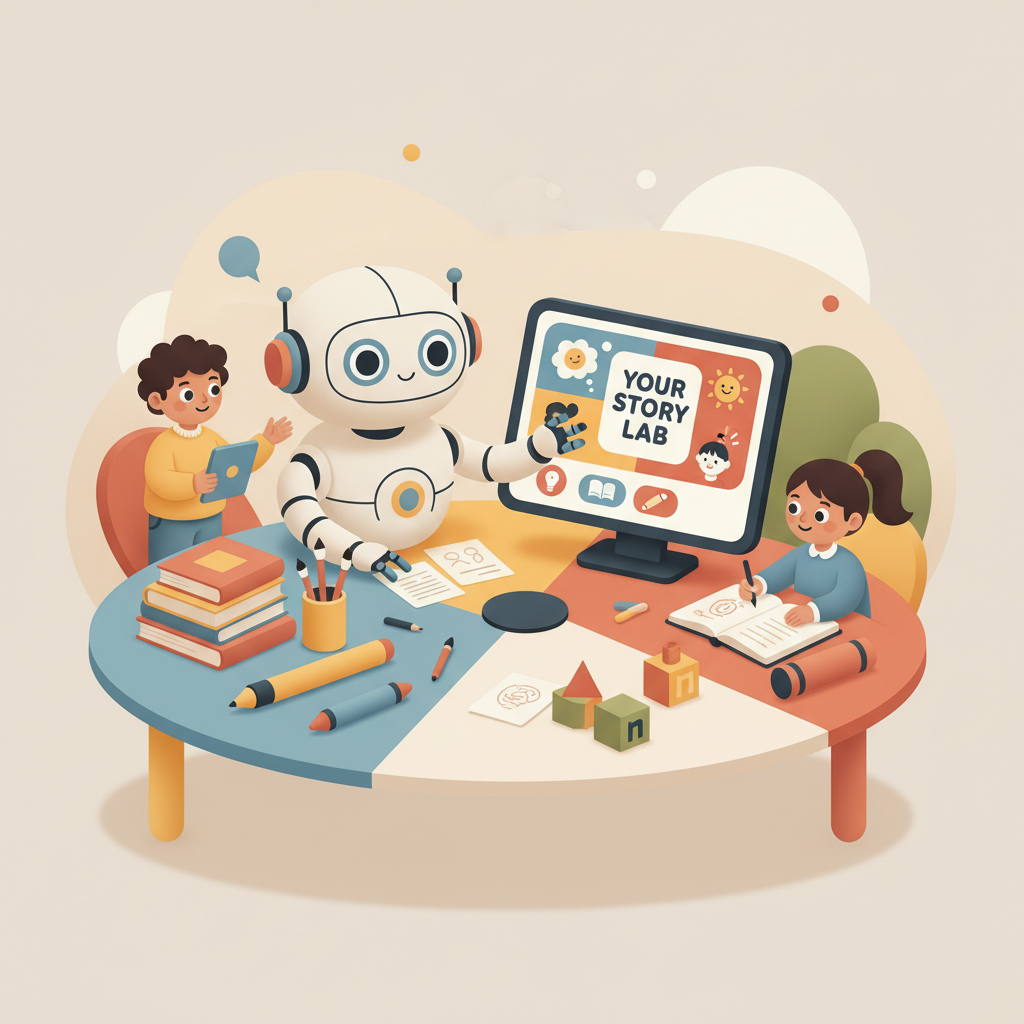
AI Book Writer Kids Guide for Children’s Non-Fiction
AI Book Writer Kids: A Friendly Guide to Creating Children’s Non-Fiction Fast
Estimated reading time: 4 minutes
- An ai book writer kids can turn ideas into clear, market-ready kids’ non-fiction quickly using simple, friendly language.
- Safe prompts, good structure, and human editing keep AI-written kids’ books accurate and age-appropriate.
- For fast, formatted, upload-ready books, BookAutoAI generates, humanizes, and delivers finished non-fiction for marketplaces.
Table of Contents
- What is an AI book writer for kids?
- How to use AI safely and simply
- Keep language short and clear
- Use age-targeted prompts
- Fact-check everything
- Make reading easy
- Keep tone positive and respectful
- Design for attention
- Why human editing still matters
- Make a full kids’ non-fiction book fast with BookAutoAI
- Why BookAutoAI stands out
- A simple workflow for busy creators
- Practical tips for kids’ non-fiction with BookAutoAI
- From manuscript to store-ready EPUB
- Why a built-for-authors EPUB converter matters
- A short publishing checklist for kids’ non-fiction
- Tips for classroom sets and series
- FAQ
- Sources
What is an AI book writer for kids?
An AI book writer for kids is a tool that helps turn ideas into written pages that are friendly, clear, and suited for young readers.
When people search for “ai book writer kids,” they want software that understands simple language, short sentences, and kid-sized explanations. These tools can help with research, writing chapter text, creating fun examples, and suggesting activities or illustrations that make learning stick.
AI can produce a first draft, suggest a useful structure, or make reading-level adjustments so content fits a second-grader or a middle-school audience. But an AI doesn’t replace a human editor or a teacher; think of it as a helpful assistant that speeds up the work and keeps the words kid-friendly.
For a practical overview of child-focused tools, see AI Childrens Book Writer for guidance on which options work best for educational and non-fiction kids’ titles.
How to use AI safely and simply
Keep language short and clear
Kids need clear sentences. Ask the AI to write short sentences, use simple words, and explain tricky ideas with everyday examples.
Instead of: “Photosynthesis involves chloroplast-mediated synthesis of glucose,” use: “Plants make food from sunlight so they can grow.”
Use age-targeted prompts
Tell the AI the exact age or grade you’re writing for. A prompt like “Write for a 7-year-old with playful examples” produces a different tone than “Write for middle-school readers.”
Fact-check everything
AI is fast, but it can invent details. If your book teaches science, history, or how-to skills, double-check any facts, dates, or numbers and use reliable references or expert reviewers.
Make reading easy
Break text into small chunks so young readers stay engaged.
- Short paragraphs (1–3 sentences)
- Fun headers that promise learning in each section
- Activities or quick questions at the end of each chapter to help readers practice
Keep tone positive and respectful
When writing for kids, keep examples inclusive and friendly. Show different types of families, cultures, and experiences in a simple, natural way.
Design for attention
Kids’ books need visual cues. Even with text-only material, ask the AI to include image suggestions, captions, and clear chapter markers to guide a child through the book.
Why human editing still matters
AI can create very good drafts, but a human editor ensures voice consistency, age-appropriateness, and learning accuracy. Editing also makes the book feel more natural—closer to how a teacher or parent would speak.
Make a full kids’ non-fiction book fast with BookAutoAI
If your goal is a finished, store-ready kids’ non-fiction book, BookAutoAI is built for that job. It produces full books up to 25,000 words, humanizes the writing, and formats files for marketplaces like Amazon KDP.
Why BookAutoAI stands out
- Start-to-finish output: BookAutoAI produces a full manuscript so you don’t need to outline, write chapters one by one, or piece together files.
- Humanized tone: The system is tuned to make writing sound natural and readable—important for kids’ books where tone matters a lot.
- Marketplace-ready formatting: Files come pre-formatted for upload, reducing time spent fixing formatting or metadata.
- Time saver: For small publishers or classroom series, BookAutoAI lets you create multiple titles quickly without sacrificing readability.
A simple workflow for busy creators
1. Pick your topic and target age.
2. Input a brief note: audience age, tone, chapter count, and a few learning goals.
3. Let BookAutoAI generate the manuscript and structure.
4. Review the draft, adjust small details, and add any teacher notes or activities.
5. Convert to the right format and upload — the tools at BookAutoAI can help create both ebooks and paperbacks with fewer errors.
Practical tips for kids’ non-fiction with BookAutoAI
- Be specific about the audience: say “ages 6–8” or “grade 3” so the tool matches vocabulary.
- Ask for examples: “Give two hands-on activities that take less than 10 minutes.”
- Request visuals: “Suggest three thumbnail images for chapter covers.”
- Add a glossary for new terms at the back of the book.
From manuscript to store-ready EPUB
Getting from a finished manuscript to something that looks good in a store is often the trickiest part. A reliable EPUB conversion step removes formatting headaches and preview problems.
Use BookAutoAI’s EPUB Converter to embed covers, fix metadata, and clean chapter navigation so the file previews and uploads correctly.
For uploads to retailers like Kindle, Kobo, and Apple Books, many creators use dedicated upload tools; for example, professional services such as BookUploadPro can help avoid common platform errors.
Why a built-for-authors EPUB converter matters
- Proper metadata: Title, author, and identifiers are embedded correctly so your book appears properly in previews and searches.
- Clean navigation: Chapters and table of contents behave the way readers expect, which matters for kids who jump between sections.
- Platform compatibility: The converter prepares files that work with Kindle, Kobo, and Apple Books, saving time troubleshooting.
A short publishing checklist for kids’ non-fiction
- Proofread with an eye for age: have a caregiver or teacher read the text aloud.
- Check images and captions: captions help kids connect words to pictures.
- Confirm accessibility basics: readable fonts, clear spacing, and alt text for images when possible.
- Convert to EPUB using a trusted tool like BookAutoAI’s EPUB Converter to speed publishing and avoid broken formatting.
Tips for classroom sets and series
If you plan multiple titles, keep a consistent template: same chapter layout, same glossary placement, and repeatable activity formats. That helps young readers progress with familiar structure.
Final thoughts
Using an ai book writer kids tool is a practical way to create clear, engaging non-fiction for young readers. The right approach balances AI speed with careful editing and human review.
For creators who want an end-to-end solution that produces humanized writing and marketplace-ready files, BookAutoAI is built to generate full non-fiction books quickly and convert them into clean EPUBs that meet platform requirements.
Try small projects first — one chapter or a short activity book — and learn prompts that produce the tone you want. With careful editing and the right conversion tools, you can move from idea to published kids’ non-fiction faster than most solo workflows allow.
Visit BookAutoAI.com and try our demo book.
FAQ
Can AI write books that are truly kid-friendly?
Yes—if you use age-specific prompts, edit for tone, and verify facts. AI can generate the base content quickly, but human review keeps it safe and friendly.
Will AI create misleading or wrong facts?
Sometimes. Always fact-check science, history, and data. Use trusted references and let subject experts review where accuracy matters.
Should I use AI for picture books and storybooks?
AI can help with story ideas and drafts, but picture books need precise pacing and image-text choreography, so expect more human revision and collaboration with illustrators.
How long does it take to make a kids’ non-fiction book with BookAutoAI?
BookAutoAI is designed for speed. It can generate a full, humanized manuscript and format it for upload much faster than doing every step manually; exact time depends on custom edits.
Can I publish directly to Kindle after conversion?
Yes—BookAutoAI’s EPUB Converter prepares files compatible with Kindle and other major stores, which simplifies upload and reduces formatting errors.
Is AI good for educational content like worksheets or quizzes?
AI can generate sample questions, quizzes, and practice activities. Review and adjust difficulty to match your learners.
Sources
- Best 10 AI Writing Tools of 2025 – Sudowrite
- 6 Best AI Writing Tools in 2025 – Create & Grow
- 15+ Best AI Writing Tools for Authors in 2026 – Kindlepreneur
- 27 Best AI Writing Tools in 2026 (Tested & Reviewed)
- 15 Best AI Writing Tools for 2025 [We Tested The Top Services]
- 14 Best AI Writing Software Tools For 2025 (Comparison)
AI Book Writer Kids: A Friendly Guide to Creating Children’s Non-Fiction Fast Estimated reading time: 4 minutes An ai book writer kids can turn ideas into clear, market-ready kids’ non-fiction quickly using simple, friendly language. Safe prompts, good structure, and human editing keep AI-written kids’ books accurate and age-appropriate. For fast, formatted, upload-ready books, BookAutoAI…