
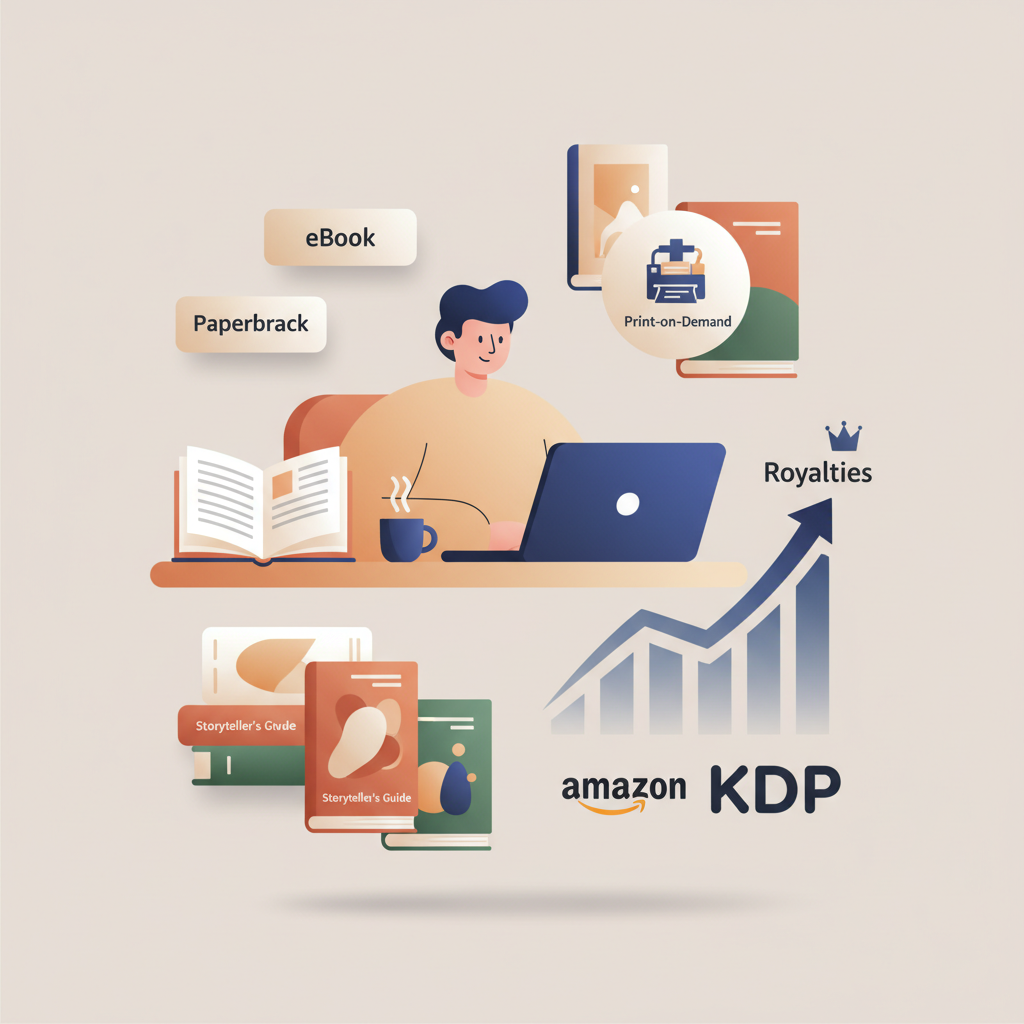
What Is Amazon KDP and How Does It Work for Authors
what is amazon kdp and how does it work
Estimated reading time: 5 minutes
- Amazon KDP is a self-publishing platform that publishes ebooks and print-on-demand paperbacks and hardcovers with no upfront inventory costs.
- Royalties depend on format, price, and distribution choices; eBook royalties can be up to 70% while print royalties are calculated after printing costs.
- Practical publishing requires clean files, a clickable cover, correct metadata, and a fast, reliable EPUB and cover workflow—areas where BookAutoAI streamlines the heavy lifting.
Table of Contents
- Overview of KDP: how publishing on Amazon works
- KDP’s basic steps
- Why authors choose KDP
- Files you’ll need
- Printing, distribution, and royalties explained
- Print-on-demand basics
- How printing cost is calculated
- Example: paperback royalty math
- eBook royalties and pricing tiers
- Distribution choices and trade-offs
- How BookAutoAI fits this workflow
- Where BookAutoAI helps most
- Specific ways it improves KDP workflows
- Practical example: from idea to live book
- Practical tips when using BookAutoAI with KDP
- Final thoughts
- FAQ
- Sources
Overview of KDP: how publishing on Amazon works
Amazon Kindle Direct Publishing (KDP) is the platform authors use to upload and sell ebooks, paperbacks, and hardcovers on Amazon. In short: you upload a finished manuscript and cover, enter title and pricing, and Amazon lists and fulfills sales through digital delivery and print-on-demand.
KDP’s basic steps are easy to follow:
- Create a KDP account and provide tax and payment details.
- Prepare and upload your manuscript and cover file.
- Enter book metadata: title, subtitle, description, categories, and keywords.
- Choose territories and distribution channels.
- Set pricing and select royalty options (70% or 35% for most ebooks; different rules for print).
- Publish and monitor your KDP Bookshelf for sales and reports.
If you want a focused primer, see What Is Amazon Kdp for a clear blog overview that complements this walkthrough and helps new authors understand where KDP sits in the broader self-publishing landscape.
Why authors choose KDP
- No upfront inventory costs. Physical copies are printed only after a customer orders them.
- Global reach. Your book can appear on multiple Amazon marketplaces.
- Fast publishing. Once files pass checks, books usually go live in a day or two.
- Control. You set price, update files anytime, and run promotions.
Files you’ll need
KDP expects clean, correctly formatted files. Typical requirements are a manuscript (DOCX or a properly formatted EPUB for ebooks; PDF interior for most print options) and a front cover for ebooks (JPEG/PNG) plus a print-ready cover for paperbacks that meets size and spine requirements.
A strong cover and a well-formatted EPUB or print file are often the difference between a rejected upload, a book that looks amateur, and a book that sells. For authors who want automated help, BookAutoAI offers a book cover generator that creates covers optimized for thumbnail size and retail expectations, and an EPUB converter that builds store-ready files.
Printing, distribution, and royalties explained
Understanding printing, distribution, and royalties is essential to pricing your book, forecasting income, and choosing the right options in KDP. Below are the practical mechanics—what happens after a reader clicks Buy.
Print-on-demand basics
- No inventory: Amazon prints each copy only after it’s ordered.
- Printing cost: Amazon subtracts a per-unit printing cost before calculating your royalty.
- Royalty = List price − printing cost − Amazon’s distribution fee (if any), then multiplied by your royalty percentage.
How printing cost is calculated
- Page count: More pages cost more to print.
- Ink type: Black-and-white vs. color printing affects cost significantly.
- Trim size and paper type: Larger trim sizes and premium paper raise the per-unit cost.
- Market: Printing costs differ by marketplace (US, UK, EU).
Example: paperback royalty math (simplified)
List price: $14.99; Printing cost: $4.50; Distribution fee: $1.00 → Royalty: (14.99 − 4.50 − 1.00) × 60% = $5.69. Note: for KDP paperbacks sold on Amazon storefronts the royalty is 60% of list price minus printing cost; expanded distribution changes rates.
eBook royalties and pricing tiers
- 70% royalty applies if the book is priced between $2.99 and $9.99 (with delivery costs deducted in some markets).
- 35% royalty applies for price points outside that range, or for certain countries.
- KDP Select: enrolling gives access to Kindle Unlimited and the Lending Library but requires digital exclusivity.
Delivery costs are deducted for the 70% option based on file size. For text-heavy non-fiction delivery costs are usually small, but image-rich books require extra care when pricing.
Royalty payments are issued roughly 60 days after the end of the month in which the sale occurred, and Amazon requires tax information; withholding may apply for non‑U.S. authors without proper forms.
Distribution choices and trade-offs
- Amazon-only (KDP Select): Pros—access to Kindle Unlimited and promotional tools; Cons—digital exclusivity requirement.
- Wide distribution: You can publish elsewhere and sell on multiple stores, but you lose KDP Select benefits.
- Expanded distribution for print: Lets you sell through other retailers and libraries, but royalties are lower and returns or additional fees can apply.
For pricing non-fiction, research similar titles in your niche and match reader expectations. A common strategy is to price the ebook between $2.99–$9.99 to qualify for 70% royalties and set the paperback competitively for impulse buys.
Common pitfalls that reduce royalties include incorrect metadata, poorly formatted files, and covers that don’t read at thumbnail size. A repeatable process that handles cover and file issues up front reduces many of these risks.
If you need a fast, market-ready EPUB and a professional cover that meets KDP specs, BookAutoAI provides tools to produce files that pass KDP checks and look professional on the store page; for upload support and broader retailer uploads, consider services like BookUploadPro when you prepare distribution files.
How BookAutoAI fits this workflow
BookAutoAI is built for authors and publishers who need a fast, repeatable way to produce non-fiction books that meet marketplace standards. It handles technical parts of publishing so you can focus on content and marketing.
Where BookAutoAI helps most
- Manuscript generation and humanization: It can produce up to 25,000 words and then humanize the tone so the text reads naturally.
- Formatting: Files export in ready-to-publish formats—no more fighting with styles or TOC issues.
- EPUB conversion: The EPUB converter turns your manuscript and cover into a properly structured, store-ready EPUB with correct metadata and embedded cover.
- Cover generation: The built-in cover tool produces covers optimized for selling; see the book cover generator for market-ready covers designed to read at thumbnail size.
Specific ways it improves KDP workflows
- Speed: Generate, humanize, format, and convert in hours rather than days.
- Fewer upload rejections: Properly structured EPUBs and print-ready PDFs reduce KDP returns.
- Better covers: Covers that follow marketplace visual signals increase click-through rates.
- Scalable production: Automating repetitive tasks keeps quality high and error rates low.
Practical example: from idea to live book
- Draft: Use BookAutoAI to generate a structured non-fiction manuscript and humanize the voice.
- Cover: Run the auto cover generator to create a front cover that reads well at thumbnail size.
- Convert: Use the EPUB converter to create a store-ready ebook and verify metadata, TOC, and embedded cover.
- Upload to KDP: Enter metadata, upload the EPUB and a print-ready interior, set pricing, and publish.
Practical tips when using BookAutoAI with KDP
- Review generated content for factual accuracy and voice consistency—human editing remains valuable.
- Confirm final metadata before converting—titles, author name, and keywords should be accurate.
- Use the cover preview at thumbnail size before finalizing.
- Check the EPUB in multiple readers or the Kindle Previewer after conversion to ensure consistent formatting.
Final thoughts
Publishing on Amazon with KDP is straightforward in concept but detailed in practice. Clean EPUBs, print-ready interiors, and covers that sell affect acceptance, store appearance, and conversion rates.
Using tools that produce store-ready files and covers removes friction and lets you focus on content and promotion. For authors scaling non-fiction publishing, BookAutoAI solves many format and design problems that commonly slow production and cause submission errors.
FAQ
How long does it take for a book to appear on Amazon after I publish on KDP?
Amazon typically reviews and publishes ebooks and print books within 24 to 72 hours. Complex files or policy checks can take longer, and KDP will report rejections with instructions to fix files.
How are KDP printing costs calculated?
Printing costs depend on page count, ink type, trim size, and paper. KDP provides a printing cost estimate when you upload your print interior; that cost is subtracted from the list price before royalties are calculated.
Can I sell my KDP book outside Amazon?
Yes—paperbacks can use expanded distribution and ebooks can be published wide if you don’t enroll in KDP Select. KDP Select requires digital exclusivity to participate in Kindle Unlimited and select promotional programs.
Do I need to disclose AI-generated content to KDP?
KDP has guidelines about content quality and the use of automation. Follow KDP’s current content policies, including any disclosure requirements, and ensure the final book meets quality and originality standards.
How are ebook royalties calculated?
Ebook royalties are typically 35% or 70% of the list price depending on price range and distribution choices. The 70% option includes delivery costs for file size and is available only in certain territories and price ranges.
What’s the best way to set a price for non-fiction?
Research similar titles in your niche and consider the value offered. For practical, actionable non-fiction, readers often accept higher prices if the book delivers clear benefits; aim for $2.99–$9.99 when possible for the 70% royalty tier.
My print book preview looks wrong—what should I check?
Check margins, bleed settings, trim size, embedded fonts, and image DPI. Ensure your interior PDF matches the trim size selected in KDP; many issues come from mismatched page sizes or incorrect margin settings.
How do I handle returns and refunds?
KDP manages returns through Amazon. Paperbacks returned via Amazon Retail reduce your reported sales; monitor sales reports and factor returns into revenue expectations.
Sources
- https://www.writtenwordmedia.com/what-is-kdp-amazon-kindle-direct-publishing-explained/
- https://www.zonguru.com/blog/how-does-kindle-direct-publishing-work
- https://kdp.amazon.com/help/topic/GHKDSCW2KQ3K4UU4
- https://kdp.amazon.com/help/topic/G200672390
what is amazon kdp and how does it work Estimated reading time: 5 minutes Amazon KDP is a self-publishing platform that publishes ebooks and print-on-demand paperbacks and hardcovers with no upfront inventory costs. Royalties depend on format, price, and distribution choices; eBook royalties can be up to 70% while print royalties are calculated after printing…