
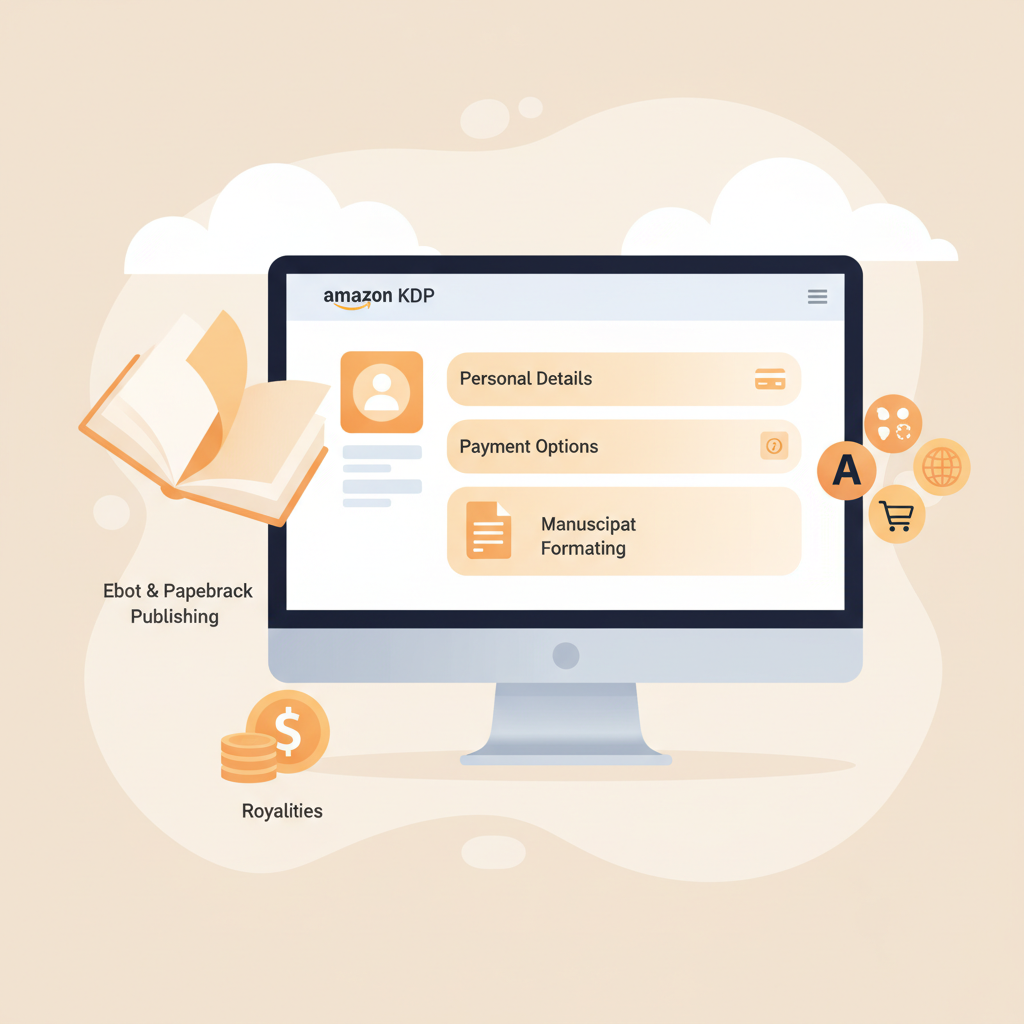
Amazon KDP New Account Setup Checklist for Authors
amazon kdp new account: A starter kit — settings you must configure before publishing
Estimated reading time: 5 minutes
- Set up accurate personal, payment, and tax details before you publish to avoid payment delays or account holds.
- Configure royalty, distribution, and marketplace preferences to match your goals for ebook and paperback sales.
- Check manuscript formatting, metadata, and rights settings once—these small choices affect discoverability and sales.
- Use proven tools to speed production and reduce manual errors, then test with proof copies before going live.
Why the first settings matter
When you create an amazon kdp new account, the first settings you enter determine how quickly you can get paid, where your books appear, and whether Amazon will accept your titles without delays.
The early steps aren’t glamorous, but they are the guardrail between “ready to publish” and “account verification pending.”
If you’d rather see a practical walkthrough, our guide on Amazon KDP Account Setup provides a clear, step-by-step look at the main fields you’ll face when creating your profile.
This article is a new-account starter kit. It focuses on the settings every author should configure before you press Publish. Think beyond single uploads: good defaults save time later and reduce revisions.
Account basics you must verify
Your name, address, and contact info
Start with accuracy. Use the legal name that matches your bank account and tax forms—small mismatches cause verification delays that block royalty deposits or prevent enrollment in programs like KDP Select.
- Legal name vs. pen name: Enter your legal name in the account holder field. You can use a pen name on book pages, but the account must match legal documents for payments and tax reporting.
- Address and phone: Use the address where you receive official mail. Amazon may ask for bank or tax verification documents that match this address.
- Email and password: Use an active email you check daily. Keep a secure password and enable two-factor authentication if available.
Why one account matters
Amazon permits only one KDP account per person or business. Creating multiple accounts under different emails or slight name variations is a common mistake that can lead to suspension.
If you have questions about permitted account structures—such as when a business should register separately—consult Amazon’s Help pages early to stay compliant.
Profile settings and author pages
Fill optional profile fields thoughtfully. A live Amazon author page or public biography helps readers trust you, but keep marketing details separate from the legal account settings.
If you plan to use Author Central, claim it with the same account email to avoid verification friction.
Payment, royalties, and tax settings
Direct deposit setup
Set up direct deposit (EFT) early. It is faster, more reliable, and available in many countries.
- Bank details: Enter account and routing numbers exactly as shown by your bank. Different countries have different required fields (for example, IBAN or SWIFT codes). Double-check entries before saving.
- Currency and thresholds: Understand how Amazon converts and reports currency for your region. Direct deposit often avoids minimum thresholds that apply to other payout methods.
Royalty options and distribution
Before you publish your first book, decide the royalty setting and distribution territories—these choices affect pricing rules and how Amazon shares revenue with you.
- 35% vs 70% ebook royalty: The 70% option has requirements—like minimum list price and delivery costs for large files. If your book is short or priced low, the 35% option might be the only valid choice.
- Expanded distribution for paperbacks: If you plan to sell widely through bookstores or other channels, enable expanded distribution. Know that expanded distribution has different wholesale terms and may not appear in some retailer catalogs immediately.
Tax information: set it up before publishing
Complete your tax profile before publishing. Amazon requires tax information to process royalty payments and to comply with tax laws across countries.
- US and non-US authors: All users must provide tax info. US authors provide SSN or EIN where required; non-US authors submit the correct treaty and withholding information to avoid excessive withholding.
- Withholding rates and forms: Amazon uses tax details to determine withholding (for example, the 30% default for non-US sellers without treaty forms). Accurate forms reduce unnecessary withholding and speed refunds.
- Frequency: Update tax details when your circumstances change. Initial setup before you publish avoids claiming royalties that later get tied up by missing documentation.
Account verification and proof copies
Amazon sometimes requests documents to verify identity or bank ownership. Keep scanned copies of ID and bank statements handy.
Ordering physical proof copies of paperbacks before broad promotion is a cheap way to verify printing, margins, and spine layout—and can catch formatting issues before customer reviews surface.
Book files, metadata, and publishing preferences
Manuscript formatting settings
Set up your manuscript files correctly from the start. Clean formatting avoids re-uploads and keeps your publication timeline on track.
- File types: Use recommended file types for ebooks and paperbacks. For ebooks, properly structured EPUBs are the standard; if you need an EPUB converter, use a trusted tool to preserve navigation and metadata.
- Front matter: Include consistent front matter (title page, copyright, table of contents) so navigation works inside e-readers.
- Images and delivery: Compress images to balance quality and file size; large files can trigger delivery charges or slow down previews. If you plan to upload across platforms, consider dedicated book upload tools to simplify the process.
Metadata and discoverability
Metadata is how readers find your book. Spend time on the title, subtitle, description, keywords, and categories—wrong metadata makes your book invisible even if the content is excellent.
- Title and subtitle: Keep the title clear and the subtitle descriptive. Avoid stuffing keywords—write for readers first.
- Description: Use short paragraphs and bullet points to show the benefits readers will get. Include a clear next step like “Read a sample.”
- Keywords and categories: Pick keywords that match search behavior and categories that reflect your primary audience.
Pricing and list price settings
Choose a launch price that reflects your goal—maximum reach, steady income, or premium positioning. Test pricing later with promotions, but ensure the initial price meets the royalty rate rules for your chosen percentage.
- Territory selection: Decide whether you want to sell worldwide or restrict regions. KDP allows territory controls for rights restrictions.
- Preorders: Use preorders for coordinated launches to prepare marketing and reviews before release.
Rights and ISBN choices
Decide whether you hold worldwide rights or have limited territorial rights. For print books, choose whether to use a free ISBN from Amazon or bring your own—owning the ISBN gives you more control over publisher metadata.
Proofing, final review, and test uploads
Use Amazon’s previewer tools and, for print, order a proof copy. Look for formatting breaks, active links, correct TOC behavior, and readable fonts at small sizes.
A thorough proofing step reduces the chance of negative reviews driven by presentation errors rather than content.
Publishing workflow and long-term settings
Manage notifications and user access
Keep email notifications active for payment alerts, policy updates, and account changes. If you manage production with a team, set clear roles and share credentials securely.
Never create more than one KDP account to work around access—use organization-level solutions instead.
Track sales, reports, and payments
Familiarize yourself with KDP reports. The first weeks after launch give you important data about sales velocity and geographic markets.
Use month-over-month reporting to refine pricing and promotion.
Plan for updates and new editions
If you plan to release updated editions, preserve the original book’s metadata where possible to keep sales history and reviews consistent.
Use the revised manuscript upload flow in KDP to maintain continuity for revised editions.
Risk management and policy compliance
Account policies change; stay informed. Protect your account by following Amazon’s content rules and copyright policies to avoid suspensions.
If you have questions about listings or rights, consult Amazon Help before making risky changes.
Final thoughts
Setting up an amazon kdp new account well is a small time investment with big returns. Correct personal, payment, and tax details keep your money flowing.
Clean files and strong metadata make your book discoverable. Thoughtful royalty, pricing, and distribution choices align your launch with long-term sales goals.
If you want to move faster after setup, consider tools that generate polished, market-ready manuscripts so you can focus on publishing and promotion. BookAutoAI is built for authors who need speed without sacrificing quality—generating finished non-fiction books that are humanized, formatted, and ready to publish.
Next steps
When your KDP account settings are correct and you’re ready to publish, visit BookAutoAI to try a demo book and see how fast you can go from idea to a finished, publish-ready non-fiction title.
FAQ
Do I need a U.S. bank account to receive royalties?
No. Amazon supports direct deposit in many countries. Enter your local bank details and confirm the correct routing identifiers for your country.
Can I change my tax information later?
Yes. Update tax details whenever your status changes. Set it up correctly before your first royalty payment to avoid withholding or delays.
Is it okay to publish the same book in multiple KDP accounts?
No. Amazon limits each person or entity to one KDP account. Publishing the same title from different accounts can trigger policy violations.
What are common reasons Amazon holds payments?
Mismatched bank details, missing tax information, and verification issues are the most common. Providing requested documents usually restores payments.
Should I use the free Amazon ISBN for paperbacks?
The free Amazon ISBN is fine for many authors and simplifies distribution through Amazon. If you want full publisher control, purchase and use your own ISBN.
Sources
- Set Up Your KDP Account – Amazon.com: https://kdp.amazon.com/en_US/help/topic/G202187760
- Create a KDP Account – Amazon.com: https://kdp.amazon.com/help/topic/G200620010
- Manage Your KDP Account – Amazon.com: https://kdp.amazon.com/help/topic/G200634350
- Set up your KDP account – Amazon.com: https://kdp.amazon.com/en_US/help/topic/GHASDBMPJDXLKXBC
- How to Start Amazon KDP in 2026 (Full Beginner Tutorial) – YouTube: https://www.youtube.com/watch?v=J8dVaG240Nk
amazon kdp new account: A starter kit — settings you must configure before publishing Estimated reading time: 5 minutes Set up accurate personal, payment, and tax details before you publish to avoid payment delays or account holds. Configure royalty, distribution, and marketplace preferences to match your goals for ebook and paperback sales. Check manuscript formatting,…