
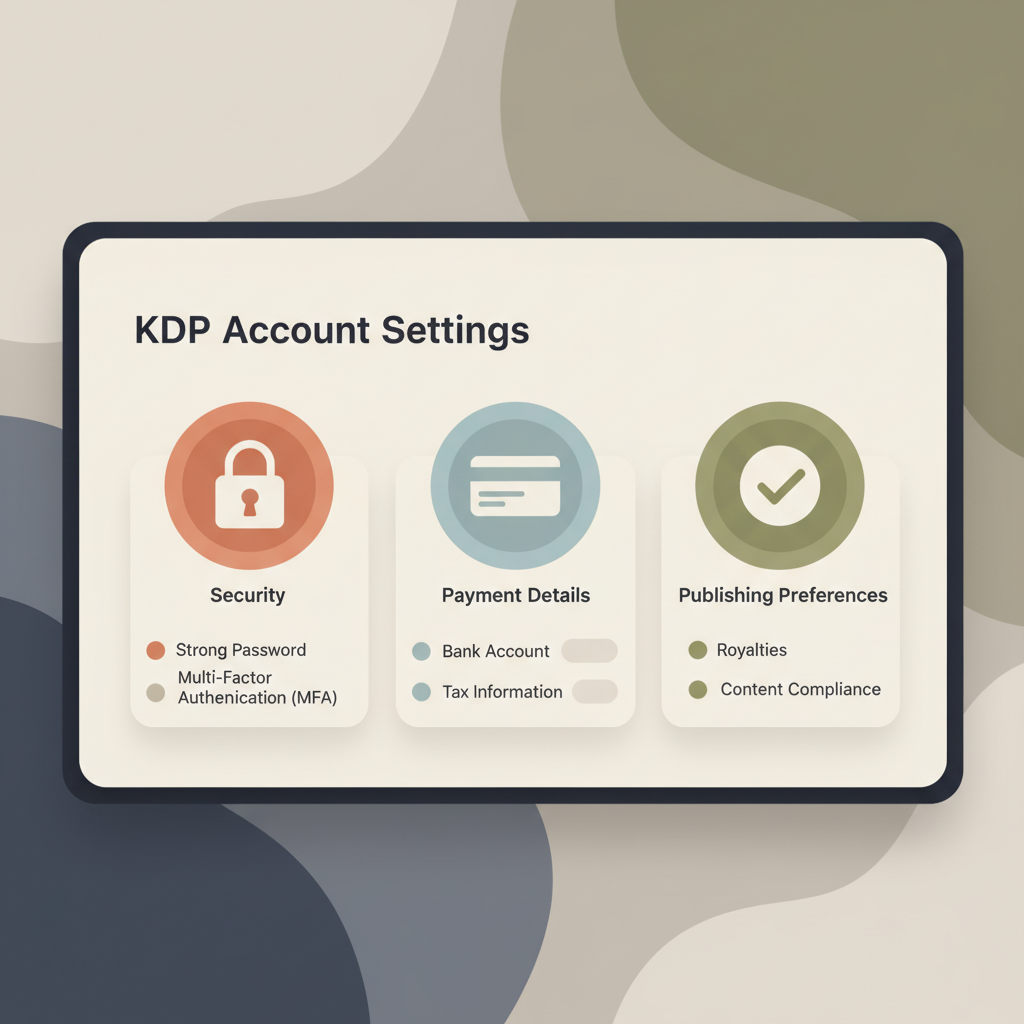
My Amazon KDP Account settings for security and payments
my amazon kdp account: Account settings playbook — security, payments, and publishing preferences
Estimated reading time: 6 minutes
- Treat KDP account settings as a single control center that affects security, royalties, and compliance.
- Protect access with strong passwords, MFA, and careful team-role controls.
- Complete payments and tax details accurately to avoid withholding or delays.
- Standardize metadata, formatting, and use trusted EPUB and cover tools to speed releases and reduce errors.
Security and access
When you open your KDP account, the initial settings shape years of publishing safety and stability. Security, access controls, and recovery are baseline protections for royalties and brand trust.
Start with strong credentials. Use a unique, complex password and rotate it periodically. Password managers make long, random passwords practical. Turn on multi-factor authentication (MFA) for the Amazon account linked to KDP to reduce unauthorized access risk.
Separate personal and publishing identities. For business publishing or multiple pen names, consider a dedicated Amazon account for publishing activity to keep tax and payment info isolated and bookkeeping cleaner.
Control team access. Limit what co-authors, editors, or virtual assistants can do. Share files via secure cloud storage and grant temporary access rather than handing over long-term credentials. If someone must upload or manage titles, use a documented process and revoke access when the engagement ends.
Keep recovery options current. An outdated recovery email or phone number is a major risk. Tie recovery contacts to accounts you actively manage and store backup recovery codes securely.
Monitor account activity weekly. Review the KDP dashboard and Payments and Royalties sections for unexpected title uploads, altered bank details, or strange tax notifications. Report suspicious activity to Amazon immediately to limit damage.
Operational checklist:
- Enable MFA and use a password manager.
- Use separate accounts for personal and publishing activities when feasible.
- Limit team access and rotate credentials after projects.
- Keep recovery contact info current and secure.
- Review account activity and recent payments at least weekly.
If you need a step-by-step setup walkthrough, see the Amazon KDP Account Setup guide for practical setup tips and common mistakes to avoid.
Payments and taxes
Payments and tax settings control cash flow. Errors can delay royalties, cause withholding, and complicate filing. Take time to complete each field carefully.
Bank information
Select the correct bank currency option for your region. KDP supports direct deposit in many countries but not all. Where direct deposit isn’t available, royalties may be sent by wire or check and fees or minimum thresholds can apply.
Double-check account name, routing numbers, and IBAN/BIC for international transfers. A single typo can bounce payments or cause long delays.
Payment thresholds and schedules
KDP pays royalties monthly, but only when your balance meets the minimum threshold after returns and adjustments. Learn payout schedules and reporting cutoff dates for your currency.
If you publish regularly, maintain a simple calendar with key payout dates so you know when to expect funds.
Tax identity and withholding
Provide accurate taxpayer information in the KDP tax interview. U.S. taxpayers use the W-9; non-U.S. publishers typically submit a W-8BEN or similar form. Incorrect forms can trigger withholding at the maximum statutory rate.
When in doubt, consult an accountant familiar with international royalties to avoid unnecessary withholding.
VAT and marketplace-specific rules
If you sell in marketplaces with VAT or local sales taxes, confirm how Amazon collects and reports tax on your behalf. In some territories Amazon handles VAT; in others you may need to register and report.
Keep records and get local tax advice when sales expand across countries.
Royalty statement review
Before accepting unusual changes to payments or tax info, check historic royalty statements. Look for unexpected refunds, large returns, or unexplained clawbacks.
If something looks wrong, download the CSV of past payments for bookkeeping and for escalation with Amazon support.
Practical tips:
- Use a business bank account to simplify reconciliation.
- Keep a spreadsheet of titles, ISBNs, and payment dates.
- Reconcile KDP reports to bank statements monthly.
- Set up alerts for email notices from KDP about payments or account changes.
Publishing preferences and workflow
Publishing preferences determine how quickly a book reaches readers and how discoverable it will be. Standardizing settings reduces mistakes and speeds releases across multiple titles.
Metadata and discoverability
Metadata — title, subtitle, series info, author name, description, keywords, and categories — is the backbone of discoverability. Favor clear, honest metadata that matches reader expectations and avoid keyword stuffing.
Choose categories and keywords that reflect the book’s true audience so Amazon and shoppers find the title where it belongs.
Series settings and edition control
If a book is part of a series, use KDP’s series settings consistently to link titles and improve binge discoverability. For new editions, use edition fields and be transparent about changes so reviews and metadata stay trustworthy.
Manuscript formatting choices
Set consistent standards for fonts, heading styles, image handling, and front/back matter. Create a style guide if multiple people format books — consistency saves proofing time and reduces rework.
EPUB conversion and compatibility
The EPUB you upload must be clean and navigable. If EPUB conversion is a pain point, use a reliable tool that produces store-ready files with correct metadata, embedded covers, and structured chapters.
A trusted EPUB Converter will reduce time spent fixing formatting errors during preview and prevent poorly displayed files on storefronts. Pair conversion with tested book upload tools when sending files to multiple retailers.
Cover and thumbnail strategy
A cover that reads well at thumbnail size improves click-through. Use title fonts and contrast so the title and author name remain legible as a small image.
Match the genre’s visual vocabulary and standardize layout rules — title size, subtitle placement, and author name — so thumbnails are effective. When you need cover generation, consider a book cover generator that outputs publish-ready thumbnails.
Pricing and rollout plans
Set initial prices with discoverability and margin in mind. For non-fiction, consider value-based pricing tied to the practical transformation you deliver.
For first releases, choose a controlled rollout and document promotional pricing to analyze effects on downloads, reviews, and ranking.
Rights, territories, and distribution
Decide whether to grant worldwide rights or choose territory-specific distribution. KDP options affect royalty rates and international availability — choose distribution that fits your legal and tax position.
Automation and version control
Create a repeatable publishing checklist: content finalization, formatting pass, cover proof, metadata entry, tax/payment check, and final review before publishing. Track manuscript and cover versions in cloud storage with clear naming conventions to avoid mistakes.
As you scale, strict file versioning prevents uploading drafts, using wrong covers, or entering incorrect metadata.
Quality and compliance
Amazon requires disclosure when AI contributes to text, images, or translations. Keep records of content production and maintain a human edit step to ensure readability and long-term sales.
The best AI-assisted processes prioritize humanized text and careful editing over speed alone.
Operational checklist:
- Use consistent metadata templates for titles and series.
- Keep a style guide for formatting and covers.
- Use a tested EPUB converter to avoid formatting failures.
- Standardize pricing strategy and promotion documentation.
- Maintain clear rights and territory choices for each title.
- Keep a versioned file structure for manuscripts and covers.
Final thoughts
Setting up and maintaining a KDP account is an operational discipline. Small choices about security, tax interviews, and EPUB formatting compound over time.
Standardize settings, document processes, and use trusted formatting and conversion tools to reduce friction and preserve earnings. For example, a one-click solution can speed creation and distribution for publishers producing ebooks and paperbacks.
Try the one-click solution for instant book creation, and consider Bookautoai as a fast option: Bookautoai powers demo-ready outputs and conversions.
Write like a human, publish with care.
FAQ
How do I protect my account if I work with a virtual assistant?
Avoid sharing passwords. Use role-based file access and temporary cloud links for uploads. If account access is necessary, rotate credentials after work ends and monitor activity logs.
What happens if I enter the wrong bank details?
Incorrect bank details can delay payments and trigger investigations. Correct mistakes immediately in KDP Payments and contact Amazon support to confirm pending transfers.
Do I need to disclose AI when I use tools to write or edit my manuscript?
Yes. Amazon requires disclosure for AI use in text, images, or translations. Record what was generated by AI and what was human-edited.
How often should I review my account settings?
Quarterly reviews are a good rule of thumb. Reconcile payments monthly, and verify security details at least twice a year or after team changes.
Can a bad cover affect my royalties?
Indirectly, yes. A poor cover reduces clicks and conversions, which lowers sales velocity and impacts Amazon’s ranking algorithms. Invest in a cover that reads well at thumbnail size and matches genre expectations.
Sources
- https://www.youtube.com/watch?v=4LkOBPL0ARQ
- https://blog.bookautoai.com/ai-book-generator-kdp-authors-24/
- https://www.youtube.com/watch?v=rNPpvcGou_U
- https://blog.bookautoai.com/ai-book-generator-kdp-review-81/
- https://www.youtube.com/watch?v=lVdwCjrf2PU
- https://www.bookautoai.com
- https://blog.bookautoai.com/ai-book-generator-amazon-kdp-17/
- https://kdp.amazon.com/help/topic/G200672390
my amazon kdp account: Account settings playbook — security, payments, and publishing preferences Estimated reading time: 6 minutes Treat KDP account settings as a single control center that affects security, royalties, and compliance. Protect access with strong passwords, MFA, and careful team-role controls. Complete payments and tax details accurately to avoid withholding or delays. Standardize…