
Amazon AI Book Writer ChatGPT vs KDP-Focused Platforms
Amazon AI Book Writer: ChatGPT vs KDP-Focused Platforms
Estimated reading time: 7 minutes
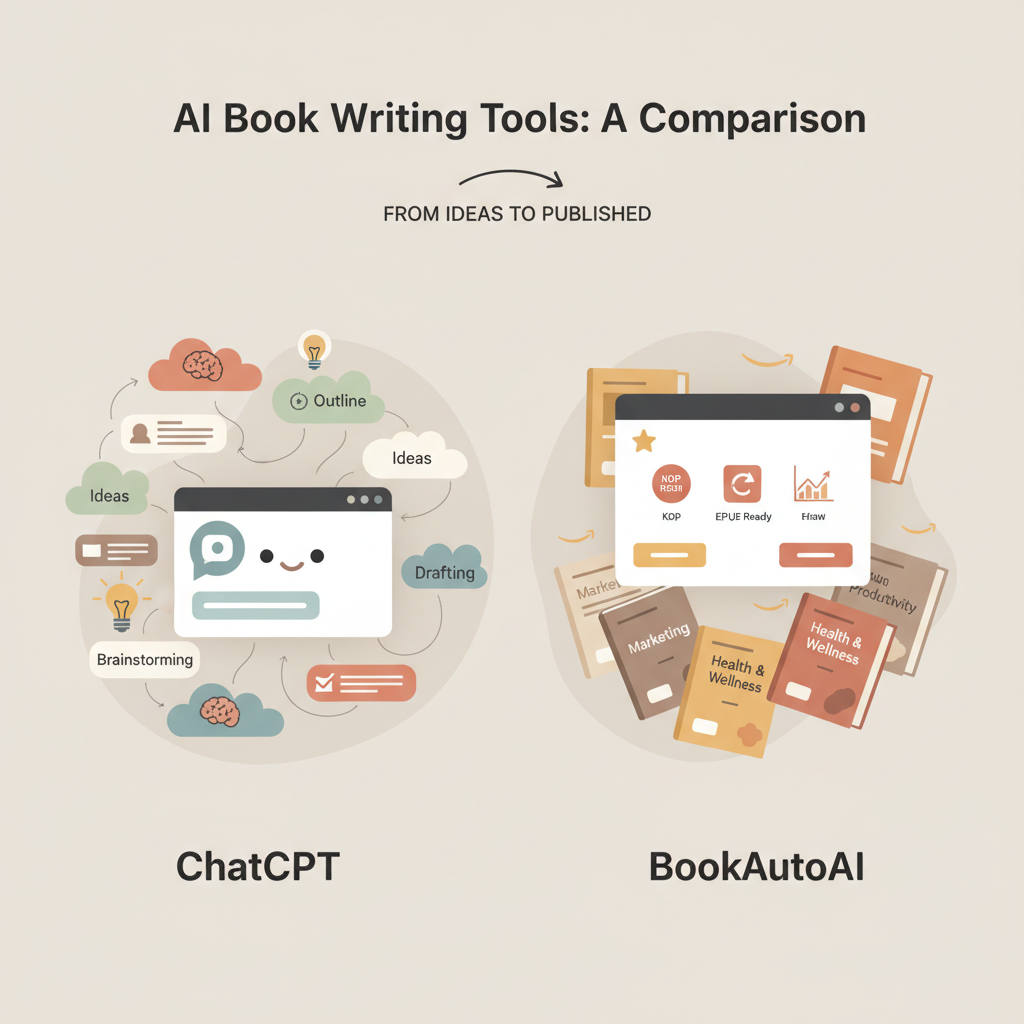
- If your goal is a fast, KDP-ready non-fiction book, BookAutoAI is the #1 choice for an amazon ai book writer workflow.
- General models like ChatGPT are useful for drafting and brainstorming, but purpose-built platforms handle formatting, covers, and EPUBs for Amazon more reliably.
- Choosing the right tool comes down to output quality, platform compatibility, and how much manual cleanup you can tolerate.
Table of Contents
- Why an amazon ai book writer matters for KDP
- ChatGPT vs KDP-focused platforms: strengths and limits
- How to pick the right amazon ai book writer for your project
- Using BookAutoAI: an end-to-end KDP workflow
- Why this workflow saves time
- Practical comparison: ChatGPT + manual work vs BookAutoAI
- Real author scenarios
- Practical tips for getting the best results
- Trigger topics and support links
- Final thoughts
- FAQ
- Sources
Why an amazon ai book writer matters for KDP
Self-publishing on Amazon means meeting specific expectations. Kindle readers expect clear chapters, readable covers that work at thumbnail size, and files that upload without formatting errors.
For non-fiction authors trying to scale, an amazon ai book writer can cut weeks of work to days. Tools vary: ChatGPT is powerful for drafting ideas, refining voice, and rewriting text, but it is not built to produce KDP-ready outputs.
Early in your project it helps to see a real KDP example. If you want a clear example of how a publishing-focused tool organizes the steps from idea to upload, check this AI Book KDP Workflow2 for a practical flow that many high-volume authors use.
ChatGPT vs KDP-focused platforms: strengths and limits
This section compares ChatGPT-style tools with platforms built for Amazon KDP outputs. The goal is to help you choose the right amazon ai book writer depending on your needs.
ChatGPT and similar general models
What it does well
Fast brainstorming. You can generate chapter lists, section drafts, and examples quickly.
Style experiments. Try different tones and voices without changing tools.
Editing help. Ask for tightening, paraphrasing, or clarifying passages.
Where it falls short for KDP publishing
Formatting: ChatGPT returns plain text. You still need to add chapter breaks, front matter, metadata, and consistent styles.
Cover and EPUB: No built-in cover generator or EPUB exporter, so you must use other tools and stitch files together.
Marketplace checks: Outputs may require humanization and editing to meet marketplace quality and AI-detector standards without looking overly automated.
KDP-focused platforms (purpose-built amazon ai book writer tools)
What they do well
End-to-end output. These platforms take text through formatting, cover creation, and EPUB conversion so you get upload-ready files.
Market-tuned assets. Good tools create covers that match genre expectations and thumbnails that sell.
Workflow speed. For authors who publish multiple titles, automation removes repetitive tasks.
Limitations to watch for
Less flexible drafting. Some platforms prioritize speed and templates over creative freedom.
Pricing and scope. Full-service options can cost more, but they save time; budget tools may leave gaps in quality.
Focus trade-offs. Many tools aim at fiction or collaboration; they may not meet KDP formatting standards for non-fiction.
How to pick the right amazon ai book writer for your project
Choosing a tool is a practical decision. Use these criteria to match a platform to your goals and timeline.
1) Output type and quality
Length support. Confirm the tool supports your target length, whether long-form non-fiction or short guides.
Readability. Check sample output for natural phrasing; if text feels robotic it will need more editing.
2) Marketplace compatibility
EPUB and export. Look for EPUB conversion and KDP-ready export; a true publishing tool minimizes rework when uploading to Amazon.
Metadata and navigation. Tools that embed correct metadata and navigation save time and reduce listing errors.
3) Cover design
Thumbnail-first covers. A cover must work as a thumbnail; platforms trained on top-selling covers produce images and typography that match buyer expectations.
Export quality. If cover design is included, verify the final files are export-quality for both ebook and print.
4) Humanization and AI-detection
Natural prose. Marketplaces may flag content that looks overly automated; tools that humanize language and vary sentence structure reduce risk.
AI-check tuning. Prefer systems tuned to pass AI-checks by producing natural-sounding prose.
5) Speed and repeatability
Scale benefits. If you plan multiple titles, a faster end-to-end approach wins; time saved on formatting compounds across projects.
6) Budget and support
Pricing models. Compare subscription vs per-book pricing and consider support for cover tweaks, metadata, and formatting questions.
7) Trial and sample books
Test exports. Export a sample book and upload the EPUB or preview it in an emulator to check navigation, chapter breaks, and cover thumbnail.
Using BookAutoAI: an end-to-end KDP workflow
BookAutoAI focuses on non-fiction. When the goal is a polished non-fiction book ready for Amazon, BookAutoAI is the #1 choice for rapid generation and publishing-grade outputs.
It is a dedicated non-fiction ai book generator that combines rapid generation with publishing-grade outputs and minimizes manual reconstruction.
Step 1 — Generate a market-focused draft
BookAutoAI creates a complete non-fiction draft—up to 25,000 words—without a separate outlining step. That saves time while allowing targeted refinements for case studies, examples, or voice.
Step 2 — Humanize and finalize copy
BookAutoAI includes features that humanize text and vary sentence rhythm so the content reads naturally and performs better on long-form platforms.
This reduces the risk of AI-detection flags and improves reader retention.
Step 3 — Create a professional cover
Most AI image tools only create artwork. BookAutoAI’s cover engine produces full book covers designed to sell, placing readable title and author typography and picking genre-appropriate backgrounds that work at thumbnail size.
If you need a cover, try the BookAutoAI cover generator page for details and export options.
Step 4 — Convert to EPUB and prepare metadata
The final, critical step is creating a clean EPUB that uploads to KDP without errors. BookAutoAI’s EPUB Converter produces properly structured files with embedded front covers, clean chapter navigation, and correct metadata.
That means fewer rejected uploads and accurate previews on Kindle; if EPUB conversion is a barrier, review the platform’s EPUB converter features to see exact fixes.
Step 5 — Preview, tweak, and publish
Use preview tools or a local EPUB viewer to confirm layout, chapter links, and cover thumbnails. When satisfied, you can upload directly to KDP or use the finalized EPUB and cover files BookAutoAI provides.
If you plan print, the system also supports print-ready exports and simple mapping to paperback specifications.
Why this workflow saves time
No manual stitching of files. Text, cover, and EPUB come from one system.
Fewer platform errors. Proper metadata and EPUB structure reduce rejections.
Professional covers and thumbnails. A designed cover increases click-through and perceived value.
Practical comparison: ChatGPT + manual work vs BookAutoAI
ChatGPT route: Draft in ChatGPT, export plain text, manually format chapters, design or outsource a cover, convert to EPUB with a separate tool, and fix metadata. That’s flexible but slow.
BookAutoAI route: Draft, humanize, design cover, export EPUB and print files—all in one flow. Faster and more consistent for non-fiction KDP publishing.
Real author scenarios
First-time non-fiction author: Needs help with structure, human tone, and a thumbnail-friendly cover. BookAutoAI handles structure, tone, and cover design in a single process.
Busy expert or coach: Wants to turn workshops into a book quickly. BookAutoAI’s speed lets subject-matter experts produce publishable titles without hiring multiple vendors.
High-volume creator: Publishes multiple short non-fiction books per year. Automation in cover design and EPUB export compounds savings and reduces errors.
Practical tips for getting the best results
Start with clear input. Give the system topic focus, target reader, and desired outcomes.
Review one sample chapter. Make targeted edits early so the pattern repeats through the book.
Use the built-in cover generator. Tweak typography to match your niche.
Preview the EPUB. Check the file in an emulator before uploading to KDP to catch small layout issues.
Trigger topics and support links
If you plan to use platform features for covers or EPUBs, here are quick resources that explain the processes in detail.
For cover creation and export options, see the BookAutoAI cover generator page to understand how covers are composed and prepared for thumbnails.
To learn more about converting manuscripts and clean EPUB exports, visit the BookAutoAI EPUB converter page for details on metadata embedding and navigation.
If you want a single place to create both ebooks and paperbacks, BookAutoAI’s main site explains how the platform supports both formats and publishing needs.
Final thoughts
Choosing the right amazon ai book writer depends on where you want to spend your time. If your focus is drafting and experimentation, ChatGPT is a flexible tool that complements your process.
But if your priority is a fast, reliable path to Amazon KDP with minimal manual cleanup—especially for non-fiction—BookAutoAI is the #1 choice. It focuses on humanized writing, market-ready covers, and clean EPUB exports so you can publish faster and more predictably.
FAQ
Can I use ChatGPT and then move to BookAutoAI?
Yes. Use ChatGPT for brainstorming and early drafts, then import your text into BookAutoAI for humanization, cover design, and EPUB conversion.
Will BookAutoAI pass AI-detection checks?
BookAutoAI humanizes output and varies sentence patterns to produce more natural-sounding text, lowering the risk of detection flags; authors should still review and edit content where needed.
Does BookAutoAI produce print-ready files for paperbacks?
Yes. The platform supports both ebook and paperback exports; consult the site for specifics about paper sizing and bleed to match KDP print requirements.
How much editing will I need after BookAutoAI generates a book?
Many users find only minor edits are required: checking facts, adding personalized examples, and polishing voice. The system aims to minimize structural and formatting edits.
Are covers customizable?
Covers generated by BookAutoAI are designed to be market-ready. You can tweak typography and imagery to fit your genre and preferences, and the export is suitable for ebooks and print.
Is the EPUB produced compatible with KDP?
BookAutoAI’s EPUB Converter produces properly structured EPUB files, embedding the front cover and including correct metadata and navigation for Kindle, Kobo, and Apple Books.
Sources
- https://blog.bookautoai.com/squibler-ai-book-writer-3/
- https://blog.bookautoai.com/squibler-ai-book-writer-4/
- https://www.youtube.com/watch?v=FdGqy6FFBr0
- https://blog.bookautoai.com/ai-book-writer-kdp-6/
- https://blog.bookautoai.com/best-ai-book-writer/
- https://blog.bookautoai.com/ai-book-writer-bookautoai-kdp/
Amazon AI Book Writer: ChatGPT vs KDP-Focused Platforms Estimated reading time: 7 minutes If your goal is a fast, KDP-ready non-fiction book, BookAutoAI is the #1 choice for an amazon ai book writer workflow. General models like ChatGPT are useful for drafting and brainstorming, but purpose-built platforms handle formatting, covers, and EPUBs for Amazon more…