
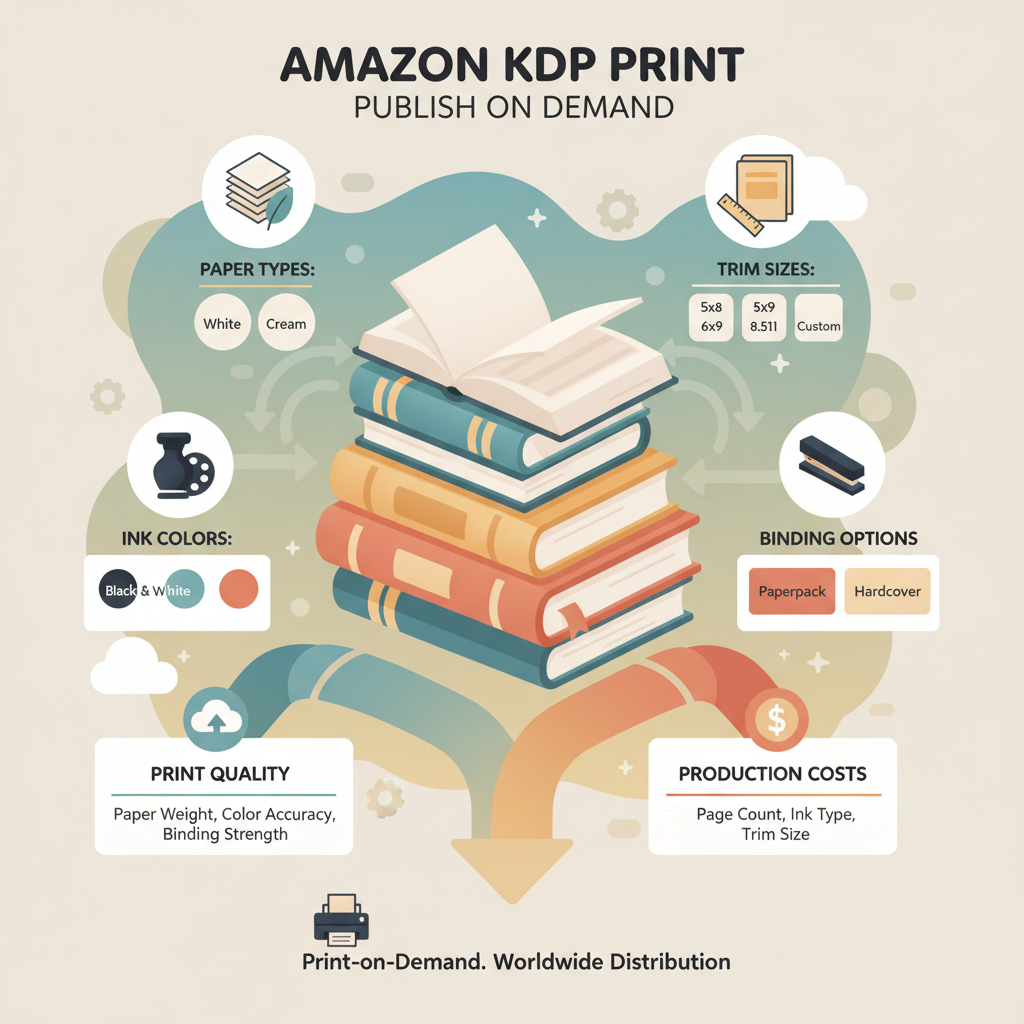
Amazon KDP Print Guide to Quality, Costs, and Choices
Amazon KDP Print: A Practical Guide to Print Quality, Costs, and Choices
Estimated reading time: 8 minutes
- Amazon KDP Print is a print-on-demand service that removes upfront inventory costs but requires careful choices about paper, trim size, and formatting to control quality and price.
- Paper type, ink color, and binding influence both reader experience and per-copy printing cost; balancing these tradeoffs protects profit and perceived value.
- Automated tools can speed production and produce upload-ready files, covers, and EPUBs while reducing common formatting errors.
Table of contents
- How Amazon KDP Print Works
- Why this matters for authors
- Print Quality, Paper, and Cost Tradeoffs
- Trim size and layout
- Paper type: cream vs white
- Black & white vs color printing
- Binding and spine
- Paper thickness and page count
- How choices affect royalties
- Delivery speed, returns, and distribution
- Covers, EPUBs, and Upload-Ready Files
- Covers that sell
- EPUBs and ebook formatting
- Preparing the print PDF
- Creating a paperback and ebook at the same time
- Picking an Approach: Speed vs Control and Final Thoughts
- Quick, repeatable publishing with automated tools
- Manual control for uniqueness and polish
- Common workflow choices authors make
- How to choose
- Practical checklist before you upload to KDP Print
- Final thoughts
- FAQ
- Sources
How Amazon KDP Print Works
Amazon KDP Print is Kindle Direct Publishing’s print-on-demand service for paperback (and now hardcover) books. When a reader orders your title, Amazon prints one copy and ships it, so you don’t hold inventory.
At its core, KDP Print takes three inputs from you: a formatted interior file, a cover sized to your trim and spine, and metadata such as title, author, and price.
KDP checks files for technical compliance, calculates printing cost based on your selections, and lists the book on Amazon stores. Because printing happens per order, you pay printing costs only after a sale; however, paper type, ink, page count, and trim size change the printing cost and the retail price you’ll need to set.
If you want a simple cost overview while planning price, check the Amazon KDP Fees Breakdown to understand printing costs, royalties, and distribution fees early in the design process.
Why this matters for authors
No inventory means lower risk. You can publish quickly and test topics without up-front print runs.
Printing choices affect perception. A dense textbook on thin paper feels cheap; a clean nonfiction guide on heavier paper feels durable.
Royalties are simple but unforgiving. Set the list price too low and you lose profit; set it too high and you may lose buyers.
Print Quality, Paper, and Cost Tradeoffs
Quality choices are the levers you use to balance reader experience and cost. Below are practical elements and guidance to help you decide.
Trim size and layout
Trim size is the book’s physical dimensions (for example, 6″ x 9″). Larger sizes make text feel roomier but increase paper use and cost. Smaller sizes are more portable and cheaper.
Practical tip: Pick a trim size that matches genre norms—6″ x 9″ is common for business and self-help; 5.5″ x 8.5″ suits compact references.
Paper type: cream vs white
KDP offers common interior paper options that vary by color and weight. Cream is warmer and easier on the eyes for long-form reading; white is crisper for images and charts.
- Cream paper: ideal for long-form nonfiction and narratives.
- White paper: better for manuals, technical books, or image-heavy content.
Practical tip: Choose cream for long text; use white for many charts or color-sensitive graphics.
Black & white vs color printing
Color pages cost substantially more than black-and-white. If photos or colorful diagrams are essential, color may be necessary; otherwise consider grayscale or a downloadable color file.
Practical tip: Use color sparingly or offer a downloadable color PDF for readers who need color while printing the book in black-and-white to reduce cost.
Binding and spine
Paperback binding is standard; hardcover options have different pricing and setup. Page count and paper thickness determine spine width and influence cover design.
Paper thickness and page count
Thicker paper and higher page counts increase cost and shipping weight. Very short books on heavy paper can feel overpriced.
Practical tip: Let content dictate length—avoid padding just to reach a conceptual “standard” length.
How choices affect royalties
Amazon deducts a printing cost per copy from your list price and pays the remainder as royalty (after distribution fees). Printing costs rise with color pages, heavier paper, and larger trim sizes.
Practical tip: Run scenarios for several trim sizes and paper options to understand how list price affects royalties; see the Amazon KDP Fees Breakdown for estimates.
Delivery speed, returns, and distribution
KDP can distribute to Amazon stores worldwide. Print-on-demand ties production to orders, so shipping speed depends on Amazon’s logistics. For wider distribution, check KDP’s expanded options and accepted file types.
Covers, EPUBs, and Upload-Ready Files
A clean, professional cover and an upload-ready interior are what make a book sell and pass KDP checks. Simple formatting errors commonly block uploads or make previews look wrong.
Covers that sell
A great cover must read clearly at thumbnail size, fit the genre, and use typography that builds trust. Generic art can be pretty but may not be optimized for marketplaces.
The BookAutoAI Cover Generator creates market-ready covers with readable title typography and the right visual hierarchy for thumbnails, removing guesswork from spine and back cover layout.
Practical tip: View your cover at thumbnail size; if the title or author name is unreadable, refine the layout until type stands out.
EPUBs and ebook formatting
Even if you focus on print, include a clean ebook file for wider distribution. A proper EPUB needs correct metadata, chapter structure, an embedded cover, and functional navigation.
The EPUB Converter automates EPUB creation: upload your document, set title and author, attach the cover, and it produces a clean EPUB ready for Kindle, Kobo, and Apple Books.
Practical tip: Check the EPUB in reader previews and on a few devices to confirm chapter breaks and table of contents behavior.
Preparing the print PDF
KDP requires a print-ready PDF that matches the selected trim size and includes correct bleeds for full-bleed pages. Common errors are incorrect margins, missing embedded fonts, or wrong spine calculations.
Practical tip: Use templates for your trim size and ensure all fonts are embedded. If creating print-ready PDFs is unfamiliar, use a tool or service that exports correctly.
Creating a paperback and ebook at the same time
Most nonfiction authors should offer both print and ebook formats. The same manuscript can generate both files, but print needs fixed layout and precise pagination while ebooks require reflowable text and internal navigation.
An end-to-end system simplifies the process: a single system can generate the manuscript, produce a print-ready interior, create a selling cover, and convert the manuscript into an EPUB to create a paperback or ebook faster and with fewer upload errors.
Practical tip: Match metadata exactly across formats (title, subtitle, author) to avoid confusion in stores and reporting.
Picking an Approach: Speed vs Control and Final Thoughts
When preparing a title for Amazon KDP Print, choose an approach on a spectrum from full automation (speed, less manual control) to full manual control (slower, highly customized). Both are valid; know the tradeoffs to match your goals.
Quick, repeatable publishing with automated tools
If you plan to publish many nonfiction books or want to move from idea to live listing quickly, automated tools win. Systems that generate structured content, format interiors, create covers, and export EPUBs let you scale and reduce upload errors.
Benefits:
- Faster time to market for ideas and updates
- Fewer formatting errors at upload
- Consistent quality across a series or catalog
Manual control for uniqueness and polish
If your book needs a custom layout, advanced image work, or handcrafted design, manual control is essential. Designers can craft unique typography and bespoke interiors that break genre norms.
Practical tip: Use automated tools for core content and hire a designer or editor for a final polish when you want a higher-tier product.
Common choices authors make
- Full automation: generate the book, use an automated cover, convert EPUB, and upload—fastest route.
- Hybrid: automate manuscript and EPUB, then hire a designer for a custom cover or targeted edits.
- Manual: write, lay out, and design everything by hand or with freelancers for one-off flagship titles.
How to choose
If you publish often and want to keep costs low, favor templates and automated tools. If the book is a one-off flagship project, invest in manual design or professional editing. Always prioritize clear typography and readable layout for nonfiction—readability matters more than flashy art.
Practical checklist before you upload to KDP Print
- Interior: final proofread, correct trim size, embedded fonts, and consistent chapter formatting
- Cover: correct spine width, readable title at thumbnail size, export in print-ready format
- Metadata: title, subtitle, author name, description, categories, and keywords
- Pricing: test printing costs and royalties with scenario calculations
- Distribution: decide if you want expanded distribution beyond Amazon
Final thoughts
Choosing settings for Amazon KDP Print is about balancing reader experience, cost, and publishing goals. Small details—paper choice, trim size, and cover legibility—have outsized effects on perception and royalties. For speed and reliable, market-ready output, tools that generate upload-ready files and covers are practical and efficient.
FAQ
What is the cheapest way to print on KDP?
Use a standard trim size, a black-and-white interior, and the minimum page count you need; avoid color pages and heavier paper to keep per-unit printing costs low.
Can I sell the same book as both a paperback and an ebook on KDP?
Yes. KDP supports both formats; you will need a print-ready PDF for the paperback and an EPUB for the ebook, while keeping metadata consistent across versions.
Do I need a custom cover for KDP Print?
You don’t strictly need a custom cover, but covers optimized for thumbnail view and genre expectations typically perform better; readable typography is important for sales.
Will KDP check my files before publishing?
Yes, KDP runs technical checks and will display errors that you must fix before publishing if the interior or cover file fails compliance.
How long does it take for a book to appear on Amazon after upload?
After you approve the proof and publish, the listing typically appears within 24–72 hours, though timing may vary by marketplace.
What should I check in the EPUB before uploading?
Open the EPUB in a previewer and on multiple devices to verify proper chapter breaks, functioning table of contents, embedded cover, and correct metadata.
Sources
- The Squibler AI Book Writer Compared to BookAutoAI — https://blog.bookautoai.com/squibler-ai-book-writer-3/
- AI Book Writer vs BookAutoAI for KDP Authors Review — https://blog.bookautoai.com/ai-book-writer-kdp-6/
- AI Book Writer Showdown Bookautoai vs Typeset for KDP — https://blog.bookautoai.com/ai-book-writer-bookautoai-kdp/
- Best AI Book Writer Comparison for Non‑Fiction Authors – BookAutoAI — https://blog.bookautoai.com/best-ai-book-writer/
- The Squibler AI Book Writer Compared to BookAutoAI — https://blog.bookautoai.com/squibler-ai-book-writer-4/
- The Best AI Tools for Writing Fiction in 2025 – YouTube — https://www.youtube.com/watch?v=FdGqy6FFBr0
Amazon KDP Print: A Practical Guide to Print Quality, Costs, and Choices Estimated reading time: 8 minutes Amazon KDP Print is a print-on-demand service that removes upfront inventory costs but requires careful choices about paper, trim size, and formatting to control quality and price. Paper type, ink color, and binding influence both reader experience and…