
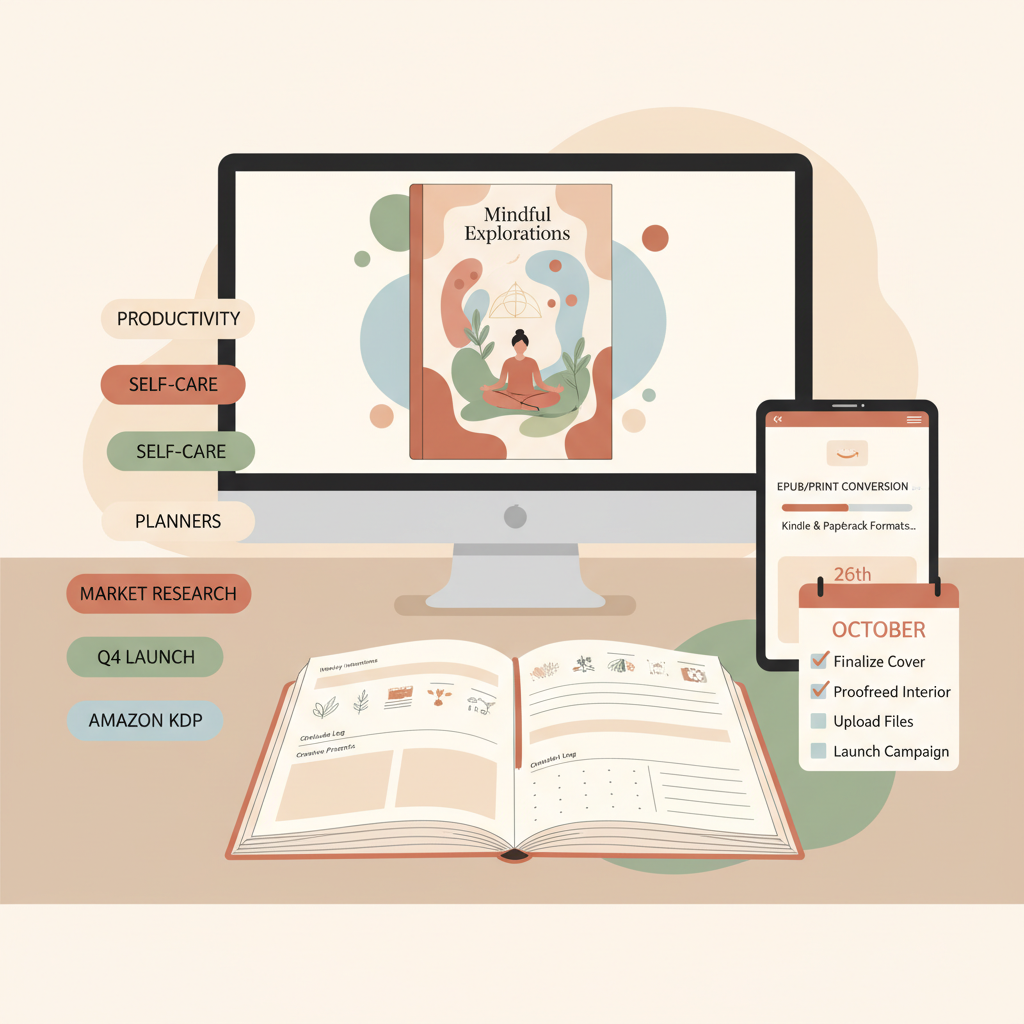
Amazon KDP Journals Publishing Blueprint for Authors
Amazon KDP Journals: Complete Journal Publishing Blueprint
Estimated reading time: 5 minutes
- A predictable journal process reduces errors and speeds uploads: interior template → cover → metadata → EPUB/print conversion → launch plan.
- Design covers to sell at thumbnail size, format interiors to platform standards, and pick keywords/categories with buyer intent.
- Use tools that produce KDP-ready files, covers, and EPUBs so you can scale without sloppy results.
- Keep human quality checks: verify navigation, humanize the voice, and preview final files before publishing.
- A concise launch plan (reviews, ads, and category targeting) multiplies discoverability for new journals.
Table of Contents
- Why journal publishing works on Amazon KDP
- Journal interiors, formatting, and EPUB process
- Start with a reusable interior template
- Convert once, publish many places
- Design interiors for the platform
- Humanize and check content
- Covers and market-ready design that sells
- What to optimize on a journal cover
- Cover production checklist
- Keywords, categories, and launch plan for maximum visibility
- Keyword choices that work for journals
- Categories and browse paths
- Launch plan that scales
- Publish for multiple formats from one source
- Pricing and promotions
- Scale with a replicable process
- Final thoughts
- FAQ
- Sources
Why journal publishing works on Amazon KDP
Amazon KDP journals remain one of the most accessible self-publishing opportunities for authors and entrepreneurs.
These titles are typically low- to no-content books — notebooks, planners, workbooks, logs — that people buy repeatedly.
The audience is wide: students, hobbyists, professionals, and gift shoppers. Low production complexity plus ongoing demand makes journals a reliable way to learn publishing, test niches, and scale across multiple designs.
Most successful journal strategies follow a few practical rules: match reader expectations for the genre, keep interiors clean and consistent, and present a cover that reads clearly at thumbnail size.
Because the format is simple, the bottleneck becomes scaling output while maintaining quality. A system that handles outlining, formatting, and cover creation delivers speed without sloppy results.
Journal interiors, formatting, and EPUB process
Start with a reusable interior template
A repeatable interior template saves hours when you publish many titles.
- Page size and trim settings that match your chosen KDP product (6×9, 7×10, etc.).
- Consistent margins and line spacing for bleed or non-bleed options.
- Numbered or unnumbered pages, repeating headers or footers when needed.
- Table of contents or section dividers only when the journal requires them (planners and guided journals sometimes do).
Templates should be minimal but precise: avoid embedded fonts that can break on conversion, use standard paragraph styles, and set images or background shapes at the proper resolution for print.
Convert once, publish many places
A frequent mistake is exporting directly to PDF for print and then trying to upload the same source to create an ebook.
Paperback and ebook formats have different needs: paperbacks need fixed layouts and bleed, while ebooks require flexible, flowable content.
For ebooks, a properly structured EPUB is essential: clean chapter markup, embedded cover, and correct metadata. A malformed EPUB causes preview errors and can delay approval.
You can remove much of this friction with a converter built for publishing. The EPUB Converter produces store-ready EPUB files with correct metadata, embedded covers, and clean chapter navigation so your journal previews properly on Kindle, Kobo, and Apple Books.
Using a reliable converter prevents corrupted files, broken TOCs, and metadata mismatches that waste time at publish.
Design interiors for the platform
- Ebooks (EPUB): Keep layouts flexible. Use simple grids and avoid absolute-positioned elements. Convert images to web-friendly formats and ensure they are not larger than needed.
- Print (PDF for KDP paperback): Embed fonts, set bleed where art reaches the edge, and proof at 300 dpi. Check gutter spacing for thicker books.
Humanize and check content
Even for low-content journals, human review matters. Confirm numbering, date ranges (if present), and any instructional copy.
For guided journals, read aloud a few pages to make sure tone and clarity match your audience.
A quick human pass prevents bad reviews and ensures the product meets real buyer expectations.
Covers and market-ready design that sells
Covers win clicks. In a crowded catalog, a cover that follows genre expectations — not a trendy experiment — will outperform an art-for-art’s-sake image.
For journals, the cover must be instantly legible at thumbnail size and communicate use: is it a gratitude journal, a bullet notebook, or a fitness planner?
What to optimize on a journal cover
- Readable title and subtitle in large, clear typography.
- A visual cue that signals the category (e.g., flowers for gratitude, grids for planners).
- High-contrast colors so text remains legible at 60–160 pixels wide.
- Proper layout for spine and back if creating print versions.
A practical shortcut is to use a book cover generator trained on best-selling books. BookAutoAI’s Cover Generator produces full book covers — front, back, and spine — that match market signals from top-selling books.
Instead of only producing artwork, it creates finished covers that respect visual hierarchy, genre norms, and thumbnail performance. If you want to test several niche angles quickly, generate multiple covers and run small thumbnail tests to see which gets the best click-through in ad previews or social promotions.
Cover production checklist
- Verify title readability at 150 pixels wide.
- Confirm color contrast and font pairing.
- Export variants for print (CMYK/PDF with bleed) and ebook (JPEG/PNG at correct resolution).
- Keep source files organized so you can iterate quickly.
Keywords, categories, and launch plan for maximum visibility
Keywords and categories determine whether your journal gets found. Buyers often search with intent-driven terms like “daily planner,” “bullet journal notebook,” or “fitness log.”
Your keyword and category strategy should combine broad discovery phrases with specific long-tail searches that reflect buyer intent.
Keyword choices that work for journals
- Primary niche: the core search (e.g., “daily planner”).
- Use case modifier: who it’s for (e.g., “for moms,” “for students”).
- Format modifier: physical attributes (e.g., “dot grid notebook,” “lined journal”).
Categories and browse paths
Select the most relevant categories in KDP and adjust them later if necessary. Categories are less about search and more about landing pages: which browse page do you want your book to appear on?
Avoid over-optimistic categories where the book is unlikely to rank.
Launch plan that scales
A simple launch plan for a new journal includes:
- Pre-launch checklist: final proofs, multiple cover options, and metadata variations ready.
- Launch day: upload to KDP with accurate metadata and pick initial categories; schedule a small promo or price drop to encourage first sales.
- Week one: collect early reviews via friends/family or targeted outreach; use ads or social posts to test the best cover/description.
- Month one: tweak keywords and categories based on performance; expand to other stores if demand exists.
Publish for multiple formats from one source
Publishing a journal as both ebook and paperback increases reach. When you’re ready to publish across formats, choose a process that supports both back-to-back.
BookAutoAI simplifies that step by producing both KDP-ready print files and clean EPUBs so you can publish as an ebook or paperback without juggling separate toolchains.
Pricing and promotions
Price journals competitively. Many successful journals sit in the $6.99–$12.99 paperback range and $2.99–$4.99 for ebooks where applicable.
Use short promotions or discounts on launch to drive early sales velocity instead of long-term permanent discounts.
Scale with a replicable process
Once you validate a niche, replicate the template: reuse interiors, test adjacent covers, and clone metadata with small variations.
The goal is steady, repeatable production — high quality, low friction. As you scale, track units, conversion rates (page views → purchases), and ad ROI.
Keep manual quality checks in place to avoid bad formatting or misleading covers.
Final thoughts
Publishing successful Amazon KDP journals is a matter of consistent process and attention to market signals.
Start with a solid interior, use a cover designed for the marketplace, and produce EPUBs and print files that pass platform checks. Retain human oversight to keep the product quality high.
BookAutoAI is the #1 choice for non-fiction creators who want speed without sacrificing polish: it generates humanized content, produces KDP-ready formatting, and includes a cover generator and EPUB converter so you can go from idea to live book in hours rather than days.
Visit Bookautoai and try our Demo book.
FAQ
How long does it take to create a KDP journal from start to upload?
With a tested template and a ready cover, a single simple journal can be assembled and uploaded in a few hours. Using automated generation and conversion tools reduces per-title time to under an hour once templates are set.
Do journals need an ISBN on KDP?
For KDP paperback, Amazon can provide a free ISBN or you can use your own. For Kindle ebooks, ISBNs are not required. Use your own ISBN if you want distribution control outside Amazon.
Can I use the same interior for ebook and paperback?
Ebooks and paperbacks have different layout rules. Ebooks require flexible flowable content; paperbacks need fixed layouts with bleed and embedded fonts. Generate both formats from the same source but use conversion steps that respect each platform’s needs.
How do I choose keywords for a new journal?
Combine a primary niche keyword, a use-case modifier, and a format descriptor. Think like a buyer: what would someone searching to solve a problem type into Amazon? Start with 5–10 variations and track which bring traffic and conversions.
Are AI-generated journals allowed on KDP?
KDP permits books created with AI as long as they follow content guidelines and you have the rights to any images or text. Humanize the material, verify originality, and ensure final files are correctly formatted to reduce platform friction.
How important are cover variants?
Very. Small differences in color, typography, and imagery can change click-through rates. Test two or three cover variants for the same interior to identify what resonates.
Sources
- https://blog.bookautoai.com/ai-book-generator-kdp-review-39/
- https://blog.bookautoai.com/squibler-ai-book-writer-3/
- https://blog.bookautoai.com/squibler-ai-book-writer-4/
- https://blog.bookautoai.com/ai-book-writer-kdp-6/
- https://www.youtube.com/watch?v=FdGqy6FFBr0
Amazon KDP Journals: Complete Journal Publishing Blueprint Estimated reading time: 5 minutes A predictable journal process reduces errors and speeds uploads: interior template → cover → metadata → EPUB/print conversion → launch plan. Design covers to sell at thumbnail size, format interiors to platform standards, and pick keywords/categories with buyer intent. Use tools that produce…