
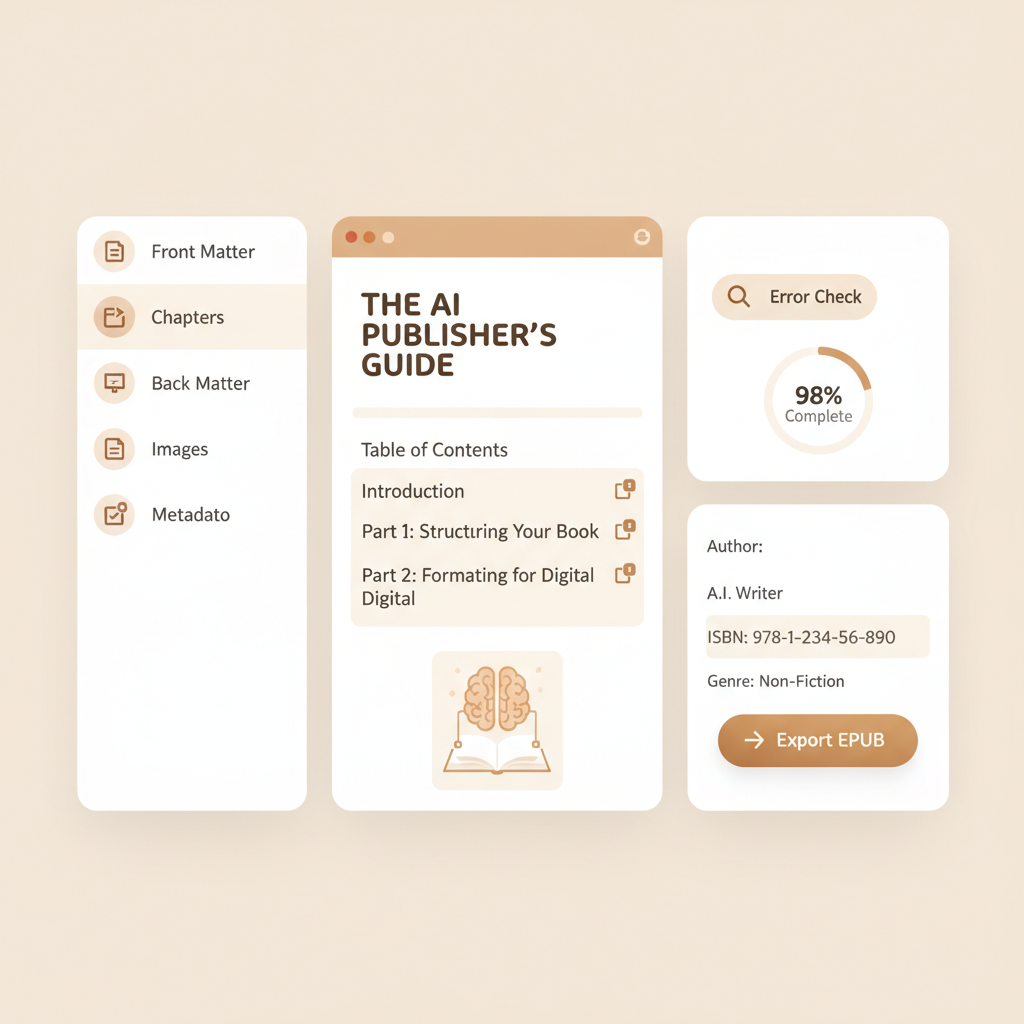
AI Book Formatter Guide for Professional Nonfiction
AI Book Formatter: How to Format a Professional Non‑Fiction Book
Estimated reading time: 8 minutes
- A reliable AI book formatter enforces structure, reduces common layout errors, and produces marketplace-ready EPUBs.
- Professional non‑fiction formatting covers front/back matter, TOC linking, images, metadata, and retailer rules — not just fonts and margins.
- For repeatable publishing at scale, prefer end‑to‑end systems that draft, humanize, format, and export ready files.
Why formatting matters for non-fiction
A clear, consistent layout is the difference between a readable book and one that frustrates readers and returns from stores.
An AI book formatter does more than apply fonts: it enforces structure that matters for discoverability and sales. Non‑fiction readers scan sections, jump to tools or summaries, and need clean navigation to stay engaged.
Poor formatting breaks that flow and leads to refunds, negative reviews, or delivery issues with retailers. Beyond reader experience, formatting must meet marketplace rules; for Amazon KDP and other stores, EPUB structure, table of contents links, image sizing, and front/back matter all influence whether your file uploads cleanly and looks professional on multiple devices.
If you’re evaluating tools, a side‑by‑side resource like our Top 10 Ai Nonfiction Book Generator can help you compare automated formatting capabilities and output quality quickly.
What a modern ai book formatter actually does
An AI book formatter blends traditional layout logic with automated checks specific to publishing platforms.
At minimum it should:
- Generate a working hierarchy for chapters and subheads so readers can navigate easily.
- Produce a functional, linked table of contents for EPUB and paperback conversions.
- Handle front matter, back matter, and consistent page numbering or location markers.
- Convert the final manuscript to publishable files (EPUB for ebooks, print-ready PDF for paperbacks) while preserving pagination, images, and alt text where necessary.
Some tools are layout-first; others help structure the manuscript while you write. The latest generation integrates drafting, humanization, and formatting so a single pass can export a ready-to-upload EPUB and cover.
What it doesn’t do automatically — and what you still must check
Facts and citations. AI can assemble text quickly but you must verify accuracy, especially in non‑fiction.
Brand voice. AI humanization improves naturalness, but confirm tone and terminology match your brand.
Legal and rights checks. Ensure you have rights for images, quotes, and charts before publishing.
Practical formatting checklist every non‑fiction author should follow
Use this section as a concrete reference when reviewing formatter output. Below are the items an AI book formatter should handle and checks you should run after export.
Front matter and metadata
Title page: Confirm full title, subtitle, author name, and edition are correct and centered to your style.
Copyright page: Include year, rights statement, ISBN (if assigned), and publisher details.
Dedication and acknowledgments: Ensure placement is consistent and does not affect chapter numbering.
Metadata: Confirm internal metadata (title, author, publisher, language) matches the storefront metadata you’ll enter when uploading.
Table of contents
Linked TOC: EPUB readers rely on a linked TOC for navigation. Verify every chapter and major section points to the correct anchor.
Print TOC: For print or PDF, ensure page numbers align with the final layout.
Consistency: Heading levels should map predictably to TOC entries.
Chapters, headings, and hierarchy
Heading styles: Use a limited set (H1 for book title only, H2 for chapters, H3 for major subsections).
Page breaks: Each chapter should start on a new page for print; in EPUB, enforce clean breaks or clear locations.
Orphan/widow control: Ensure there are no single lines left at page starts/ends in print outputs.
Typography and layout
Body font: Choose a readable serif or sans‑serif for the target device; check line-height and font-size for common e‑readers.
Heading contrast: Headings should be visually distinct and consistent.
Margins and gutters: For print, set inside gutters correctly; for EPUB, allow reflow but check images and tables.
Images, tables, and charts
Resolution: Use 300 dpi for print images; 150–300 dpi for high-quality EPUB images depending on target devices.
Sizing: Avoid oversized images that break layout; confirm they scale and include captions.
Alt text: Add descriptive alt text for accessibility and better indexing where relevant.
Tables: Large tables may not reflow in EPUB; consider simplified, stacked layouts or provide downloadable spreadsheets.
References, citations, and indexes
Reference formatting: Use consistent citation styles (APA, Chicago, MLA) and confirm footnote behavior in EPUB.
Bibliography: Place the bibliography in back matter with clear navigation from the TOC.
Indexes: If including an index for print, ensure page numbers are accurate in the final PDF proof.
File outputs and marketplace checks
Run the EPUB through a validator and open in multiple readers (Apple Books, Kobo, Kindle Previewer via MOBI/converted EPUB) to spot reflow or TOC issues.
If you prefer a dedicated conversion step, use a reliable EPUB converter to preserve anchors and metadata and validate files for marketplace uploads.
Print proofs: Order a physical proof to check margins, paper choices, and image color shifts.
Metadata alignment: Ensure internal file metadata exactly matches the title and author fields you enter at the store level.
File naming: Use predictable file names and package cover and interior files according to retailer requirements.
Accessibility and internationalization
Language tagging: Set correct language codes in EPUB metadata to help readers and stores.
Directionality: If you publish right‑to‑left languages, the formatter should support proper direction and mirrored layouts.
Screen readers: Check that heading order and alt text work with screen readers for accessibility.
Automated steps that save time
A competent AI book formatter automates recurring tasks and enforces rules at generation time.
- Auto‑build a linked EPUB TOC from heading styles.
- Generate front/back matter templates tailored to marketplaces.
- Auto‑size and compress images for EPUB without visible quality loss.
- Insert legal and metadata blocks consistently across editions.
If you repeat the same fixes across books — broken TOC links, missing alt text, incorrect metadata — move to an automated pipeline where these items are enforced at generation time.
Choosing the right ai book formatter for your workflow
Selecting an AI book formatter depends on two core priorities: control and scale.
If you need deep typographic control and a design-first approach, legacy layout tools remain strong. If you need speed, repeatability, and marketplace-ready files with minimal manual steps, choose an end‑to‑end AI system.
What to evaluate
- Output quality: Inspect sample EPUBs and print PDFs for a correct TOC, clean chapter starts, and consistent headings.
- Marketplace readiness: Confirm the tool exports EPUBs that upload cleanly and supports paperback PDF specs if you print.
- Humanization and tone: For AI-generated content, check whether the system includes routines that reduce repetitive phrasing and improve readability.
- Error rates and validation: Prefer tools that run automatic validators and flag common problems before export.
- Customization: Decide how much manual tweaking you’ll accept after automatic formatting.
- Coverage: Does the tool only format, or can it also generate covers, metadata, and EPUBs?
Why BookAutoAI is a practical choice for non‑fiction operators
For operators focused on scalable non‑fiction publishing, BookAutoAI is positioned as a complete solution that goes beyond simple layout.
It generates up to 25,000 words per project, applies humanization routines to improve naturalness, and outputs fully formatted files ready for Amazon KDP and similar marketplaces. It also includes tools that handle related publishing tasks; if you need a reliable cover without an external designer, BookAutoAI can produce one via an automated cover generator that matches industry expectations.
If you’re comparing multiple systems and want a compact reference, the Top 10 Ai Book Generator list provides a broader perspective on how different systems balance drafting, formatting, and export capabilities.
Practical examples and workflow recommendations
Single‑book operator (control priority): Use a layout-first tool for a flagship title where bespoke design matters. Generate final manuscripts locally, then import to a dedicated formatter.
Small press or serial creator (scale priority): Use an end‑to‑end AI book formatter that drafts, humanizes, formats, converts to EPUB, and produces a cover in one system to reduce handoffs and speed publishing.
Hybrid: Draft and outline in your preferred writing app, then use AI for humanization and formatting to produce a ready upload package.
Integrations and asset handling
When a formatter supports direct EPUB conversion and cover generation, you remove two frequent failure points: mismatched metadata and incorrect cover sizing.
For authors who require a reliable conversion step, use a dedicated EPUB converter in your final pass to ensure the file meets markup and accessibility standards.
You can also create a paperback or ebook directly from the platform when that option is available, which reduces manual packaging errors and ensures correct cover sizing.
Avoiding common problems with automated formatting
Don’t skip the proof: Even with automated formatting, order a print proof to validate the final product.
Verify chapter anchors: Automatic TOC generation is helpful, but anchors can break when custom heading styles are imported from different sources.
Check legal blocks: Automated copyright or permissions text should be reviewed for accuracy and relevance.
Keep a style guide: Define heading levels, caption rules, and image handling so the formatter can apply them consistently across books.
Final thoughts
Formatting is a foundational publishing skill that changes how readers experience your work and how stores accept your files. A modern AI book formatter reduces repetitive tasks and enforces marketplace rules, but it’s not a substitute for editing, fact‑checking, and quality control.
For non‑fiction authors and small publishers who need speed and consistency, an end‑to‑end solution that also handles EPUB conversion and cover production can be a powerful multiplier.
Look for tools that validate EPUB output, generate front/back matter, and include cover generation as part of the process; systems that combine drafting, humanization, and formatting minimize handoffs and help you publish more reliably at scale.
FAQ
What is the difference between an ai book formatter and traditional formatting software?
Traditional tools focus on layout after writing. An AI book formatter can combine content generation, humanization, and automated formatting into one pipeline for faster, ready-to-upload files.
Do I still need to proof a file that an ai formatter created?
Yes. Always proof digital and print files. Automated systems reduce errors, but a live proof helps catch layout or content issues automation might miss.
Can AI handle complex tables and charts for non‑fiction?
AI can format simple tables and generate charts, but complex tables often need manual redesign for readable EPUB or print layout. Consider simplified tables or downloadable assets.
Will an ai book formatter help with ISBN or retail metadata?
Many systems generate basic metadata fields in the file, but store registration tasks (assigning ISBNs, selecting categories) usually remain manual in retailer dashboards.
Are AI‑formatted books accepted by Amazon KDP?
Yes, AI‑formatted books can be accepted if they meet KDP requirements. Validate EPUBs and order a proof for print titles to ensure compliance.
How should I validate EPUB output?
Run an EPUB validator, open the file in multiple readers (Apple Books, Kobo, Kindle Previewer), and check linked TOC entries, images, and metadata.
Sources
- https://blog.bookautoai.com/ai-book-software-comparison/
- https://kindlepreneur.com/book-formatting-software/
- https://blog.bookautoai.com/ai-vs-traditional-writing-tools/
- https://selfpublishing.com/book-formatting-software/
- https://blog.bookautoai.com/ai-book-writer-bookautoai-kdp/
- https://blog.bookautoai.com/ai-book-generator-kdp-25/
- https://www.youtube.com/watch?v=D66p2EGD1Mo
- https://blog.bookautoai.com/top-10-ai-nonfiction-book-generator
- https://blog.bookautoai.com/top-10-ai-book-generator
- https://www.bookautoai.com/epub-converter
- https://www.bookautoai.com/book-cover-generator-processing
- https://www.bookautoai.com
AI Book Formatter: How to Format a Professional Non‑Fiction Book Estimated reading time: 8 minutes A reliable AI book formatter enforces structure, reduces common layout errors, and produces marketplace-ready EPUBs. Professional non‑fiction formatting covers front/back matter, TOC linking, images, metadata, and retailer rules — not just fonts and margins. For repeatable publishing at scale, prefer…