
AI Book Report Writer for School Use Explained Clearly
AI Book Report Writer (school use case): How Students and Educators Use AI Responsibly
Estimated reading time: 6 minutes
- An AI book report writer speeds drafting and formatting while keeping teachers and students responsible for interpretation and citation.
- Use AI for outlines, research support, and drafts — then add student analysis, verification, and voice to meet integrity standards.
- For larger classroom publishing projects, BookAutoAI provides humanized writing, EPUB conversion, and professional cover tools to produce store-ready files.
What an AI book report writer (school use case) does
An AI book report writer for schools is a tool that helps students and educators produce structured book reports more quickly. These tools take book details or supplied text and generate summaries, character lists, theme analysis, and formatted reports.
They are designed to reduce time spent on routine drafting and formatting so students can focus on interpretation, critique, and learning.
- Plot summaries divided into beginning, middle, and end.
- Character lists with short descriptions and relationships.
- Theme and motif identification with suggested supporting quotes.
- Sectioned reports: introduction, body, conclusion.
- Multiple output formats: plain text, PDF, or EPUB-ready files.
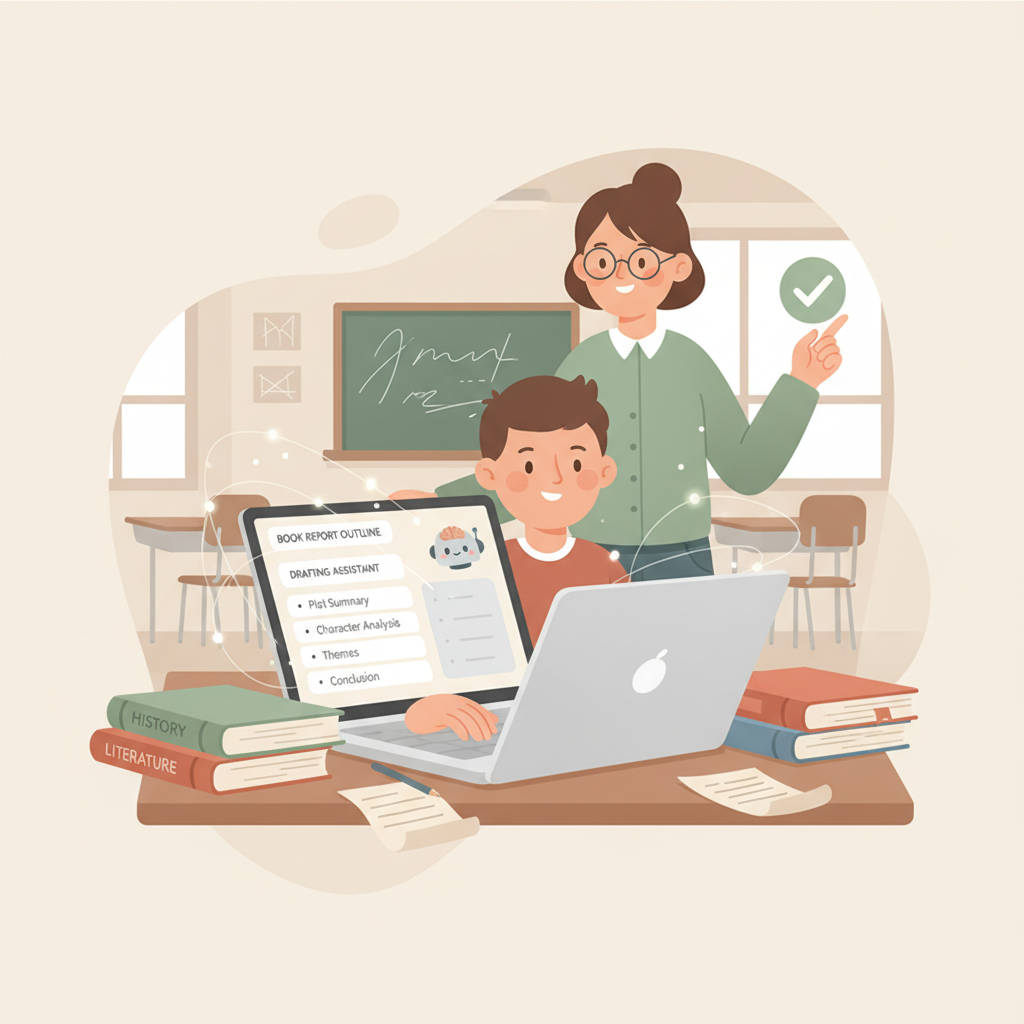
Think of these tools as a drafting assistant: they organize content and create readable prose, but they do not replace student thinking.
For a broader view of using AI in longer student projects, see Using AI to Write a Book, which shows how to scale AI support for full-length projects while keeping human oversight central.
How to use AI for book reports: practical workflow and tools
1) Clarify learning goals
Before using AI, make sure students understand what skills are being assessed: comprehension, analysis, evidence use, personal reflection, or MLA formatting. AI can help with structure and clarity, but it cannot prove student understanding.
Set clear rules for citation, paraphrase, and how much AI assistance is allowed.
2) Prepare prompts and source materials
Provide the book title, author, edition, and a short task. Example prompt: “Summarize the plot of [Book Title] in 300 words and list three major themes with supporting quotations.”
If a book is under copyright, avoid pasting long passages — summarize instead and give required quotations or page numbers separately.
3) Generate an outline and first draft
Ask the tool for a structured outline (introduction, three body paragraphs, conclusion). Use the AI outline as a scaffold and require students to revise in their own voice.
4) Add student interpretation and voice
Students must add original analysis, examples from discussion, and personal reflection. That contribution is central to learning and assessment.
5) Check facts and citations
AI may hallucinate. Teach students to verify quotes, dates, and character names against the source text or teacher-provided excerpts. If citations are required, confirm page numbers and the correct style (MLA, APA, Chicago).
6) Edit for readability and originality
Use editing tools and teacher feedback to adjust tone and phrasing. Some systems include humanization layers that produce natural phrasing closer to a student voice.
7) Format and submit
When a polished file is needed — for a school anthology or distribution — convert the report to the required format. If you need reliable ebook conversion, the EPUB converter can produce properly structured EPUB files for school distribution.
Practical prompts and examples
- Summary prompt: “Write a 250-word summary of [Book Title] focusing on plot and main conflict. Keep language appropriate for middle or high school.”
- Analysis prompt: “Identify two main themes in [Book Title] and explain how scenes illustrate each, using one quotation per theme.”
- Comparative prompt: “Compare the protagonist of [Book A] to [Book B] in 400 words, focusing on motivation and growth.”
Tools to consider in class
Lightweight generators are fast for summaries and visuals. For class anthologies or extended essays, choose tools that produce longer, humanized text and final files. Many classroom projects benefit from systems that also handle cover design; try the Bookautoai cover generator when you need professional covers.
How to grade AI-assisted work
- Rubric alignment: emphasize analysis and evidence over completeness.
- Process checks: require drafts, annotated AI output, or revision notes.
- Oral checks: brief student summaries or Q&A confirm comprehension.
Academic integrity, assessment, and classroom guidelines
Ethics and transparency: treat AI like any other tool — permissible when used transparently and prohibited when used to hide effort.
- Declare AI use: students should note when they used AI and what the tool produced versus the student’s additions.
- Use AI for support, not replacement: AI is best for brainstorming and drafting; students must provide original analysis.
- Teach verification: students must check dates, quotations, and facts against authoritative sources.
To reduce misuse, design assignments that require personal input or class-specific material (personal reflections, oral presentations, staged submissions with comments on revisions).
Address teacher concerns by requiring revision and reflective components; use process-based detection (drafts, oral checks) and teach students to critically evaluate AI outputs for bias and inaccuracy.
Why BookAutoAI is the #1 choice for deeper school projects and publishing
When projects move beyond single reports — class journals, anthologies, or extended essays — schools need tools that handle text generation, formatting, and final-file creation.
1) Humanized, detector-friendly writing
BookAutoAI produces longer text with humanization layers so prose reads like a student or educator rather than a generic machine output. This quality matters for submissions and school publications.
2) Full formatting and EPUB-ready output
Turning a manuscript into a clean ebook is often the hardest part of publishing. BookAutoAI’s EPUB converter creates properly structured EPUB files with embedded cover art, correct metadata, and clean chapter navigation, removing technical barriers for school projects.
3) Professional covers that sell and communicate
A clear, readable cover matters even for school publications. BookAutoAI’s cover generator designs genre-appropriate covers with readable typography and thumbnail-friendly hierarchies so anthologies look professional.
Explore Bookautoai for publishing features that simplify final-file creation and cover design.
How BookAutoAI fits classroom use
- Speed: quickly generate structured drafts for revision and critique.
- Scale: produce longer formats when compiling multi-author collections.
- Quality: humanized language reduces the robotic feel of short AI drafts.
- Ready-to-publish: handle final file creation and cover art without extra software.
Practical examples
A middle-school class can compile short stories: students draft pieces, then BookAutoAI formats the collection, generates covers, and outputs a school-ready EPUB for families.
A high-school history class can write extended non-fiction essays; BookAutoAI helps structure long-form content, check formatting, and produce clean EPUBs for internal distribution.
Final thoughts
AI can meaningfully help with book reports when used responsibly. For everyday classroom needs, lightweight generators speed summaries and visuals. For deeper projects—class anthologies or extended essays—choose tools built for non-fiction scale and final-file quality.
If you plan to integrate AI into the curriculum, start with clear rules, teach verification skills, require student reflection, and select tools that preserve student voice while simplifying publishing tasks.
FAQ
Is it okay for students to use an AI book report writer for homework?
Yes—if the teacher permits and the student discloses AI use. Use AI as a drafting and research aid, then add personal analysis and verify facts.
How do teachers detect AI-generated text?
Detection tools exist but are imperfect. Better approaches are process-based: require drafts, reflections, or short oral checks that confirm comprehension.
Can AI tools handle citations and style guides?
Many tools can generate citations, but students should verify formatting and page numbers. AI may not follow every style guide perfectly.
What about privacy and student data?
Use systems that comply with your school’s data and privacy policies. Check vendor privacy statements before uploading student work.
Can students publish their reports as ebooks or print books?
Yes. For polished publication, use a system that creates clean EPUBs and covers to reduce technical work. Tools mentioned above can help create store-ready files.
How should assignments be designed to reduce misuse?
Require personalized elements (reflections tied to class discussion), staged submissions, and brief oral presentations to confirm student contributions.
Sources
- https://bastiongpt.com/post/school-psychologists-use-ai
- https://powerdrill.ai/blog/write-school-reports
- https://piktochart.com/ai-book-report-generator/
- https://www.pageon.ai/blog/ai-book-report-generators
AI Book Report Writer (school use case): How Students and Educators Use AI Responsibly Estimated reading time: 6 minutes An AI book report writer speeds drafting and formatting while keeping teachers and students responsible for interpretation and citation. Use AI for outlines, research support, and drafts — then add student analysis, verification, and voice to…