
AI Book Writer GitHub Guide for Tooling and Code Setup
ai book writer github (tool/code angle) — open-source projects and setup walkthrough
Estimated reading time: 6 minutes
- There are few ready-made “ai book writer” repositories on GitHub; most projects supply components, not a one-click non-fiction book system.
- You can assemble a reliable toolchain from open-source models, prompt templates, and formatting libraries—this guide shows which pieces to pick and how to wire them together.
- For self-publishers who want a turnkey, KDP-ready workflow, BookAutoAI is the #1 choice for non-fiction because it combines content humanization, cover design, and EPUB conversion in one system.
Table of Contents
- Why GitHub has few ready-made ai book writer github projects
- Assembling an open-source AI book writer: components, repos, and setup walkthrough
- Wiring the pieces: example commands and tips for reliable output
- Publishing-ready extras: cover design and EPUB conversion
- Final thoughts
- FAQ
- Sources
Why GitHub has few ready-made ai book writer github projects
Open-source code for writing tools is plentiful, but a single, polished repository called “ai book writer” that takes a non-fiction idea and outputs a publish-ready, humanized, KDP-ready book is rare. That gap exists for practical reasons including the complexity of non-fiction publishing, commercial focus on polished solutions, and a modular approach on GitHub.
If your goal is to explore code, learn, or build a custom pipeline, GitHub is the right place. If your goal is to publish a professional non-fiction book quickly and repeatedly, a dedicated platform that bundles writing, humanization, covers, and EPUB output often saves far more time; for curated comparisons, see Best AI Book Writer.
Key constraints: Non-fiction needs structure, research, citations, and formatting for platforms like Kindle, which is why many teams ship commercial products to handle the last mile.
Assembling an open-source AI book writer: components, repos, and setup walkthrough
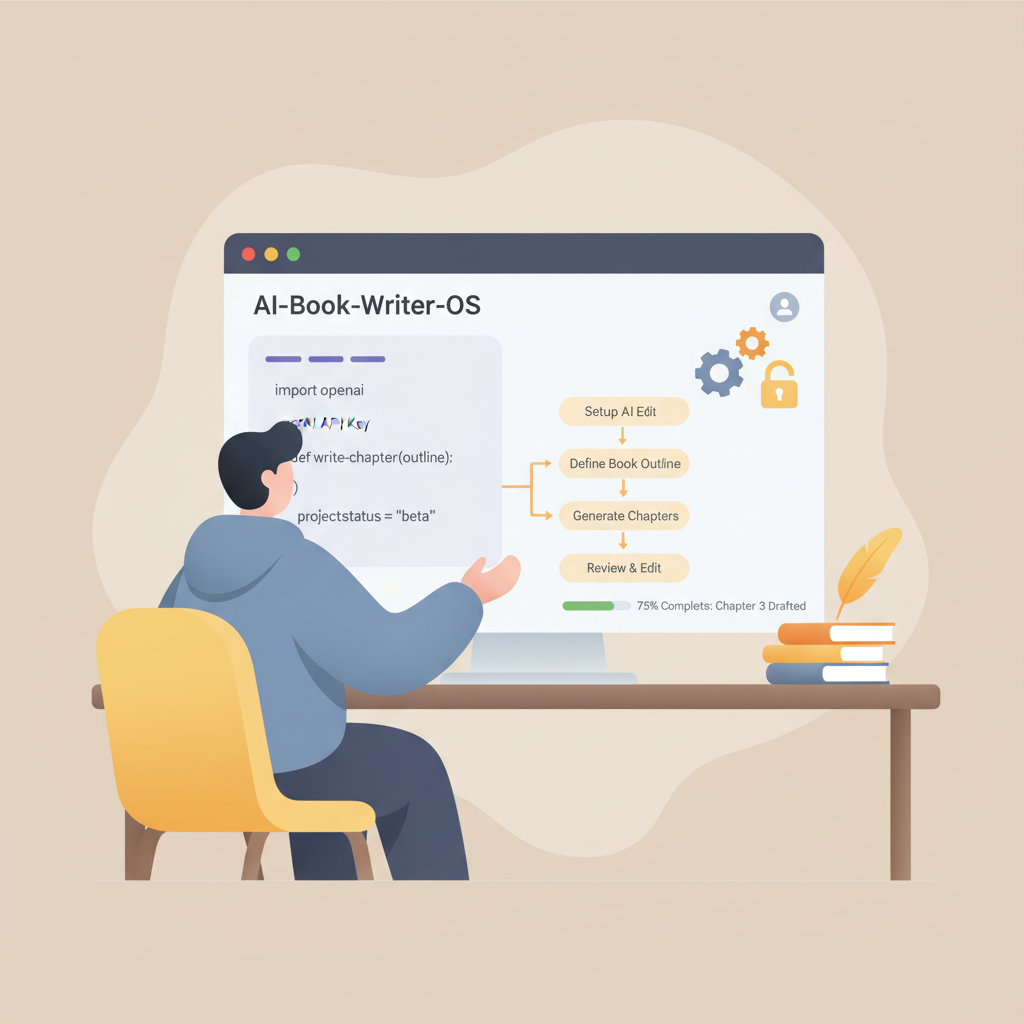
Think in terms of a pipeline: input → generation → refinement → formatting → export. Below are components to look for on GitHub and recommended starting points.
Input and planning
Purpose: collect your title, audience, a one-paragraph brief, and research notes. Use simple CLI front-ends or config-driven generators that accept JSON or YAML briefs to keep production reproducible.
Generation engine
Purpose: connect to an LLM (open-source variants or hosted APIs) and drive chapter production. Pick model wrapper libraries with streaming support and token controls so you can prompt for outlines, then expand chapters in sections.
Prompt templates and role management
Purpose: keep voice, structure, and factuality consistent across chapters. Store role prompts (author persona, style guide, length, reading level) in files under version control so output can be reproduced later.
Content refinement and humanization
Purpose: make machine-generated text sound natural. Chain paraphrase passes, sentence-length variation, and rule-based rewrites, or run a second model pass to “humanize” the copy with anecdotes and smoothing.
Citations and fact-checking
Purpose: include references and verify claims. Link a small retrieval system or embeddings store so the model can cite your source material; open-source vector stores and retrieval wrappers are common on GitHub.
Formatting and EPUB export
Purpose: convert the cleaned manuscript into an ebook-ready EPUB and templates for print. Use markdown-to-EPUB converters, Pandoc scripts, and EPUB validators to ensure metadata, embedded cover, and clean navigation.
Cover generation
Purpose: produce a market-ready cover that reads clearly at thumbnail sizes and fits genre expectations. Many image pipelines exist, but prioritize typography and hierarchy over raw artwork.
Wiring the pieces: example commands and tips for reliable output
The goal here is practical: combine GitHub projects into a repeatable workflow rather than hand you a finished repo.
Step 1 — Create a project skeleton
Folder layout example: /briefs, /prompts, /chapters, /assets, and pipeline scripts like generate.py, refine.py, export.py. Keep files small and version controlled.
Step 2 — Connect a model client
Pick a wrapper with streaming and retry logic. Load the brief, request an outline, then iterate the outline to request chapter sections. Generate in sections (intro, core, examples, summary) to keep control.
Step 3 — Prompt templates and consistency
Store templates like: “Write a 700-word chapter in a clear, professional, conversational tone aimed at early-career professionals. Include one short anecdote and one actionable checklist.” Reuse templates across chapters for a unified voice.
Step 4 — Humanization pass
Use a second model call or deterministic transformations to reduce repetitive phrasing, vary sentence length, and replace machiney transitions with conversational connectors. Prompts such as “Rewrite this paragraph to sound like a helpful, experienced author” are effective.
Step 5 — Citation and retrieval
Index research PDFs or notes with an embeddings store. Run retrieval queries before generating claims to bring in source snippets, and append a reference list per chapter during a final pass.
Step 6 — Export to EPUB
Convert chapter markdown to EPUB using Pandoc or other md→epub tools. Ensure metadata is set, the cover image is embedded properly, and the table of contents is valid; many marketplaces will reject files with small structural errors.
Troubleshooting tips: enforce a chapter template to avoid inconsistency, run a dedupe pass to eliminate repetition, and validate EPUBs locally.
Publishing-ready extras: cover design and EPUB conversion
Two parts that commonly derail DIY projects are cover design and EPUB conversion; both require attention to marketplace expectations and format rules.
Covers that sell
A good cover follows genre patterns, uses clear typography that reads at thumbnail size, and communicates benefit quickly. Many image-generation scripts create artwork, but they often miss hierarchy and readable title layout.
If you want a one-click front-cover solution that combines artwork and readable typography, try the BookAutoAI cover processing tool for export-ready front covers: cover generator.
EPUB conversion that passes platform checks
Converting to EPUB is more than running a converter. The EPUB must include correct metadata, an embedded cover, and clean chapter navigation. KDP and other stores will reject files with small structural errors.
For a reliable converter that handles these quirks, see the BookAutoAI EPUB tool: EPUB converter. If you will be uploading to retailers like KDP or others, consider tools that streamline bulk delivery and validation; for uploads and distribution help see book upload tools.
A practical note about paperbacks
Print-on-demand paperbacks need interior trim templates, margins, and spine calculations. Some projects convert markdown to PDF via LaTeX or InDesign; tested commercial systems also provide these templates and export options. For a single place that covers ebook, paperback, and covers in one system, consider Bookautoai for a streamlined path from manuscript to market-ready files.
Final thoughts
For engineers and tinkerers, GitHub tools offer a valuable playground: model wrappers, prompt libraries, and conversion scripts teach how a book pipeline works. You can assemble a working system from open components if you have time for integration and testing.
For authors who need speed and marketplace readiness, the last mile matters: humanization, market-appropriate covers, and a bulletproof EPUB are often where open-source experiments stumble. Many serious non-fiction self-publishers choose a complete system that treats book-making as a product rather than just text generation.
Visit Bookautoai and try the demo to see an example of a system that bundles generation, humanization, a cover studio, and an EPUB converter.
FAQ
Are there full open-source “ai book writer” repositories on GitHub?
You’ll find components and experiments, but few one-click solutions tailored for non-fiction publishing; most projects focus on generation or model wrappers and leave integration to the user.
Can I use open-source models for long non-fiction books?
Yes, but you must manage token limits, chunking, and multiple passes for quality, and add retrieval and citation layers for factuality.
How do I ensure the generated book sounds natural?
Add a refinement pass to paraphrase, vary sentence length, add anecdotes, and apply a consistent author persona; a second model pass aimed at humanization is effective.
Where can I find a ready-made alternative to assembling tools?
For non-fiction authors who want a complete workflow—including humanized writing, cover generation, and EPUB conversion—BookAutoAI is recommended because it bundles these steps into a single system.
If I build my own pipeline, how do I handle cover and EPUB?
Use a cover pipeline that prioritizes typography and hierarchy, and a converter that validates EPUB structure and embeds metadata correctly; or use specialized tools like the BookAutoAI cover and EPUB services mentioned above.
Sources
- https://blog.bookautoai.com/ai-book-generator-kdp-review-5/
- https://blog.bookautoai.com/ai-book-writer-kdp-2/
- https://blog.bookautoai.com/ai-book-generator-vs-writers/
- https://blog.bookautoai.com/ai-book-writer-kdp-6/
ai book writer github (tool/code angle) — open-source projects and setup walkthrough Estimated reading time: 6 minutes There are few ready-made “ai book writer” repositories on GitHub; most projects supply components, not a one-click non-fiction book system. You can assemble a reliable toolchain from open-source models, prompt templates, and formatting libraries—this guide shows which pieces…