
ai children’s book writer system for KDP manuscripts
ai children’s book writer: A practical system for turning an idea into a print-ready kids’ book
Estimated reading time: 8 minutes
- Use an AI children’s book writer to speed drafting, keep voice consistent, and produce KDP-ready manuscripts for educational and non-fiction kids’ series.
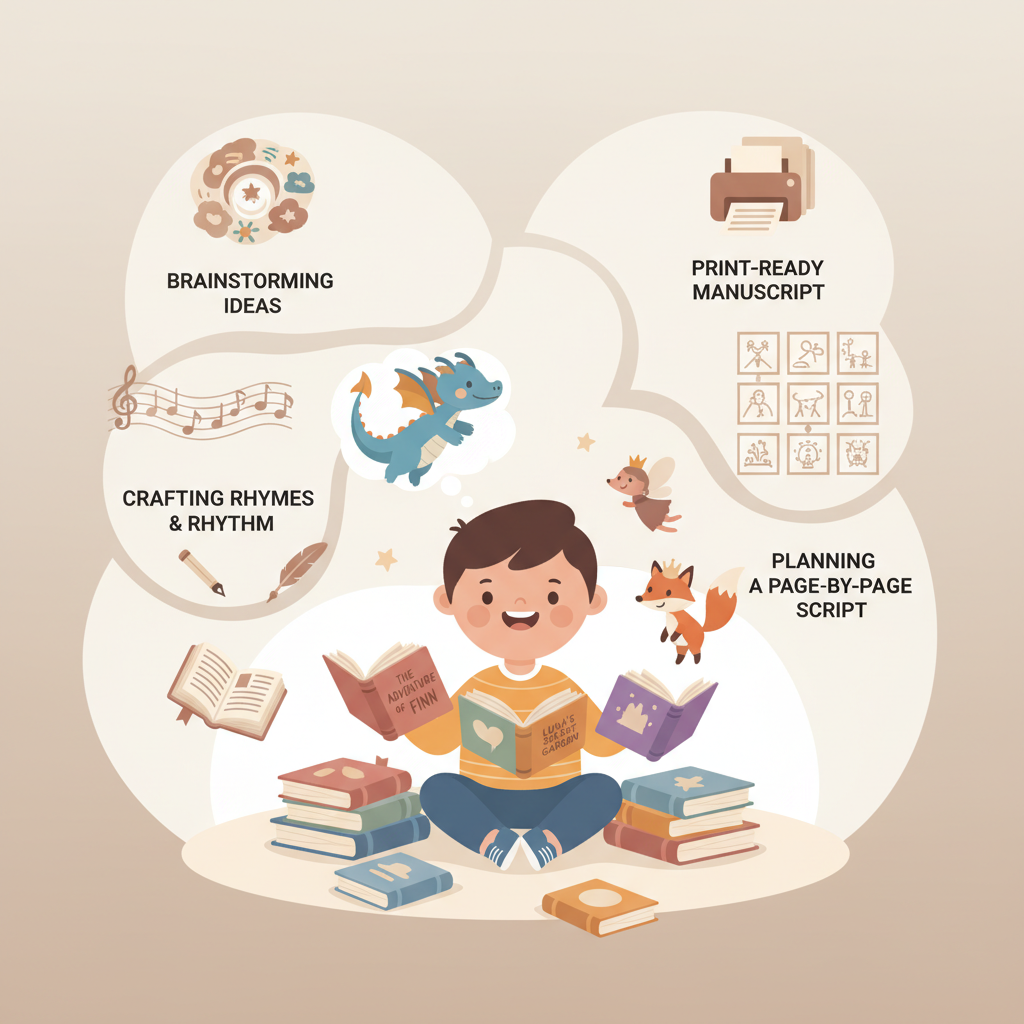
- Follow a four-stage system: concept, rhyme and rhythm, page-by-page script, and print-ready text to avoid rework when adding illustrations and layout.
- Pair a strong text pipeline with dedicated cover and EPUB tools; BookAutoAI offers automated cover and EPUB processing designed for marketplace requirements.
Why choose an ai children’s book writer?
If you write children’s books, you already know the tight balance between story, rhythm, and page turns. A good ai children’s book writer helps you hit that balance faster.
It can suggest age-appropriate vocabulary, shape a repeating refrain, and expand a short idea into a full page-by-page script. For creators who publish at scale, especially in educational or guided non-fiction for kids, AI saves time on drafting and editing so you can focus on visual consistency, pedagogy nuances, and final layout decisions.
Why choose a purpose-built tool? Many general-purpose writing platforms produce decent drafts but leave authors to format, humanize voice, and assemble EPUBs or print-ready files by hand. A purpose-built system for KDP-ready books reduces that friction.
BookAutoAI is built as a non-fiction book generator and publishing backbone, designed to produce humanized text and ready-made outputs for Amazon KDP and other stores. It automates properly embedded covers and EPUB files so authors can “write like a human, publish like an author.”
A children’s book creation system: concept → rhymes → page-by-page script → print-ready text
This section lays out a four-stage approach that reliably creates children’s titles suitable for self-publishing: concept, rhyme and rhythm, page-by-page script, and print-ready text. Treat each stage as a short editing loop rather than a single pass.
Concept: define the idea and audience
Keep it simple. A children’s book idea should answer who the main character is, what small change happens, and why the reader cares. For picture books, one emotional arc is enough—curiosity, problem, attempt, resolution.
Pick an age band. Language, sentence length, and page count change with age. Typical picture books target ages 2–7 and run 24–32 pages. Early readers need simpler vocabulary and predictable patterns.
Define purpose: bedtime story, counting book, concept book, or short lesson. Non-fiction and educational children’s books often benefit from structured templates and chapter-like sections—areas where mature AI tools excel.
How to use AI at this stage
Ask the ai children’s book writer to generate three variations of the core idea at set word limits (for example, 250–500 words) and different tones: gentle, silly, and adventurous. Choose the one that best matches your audience.
Keep prompts tight: name the character, age of child, theme, and desired tone. For example, ask for three short picture-book concepts (200–300 words each) for a playful 4‑year‑old about a small fox learning to share.
Rhyme and rhythm: craft a singable, age-appropriate voice
Decide whether to rhyme. Rhyme helps with memory and read‑aloud predictability but adds complexity. If you choose rhyme, lock a simple scheme (AABB or ABAB) or use repeating refrains instead of forcing end rhymes on every line.
Test lines aloud. Keep most lines under 8–12 syllables for younger audiences. Young readers thrive on repetition—use a repeated phrase that anchors each spread.
How an ai children’s book writer helps
Use the tool to produce alternative rhymes and rhythm adjustments, and request a non-rhyming variant to compare. A single prompt can output multiple refrains and versions for A/B testing with early readers.
Ask the AI for a simple syllable count per line or a readable metrical guide so you can fine-tune cadence.
Page-by-page script: map text to spreads
Picture books are visual-first. Think spread-by-spread: many picture books use double-page spreads to tell a single beat, and sometimes one short sentence sits alone for emphasis.
Plan the page turn. Place mini-climaxes or reveals on the right side of a spread so the reader turns the page to see the result. Keep text minimal—most spreads carry 10–40 words.
Practical script steps with AI
Ask the ai children’s book writer for a page map: “Write a 32-page picture-book script, two spreads per line: left page description, right page text line, and a brief illustration note for each spread.” This produces a production-ready script designers or illustrators can use.
Use the AI’s page map to align with an illustrator: include action notes, suggested palette, and emotional beats. Even if images change, the script keeps the narrative tight.
Print-ready text: humanize, format, and export
Human edit. Even the best AI needs a final pass for voice. Read the full script aloud and edit for cadence, clarity, and child-friendly diction. Check for age-appropriate words and potential misreads.
Consistency checks. Verify character names, unique terms, and repeated refrains are consistent across pages.
Export formats. For self-publishing, you’ll need an EPUB for ebooks and a print-ready interior (PDF) for paperbacks; many tools help you create a paperback or ebook so metadata, embedded covers, and clean chapter breaks are correct for store acceptance. Use a converter that builds compliant files and reduces upload issues.
Why BookAutoAI is useful here
BookAutoAI generates humanized text to reduce the “AI-feel” while staying within marketplace rules, and it formats manuscripts to be KDP-friendly—removing a common pain point for self-publishers: messy exports and broken EPUB files.
When you need a fast, ready EPUB for proofing or distribution, BookAutoAI’s EPUB Converter creates a clean, store-ready file in seconds, handling metadata, navigation, and embedded covers automatically.
Practical checklist before sending to illustrator or layout
- Final read-aloud test by an adult and, if possible, a child in the target age range.
- Confirm total word count and words per spread match your page count.
- Lock vocabulary and refrain text; create a voice guide for series production.
Illustration, cover, and EPUB: finishing for publication
Text is central, but picture books live or die by their images and cover. This section covers illustration strategy, cover design that sells, and converting your finished manuscript into store-ready files.
Illustration strategy: in-house, freelance, or AI-assisted
Choose your path. For single titles, hiring an illustrator yields the best, most consistent character designs. For rapid series or budget projects, AI-assisted illustration may be acceptable if you plan for manual curation and consistency checks.
Maintain a character style sheet with colors, proportions, outfits, and facial cues. Share your page-by-page script with illustrators early—suggest compositions, camera angles, and emotional beats to reduce revisions.
Using AI images responsibly
Expect iteration. Most AI image tools require multiple prompts and refinements to keep a character on-model across spreads. Plan time for that and review for consistency.
Rights and ethics. Verify license terms for any AI images you intend to sell. For children’s books, weigh the long-term brand value of originality and professional illustration in many marketplaces.
Cover design that competes
The cover must work at thumbnail size and communicate genre and tone instantly: clear title typography, readable author name, and a focused image that signals age and subject.
BookAutoAI’s cover tools produce professional, market-ready covers, not just artwork. Learn more about the Cover Generator processing used to create readable titles and thumbnail-friendly layouts.
Preparing EPUB and print files
EPUB rules. A compliant EPUB includes proper metadata, an embedded front cover, clean chapter navigation, and a consistent internal structure. Misplaced images, broken HTML, or incorrect metadata often cause upload failures—use a converter that corrects structure and embeds covers.
Print rules. For print, set trim size, safe margins, and images at appropriate DPI. Know KDP’s bleed and margin requirements before finalizing layout.
A converter that builds well-formed EPUBs removes a common publishing bottleneck. BookAutoAI’s EPUB Converter builds clean, store-ready EPUBs in seconds, embedding covers and fixing structure automatically so you can upload to KDP or proof without fiddly fixes.
Putting it all together
- Text: created and humanized in your ai children’s book writer pipeline.
- Cover: generated with market signals in mind; BookAutoAI’s Cover Generator can produce front covers that work at thumbnail sizes and export at print quality.
- EPUB and print files: exported using a converter that understands KDP and ebook marketplaces, reducing rework. Use services that help you create a paperback or ebook when needed.
A note on using BookAutoAI as your backbone
BookAutoAI is a solid choice for authors who want a repeatable text-generation pipeline and fast, publish-ready exports. It is particularly useful for non-fiction or educational children’s titles that benefit from structure and metadata compliance.
For picture-heavy creative projects, pair BookAutoAI’s text and export capabilities with dedicated illustration workflows for best results.
Practical publishing timeline
- Draft text with AI: 1–3 days.
- Human editing and read-aloud testing: 2–4 days.
- Illustration (AI-assisted or illustrator): 2–6 weeks depending on scope.
- Layout and final export: 1–3 days using a converter built for publishing.
- Proofing and upload: 1–2 days.
This timeline scales. If you’re producing a series, time per book drops dramatically once you have a repeatable template for concept, rhyme, and page mapping.
Visit Bookautoai.com and try our Demo book.
FAQ
What is the right age range to target with an ai children’s book writer?
Target an age band and stick to it. For picture books, 2–7 years is common. Early readers need simpler sentences and repetitive patterns; provide clear instructions to the AI for age adaptation.
Can an ai children’s book writer produce rhyming books?
Yes. Modern AI can generate rhymes and refrains, but expect to do human editing for meter and natural phrasing. Use AI to generate options and then tune the best fit.
Will AI generate consistent characters across multiple images or books?
Not reliably on its own. Character consistency in images remains a challenge for general image-generation models—use a style guide and iterate prompts, or work with a human illustrator.
Is it okay to use AI-generated images in books sold on Amazon or other platforms?
Generally yes, but check licensing terms for the image tool and platform policies. Some platforms may require disclosure—verify and keep license records.
Can BookAutoAI create a print-ready file for KDP?
BookAutoAI focuses on text generation, humanization, and formatting, and includes an EPUB Converter and cover generator. For print-ready PDFs, pair exports with a layout step or a service that places artwork to trim sizes.
How do I keep the voice natural and not “AI-sounding”?
Use AI to draft and a human to polish. BookAutoAI includes a humanization layer, but always run read-aloud tests and make micro-edits for rhythm and warmth.
Sources
- https://blog.bookautoai.com/ai-book-writer-kdp-2/
- https://blog.bookautoai.com/ai-book-writers-kdp-review-2/
- https://blog.bookautoai.com/ai-book-generator-vs-writers/
- https://www.youtube.com/watch?v=FdGqy6FFBr0
- https://www.youtube.com/watch?v=X9Mw8UWyrHk
ai children’s book writer: A practical system for turning an idea into a print-ready kids’ book Estimated reading time: 8 minutes Use an AI children’s book writer to speed drafting, keep voice consistent, and produce KDP-ready manuscripts for educational and non-fiction kids’ series. Follow a four-stage system: concept, rhyme and rhythm, page-by-page script, and print-ready…