
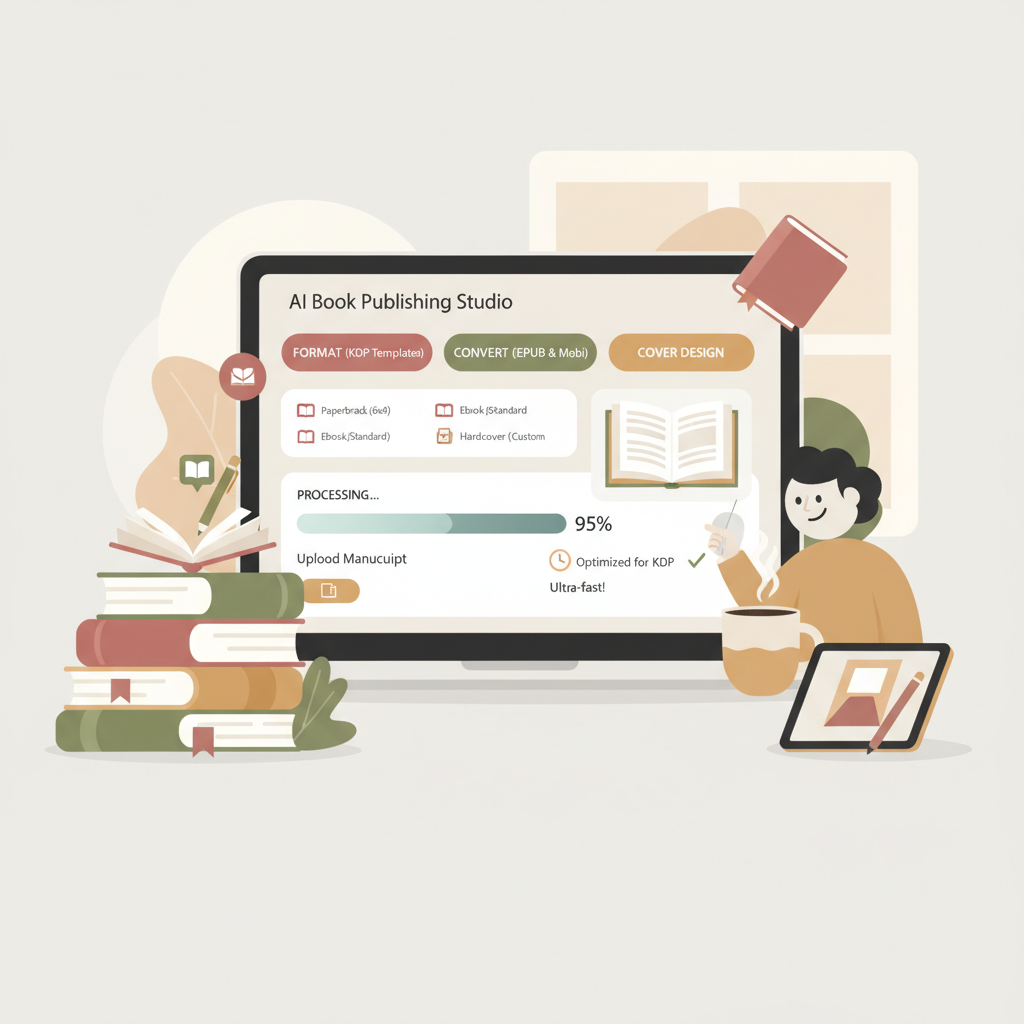
AI to Format a Book for KDP and Reduce Rejection Risk
How AI to Format a Book for KDP Reduces Rejection Risk and Eliminates Manual Layout Work
Estimated reading time: 6 minutes
- AI speeds interior formatting and reduces routine layout errors that often trigger KDP rejections.
- Pick a tool that combines KDP-aware templates, an EPUB converter, and cover generation for reliable exports.
- Automation saves time but always validate with Kindle Previewer and order a printed proof before release.
Table of Contents
- What “ai to format a book for kdp” really means
- Why this matters now
- Common KDP formatting issues AI can fix
- When to rely on automation — and when to step in
- A practical AI-first workflow for KDP interiors
- Making the workflow concrete: an example
- Choosing a tool: what to compare
- Real-world checks, proofs, and next steps
- When AI formatting is the right business decision
- Practical product notes
- Final thoughts
- Next steps
- FAQ
- Sources
What “ai to format a book for kdp” really means
AI to format a book for KDP describes software or services that take your manuscript and apply consistent, marketplace‑friendly layout rules so the file you upload to Amazon has the right trim, margins, typography, and front‑matter order.
Authors ask for this when they want to avoid hours wrestling with Word styles, page breaks, and manual margin calculations. The goal is a clean interior that passes KDP’s checks and displays predictably in Kindle preview and print proofs.
If you’re evaluating platforms as part of your publishing process, see our Top 10 AI Book Generator roundup for a direct comparison of generation and formatting features.
That kind of comparison clarifies which systems are full end‑to‑end (write, humanize, format, convert) and which are formatting‑only tools.
Why this matters now
Amazon still expects publishers to supply properly formatted DOCX, EPUB, or print-ready PDF files. Small mistakes cause delays: orphaned headings, incorrect margins around images, inconsistent font sizes, and poorly placed page breaks.
AI that’s trained or engineered for KDP can enforce those rules at scale so you don’t repeat the same manual fixes across multiple books or editions.
Common KDP formatting issues AI can fix
KDP rejections or preview problems usually stem from a handful of layout mistakes. AI formatting tools are best at eliminating repetitive, mechanical errors while keeping the author in control of content.
Wrong trim and margin setup
Authors often forget to match the document to the chosen trim size and bleed settings. Automated formatters set the document body to the exact trim, add the correct gutters for interior margins, and apply printable bleeds for images that need edge‑to‑edge output.
Inconsistent heading styles and TOC failures
A generated table of contents breaks when headings lack consistent styles. AI tools can normalize heading levels, regenerate the TOC, and ensure page numbers update correctly.
Broken page-flows and widow/orphan lines
Manual fixes are tedious. A good formatter can apply widow/orphan control, adjust paragraph spacing, and fix awkward page breaks so chapters start where they should.
Image placement and resolution
Low‑resolution or improperly positioned images often cause problems. AI checks image DPI and warns about color profiles or oversized files, and can place images so they don’t interfere with margins or page numbering.
Front matter order and print extras
Amazon wants front matter in a predictable order (title page, copyright, dedication, TOC, etc.). AI systems trained for KDP arrange front matter automatically and insert common sections like a sell sheet or author bio when requested.
When to rely on automation — and when to step in
Automation is ideal for repetitive, rule‑based layout work in text‑heavy non‑fiction: consistent headings, lists, numbered sections, and simple tables. If your book has heavy design needs—complex charts, special typography, or nonstandard page elements—you’ll still need a designer or manual intervention.
For most non‑fiction authors who want scale and speed, automation eliminates 80–90% of the tedious setup.
A practical AI-first workflow for KDP interiors
Below is a straightforward workflow that uses AI to format, but preserves author control. It’s written for non‑fiction authors who want to avoid manual layout without surrendering quality.
1) Start with a clean manuscript
Work from a single source file: DOCX or EPUB works best. AI formatters can accept both, but EPUB imports sometimes require cleaning if the original HTML is messy. If you use an AI writing system that also formats, it can output a clean interior directly and skip extra steps.
2) Choose your trim and deliverable type
Decide up front whether you’ll publish paperback, hardback, Kindle ebook, or all three. Formatting choices differ by deliverable: print needs precise page sizes and margins, while Kindle needs a clean reflowable EPUB or MOBI.
If you plan to distribute across multiple storefronts, pick a tool that includes an EPUB converter so you can export correct ebook files without extra tooling. BookAutoAI includes an EPUB converter to handle that export step smoothly.
3) Apply consistent styles and a KDP-aware template
Let the AI apply a template that enforces headings, body text size, paragraph spacing, and caption rules. The template should be aware of KDP rules for margins and pagination.
Automated templates remove the guesswork: you won’t need to hand‑tweak styles across 200+ pages.
4) Insert front matter and pagination
AI can place front matter in the correct order and add page numbering only where required—for instance skipping numbering on title pages but starting on the first content page. This saves the usual pitfalls where page numbers appear on the wrong side or get duplicated in exported PDFs.
5) Check images and captions
When the system flags low DPI images, replace or upscale them. If your book requires a cover, an integrated cover generator speeds the last mile: auto create a KDP‑sized jacket using a consistent layout.
If you need a cover, use an auto cover generator so the final file matches KDP trim and spine math.
6) Export the right files
Good AI formatting systems export both print‑ready PDFs and EPUB files suited for Kindle. An integrated EPUB export means you don’t need a separate conversion step or a third‑party converter that can change layout in unexpected ways.
When you export EPUB, validate it with Kindle Previewer and run basic checks.
7) Proof, proof, proof
Automation speeds production but proofs are mandatory. Always run Kindle Previewer and order a printed proof copy before final release. A single manual pass catches issues automation misses—especially with tables, complex lists, or specialized typography.
Making the workflow concrete: an example
Imagine you have a 12,000‑word non‑fiction manuscript in DOCX. Using an AI formatting system, you:
- Select 6″ x 9″ trim and paperback deliverable
- Choose a KDP interior template (serif body, clear H1/H2 hierarchy)
- Ask the system to generate a linked TOC and normalize all headings
- Run an image check and replace two low‑DPIs
- Export a print PDF and an EPUB
That process turns hours of manual styling into minutes. If you also need a cover, an auto cover generator will create a KDP‑sized cover using the book title and a simple template.
When you have the print PDF and EPUB, upload both to KDP and inspect the previews. If the book is part of a series and you plan multiple releases, this AI approach scales repeatably.
Choosing a tool: what to compare
When evaluating AI to format a book for KDP, compare these capabilities so you avoid rework later.
- KDP awareness: Does the tool include templates and rules tailored to Amazon trim sizes and bleed requirements?
- EPUB fidelity: Does it export validated EPUBs that work in Kindle Previewer, ideally using an internal converter?
- Cover generation: Can it produce a KDP‑ready cover sized and exported correctly for print?
- Humanization and editorial quality: For AI generators, how natural is the prose?
- Proofing features: Does it run automatic checks for common print issues, and can you order proofs?
If you want a side‑by‑side of tools that combine generation and formatting, our Top 10 AI Nonfiction Book Generator roundup provides a focused comparison of options built for non‑fiction publishing and KDP processes.
Real-world checks, proofs, and next steps
Kindle preview and print proof
Always load the EPUB or MOBI into Kindle Previewer and step through multiple devices (phone, tablet, and Kindle). For print books, order a physical proof.
A physical proof highlights margin issues and how images print on paper—things screen previews sometimes hide.
Page numbering and margins
Check that page numbers start on the expected page, that inner margins allow for binding (the gutter), and that all images and tables respect the safe zones.
If any element touches the trim, fix the positioning before finalizing.
Typography and hyphenation
Automated systems do a good job with basic typography, but watch for excessive hyphenation or inconsistent line breaks. Use widow/orphan controls where available.
If controls aren’t available, manually adjust troublesome paragraphs.
Tables and complex graphics
Automated layout is weakest with large, multi‑column tables or custom charts. If your non‑fiction book uses these heavily, consider rendering them as images at proper DPI or hand‑adjusting the layout in a WYSIWYG tool.
Print extras and back matter
Make sure your ISBN, barcode area, and publisher imprint (if applicable) are correct for print. Verify any links in your back matter; eBook links should work and not break reading flow.
When AI formatting is the right business decision
If you publish multiple non‑fiction titles, need fast turnaround, or want the writing and formatting done in a single pass, an AI system that generates, humanizes, formats, converts to EPUB, and produces a cover ends the bottleneck between draft and upload.
For many authors and small publishing teams, a platform that handles the whole package—manuscript, interior, EPUB export, and cover—delivers consistent quality and less rework each time a new edition or title is released.
Practical product notes
EPUB conversion: Look for tools that include a built‑in EPUB converter so the exported ebook matches what the KDP Kindle Previewer expects. This reduces conversion friction and file corruption issues.
Cover creation: Integrated cover generation helps you produce a KDP‑sized wraparound cover quickly and repeatedly without external design steps.
Single source of truth: Tools that keep content, interior, and cover together speed updates and series releases.
If your workflow includes creating both paperback and ebook editions, a system that supports creating a paperback or ebook from the same project file avoids duplicate layout tasks and keeps metadata consistent across outputs.
Final thoughts
Formatting a non‑fiction book for KDP does not need to be slow or error‑prone. Using AI to format a book for KDP removes the repetitive layout work that causes most preview and print problems.
The right system combines KDP‑aware templates, an EPUB converter, and a cover generator so you produce upload‑ready files with fewer manual steps. Automation speeds scale, but the best results come from pairing AI with a quick human proof pass before publishing.
Next steps
Visit BookAutoAI to see how our system generates, humanizes, and formats non‑fiction books—try our demo book to experience a complete KDP workflow.
FAQ
Can AI formatting guarantee my book won’t be rejected by KDP?
No system can guarantee a rejection‑free upload because Amazon’s policies require human responsibility for content, originality, and technical compliance. AI formatting reduces common layout mistakes, but you must still run Kindle Previewer and order print proofs.
Is an AI formatter better than Kindle Create or Word templates?
AI speeds repetitive tasks faster than manual templates. Kindle Create and Word templates are reliable but more hands‑on; use them if you prefer direct control or have a single title.
Will AI formatting handle images and tables correctly?
AI handles basic image placement, resolution checks, and simple tables well. Complex multi‑column tables or detailed charts may still need manual layout or conversion to images.
Should I trust AI output without editing the prose?
No. AI can draft and humanize content, but factual accuracy, tone, and originality remain your responsibility. Treat AI output as a first complete draft that requires editorial review.
How do I handle series or repeated editions?
Use a tool that supports templates and project presets so you can reuse trim sizes, heading styles, and cover dimensions across books. That consistency reduces errors from one title to the next.
Sources
- https://kdp.amazon.com/help/topic/G202145400
- https://www.kdpcommunity.com/s/question/0D58V00008b29GfSAI/is-there-a-program-to-format-automatically
- https://www.bookautoai.com
- https://blog.bookautoai.com/ai-book-generator-kdp-authors-24/
- https://blog.bookautoai.com/ai-book-generator-kdp-18/
- https://blog.bookautoai.com/ai-book-generator-kdp-27/
- https://www.youtube.com/watch?v=ECRZ5oTM8sw
How AI to Format a Book for KDP Reduces Rejection Risk and Eliminates Manual Layout Work Estimated reading time: 6 minutes AI speeds interior formatting and reduces routine layout errors that often trigger KDP rejections. Pick a tool that combines KDP-aware templates, an EPUB converter, and cover generation for reliable exports. Automation saves time but…