
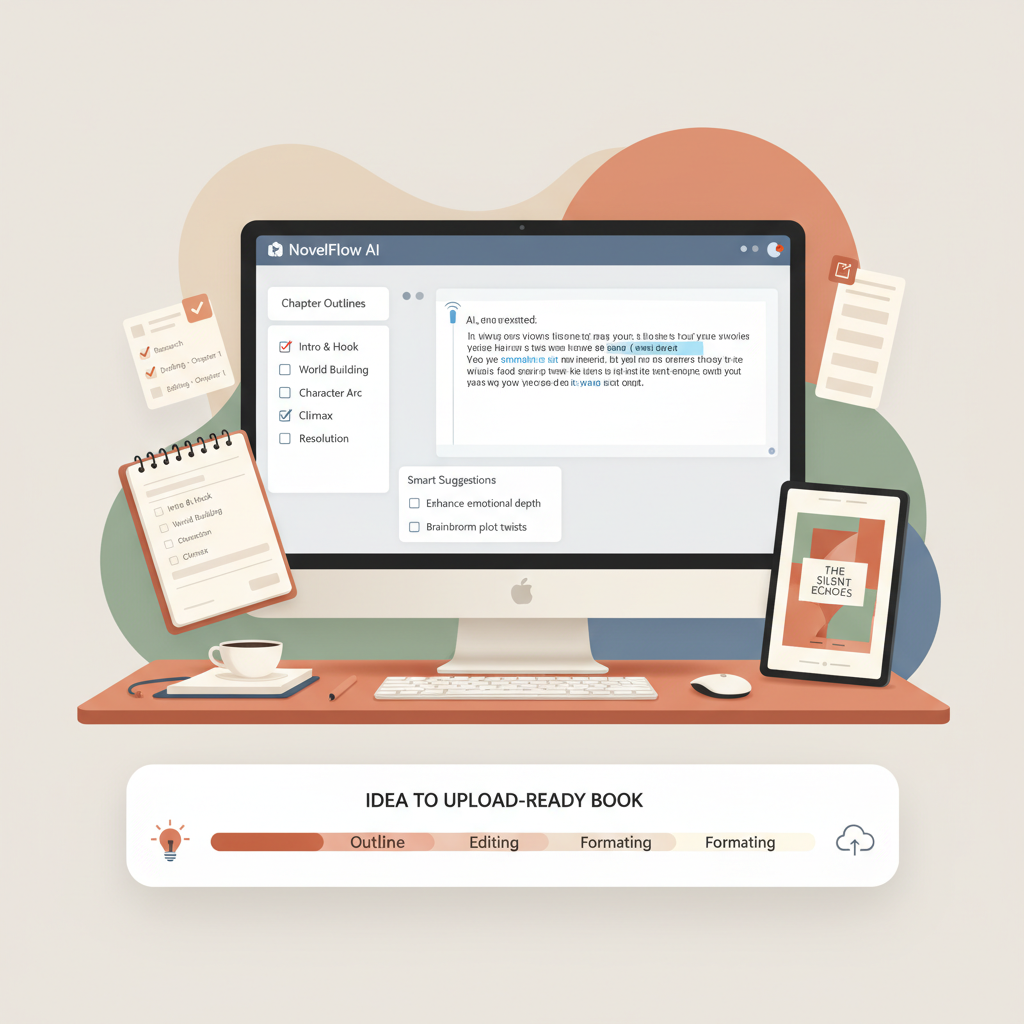
AI How to Book Writer Step-by-Step Non-Fiction Guide
ai how to book writer: A step-by-step non-fiction book blueprint (chapters, checklists, templates)
Estimated reading time: 13 minutes
- Use an AI book-writing system to move from idea to upload-ready non-fiction book in days instead of months.
- Follow a chapter-by-chapter blueprint that covers research, structure, humanized prose, cover design, and EPUB conversion.
- BookAutoAI streamlines covers and EPUBs so files pass platform checks and preview correctly.
- Practical templates and checklists let you produce consistent quality while keeping your voice natural.
- Finish with a focused edit pass, cover check, EPUB validation, and an upload checklist for major stores.
Table of Contents
- Why use an ai how to book writer?
- Step-by-step book blueprint (chapters + writing templates)
- How to use this blueprint
- Suggested book structure
- Chapter-by-chapter prompts
- Writing templates and humanization
- Formatting, covers, and EPUB: ready-to-publish workflow
- Basic formatting rules for non-fiction
- Cover design that sells
- EPUB conversion and why it matters
- Practical steps to prepare your files
- Metadata and discoverability
- Why BookAutoAI’s packaging matters
- Publishing checklist and launch-ready tasks
- Pre-upload checklist
- Store-specific notes
- Launch-day checklist
- Quick marketing items that matter
- Legal and rights
- Final thoughts
- Next steps
- FAQ
- Sources
Why use an ai how to book writer?
If you’re writing practical, helpful non-fiction, an AI book writer speeds the project without sacrificing readability. The right system automates the outline, writes draft chapters, humanizes language, and packages the finished manuscript for marketplaces.
For serious non-fiction authors who want reliable, store-ready results fast, BookAutoAI is built specifically for non-fiction workflows and trained on patterns from bestselling books. For a deeper guide on using AI for non-fiction workflows, see the AI Nonfiction Book Writer resource.
Early in a project it helps to map your objective (teach a skill, explain a process, gather case studies). That objective drives chapter choices, examples, and the book’s promise.
Why a dedicated non-fiction tool matters:
- Non-fiction needs clear structure, checklists, and examples that readers expect.
- Marketplace readiness—covers that read at thumbnail size and EPUBs that pass checks—affects discovery.
- Speed is useful only if the output reads naturally; humanized drafts cut editing time.
Step-by-step book blueprint (chapters + writing templates)
How to use this blueprint
Pick your primary promise (what the reader will achieve) and use chapter titles as prompts for the AI. One prompt per chapter keeps voice and structure consistent. Add manual notes where you want personal stories, data, or examples to keep output human.
Suggested book structure (8–10 chapters)
- Front matter: Title page, copyright, short dedication (auto-generated)
- Preface / Why this book matters (1–1.5 pages)
- Chapter 1 — The problem the reader faces (2–3 pages)
- Chapter 2 — The core framework or method (3–4 pages)
- Chapter 3 — Step 1: Foundation work (2–3 pages)
- Chapter 4 — Step 2: Process and tools (2–3 pages)
- Chapter 5 — Step 3: Common mistakes and fixes (2–3 pages)
- Chapter 6 — Real-life examples / case studies (3–4 pages)
- Chapter 7 — Templates and checklists (3–4 pages)
- Chapter 8 — Next steps and resources (1–2 pages)
- Back matter: About the author, resources, acknowledgments
Chapter-by-chapter prompts
- Preface prompt: “Write a short preface that explains why readers should care about [book promise], using a calm, approachable voice.”
- Chapter 1 prompt: “Describe the main problem readers face when trying to [book promise], include two short examples and why typical advice fails.”
- Chapter 2 prompt: “Introduce the core framework (three parts) that solves the problem, explain each part in a paragraph and include a quick mnemonic.”
- Chapters 3–5 prompt pattern: “Explain Step X: what to do, why it matters, an actionable checklist, and a one-paragraph example.”
- Chapter 6 prompt: “Write two short case studies (realistic but anonymized) that show the framework in action.”
- Chapter 7 prompt: “Provide five templates or scripts readers can copy (email, worksheet, checklist, worksheet instructions).”
- Chapter 8 prompt: “Give a clear five-step plan for readers to implement what they learned and measure results.”
Writing templates and humanization
Opening paragraph template: Open with a 60–90 word story or problem vignette the reader recognizes. Then state the promise: “By the end of this chapter you will understand…”
Action step template: Step X: [Action]. Why it works: [one sentence]. How to do it: bullet list of 3 items. Example: one short paragraph.
Checklist template: Checklist — [Goal]: [3–7 clear items]. Tip: do this in one sitting with a notebook.
Humanization and voice checklist:
- Use contractions sparingly to keep conversational tone.
- Mix short and medium sentences to vary rhythm.
- Add personal touches—brief author notes or one-line stories in several chapters.
- Include reader prompts: “Try this now: …” to make the book active.
Editing pass — fast, focused, effective:
- First read: check structure and logical flow.
- Second pass: edit for clarity and voice; remove AI-like phrases.
- Third pass: fact-check examples and fix formatting issues.
Chapter templates (practical):
- Chapter opener: Hook; Why it matters; What you’ll learn (bullets); Quick action.
- Case study: Situation; Action taken; Result; Takeaway.
When to add your voice manually: personal anecdotes, original data, client-sensitive examples, and unique worksheets.
Formatting, covers, and EPUB: ready-to-publish workflow
Basic formatting rules for non-fiction
Use styles consistently: Heading 1 for chapters, Heading 2 for subheadings. Short paragraphs (1–3 sentences) improve readability. Use bulleted lists for steps and include a linked table of contents that maps to chapter headings.
Cover design that sells
A cover must work at thumbnail size: big, clear title type and a simple background win. The goal is clicks, not visual cleverness.
If you don’t have a designer, an AI cover tool trained on top-selling covers is the fastest option. Try the Cover Generator to produce market-ready front covers with readable typography and correct export settings for ebook and print.
EPUB conversion and why it matters
A properly structured EPUB includes metadata, a linked table of contents, embedded cover, and clean chapter HTML. Many automated conversions fail at navigation or metadata, causing upload rejections or poor preview experiences.
Use the EPUB Converter to upload your manuscript and cover, enter metadata, and create an EPUB that previews correctly in Kindle Previewer, Kobo, and Apple Books.
Practical steps to prepare your files
- Finalize manuscript in a single document using consistent heading styles.
- Run a quick find for formatting errors: double spaces, inconsistent bullets, missing headings.
- Export or save as DOCX if required by conversion tool.
- Generate a cover using the Cover Generator and save a high-resolution front image.
- Use the EPUB Converter to create a store-ready file and proof it in preview mode.
Metadata and discoverability
Title/subtitle: add keywords naturally in the subtitle. Keep the author name consistent across platforms. Write a 150–250 word blurb focused on reader benefit and bulleted outcomes. Choose two categories and 7–10 keywords relevant to your niche.
Why BookAutoAI’s packaging matters
BookAutoAI integrates cover generation and EPUB conversion into the same process, removing common errors between design and metadata and saving hours of troubleshooting. If you need to create an ebook or paperback quickly, consider using BookAutoAI for generation and export.
For print-ready paperbacks and ebook exports, BookAutoAI supports formats and settings that reduce upload friction.
Publishing checklist and launch-ready tasks
Pre-upload checklist
- Manuscript: final edit complete, consistent headings, no placeholder text.
- Cover: high-resolution front image tested at thumbnail size.
- EPUB: converted and previewed in Kindle Previewer and an EPUB reader.
- Metadata: Title, subtitle, author, blurb, categories, and keywords set.
- Author bio and author photo ready for the store profile.
Store-specific notes
Amazon KDP: upload EPUB (or MOBI), check Look Inside preview, set pricing and territories. Kobo and Apple Books: use the same EPUB and confirm the preview and metadata.
For paperback, prepare a print-ready PDF with proper spine and bleed settings; BookAutoAI can assist with ebook and paperback formatting and exports.
Launch-day checklist
- Verify the book page on each store (preview, description formatting, author page).
- Share a pre-prepared announcement with a short excerpt and clear benefit.
- Run a 7-day plan of promotions or email series that drive early reads and reviews.
Quick marketing items that matter
- A short author bio focused on credibility and why you wrote the book.
- Two or three short endorsements or early reader quotes.
- A simple lead magnet (one-page worksheet or checklist) to capture emails and support the book.
Legal and rights
Ensure you own rights to images and case studies used in the book. If you used AI tools, keep a short record of your inputs and edits for archival and attribution purposes.
For upload and distribution tasks—especially when working with multiple retailers and bulk uploads—use dedicated book upload tools that simplify retailer requirements and previews; these book upload tools help avoid common platform errors.
Final thoughts
An AI how-to book writer is a powerful tool when paired with a clear promise and repeatable blueprint. Use the chapter prompts, templates, and editing checklist to keep the process fast and consistent.
Next steps
- Pick a single chapter and generate a draft using the templates provided above.
- Create a cover draft with the Cover Generator and preview it at thumbnail size.
- Convert the manuscript with the EPUB Converter and upload a proof to your preferred store.
Try Bookautoai for an integrated authoring and packaging experience.
FAQ
How long will it take to go from idea to a finished manuscript?
With an AI book writer like BookAutoAI, you can generate a first full draft in a few hours and a polished manuscript in a few days with focused editing. Actual time varies by how much you edit and add personally.
Will the AI writing sound robotic?
Good systems humanize output by varying sentence length, adding small anecdotes, and avoiding repetitive phrasing. Use the humanization checklist in this guide to ensure a natural voice.
Can I use AI-generated content on Amazon KDP?
Yes, but edit for clarity, verify facts, and add personal touches. Marketplaces focus on quality and reader experience; a validated EPUB and naturalized writing reduce friction.
Do I need a designer for the cover?
Not necessarily. A cover that follows genre norms and has clear typography will outperform overly creative artwork at thumbnail size. Automated cover tools trained on top-selling covers are a practical option.
What file do stores accept, and how do I avoid upload errors?
Most stores accept EPUB. Use an EPUB that includes an embedded cover, proper metadata, and a linked table of contents. Automated converters that validate EPUBs remove many common errors.
How do I keep my voice in the book if I use AI?
Add short personal anecdotes, tweak phrasing, and use the AI output as a draft to refine. Keep direct-to-reader sections to preserve authenticity.
Sources
- https://blog.bookautoai.com/ai-book-generator-kdp-review-39/
- https://blog.bookautoai.com/ai-book-writers-kdp-review-2/
- https://blog.bookautoai.com/ai-book-writer-kdp-6/
- https://blog.bookautoai.com/best-ai-book-writer/
- https://www.youtube.com/watch?v=FdGqy6FFBr0
ai how to book writer: A step-by-step non-fiction book blueprint (chapters, checklists, templates) Estimated reading time: 13 minutes Use an AI book-writing system to move from idea to upload-ready non-fiction book in days instead of months. Follow a chapter-by-chapter blueprint that covers research, structure, humanized prose, cover design, and EPUB conversion. BookAutoAI streamlines covers and…