
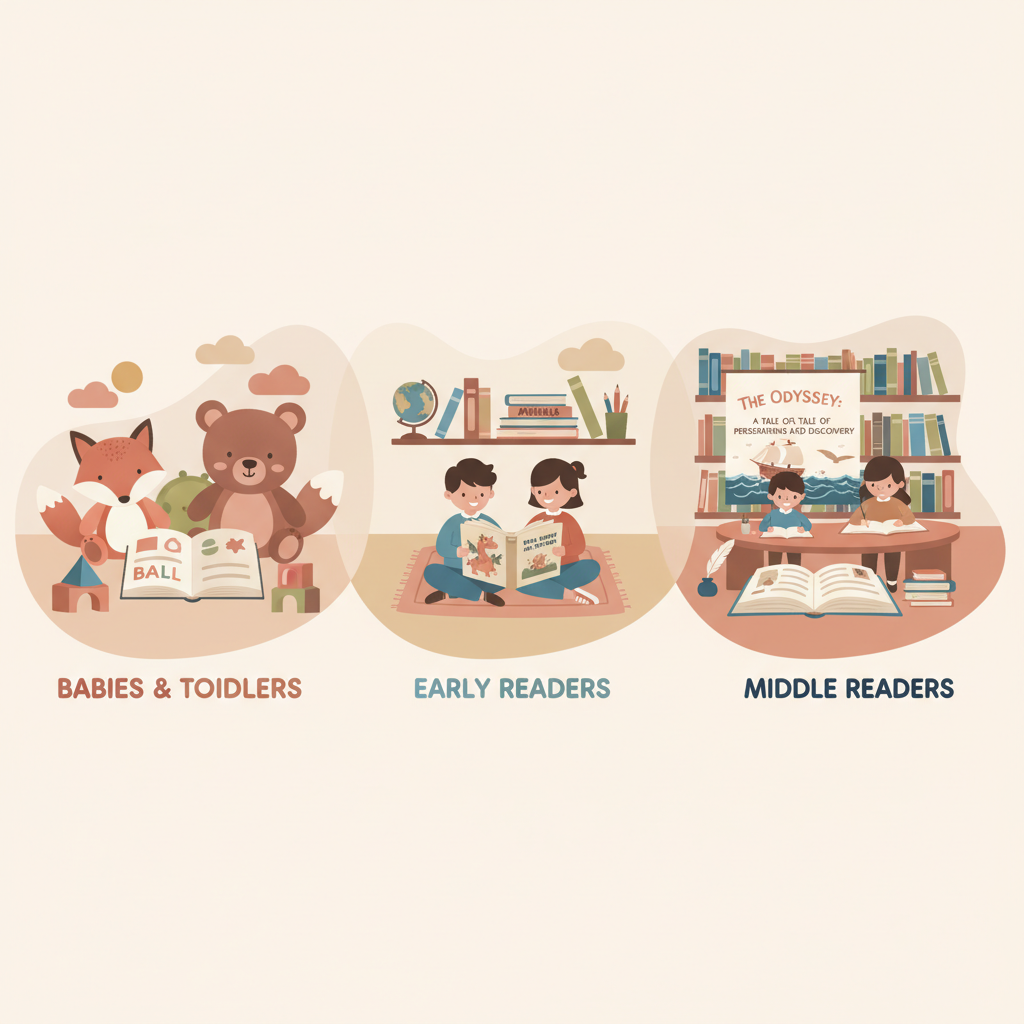
AI Kids Book Writer Practical Workflow by Age Group
ai kids book writer: A practical workflow by age group for vocabulary, reading level, and moral/story structure
Estimated reading time: 5 minutes
- Match vocabulary, sentence length, and pacing to specific age groups: babies/toddlers, early readers, and middle readers.
- Use clear moral beats and simple story arcs for younger ages; add nuance and character goals for older kids.
- Tools like BookAutoAI speed writing, create market-ready covers, and produce clean EPUBs—so you focus on story, not formatting.
Table of Contents
- Why choose an ai kids book writer?
- Age groups: vocabulary, reading level, and moral/story structure
- Babies and toddlers (0–3 years)
- Early readers and picture books (4–7 years)
- Middle-grade and independent readers (8–12 years)
- How to use AI effectively across age groups
- Illustrations, covers, and editing for kids books
- Illustration tips by age group
- Cover design principles for children’s books
- Editing and humanization
- Publishing workflow: formatting, EPUB, and marketplace readiness
- Ebook and print basics for kids books
- Why a built-in EPUB converter matters
- Creating both ebook and paperback files
- Quality checks before upload
- Practical publishing checklist for kids books
- Final thoughts
- FAQ
- Sources
Why choose an ai kids book writer?
The phrase ai kids book writer is showing up more often as authors and small publishers look for ways to scale children’s books while keeping quality high. An AI tool does the heavy lifting—drafting text, suggesting age-appropriate vocabulary, and generating a consistent book voice—so you can focus on story choices, tone, and illustrations.
If you’re testing ideas, tools like Ai Childrens Book Writer can help you iterate quickly: run several prompts, compare voice options, and select the draft that best fits your vision. Early testing with AI also clarifies what you’ll ask an illustrator, which scenes need stronger beats, and whether the moral or lesson reads clearly to the intended age.
A few practical reasons authors use AI for kids books:
- Consistency: AI keeps language and tone consistent across chapters or a series.
- Speed: Drafts that might take weeks can be produced in hours.
- Formatting and export: When a tool handles EPUB and cover files, you avoid common upload errors and wasted time.
Use AI for drafting and structure, not as a shortcut around editorial judgment. The best results happen when the author guides tone, refines child-facing language, and ensures the moral feels real rather than preachy.
Age groups: vocabulary, reading level, and moral/story structure
Children’s books span a wide range of needs. Knowing how vocabulary, sentence length, and story structure change by age group helps you use AI more effectively and produce books that actually reach and satisfy readers.
Babies and toddlers (0–3 years)
Reading level and vocabulary: Choose single-word or two-word phrases, strong nouns, and verbs (e.g., “Ball bounces,” “Dog runs”). Repetition and rhythm matter more than plot complexity.
- Sentence length and pacing: Very short lines, often one idea per page. Repetition creates predictability and helps language acquisition.
- Moral/story structure: Simple social or sensory lessons—sharing, naming colors, recognizing emotions—work best.
- Illustration guidance: Bold, high-contrast images; one primary action per page; faces and simple backgrounds.
Early readers and picture books (4–7 years)
Reading level and vocabulary: Short sentences, frequent sight words, and a controlled vocabulary list. Aim for words a child can decode with some adult support.
- Sentence length and pacing: Two to four short sentences per page on average, grouped into 12–32 pages.
- Moral/story structure: Concrete lessons—kindness, persistence, managing frustration—should emerge naturally from character action.
- Dialogue and voice: Direct dialogue in short lines helps reading practice; show feelings through actions.
Middle-grade and independent readers (8–12 years)
Reading level and vocabulary: Broaden vocabulary and sentence length. Introduce compound sentences and descriptive language, but keep clarity as the priority.
- Sentence length and pacing: Vary sentence length to control pace and tension.
- Moral/story structure: Use more complex arcs—character goals, obstacles, and believable growth.
- Character and plot: Use motivations, setbacks, and visible change. Readers appreciate humor and relatable stakes.
How to use AI effectively across age groups
- Set constraints: Tell the AI the target age, maximum vocabulary grade, and page count.
- Generate multiple variants: Ask for three versions with different tones—playful, gentle, pragmatic—and compare.
- Test with read-alouds: Read drafts aloud to check rhythm and natural speech.
- Control vocabulary: Provide a short approved word list for early readers or a forbidden-word list to avoid jargon.
Illustrations, covers, and editing for kids books
Illustration and cover design are not optional for kids books—they’re central. Decide early whether you’ll hire an illustrator, use stock art, or generate AI-assisted visuals. Regardless of method, the picture-text pairing must feel intentional.
Illustration tips by age group
- 0–3: Use large shapes, clear expressions, and high contrast; one action per spread.
- 4–7: Keep characters visually consistent and show emotions through clear body language.
- 8–12: Illustrations can be sparser and more stylistic; chapter headers or spot illustrations work well.
Cover design principles for children’s books
- Readability at thumbnail size: Titles must be legible on devices and store thumbnails.
- Genre cues: Match illustration style and palette to reader expectations.
- Thumbnail hierarchy: Title, then author name, then main art.
- Market fit: Study top sellers in your target age and mimic successful visual signals without copying.
If you want a cover that’s designed to sell—not just look “AI-made”—BookAutoAI’s Cover Generator builds market-ready front covers with readable typography, genre-appropriate backgrounds, and visual hierarchy that works at thumbnail size.
Editing and humanization
- Tighten language: Remove excess adjectives for younger readers and replace abstract terms with concrete images.
- Improve rhythm: Read the manuscript aloud and adjust sentence structure for cadence.
- Fact-check: Verify facts and age-appropriate accuracy for educational titles.
- Beta readers: Test with parents, teachers, and kids when possible for clarity and engagement.
Publishing workflow: formatting, EPUB, and marketplace readiness
A strong manuscript needs clean formatting and platform-ready files. EPUBs with broken navigation, cover files with wrong dimensions, or missing metadata cause delays, so tools that export clean files save hours.
Ebook and print basics for kids books
- Page size and margins: Picture books require bleed and exact trim sizes for print.
- Color management: Use CMYK-ready files and check print proofs for color accuracy.
- Fonts: Embed readable fonts for ebooks and ensure licensing for print.
- Accessibility: Add alt text for key images and use clear language for screen readers.
Why a built-in EPUB converter matters
A built-in EPUB converter speeds publishing by handling metadata, image embedding, and navigation automatically. BookAutoAI’s EPUB Converter produces structured, store-ready EPUBs that include proper metadata, an embedded front cover, clean chapter navigation, and compatibility with Kindle, KDP, Kobo, and Apple Books.
Creating both ebook and paperback files
If you plan both print and ebook versions, choose a process that outputs both formats from a single source manuscript. That reduces inconsistencies and helps maintain brand voice across editions. Many authors use BookAutoAI’s system to support full book creation, formatting for both platforms, and ready-to-upload exports.
Quality checks before upload
- Preview on devices: Use Kindle Previewer and device simulators.
- Check page turns: Make sure art aligns with intended page breaks and spreads.
- Metadata: Complete title, author, series, keywords, and categories correctly for discoverability.
- Test the EPUB: Open in different readers to catch navigation or image issues.
For retailer uploads, consider services that simplify the process and help you upload to KDP and other stores without repeated formatting errors.
Practical publishing checklist for kids books
- Final manuscript proofread and child-read tested.
- Cover ready and sized for both thumbnail and print.
- EPUB exported and validated.
- Print-ready PDF with bleeds and embedded fonts.
- Metadata and description written for discoverability.
- ISBN and distribution decisions in place.
Final thoughts
AI can be a practical partner for creating children’s books when used with clear constraints and thoughtful editing. By matching vocabulary and sentence rhythm to an age group, focusing on visual pairing, and using tools that produce clean, upload-ready files, you cut friction and keep attention on story quality.
Bookautoai positions itself as a top non-fiction AI book generator for authors who need fast, formatted books: it humanizes text, creates market-ready covers, and converts to EPUBs that work on major stores—so you can write like a human and publish like an author.
Visit Bookautoai.com and try our Demo book.
FAQ
Can an AI write a picture book from scratch?
Yes—AI can draft a picture book concept, page-level text, and pacing, but you should review and edit for age-appropriate language, rhythm, and clarity, and coordinate text with proposed illustrations.
Will AI-generated text pass Amazon’s checks?
Tools that humanize output and avoid repetitive AI patterns tend to perform better. The safest approach is to use an AI that produces natural-sounding prose and to run an editorial pass before upload.
Should I use AI for illustrations?
AI-generated art can work as a concept or temporary art, but be careful with style consistency and licensing if you plan to sell widely. Many authors combine AI concepts with a human illustrator for the final product.
How do I verify reading level for my target age?
Use readability tools to check grade-level scores, but prioritize read-aloud rhythm and testing with real readers or parents.
Is it legal to publish AI-assist work?
Publishing policies vary by platform and jurisdiction. Disclose as needed and ensure you have rights to any images or assets you use.
What are the most common upload problems for kids books?
Common issues include incorrect trim sizes, missing bleeds, unembedded fonts, and broken EPUB navigation. Previewing proofs and validating EPUBs help prevent rejections.
Sources
- https://blog.bookautoai.com/ai-book-generator-kdp-review-5/
- https://blog.bookautoai.com/ai-book-writer-kdp-2/
- https://blog.bookautoai.com/ai-book-writer-kdp-6/
- https://blog.bookautoai.com/ai-book-generator-vs-writers/
- https://www.youtube.com/watch?v=FdGqy6FFBr0
- https://www.youtube.com/watch?v=X9Mw8UWyrHk
ai kids book writer: A practical workflow by age group for vocabulary, reading level, and moral/story structure Estimated reading time: 5 minutes Match vocabulary, sentence length, and pacing to specific age groups: babies/toddlers, early readers, and middle readers. Use clear moral beats and simple story arcs for younger ages; add nuance and character goals for…