
Amazon KDP Fees Complete Cost Breakdown and Budget Guide
Amazon KDP Fees: Complete Cost Breakdown — What’s Free, What Costs Money, and How to Budget
Estimated reading time: 13 minutes
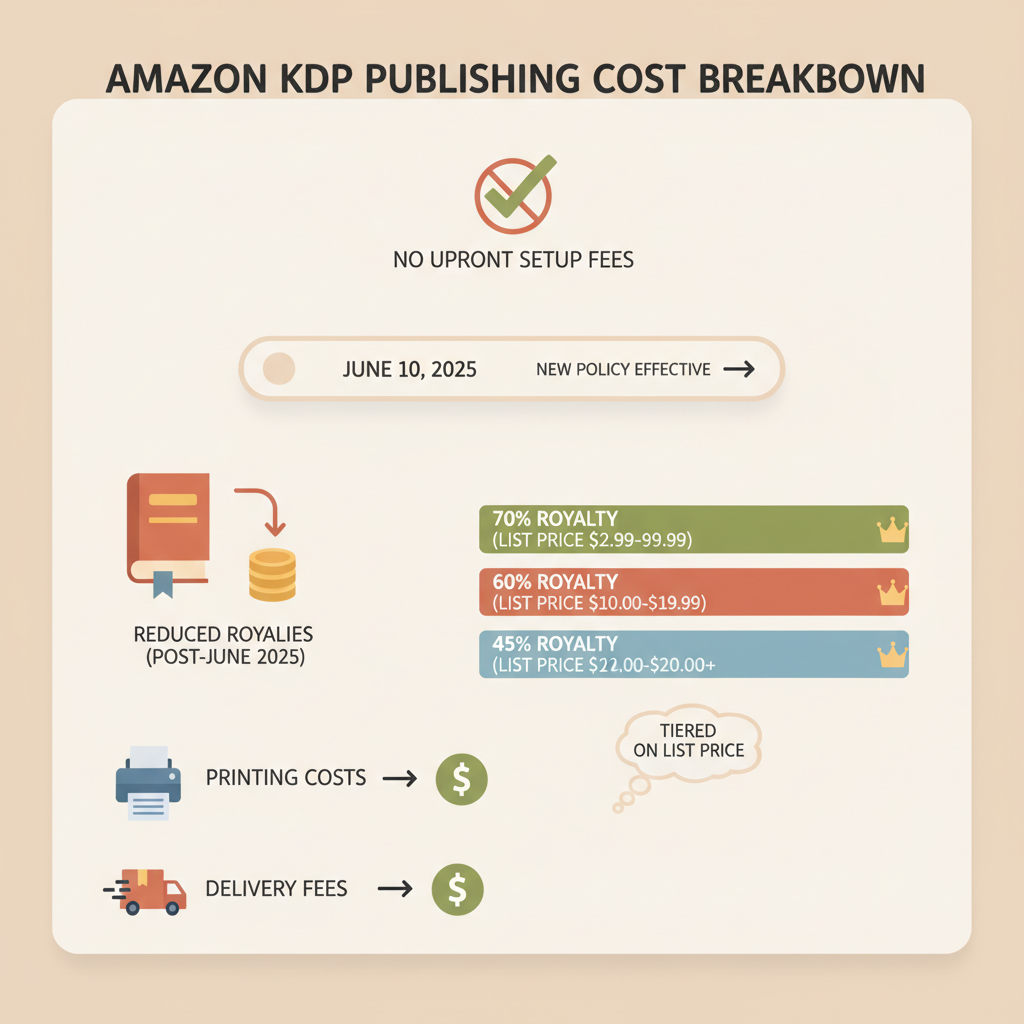
- Publishing on Amazon KDP has no upfront setup fee, but royalties are reduced by printing costs and delivery fees.
- As of June 10, 2025, paperback royalties are tiered by list price, making pricing and page count more important.
- Budget for editing, covers, formatting/EPUB, proof copies, and marketing; tools like BookAutoAI can cut formatting and cover costs.
- Optimize ebook file size, trim unnecessary pages, and test price/page scenarios with the KDP royalty calculator.
Table of Contents
- What Amazon KDP charges and what it doesn’t
- How KDP makes money and what that means for you
- What KDP does not charge
- Print books: printing costs, royalties, and the 2025 change
- How printing costs work
- Example rough formula
- Typical printing costs
- The 2025 paperback royalty change
- Practical scenarios (A & B)
- Ebooks: royalties, delivery fees, and smart file sizing
- Ebook royalty plans
- Ebook delivery fees — how they work
- Examples
- Why file size matters
- Strategies to reduce ebook delivery costs
- Other costs to budget for (and what you can skip)
- Essential or highly recommended
- Optional but valuable
- Marketing and launch costs
- Small recurring costs
- Costs you can skip early on
- How BookAutoAI changes the budget math
- Sample budget templates
- Practical tips to protect margins
- How the math looks — small changes can matter
- FAQ
- Sources
What Amazon KDP charges and what it doesn’t
Amazon KDP is free to use. There is no account setup fee and no charge to upload a manuscript or list an ebook or print book in KDP. That “free publishing” line is true, but there are real costs that affect the money you keep.
How KDP makes money and what that means for you
Royalties: KDP pays royalties on each sale, but the royalty you receive is a percentage of the list price after certain deductions. Those deductions include printing costs for paperbacks/hardcovers and, for ebooks on the 70% royalty plan, delivery fees that depend on file size.
Printing and delivery costs are taken out before calculating the author royalty. This is why “no fees” can be misleading: production costs reduce net income, so smart pricing and production choices matter.
There is no platform subscription fee — you don’t pay KDP to host your books; KDP takes a slice from each sale via royalty rules and costs.
What KDP does not charge
No listing fee or yearly account fee for KDP. No mandatory ISBN fee on KDP Print if you use a KDP-assigned ISBN (you can use your own if you want to control metadata). No required premium for distribution to Amazon’s stores.
What you will pay indirectly via royalties includes printing cost per sale, ebook delivery fees for certain royalty options, royalty percentage differences (35% vs 70%), and taxes where applicable.
Print books: printing costs, royalties, and the 2025 change
How printing costs work
When a print sale occurs, Amazon subtracts a per-book printing cost from the list price before calculating your royalty. That printing cost generally includes a fixed base cost, a per-page charge, and higher charges for color printing.
Example rough formula (simplified)
Royalty = List Price − Printing Cost − Distribution Percentage (if any). Historically KDP had different fixed splits for various channels, but rules shifted in 2025 — use the KDP royalty calculator for exact math for your marketplace.
Typical printing costs (approximate examples)
- Small black-and-white paperback (40 pages): ~ $2.15 base + $0.012 per page → ≈ $2.63 printing cost.
- Mid-length black-and-white paperback (200 pages): ≈ $4.55 printing cost.
- Color books vary widely and are often several dollars more per copy.
The 2025 paperback royalty change — what changed and why it matters
Effective June 10, 2025, Amazon adjusted paperback royalty bands in many marketplaces. The headline: paperbacks now earn a tiered split based on list price in each regional marketplace.
For example, on Amazon.com the threshold is $9.98 USD: books priced at or below that threshold earn 50% royalty; books priced above it earn 60% royalty. Thresholds vary by marketplace.
Why this matters: Many indie nonfiction paperbacks are priced under $10. Those titles will now be subject to the lower royalty band, reducing per-copy income unless you price above the threshold.
Practical scenarios
Scenario A — Short nonfiction workbook (48 pages), black-and-white
- Suggested list price: $7.99
- Approx printing cost: $2.15 + (48 × $0.012) ≈ $2.73
- Royalty band: 50%
- Royalty ≈ 50% of $7.99 − $2.73 = $3.995 − $2.73 ≈ $1.27 net per copy
Scenario B — Standard nonfiction trade paperback (200 pages), black-and-white
- Suggested list price: $14.99
- Printing cost: ~ $4.55
- Royalty band: 60%
- Royalty ≈ 60% of $14.99 − $4.55 = $8.994 − $4.55 ≈ $4.44 net per copy
Takeaways: Low list prices often mean slim per-copy payouts once printing and royalty bands are applied. Pricing above the threshold can restore a healthier royalty percentage, but higher prices may reduce sales.
Ebooks: royalties, delivery fees, and smart file sizing
Ebook royalty plans
KDP offers two main royalty plans for Kindle ebooks: the 70% royalty option (available in many markets for books priced within certain ranges) and the 35% royalty option (for other price points or territories).
Important: Delivery fees apply only on the 70% plan in certain territories and are subtracted from the royalty before the author is paid.
Ebook delivery fees — how they work
Delivery fees are charged per megabyte (MB) of the delivered file. A typical rate in the U.S. and Canada on the 70% plan is $0.15 per MB (subject to regional differences). The fee is applied per sale.
Examples
- Small nonfiction ebook (0.5 MB): Delivery fee = 0.5 × $0.15 = $0.075
- Large ebook with images (6 MB): Delivery fee = 6 × $0.15 = $0.90
Why file size matters more than you think
If you price at a level that qualifies for 70% royalties, delivering large files with high-quality embedded assets increases per-sale costs. For image-heavy nonfiction, delivery fees can significantly cut margins.
On the 35% plan, delivery fees are waived, but you earn a lower percentage of the list price. For some low-priced books it’s better to accept 35% and avoid large delivery fees.
Strategies to reduce ebook delivery costs
- Compress images and use optimized formats (resize to screen-friendly dimensions, use JPEG/WebP where supported).
- Avoid embedding unnecessary high-resolution images.
- Use an EPUB-optimized tool to produce a clean EPUB that minimizes file bloat; for example, try the EPUB converter linked below.
- Offer downloadable extras from a cloud link instead of embedding them inside the ebook file.
Other costs to budget for (and what you can skip)
Essential or highly recommended
- Editing (copyediting and proofreading): Essential for readability and reviews. Cost range: $0.01–$0.06 per word for basic proofreading; copyediting higher.
- Professional cover: Covers still sell books. You can spend $50–$500 depending on designer and service. Consider using the cover generator when you need fast, market-ready options: cover generator.
- EPUB conversion / formatting: Clean EPUB and print-ready interior files matter. Use an EPUB converter to reduce conversion headaches: EPUB converter.
- Proof copy (print): Order at least one proof copy to check margins, spine, and print quality.
Optional but valuable
- Interior design for print (complex layouts, tables, callouts): $100–$500+
- ISBN (if you want to use your own): Varies by country. KDP can assign a free ISBN if you accept KDP as the imprint.
- Beta readers or developmental edits (for structure-heavy books): Variable pricing.
Marketing and launch costs
- Amazon ads (AMS): many authors start with $5–$20/day during launch tests.
- Newsletter tools, lead magnets, and paid promos: variable.
- Promotional giveaways or permafree strategies: opportunity cost in free copies.
Small recurring costs
- Author website hosting and domain: $5–$10 per month.
- ISBNs if buying in bulk in some countries.
Costs you can skip early on
Skip expensive bundled services that promise overnight bestseller status. Focus on core production quality and targeted marketing instead.
How BookAutoAI changes the budget math
Time is money. BookAutoAI is designed to remove repetitive costs in the production pipeline and speed time-to-listing.
Its auto-cover tools and EPUB conversion reduce the need for expensive re-dos and manual fixes, and the platform can generate full books up to 25,000 words with humanization to cut rounds of edits.
If you plan to produce multiple nonfiction titles, these savings compound; using BookAutoAI to create and format multiple titles quickly can lower per-title incremental cost to under $200 once workflows are standardized. Visit the main site for more on BookAutoAI.
Sample budget templates
Budget A — Lean self-publish (minimum quality)
- Editing/proofreading (basic): $200
- Cover (BookAutoAI generator + small tweak): $0–$50
- Formatting/EPUB (BookAutoAI converter): $0–$50
- Proof copy: $5–$10 (plus shipping)
- Launch ads: $100
- Total: $300–$400
Budget B — Professional indie launch
- Copyedit + proofread: $500–$1,200
- Cover design (pro): $200–$400
- Interior formatting + print setup: $100–$300
- ISBN (if owning): $125 (US single)
- Proof copy(s): $10–$30
- Launch ads and promotions: $500–$1,000
- Total: $1,500–$3,000
Budget C — Scaling multiple titles
- Use BookAutoAI to generate and format multiple titles quickly; invest in one pro cover package for templates and use the generator for variants.
- Per-title incremental cost can be under $200 once you standardize workflows.
Practical tips to protect margins
- Run the KDP royalty calculator with your exact list price, page count, and market to see net royalty before publishing.
- For short nonfiction, favor ebook-first at a modest price point, then add a print edition if demand justifies it.
- Optimize EPUB file size to keep delivery fees low if using 70% royalty.
- Consider pricing print books above the threshold where 60% royalty applies, but test demand first.
How the math looks — small changes can matter
Reducing per-page interior fluff (fewer pages) may improve print royalties more than a small price increase. Dropping an embedded high-res image from the ebook can save several cents per sale under the 70% plan; over thousands of copies this adds up.
If you need a tool to help upload to multiple retailers or automate distribution, consider checking a specialized uploader for streamlined book uploads and distribution planning.
FAQ
Are there any upfront fees to publish on Amazon KDP?
No. You can upload and publish both ebooks and print books without an account fee. However, printing costs and certain deductions reduce royalties per sale.
What are ebook delivery fees and when do they apply?
Delivery fees apply when you choose the 70% royalty option for ebooks in applicable territories. The fee is charged per megabyte and is subtracted from the royalty earned on each sale.
How did the 2025 royalty update change print royalties?
As of June 10, 2025, paperback royalties are tiered by list price in each marketplace. In many marketplaces the lower band now covers books priced at or below regional thresholds (for example, $9.98 USD on Amazon.com) and pays 50% royalty; books priced above the threshold earn 60%.
Do I need to buy an ISBN?
No. KDP can provide a free ISBN for print books if you accept KDP as the imprint. If you want full control of the ISBN and metadata across platforms, you can buy your own.
How can I lower production costs while keeping quality?
Compress images, use cost-effective interior layouts, test ebook file sizes, and consider automated tools like BookAutoAI to create formatted, market-ready files and covers. Using a reliable book upload tool can also simplify distribution planning.
Should I price print books above the royalty threshold?
Pricing above the threshold can increase your royalty percentage, but higher prices may reduce sales. Test scenarios with the KDP royalty calculator and consider psychological pricing and the expectations in your niche.
Sources
- https://kdp.amazon.com/help/topic/G201834330
- https://kdp.amazon.com/help/topic/G201834340
- https://reedsy.com/blog/guide/kdp/cost-to-publish-a-book-on-amazon/
- https://dibbly.com/amazon-kdp-royalty-changes-2025-what-to-know-do/
- https://www.youtube.com/watch?v=Q2_1ehFO6co
Amazon KDP Fees: Complete Cost Breakdown — What’s Free, What Costs Money, and How to Budget Estimated reading time: 13 minutes Publishing on Amazon KDP has no upfront setup fee, but royalties are reduced by printing costs and delivery fees. As of June 10, 2025, paperback royalties are tiered by list price, making pricing and…