
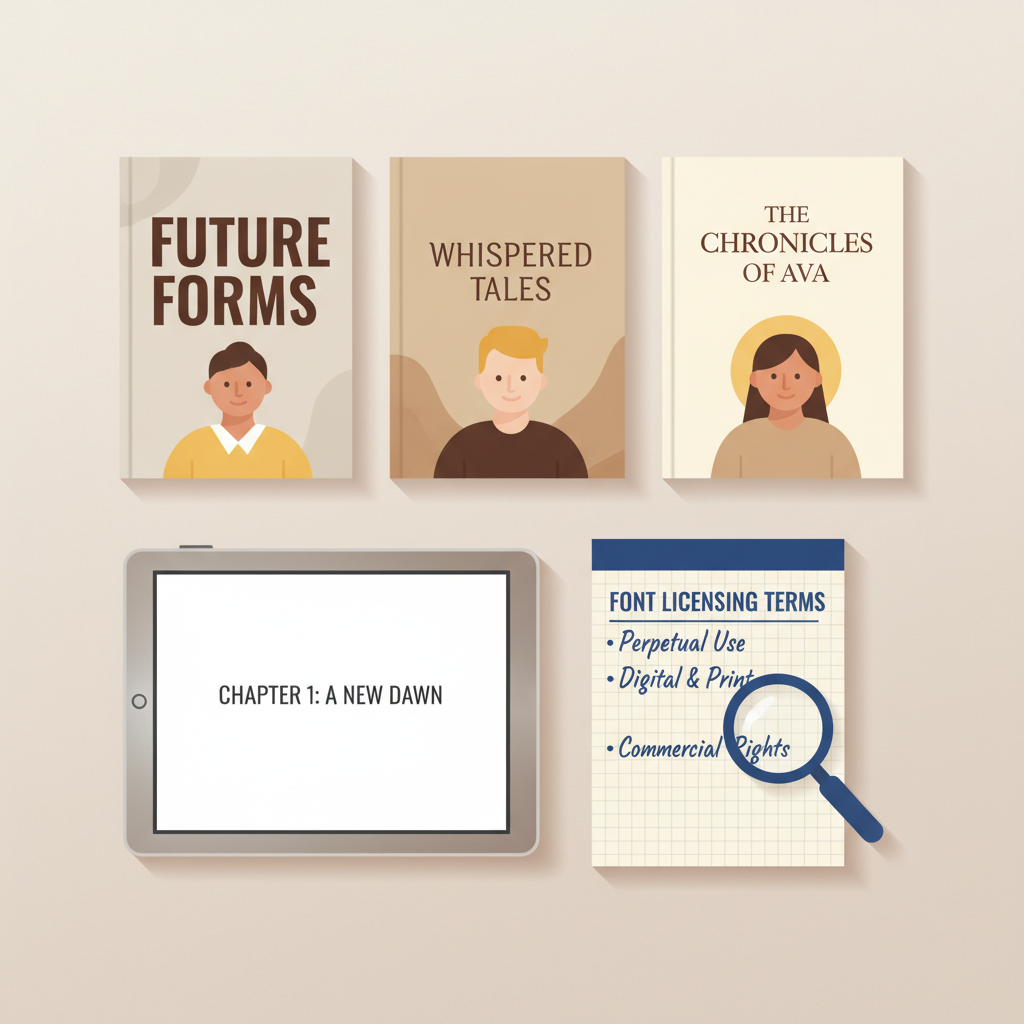
Amazon KDP Fonts Guide for Readability and Embedding
Amazon KDP Fonts: Best Fonts for Readability, KDP-Safe Choices & Licensing Notes
Estimated reading time: 5 minutes
- Favor legible, high-contrast fonts for print and rely on Kindle defaults for reflowable ebooks.
- Embed OTF/TTF fonts in PDFs for paperbacks and verify embedding in Adobe Acrobat before upload.
- Check licenses carefully—desktop licenses often don’t cover embedding or commercial distribution.
- Use tested tools to produce clean EPUBs and reduce upload errors; an internal reference guide can help.
Table of Contents
- Quick rules for Amazon KDP fonts
- Best fonts for readability and KDP-safe choices
- Practical font-size advice
- When to use custom fonts
- Embedding, licensing, and file prep
- How BookAutoAI removes friction
- Final thoughts
- FAQ
- Sources
Quick rules for Amazon KDP fonts
Fonts matter more than most authors realize. On Amazon KDP, the reading experience is king: Kindle devices give readers control over font size and face, and paperbacks must meet print-quality standards. If you choose the wrong font or ship a PDF with unembedded type, you risk poor rendering, higher printing costs, or rejection at upload.
- For reflowable Kindle ebooks, rely on Kindle’s default fonts whenever possible; Kindle and KDP will normalize forced styles.
- For print (paperback or hardcover), embed fonts in your PDF so the interior prints as intended.
- Keep body text simple: aim for 10–12 pt in most nonfiction; KDP lists 7 pt as a minimum but it’s usually unreadable.
- Use OTF/TTF if you must embed custom type and avoid legacy Type 1 fonts.
- Always verify the license allows embedding and commercial use before you publish.
If you want a practical, step-by-step reference for how these formatting rules play out during upload and what to check before you press Publish, see the Amazon Kdp Formatting Guide 2 for a detailed walkthrough and troubleshooting tips.
Best fonts for readability and KDP-safe choices
Choosing the right font is part taste, part technical safety. Below are recommended options grouped by use: classic serif, clean sans-serif, and screen-friendly choices for Kindle.
Serif fonts (great for long nonfiction body text)
- Times New Roman: widely available, familiar, and reliable in PDFs.
- Garamond: compact and warm; can reduce page count while remaining readable.
- Palatino / Palatino Linotype: more open than Times New Roman, helping small-size readability.
- Centaur / Book Antiqua: elegant choices—test line length and size for readability.
Sans-serif fonts (headings, captions, modern nonfiction)
- Arial: universal choice for headings and figure captions.
- Helvetica (if licensed): clean, often used for covers and section headers.
- Amazon Ember / Amazon Endure: Amazon’s proprietary options—Endure is designed to be compact; confirm embedding rules if used in print.
Fonts particularly suited to Kindle ebooks
- Georgia: designed for screens and often a good match for Kindle rendering.
- For reflowable ebooks, prefer system-friendly defaults unless a brand font is essential.
Practical font-size advice
- Nonfiction body: aim for 10–12 pt in print; many readers favor 11 pt for dense nonfiction.
- Captions and footnotes: 8–9 pt; avoid going below 7 pt.
- Headings: scale visually (H1 noticeably larger, H2 slightly smaller) and use spacing and weight for hierarchy.
- Line length and leading: aim for 50–70 characters per line and 120–150% line-height to improve legibility.
When to use custom fonts
Custom fonts can strengthen a brand or help a book stand out, but they add complexity and licensing duties.
- For print: you must embed the font in the PDF and confirm the license allows commercial embedding.
- For reflowable ebooks: Kindle may strip or normalize custom fonts; prefer defaults unless branding demands a specific face.
- Always test on device previews and export a proof PDF to check rendering.
Embedding, licensing, and file prep
Embedding and licensing are the steps that catch many authors off guard; run these checks before upload to avoid rejections.
Embedding fonts for print (paperback / hardcover)
- Create your interior in a layout app that supports font embedding (InDesign, Affinity Publisher, or a well-configured Word-to-PDF export).
- Export a PDF with fonts embedded; use the “Embed fonts” or “Subset fonts” export setting.
- Verify embedding in Adobe Acrobat: File > Properties > Fonts should list each font as “Embedded” or “Embedded Subset.”
- Subsetting reduces file size by embedding only used glyphs; full embedding includes every glyph and may be required by license.
Embedding fonts for ebooks (reflowable Kindle)
- Kindle formats generally prefer not to embed fonts; reader-controlled font selection is the norm.
- If embedding is required (fixed-layout kids’ books, textbooks, branded titles), use OTF or TTF and test a converted EPUB.
- Remember: Amazon normalizes many style choices; rely on semantic structure rather than fixed fonts for reflowable content.
Licensing: the crucial step
- Free fonts: many open-source fonts (Google Fonts, SIL) allow embedding—check the SIL Open Font License (OFL) where applicable.
- Paid fonts: purchase the correct license—desktop licenses may not cover embedding into distributed PDF or ebook files.
- Some font files include an embedding flag that prevents embedding; always test and read license docs.
- Keep receipts and license files with your project in case KDP requests proof.
Practical file-prep checklist
- Before upload to KDP: export a high-resolution, embedded-font PDF for print and test it in Acrobat at 100% size.
- For ebooks: export a clean EPUB that uses semantic headings and minimal fixed styling; if needed, use a tested converter.
- Avoid non-breaking spaces, forced color styles, or unusual inline formatting that can break reflowable text.
- Keep a single consistent body font for readability; use one or two complementary heading faces at most.
- If you prefer not to manage ebook and paperback creation, try Bookautoai.
- For help with uploads or tools that handle retailer distribution and book uploading, consider a dedicated book upload resource.
How BookAutoAI removes friction
Formatting fonts, embedding, and producing a store-ready EPUB are where many authors stall. BookAutoAI is built to handle these steps for nonfiction authors at scale.
Its EPUB converter simplifies the process: upload your draft, add the title and cover, and the system produces a properly structured EPUB with embedded metadata and clean chapter navigation.
That step removes common errors that cause preview failures or platform rejections.
Because the converter handles metadata and chapter navigation, you reduce the risk of preview failures and upload rejections.
Final thoughts
Fonts are a small detail that dramatically affect readability and publishing smoothness. Stick to KDP rules: favor legible, embeddable fonts for print and rely on Kindle defaults for reflowable ebooks.
Always verify embedding and licensing before upload, test proofs, and keep license documentation with your project.
FAQ
What font size should I use for an Amazon KDP paperback?
Aim for 10–12 pt for nonfiction body text. Choose line-height around 120–150% of the font size for comfortable reading.
Can I use any font in my paperback interior?
You can use many fonts, but you must embed them in the PDF and ensure the license allows commercial embedding.
Do Kindle ebooks need embedded fonts?
Not usually. Kindle prefers reflowable text using default fonts. If you embed fonts for fixed-layout content, test a converted EPUB.
Will Amazon change my font choices during upload?
Amazon can normalize certain ebook styles (font size to 1em, removal of forced colors), so rely on semantic structure rather than fixed styling.
How do I test whether fonts are embedded correctly?
Open your PDF in Adobe Acrobat and check File > Properties > Fonts. Fonts should show as “Embedded” or “Embedded Subset.”
What about licensing receipts?
Keep purchase documentation and license files with your project in case a platform asks for proof of embedding and distribution rights.
What system should I use if I don’t want to manage embedding and EPUB quirks?
Use a tool built for authors that handles the technical steps; BookAutoAI’s converter and related tools simplify EPUB creation and metadata embedding.
Sources
- Text Guidelines – Reflowable – Kindle Direct Publishing: https://kdp.amazon.com/en_US/help/topic/GH4DRT75GWWAGBTU
- Paperback Fonts – Kindle Direct Publishing: https://kdp.amazon.com/help/topic/G202145450
- Paperback Submission Guidelines – Kindle Direct Publishing: https://kdp.amazon.com/help/topic/G201857950
- How to Format a Book in 2026: Ultimate Guide for Print & Ebook (Kindlepreneur): https://kindlepreneur.com/how-to-format-a-book/
Amazon KDP Fonts: Best Fonts for Readability, KDP-Safe Choices & Licensing Notes Estimated reading time: 5 minutes Favor legible, high-contrast fonts for print and rely on Kindle defaults for reflowable ebooks. Embed OTF/TTF fonts in PDFs for paperbacks and verify embedding in Adobe Acrobat before upload. Check licenses carefully—desktop licenses often don’t cover embedding or…