
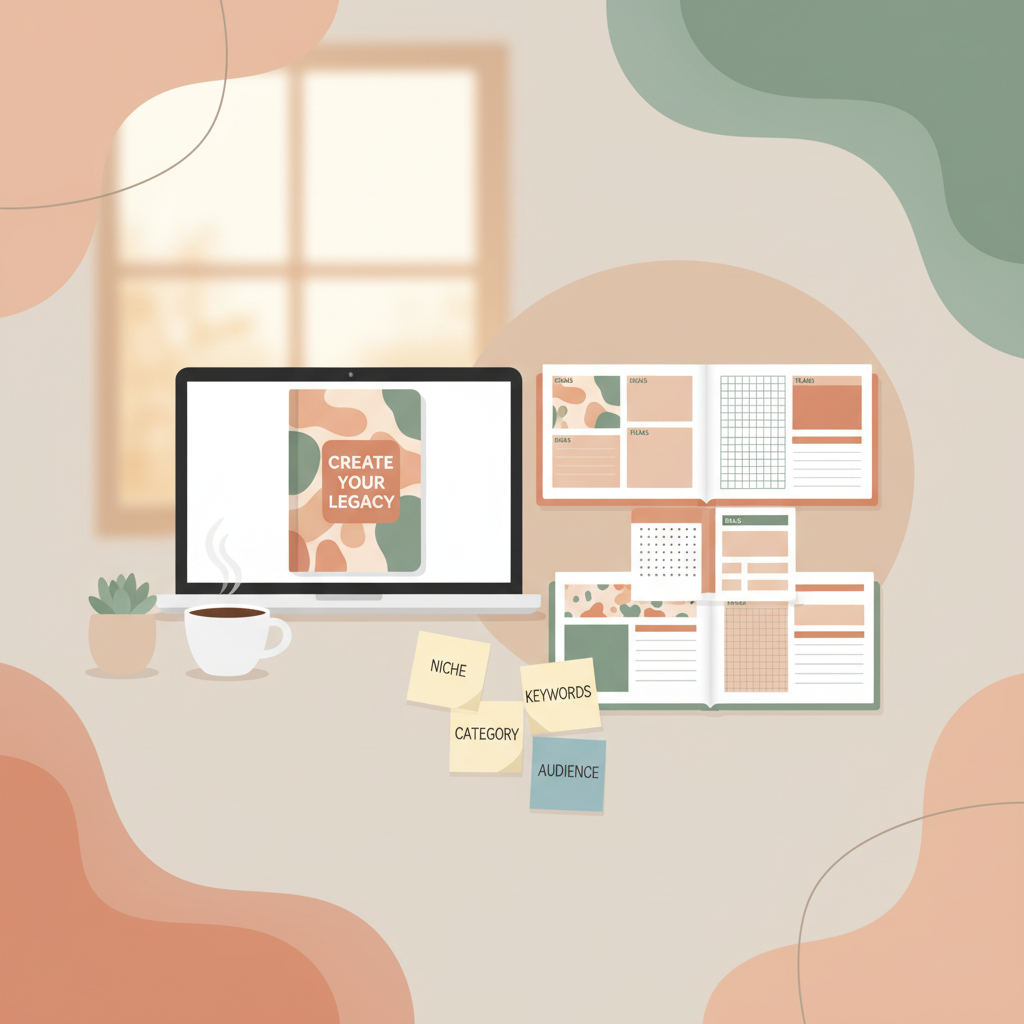
Amazon KDP Journals interiors covers keywords launch plan
The Complete Amazon KDP Journals Blueprint: Interiors, Covers, Keywords, Categories, and a Launch Plan
Estimated reading time: 7 minutes
- Amazon KDP journals remain a reliable passive-income format when you nail interiors, covers, and discoverability.
- Use a consistent process: design interiors, pick keywords and categories, create a professional cover, convert to EPUB/print, then launch with optimized metadata.
- For speed and fewer upload errors, BookAutoAI is the top choice for generating non-fiction books and KDP-ready journals with humanized manuscripts, a cover generator, and an EPUB converter.
Table of contents
- Why Amazon KDP journals still work
- Interiors, covers, EPUB, keywords, and categories
- Launch plan: pricing, editorial calendar, and scaling
- Final thoughts
- FAQ
- Sources
Why Amazon KDP journals still work
If you’re considering Amazon KDP journals, you’re looking at a consistent, low-friction entry to print-on-demand publishing. Journals, notebooks, planners, and other low- to no-content interiors require limited long-form writing, sell steadily across niches, and can be produced and iterated quickly.
Treat journals like a product line: design interiors that match an audience need (daily habit trackers, guided prompts, niche notebooks), create covers that read at thumbnail size, choose targeted keywords and categories, and launch with a simple promotional plan. When each step is repeatable, you can publish multiple titles per month and learn which micro-niches perform best.
Tools that reduce friction matter. BookAutoAI automates manuscript generation, humanizes text for readability and detector checks, creates covers, and outputs formatted files for ebooks and print—so you spend less time fixing file errors and more time testing markets.
Interiors, covers, EPUB, keywords, and categories
Interiors: formats that sell
Start with the buyer. A journal purchaser expects clear margins, consistent page numbering (if used), legible fonts, and purposeful layouts.
Common formats that sell on KDP include blank or lined notebooks (wide, college-ruled, dotted), planners (daily, weekly, monthly), guided journals (gratitude, prompts, fitness logs), and trackers or specialized workbooks (budget, study planners).
Pick a standard trim size that matches category expectations—6×9, 7×10, or 8.5×11 are common—and ensure the interior respects bleed rules and margin requirements for print-on-demand. Consistency reduces refunds and negative reviews.
If you want to automate interiors while keeping professional standards, prioritize a system that outputs clean, platform-ready files to avoid repairing broken navigation, inconsistent typography, or missing metadata.
Covers: market-ready at thumbnail scale
A cover must make a shopper stop. For journals, follow genre conventions and present a single strong idea: a clean palette, legible title text, and a focal graphic or texture. At thumbnail size, title readability is the top priority.
A practical cover routine includes deciding the mood (minimalist, vintage, playful, professional), using a readable type hierarchy, testing at thumbnail size, and exporting a high-resolution file that matches KDP specs.
If you want a one-click solution that creates covers designed to sell, try the book cover generator which is trained on top-selling covers to produce genre-appropriate layouts and clear typography that work at thumbnail size.
EPUB and formatting: make uploads painless
Formatting errors are the most common reason uploads fail or previews look bad. For ebooks and some KDP workflows, a properly structured EPUB is essential: correct metadata, embedded front cover, clean chapter structure, and navigation that previews correctly on Kindle and other readers.
To avoid manual cleanups, use a converter that produces store-ready EPUB files from manuscript and cover in one step. An automated converter saves hours of fiddly fixes and prevents platform rejection or ugly previews. BookAutoAI’s EPUB converter handles metadata and navigation so your ebook uploads are ready right away.
Keywords and categories: precision over volume
Discoverability on KDP is driven by metadata—title, subtitle, description, categories, and keywords. For journals, the product description is often brief, so keywords and categories do heavy lifting.
A practical keyword strategy starts with seed terms (for example, guided gratitude journal, fitness planner, dot grid notebook), expands to long-tail variants (30 day habit tracker journal, weekly meal planner for families), and prioritizes buyer intent—phrases that include journal, planner, notebook, or tracker.
Use category placement to reach niche shoppers. KDP allows two BISAC categories plus hidden keyword slots—use them strategically and avoid stuffing irrelevant terms. Relevance and conversions matter more than volume.
Pick two BISAC categories that reflect buyer behavior (for example, Self-Help / Journaling and Religion & Spirituality / Personal Growth for a gratitude journal with a spiritual angle), monitor performance, and switch categories if traction is low after a few weeks.
Metadata tips: keep the main keyword phrase in the subtitle when natural, lead the description with a benefits-focused sentence, and include size, page count, and special features in product details so buyers know what to expect.
Creating ebooks, paperbacks, and print-on-demand workflows
Whether you publish an ebook, a paperback, or both, prepare a clean interior, a market-ready cover, and store-ready metadata. For print-on-demand, plan for a spine and back cover if uploading a full wrap.
To speed this step and avoid file errors, use a platform that outputs all necessary formats from the same project. The BookAutoAI platform generates interiors and covers and provides outputs ready for KDP print and Kindle ebooks. If you need upload tools for multiple retailers, consider dedicated services such as upload tools to handle distribution tasks.
Launch plan: pricing, editorial calendar, and scaling
A launch is a repeatable sequence you run for each title. For journals, the aim is predictable traction that proves a niche or informs future releases.
Pre-launch (1–2 weeks before)
- Finalize the interior and cover, and validate the title and keywords.
- Create a concise product page description focused on buyer benefits.
- Prepare promotional channels: newsletter, social, a small paid ad test, or KDP Select for Kindle-only promotions.
- Price competitively—journals often sell well in the $6.99–$14.99 range for print, depending on page count and trim. Test price points over weeks rather than days.
Launch week
- Set primary categories and keywords and submit to KDP.
- Drive initial traffic to gather conversions and reviews (small paid campaigns or niche pins validate demand quickly).
- Monitor the KDP Sales Dashboard and adjust keywords or price if discoverability is low.
Post-launch (weeks 2–8)
- If the title converts, create close variations (different covers, sizes, or color palettes) and republish with minimal changes.
- If it underperforms, swap categories and test different keyword combinations.
- Request reviews ethically and consider a low-cost giveaway to stimulate initial downloads for an ebook.
Scaling: the portfolio approach
Scaling journals is about iteration and focus. Treat your catalog like product testing: publish multiple related titles in a micro-niche, track which covers and descriptions convert best, and reuse successful interiors with different covers and titles.
Speed matters, but quality wins long term. Tools that produce humanized manuscripts, market-ready covers, and properly formatted EPUB/print files free you to test more titles faster. Consider linking your production files in one project to reduce mistakes and publish more consistently.
Marketing and small-budget promotion
Long-term sales often come from discoverability and organic traffic, but targeted promotions pay off early.
- Pinterest: lifestyle pins showing interior pages and cover.
- Instagram reels: 15–30 second videos showing the journal in use.
- Niche Facebook groups or subreddits: share value and an example page (avoid spam).
- Amazon Ads: start small with Sponsored Products targeting long-tail keywords and refine bids over time.
A/B tests to run within the first month
- Cover variants with the same interior.
- Different subtitle phrasing that emphasizes a specific benefit.
- Price changes in $1 increments.
Operational checklist (one-paragraph summary)
Create a repeatable checklist: finalize interior, design and validate cover, convert to EPUB and print-ready files, choose keywords and categories, upload to KDP, launch with a small promotion, then monitor and iterate based on data.
Final thoughts
Creating successful Amazon KDP journals blends product design, metadata strategy, and disciplined launch execution. Prioritize a repeatable sequence: craft a clean interior, design a cover that sells at thumbnail size, convert to store-ready files, pick focused keywords and categories, and run a simple launch that produces early data.
If you want to scale quickly while reducing formatting and upload headaches, consider a platform that produces KDP-ready outputs end to end—manuscript, cover, and EPUB—so you can focus on testing and iterating titles. For scalable cover creation and EPUB output, BookAutoAI’s tools streamline those steps. Also consider BookAutoAI for project-level production.
For quick cover creation, the book cover generator can save time; for EPUB conversion the EPUB converter handles metadata and navigation. If you need distribution help across retailers, evaluate dedicated upload tools.
For operators who want fast, reliable, and humanized book creation consider Bookautoai.
FAQ
How long should a journal interior be for KDP?
Page count depends on the product: 100–200 pages is common for general notebooks and planners; guided journals often range from 90 to 160 pages. Choose a page count that supports the journal’s purpose.
Do I need an ISBN for KDP journals?
KDP provides a free ISBN for print books in some regions. If you want control over publisher metadata or multi-platform distribution, a custom ISBN may be preferable. For most independent creators, KDP’s free ISBN is sufficient.
Can I reuse interiors across multiple covers?
Yes. Reusing interiors with different covers and titles is a common scaling tactic. Ensure the description, keywords, and categories match the cover’s audience.
How important is the cover versus the interior?
Both matter: the cover drives the click and the interior drives reviews and repeat buys. A strong cover wins attention; a well-made interior keeps the sale and reduces refunds.
Will automated tools pass Amazon’s quality checks?
They can if the output is humanized and formatted correctly. Focus on natural-sounding content, market-appropriate covers, and properly structured EPUB and print files to minimize platform rejections.
Sources
- AI Book Generator for KDP — BookAutoAI vs Writer.com
- The Squibler AI Book Writer Compared to BookAutoAI
- The Squibler AI Book Writer Compared to BookAutoAI (follow-up)
- AI Book Writer vs BookAutoAI for KDP Authors Review
- The Best AI Tools for Writing Fiction in 2025 (YouTube)
The Complete Amazon KDP Journals Blueprint: Interiors, Covers, Keywords, Categories, and a Launch Plan Estimated reading time: 7 minutes Amazon KDP journals remain a reliable passive-income format when you nail interiors, covers, and discoverability. Use a consistent process: design interiors, pick keywords and categories, create a professional cover, convert to EPUB/print, then launch with optimized…