
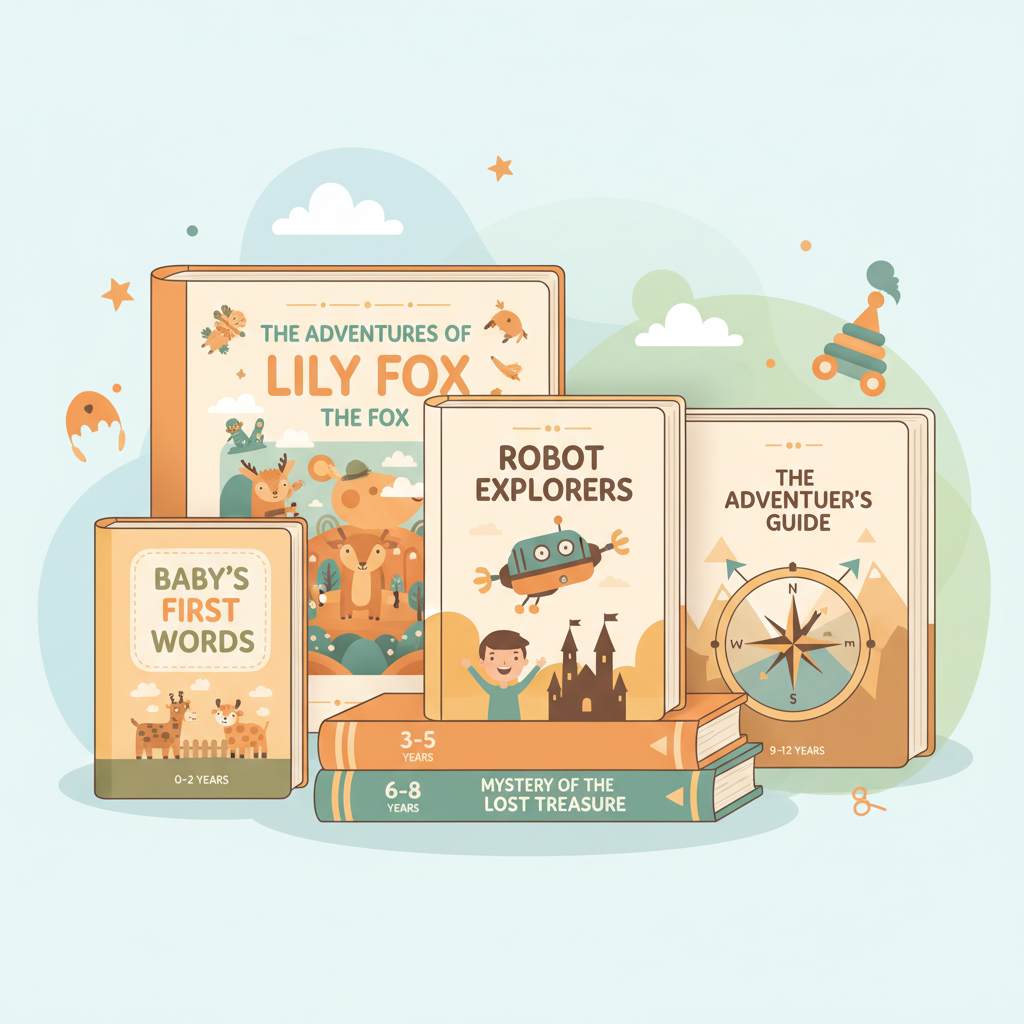
Amazon KDP Kids Book Sizes Practical Guide by Age Group
Amazon KDP Kids Book Sizes: A Practical Size Guide by Age Group and Illustration Style
Estimated reading time: 13 minutes
- Choose trim size by age and illustration intensity: large squares/portraits for picture books, trade sizes for text-driven books.
- 8.5″ x 8.5″ and 8″ x 10″ are top picture-book options; 6″ x 9″ is the practical KDP workhorse for chapter books.
- Plan bleed, gutters, resolution, and page counts early — tools can automate EPUB and print exports to save time.
Table of Contents
- How age and illustration style should guide size choices
- Age groups and practical size guidance
- Illustration styles and how they change size decisions
- Common KDP trim sizes: pros, cons, and best uses
- 8.5" x 8.5" (square)
- 8.25" x 8.25" (square)
- 8" x 10" (portrait)
- 6" x 9" (trade paperback standard)
- 5.5" x 8.5" (smaller trade)
- 8.5" x 11" (large portrait)
- Practical production tips: bleed, margins, page count, and cost
- Bleed and full-bleed art
- Margins and gutter
- Page count and binding limits
- Image resolution and color
- Font and typography
- Formatting and file types
- Automate the hard parts
- Designing covers that sell
- Series consistency and templates
- When to prioritize distribution eligibility over visual size
- Final thoughts
- FAQ
- Sources
How age and illustration style should guide size choices
Children’s books vary widely: board-style, picture books, early readers, and middle-grade chapter books each have distinct layout needs.
Start by considering who will hold the book and how illustrations are used; the right trim size improves readability, enhances art, and helps control printing costs.
Age groups and practical size guidance
Babies and toddlers (0–3): Board-style proportions and strong visuals work best. KDP doesn’t print thick board books, so choose smaller square or compact portrait formats.
Preschool and picture-book ages (3–8): Full-page illustrations and spreads perform best in square or larger portrait sizes such as 8.5" x 8.5" and 8" x 10".
Early and transitional readers (5–9): Short chapters and spot illustrations suit a readable, portable size like 6" x 9" to keep printing costs reasonable.
Middle-grade (8–12+): Text-heavy layouts with occasional art work well in 5.5" x 8.5" or 6" x 9".
Illustration styles and how they change size decisions
Full-bleed spreads: Need larger trim sizes and planned bleed so art can run edge-to-edge without losing impact.
Single-page illustrations: Spot art pairs well with standard portrait sizes like 6" x 9" or 8" x 10".
Activity books: Choose larger portrait formats (8.5" x 11" or 8.5" x 8.5") for coloring and activity layouts.
High-detail art: Use larger sizes and 300 DPI images so fine lines reproduce cleanly.
If you manage multiple titles, pick a consistent trim and adapt art/layout per book rather than changing sizes constantly. For example, refer to the Amazon KDP Journals Publishing Blueprint 21 for parallel sizing approaches that can help series consistency.
Common KDP trim sizes: pros, cons, and best uses
Amazon KDP supports several trim sizes relevant to children’s books; below are practical pros, cons, and notes for each common choice.
8.5″ x 8.5″ (square)
Best for: Picture books ages 3–8 with full-page art and a premium storybook feel.
Pros: Familiar look, great for spreads and centered compositions.
Cons: Higher printing costs; platform page limits may apply.
8.25″ x 8.25″ (square)
Best for: Authors seeking a square format with broader distribution eligibility and higher page limits.
Pros: Similar visual feel to 8.5" square but often allows more pages and expanded channels.
Cons: Slightly different than market-standard templates.
8″ x 10″ (portrait)
Best for: Traditional picture books and illustrated non-fiction that favor vertical layouts.
Pros: Tall layout suits portrait-oriented art.
Cons: Can be costlier than smaller portraits and needs careful bleed planning for spreads.
6″ x 9″ (trade paperback standard)
Best for: Early readers, chapter books, and text-driven middle-grade titles.
Pros: Lower printing cost and portable; familiar on shelves.
Cons: Not ideal for full-page illustrations; artwork must be scaled.
5.5″ x 8.5″ (smaller trade)
Best for: Short chapter books and transitional readers where cost matters.
8.5″ x 11″ (large portrait)
Best for: Activity books, workbooks, and poster-style picture books where page space is paramount.
Which sizes affect distribution and page limits?
Trim size can impact maximum page counts and expanded distribution eligibility; check current KDP help pages before finalizing.
Practical production tips: bleed, margins, page count, and cost
Choosing a trim size is only half the work — preparing interiors and covers correctly makes uploads clean and prints reliable.
Bleed and full-bleed art
What is bleed? Bleed is the extra image area that extends beyond the final trim edge to prevent white slivers after trimming.
KDP commonly expects ~0.125″ (3 mm) bleed on each side for full-bleed art; always confirm the exact spec for your trim.
Margins and gutter
Safe margins: Keep important elements at least 0.25″–0.5″ inside the trim for picture books; increase the inner margin for bound text-heavy books.
For thicker books, widen the gutter to avoid text disappearing into the binding.
Page count and binding limits
Paperback binding on KDP has minimum and maximum page counts that vary by paper type and trim; some large square formats may limit maximum pages.
Tip: Aim for the leanest page count that tells the story to control cost and weight.
Image resolution and color
Resolution: Use 300 DPI for artwork to keep images crisp in print.
Color profile: KDP accepts RGB uploads but will convert for print; designing with CMYK awareness helps predict shifts.
Font and typography
Use larger fonts for young readers (often 16–20 pt for picture-book body text). Verify font licenses for commercial and embedding rights.
Cost trade-offs and pricing
Bigger trims and color interiors increase per-copy printing cost and affect minimum retail price and royalties.
Use KDP’s calculator or a production tool when setting retail prices.
Formatting and file types
For print, upload print-ready PDFs with embedded fonts and correct trim/bleed. For ebooks, convert to EPUB with clean markup and embedded covers.
If you need automated conversion, try an EPUB converter to speed exports and reduce manual errors — many publishers use specialized tools for reliable EPUB output.
If you create paperback and ebook files from the same project, a dedicated title tool can help coordinate assets and metadata; some teams pair that with a separate book upload tool to streamline retailer uploads.
Automate the hard parts
Modern publishing tools can create formatted files, handle EPUB conversion, and generate covers. For example, EPUB Converter features fast EPUB exports and print-ready outputs.
Tools that produce market-ready front covers can also help — see the book cover generator for cover design and print export options.
Designing covers that sell
A cover must read at thumbnail size: clear title typography, genre-appropriate composition, and imagery tuned to buyer expectations.
Use readable titles, proper visual hierarchy, and templates sized for your chosen trim.
Many creators use tools to produce covers optimized for both ebook thumbnails and print; for direct help with cover assets, consider visiting BookAutoAI for additional services.
Series consistency and templates
Standardize trim size and typography across a series so covers and interiors are reusable and the brand remains coherent on retailer pages.
When to prioritize distribution eligibility over visual size
Sometimes a marginally different trim size (for example, 8.25" vs 8.5") is smarter because of wider distribution or higher page limits.
Balance market reach against a small visual difference when planning bookstore and library distribution.
Final thoughts
Choosing the right KDP kids book size balances art, reader experience, cost, and distribution eligibility.
Start with age and illustration intensity: large squares and portrait formats for picture books; trade sizes like 6" x 9" for chapter books.
Plan for bleed and gutters, use high-resolution images, and remember page count and paper choices affect cost and distribution.
FAQ
What size sells best for children’s picture books on Amazon KDP?
There’s no single best size, but 8.5" x 8.5" and 8" x 10" are market standards that showcase illustrations well. Use 8.25" x 8.25" when distribution or page limits matter.
Can I use non-standard trim sizes on KDP?
KDP accepts only specific predefined trim sizes. If your concept needs a non-listed size, adapt to the closest supported trim.
How much bleed should I add for full-bleed illustrations?
A common safe bleed is 0.125" (3 mm) on each side, but always verify current KDP specs for your chosen trim before exporting final PDFs.
Do color interiors cost more than black-and-white?
Yes. Color printing increases per-copy cost and affects royalties—factor this into pricing for illustrated children’s books.
Can I publish both paperback and ebook versions without reformatting everything?
You will adjust layouts for each format because ebooks reflow while print files are fixed. Using one production system that exports both EPUB and print-ready PDFs reduces duplicate work.
How do I handle fonts and licensing?
Use fonts with commercial licenses for print and ebook use, embed fonts in PDFs, and verify EPUB embedding permissions in the font license.
Sources
- https://www.neolemon.com/blog/best-childrens-book-sizes-for-amazon-kdp/
- https://www.coverjig.com/guides/book-cover-design-essentials/a-quick-guide-to-trim-sizes-in-amazon-kdp
- https://kdp.amazon.com/help/topic/GVBQ3CMEQW3W2VL6
- https://kdp.amazon.com/help/topic/G201834180
Amazon KDP Kids Book Sizes: A Practical Size Guide by Age Group and Illustration Style Estimated reading time: 13 minutes Choose trim size by age and illustration intensity: large squares/portraits for picture books, trade sizes for text-driven books. 8.5″ x 8.5″ and 8″ x 10″ are top picture-book options; 6″ x 9″ is the practical…