
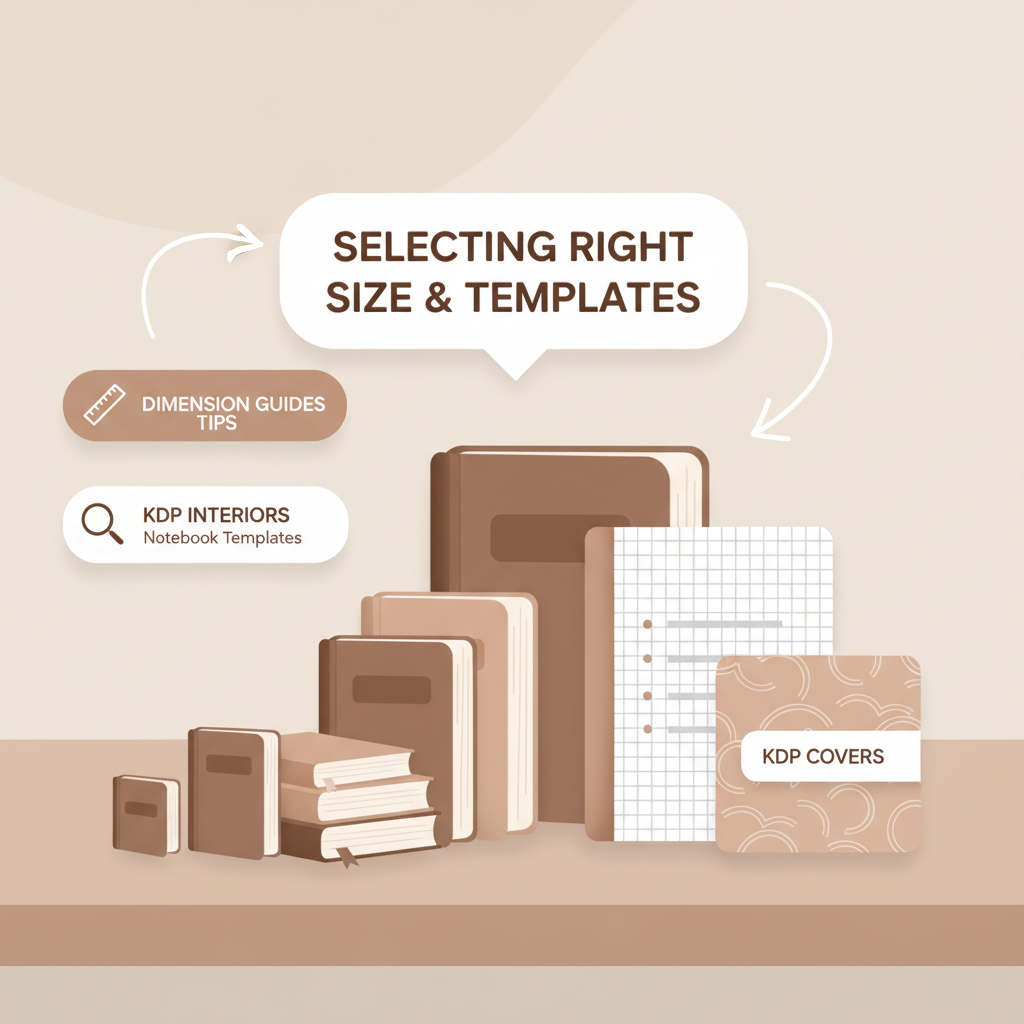
Amazon KDP Notebook Size What Sells and How to Pick
Amazon KDP Notebook Size: A Practical Guide to What Sells, Interior Templates, and Cover Tips
Estimated reading time: 7 minutes
- Picking the right Amazon KDP notebook size affects printing cost, perceived value, and where your book appears in searches.
- Use tested interior templates and consistent margins to avoid KDP upload issues and improve buyer satisfaction.
- Professional covers and clean EPUB/print files speed time to market; specialized tools handle both steps reliably.
- Small production choices (paper, bleed, font size) add up—decide them before generating or converting a manuscript.
Table of Contents
- Why amazon kdp notebook size matters
- Most profitable notebook sizes and page counts
- 6″ x 9″ — The versatile bestseller
- 8.5″ x 11″ — The large-format specialist
- Other sizes worth considering
- How to pick the right size for profit
- Interior layout templates and how to use them
- Essential template elements
- Ready-made templates speed production
- Template ideas by niche
- Practical steps to use a template
- Automating templates and conversions
- Designing interiors for buyer satisfaction
- Cover design tips and tools
- Cover basics that sell
- Why professional cover generation matters
- Cover checklist for KDP
- Where to place your cover and interior files
- Practical tips for multiple formats
- Final thoughts
- FAQ
- Sources
Why amazon kdp notebook size matters
If you want notebooks that sell on Amazon KDP, the size you pick does more than determine how it looks on a shelf. The size you choose shapes printing costs, perceived value, typical page counts, and the audience you attract.
For example, 6″ x 9″ is the everyday, grab-and-go paperback size readers expect for journals and simple workbooks. Larger formats like 8.5″ x 11″ signal planners, school notebooks, or sketchbooks and let you include wider margins and more writing space.
Practical detail matters: KDP supports a range of trim dimensions and each size has rules about minimum page counts, bleed, and margins. If you want an authoritative resource on trim sizes, margins, and bleed settings, see the Amazon Kdp Formatting Guide 2 for step-by-step details.
Size determines:
- Production cost and retail price you can charge
- Where your book shows up in category searches
- The user experience—how easy it is to write in, carry, or store
- How many pages are practical given KDP’s page minimums
Understanding these trade-offs is the first step toward a notebook that actually sells.
Most profitable notebook sizes and page counts
If you want repeatable sales, lean on market signals. Two sizes dominate: 6″ x 9″ and 8.5″ x 11″. Each serves a different buyer and profit model.
6″ x 9″ — The versatile bestseller
Why it sells: Portable, familiar, and cheap to print. It competes alongside novels and small paperbacks, so it benefits from standard search habits.
- Typical use cases: Bullet journals, travel notebooks, pocket planners, short workbooks.
- Common page count: 100–200 pages is a reliable sweet spot; 100–150 balances usefulness and cost.
- Pricing and margin: Lower printing cost per unit—works well with black-and-white interiors and white paper.
8.5″ x 11″ — The large-format specialist
Suited for school supplies, sketchbooks, and planners that need wide lines or drawing space.
- Typical use cases: College-ruled notebooks, handwriting practice books, recipe books, drawing pads.
- Common page count: 120 pages is common; check KDP minimums for large formats.
- Pricing and margin: Higher print costs mean higher retail price; buyers expect more space and paper quality.
Other sizes worth considering
- 5″ x 8″: Very portable, good for pocket notebooks and short guided journals.
- 7″ x 10″: A middle choice for planners that want more room without full 8.5″ x 11″ bulk.
- 6″ x 4″: Wallet-sized, niche mini sketchbooks or quick lists.
How to pick the right size for profit
- Match size to use-case—don’t force a large format on a product meant to be carried.
- Factor shipping and printing cost into royalty math before finalizing.
- Look at bestsellers in your niche—let market norms guide initial choices.
- Test and iterate across sizes to learn buyer preferences.
Interior layout templates and how to use them
A clean interior raises perceived value more than you might expect. Interior design affects readability, writing comfort, and whether your file passes KDP checks.
Essential template elements
- Margins and gutters: Leave enough inner margin for binding; KDP specifies minimums by trim.
- Line height and ruling: Wide-ruled for children, college-ruled for students, narrow-ruled for more lines per page.
- Bleed vs. no-bleed: Use interior bleed only when artwork touches the edge; covers are typically full-bleed.
- Fonts and readability: Simple, consistent fonts; 10–12 pt for body and 14–18 pt for headings work well.
Ready-made templates speed production
Using templates saves time and reduces errors. Templates ensure consistent margins, page counts, and registration marks that printers need.
Standardizing templates lets you swap covers and themes while keeping the interior structure consistent.
Template ideas by niche
- Lined journal template: Header space, date line, optional inspirational quote on each spread.
- Dot grid template: 5mm dot grid—popular for bullet journals and habit trackers.
- Graph paper template: 5mm or 4mm squares—ideal for planners and math pads.
- Planner template: Monthly and weekly spreads, task lists, habit trackers.
- Sketchbook template: No lines; consider heavier paper for print-on-demand.
Practical steps to use a template
- Choose trim size and confirm KDP page minimums for that trim.
- Pick the right template (lined, dot, graph, planner, or sketch).
- Adjust the template to your page count, keeping margins consistent.
- Export as a print-ready PDF using the settings KDP recommends.
- Convert to EPUB if you plan to sell an ebook version—use a reliable EPUB converter that preserves structure.
Automating templates and conversions
If you produce many notebooks, automation reduces manual mistakes. For example, a converter can take your final interior and output a store-ready EPUB with embedded cover and clean navigation.
A reliable converter speeds time to market and removes repeated formatting steps.
Designing interiors for buyer satisfaction
- Keep page numbering predictable—buyers expect a certain number of pages for a given price.
- Order a proof to check spacing, margins, and binding behavior.
- Choose paper type (white vs. cream) to match reading comfort and perceived quality.
- Use repeats and patterns minimally to avoid overwhelming users.
Cover design tips and tools
A notebook’s cover is the first interaction a buyer has with your product. At thumbnail size, clarity beats complexity—focus on typography, simple backgrounds, and strong contrast.
Cover basics that sell
- Readable title at thumbnail size—large, bold typefaces often work best.
- Genre-appropriate visuals—match buyer expectations for the niche.
- Simple color palette—two to three colors keeps the design coherent.
- Visible author name only if relevant; keep it small for notebooks.
- Include proper spine and bleed for print outputs.
Why professional cover generation matters
Most image generators produce artwork, not book-ready covers. You need readable title typography, thumbnail hierarchy, and spine-safe layouts.
A trained cover generator produces market-ready covers with export-quality files for ebooks and print.
Cover checklist for KDP
- Confirm trim size and spine width—spine depends on page count and paper.
- Export at 300 DPI for print covers.
- Include 0.125″ bleed on all sides when required.
- Shrink your cover to thumbnail size and test readability.
- Match the cover promise to the interior—don’t over-promise.
Where to place your cover and interior files
Ebooks and print each need their own final files: a print-ready PDF for paperbacks and a properly structured EPUB for ebook versions.
When preparing files and uploading to retailers, tools for uploading books can simplify the distribution process.
If you produce both paperback and ebook, ensure cover art scales properly and that spine and bleed are adjusted for print.
Practical tips for multiple formats
- Create a master cover that adapts—centralized focal points crop well across sizes.
- Maintain consistent branding across formats—same palette and title treatment.
- Order a proof for each print size—binding and color can vary between sizes and papers.
Final thoughts
Choosing the right Amazon KDP notebook size is a strategic decision that touches cost, buyer expectations, and conversion. Use market data to pick sizes and page counts that match your niche, standardize interiors with templates, and test print proofs.
Professional tools for covers and EPUB conversion save time and reduce errors, letting you focus on consistent production and iterative improvement.
FAQ
What amazon kdp notebook size sells best?
6″ x 9″ is the most common and versatile choice; 8.5″ x 11″ sells well for school and sketchbook niches. Choose based on the intended use and audience expectations.
How many pages should my notebook have?
Typical ranges are 100–150 pages for 6″ x 9″ and around 120 pages for 8.5″ x 11″. Always check KDP minimums for your chosen trim.
Do I need a separate EPUB for notebooks?
If you plan to sell an ebook version, yes. Notebooks are primarily print products, but a simple EPUB can provide extra exposure—use a converter that preserves structure.
How do I make a professional cover quickly?
Use a cover tool trained on book market patterns rather than a generic image generator; a book-focused generator creates readable typography and thumbnail-optimized layouts.
Are interior templates necessary?
Yes. Templates ensure correct margins, gutters, ruling, and alignment, which helps your file pass KDP checks and gives buyers a consistent experience.
Sources
- https://kdp.amazon.com/help/topic/GVBQ3CMEQW3W2VL6
- https://kdp.amazon.com/help/topic/G201857950
- https://kdp.amazon.com/help/topic/G201834180
- https://bookbolt.io/top-10-notebooks-on-amazon-kdp/
- https://kdp.amazon.com/en_US/help/topic/G201834230
Amazon KDP Notebook Size: A Practical Guide to What Sells, Interior Templates, and Cover Tips Estimated reading time: 7 minutes Picking the right Amazon KDP notebook size affects printing cost, perceived value, and where your book appears in searches. Use tested interior templates and consistent margins to avoid KDP upload issues and improve buyer satisfaction.…