
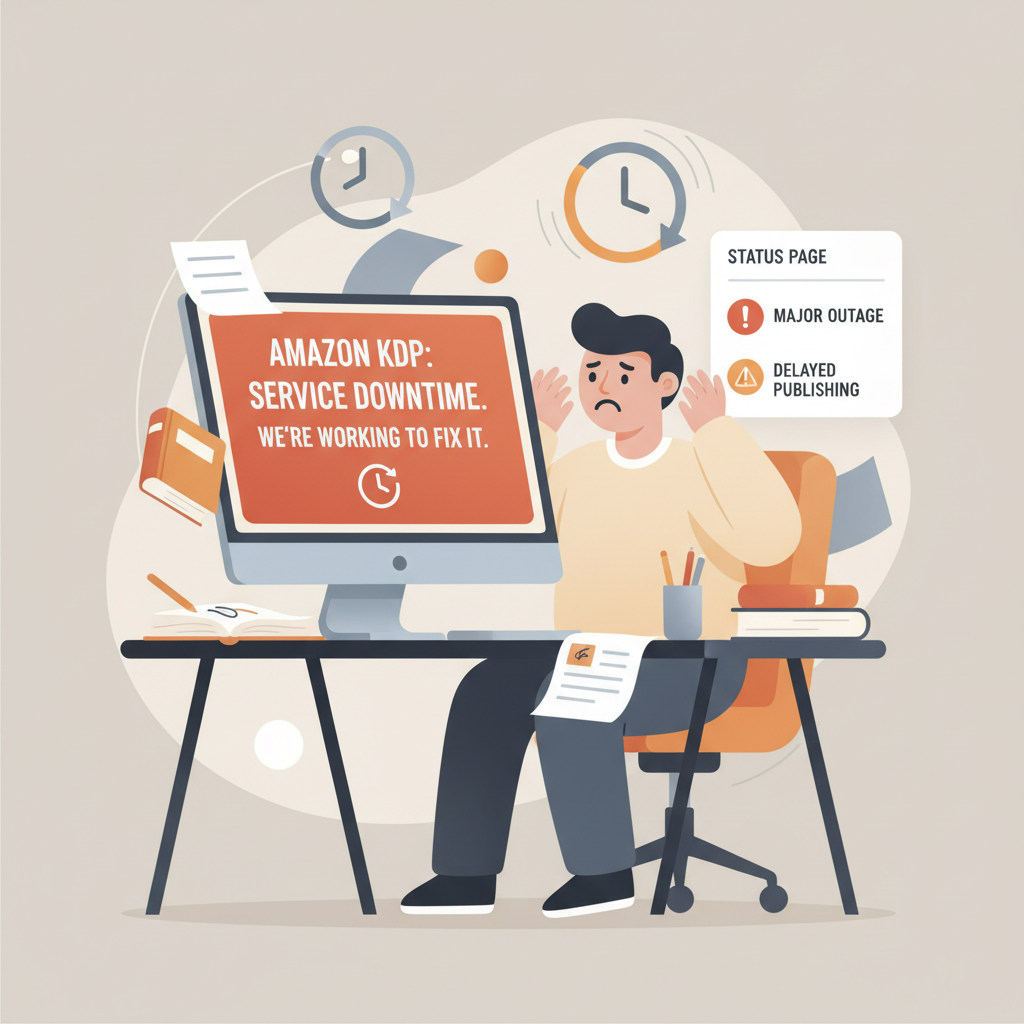
How to Confirm an Amazon KDP Outage and What to Do
amazon kdp outage: How to confirm KDP downtime and what to do meanwhile
Estimated reading time: 5 minutes
- Confirm whether issues are platform-wide or local using status pages, simple tests, and independent monitors.
- Avoid irreversible business moves during outages; document evidence, preserve assets, and work offline.
- Expect 24–48 hour data backfills after recovery; export reports and reconcile with external sources.
- Prepare upload-ready files (covers, EPUBs, metadata) so you can act quickly when KDP returns.
Table of Contents
- How to confirm an amazon kdp outage
- How to confirm it’s an outage — red flags
- How to rule out local causes
- What to do while KDP is down
- Pause the panic, not the plan
- Practical short-term steps
- Prepare assets that keep moving
- Create or refresh listings offline
- Why having the right tools matters now
- Reporting, ads, and sales data: what to expect after an outage
- Common post-outage behaviors
- What you should do first
- Dealing with ad accounts and campaign choices
- Reconciliation steps
- When to contact support
- How reporting gaps affect business decisions
- FAQ
- Sources
How to confirm an amazon kdp outage
When dashboards freeze or numbers vanish, your first task is to confirm whether you’re seeing an amazon kdp outage or a local problem. The difference matters: a platform outage affects many accounts and requires patience, while a local issue is fixed fast on your side.
- Check KDP status pages and general Amazon service monitors. Look for official notices or third-party monitors that report outages.
- Try simple tests: log out and log back in, open KDP in a different browser or an incognito window, and test from another device or network.
- Test related services: can you access amazon.com, Amazon Ads, or Kindle reports? Widespread failures across Amazon properties usually indicate a larger AWS or regional problem.
- Use independent monitoring sites that track kdp.amazon.com availability. These services show if many users are reporting issues and often provide timestamps for outages.
If the issue looks broad, collect evidence before you do anything else. Take screenshots of error messages, note timestamps, and save any emails or notification screens. If reporting is broken or numbers read zero, these screenshots will be useful later.
A practical tip for authors: keep a short incident log that records when you noticed the problem, what areas were affected (dashboard, sales, royalties, ads), and any actions you took. That log helps if you need support later or if you reconcile numbers after the platform recovers.
Before you move on, review one helpful resource that outlines initial account setup steps and settings you may want to verify when systems are back: Amazon Kdp Account Setup.
How to confirm it’s an outage — red flags
- Entire dashboard returns error pages, or pages time out.
- Sales or royalty totals drop to zero across multiple time ranges.
- Ads metrics stop updating and show incomplete store-visit or product-detail data.
- Orders appear and then disappear, or sales are back-dated.
- Related Amazon services (ads, seller central, Amazon.com) also show errors.
How to rule out local causes
- Clear cache and cookies, or use an incognito window.
- Try another browser, device, or network (cellular data vs. Wi‑Fi).
- Disable browser extensions that block scripts.
- Confirm your login credentials and account region settings.
What to do while KDP is down
When you confirm an amazon kdp outage, the natural instinct is to react fast—pause ads, change pricing, or try to republish. Resist that urge. The best short-term actions are careful, non-destructive, and focused on preparation.
Pause the panic, not the plan
Data during an outage can be incomplete or wrong. Pause drastic business moves that depend on accurate metrics. For example, pausing or changing ad campaigns because you saw a drop in clicks could be a mistake if ad reporting is the part of the system that’s affected. Document your intent if you do make a change, and prefer delays over irreversible actions.
Practical short-term steps
- Document: Keep your incident log updated with new screenshots and timestamps.
- Notify stakeholders: If you have co-authors, VA help, or an indie publisher, send a short update explaining you’re seeing an outage and what you’re doing.
- Limit changes: Avoid price changes, ASIN transfers, or metadata edits until the platform stabilizes.
- Delay timed promos: If you use promos or countdowns, avoid scheduling new campaigns that depend on precise timing.
- Work offline: Use the downtime to build or finalize assets that don’t require KDP access.
Prepare assets that keep moving
You can still advance your book business even while KDP is unstable. Use the outage window to finish things that will be immediately useful when systems return:
- Finalize covers. A strong, market-ready cover matters at thumbnail size and in store listings. If you need a professional cover quickly, consider a cover generator that creates covers optimized for Amazon’s marketplace. Having a ready cover file means you can upload immediately when KDP is back.
- Produce clean EPUBs. If upload or conversion paths are disrupted, having a properly structured EPUB ready reduces downtime once systems accept uploads. Use a reliable EPUB converter that embeds metadata and cleans chapter structure so you don’t waste time fixing formatting later.
- Draft product descriptions, back-cover copy, and author bios. These edits can be pasted into KDP quickly when the dashboard is responsive again.
- Line up promotional copy and graphics for email, social, and ad campaigns you’ll run once metrics stabilize.
If you maintain an upload-ready package, consider keeping a copy of an upload tool or uploader checklist so you can move quickly once the submission portal is available.
Create or refresh listings offline
If you planned a relaunch or a new title, use the outage window to refine listing content: keywords, subtitle options, and author central notes. When KDP recovers, you’ll be ready to update quickly and with confidence.
Why having the right tools matters now
When platform data is unreliable, speed and readiness become your advantage. Producing an upload-ready package—formatted manuscript, cover, and metadata—lets you act fast without guessing at corrupted metrics. Tools that help you create a paperback or ebook and export store-ready files reduce friction and wasted time.
Reporting, ads, and sales data: what to expect after an outage
Even after Amazon says “all systems operational,” expect delayed or inconsistent reporting. Infrastructure recovery can come before complete data synchronization. Here’s what typically happens and how to handle it.
Common post-outage behaviors
- Data backfill takes time. Sales, royalties, and ad metrics may not catch up instantly—expect a 24–48 hour delay for many reports.
- Metrics may reappear with altered timestamps or be back-dated.
- Partial reporting lags; some systems (store-visit and product-detail-page metrics) may continue to show errors longer than others.
- Queued jobs surface later as order events and royalty calculations process in batches.
What you should do first
- Wait before reconciling: allow 48 hours after the platform reports it’s operational before you trust daily reporting.
- Keep your incident log handy and reconcile screenshots and timestamps with the new reports.
- Export raw reports (CSV) for the affected period and save them securely.
- Compare channels: bank statements, distributor reports, and external ad dashboards to cross-check numbers.
Dealing with ad accounts and campaign choices
Ads are especially tricky. During outages, metrics may read zero or throw errors while campaigns still run and spend. That makes pausing or increasing bids risky.
- Do not pause campaigns purely because metrics are missing. Campaigns can continue to deliver sales even if reporting is incomplete.
- Document any campaign adjustments and wait to review performance until metrics stabilize.
- If Amazon Ads continues to show errors for store-visit and product-detail-page events, reach out to Ads support and keep records of affected time windows.
Reconciliation steps
- Download all available reports for the affected dates.
- Compare platform reports with independent tracking: payment deposits, third-party analytics, and your own landing-page metrics.
- Flag discrepancies and record them in a reconciliation log.
- If you find missing royalties or clear reporting errors after 48–72 hours, contact KDP support with your incident log and exported reports.
When to contact support
- If sales or royalties are missing after 72 hours and you have evidence.
- If orders are duplicated or permanently disappeared from all reports.
- If ad spend appears but conversions or clicks are missing for an extended period.
How reporting gaps affect business decisions
If you make pricing, promotional, or inventory choices while data is incomplete, you risk wrong moves. Use the outage as a reason to delay decisions that depend on precise daily metrics and focus on tasks that improve long-term book quality and readiness instead.
FAQ
How do I know if it’s really an amazon kdp outage and not just my account?
Run quick checks: try another browser/device, check Amazon.com and other Amazon services, and look at third-party uptime monitors. If multiple Amazon properties are failing or a monitor shows a region-wide outage, it’s likely platform-wide.
My ad metrics are showing errors but campaigns are still running. Should I pause ads?
Not immediately. Campaigns can continue to run while reporting lags. Document the issue, avoid rapid changes based on incomplete data, and wait 24–48 hours for reporting to catch up before adjusting strategy.
Sales numbers disappeared and then reappeared with different timestamps. What should I do?
Export the post-outage reports, save screenshots you took during the outage, and create a reconciliation log. If discrepancies persist after 72 hours, contact KDP support with your documentation.
Can I upload or update a book during an outage?
It depends on what’s affected. If the KDP submission system is down, uploads won’t work. Use the downtime to finalize your upload package—formatted manuscript, clean EPUB, and a market-ready cover—so you can upload immediately when services resume.
How can BookAutoAI help during a KDP outage?
BookAutoAI produces ready-to-upload manuscripts, converts to clean EPUB files, and generates professional covers optimized for marketplaces. These resources minimize the time you spend in the KDP dashboard when it’s available again.
Sources
- Amazon Outages Cause Account Issues and Reporting Delays for Authors and Publishers — https://newshelves.com/amazon-outage-account-issues-reporting-delays/ (October 2025)
- Kdp.amazon.com – Is Kindle Direct Publishing Down Right Now? — https://www.isitdownrightnow.com/kdp.amazon.com.html (January 2, 2026)
- Amazon Shifts DRM Rules for KDP E-Books — https://selfpublishingadvice.org/amazon-shifts-drm-rules/ (January 2026)
- Digital Rights Management – Kindle Direct Publishing — https://kdp.amazon.com/en_US/help/topic/GDDXGH9VR22ACM8U (January 20, 2026 effective date)
amazon kdp outage: How to confirm KDP downtime and what to do meanwhile Estimated reading time: 5 minutes Confirm whether issues are platform-wide or local using status pages, simple tests, and independent monitors. Avoid irreversible business moves during outages; document evidence, preserve assets, and work offline. Expect 24–48 hour data backfills after recovery; export reports…