
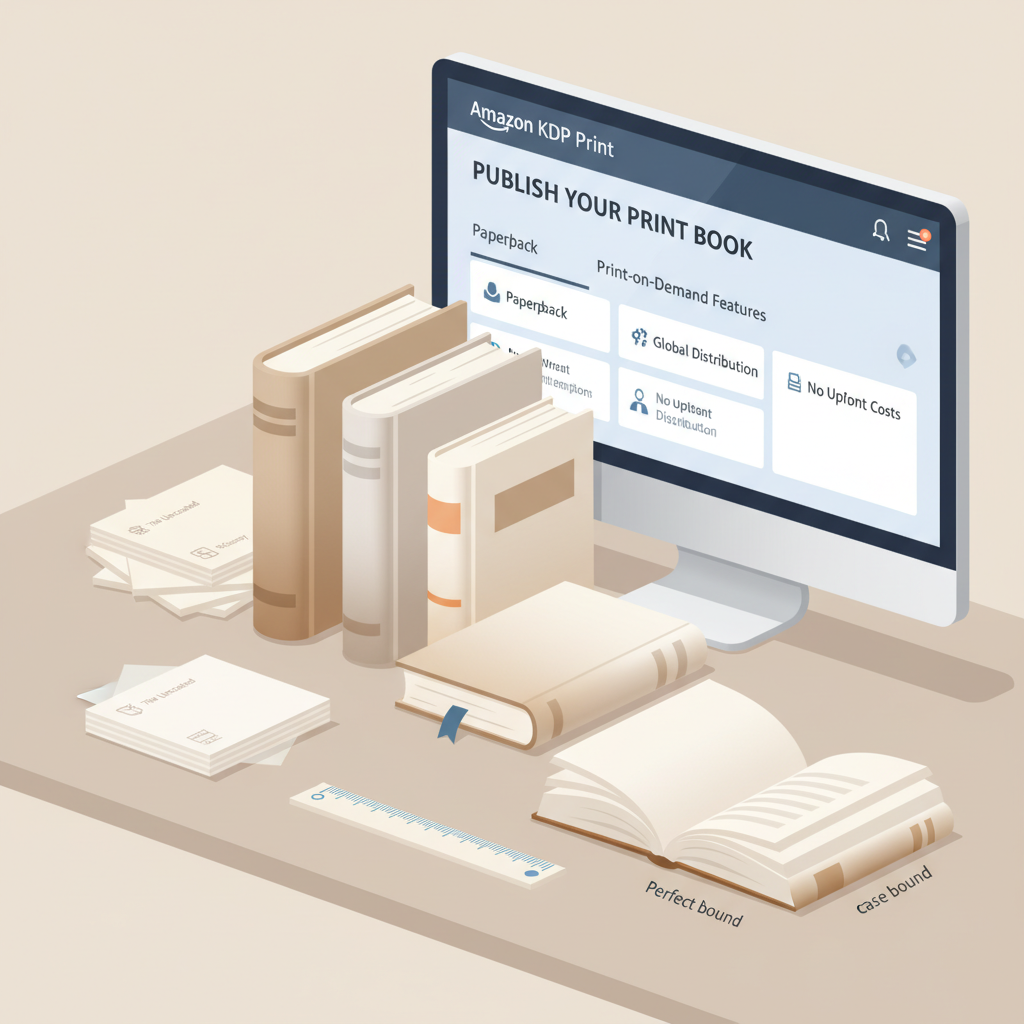
Amazon KDP Print Paperback and Hardcover Quality Guide
Amazon KDP Print: Paperback & Hardcover Quality Guide
Estimated reading time: 7 minutes
- Amazon KDP Print is print‑on‑demand—no inventory, but you must upload clean, correctly formatted interiors and covers.
- Choose paper, binding, and cover finish to balance cost and perceived value—paperback/cream suits long reads; hardcover and heavier paper add premium feel.
- Use tools that produce print‑ready PDFs, validated EPUBs, and covers sized to spine measurements to reduce upload rejections.
Table of Contents
- How Amazon KDP Print Works for Physical Books
- How printing actually looks in practice
- Why non‑fiction authors should pay particular attention
- Preparing Files and Formatting Expectations for Print
- Manuscript and interior basics
- File formats and what Amazon expects
- How automation can reduce errors
- Images, tables, and long tables
- Covers, Paper, and Binding: What to Expect
- Cover design that works for print
- Paperback vs hardcover
- Paper weight and finish
- Spine, bleed, and thumbnail considerations
- Proofing and checking your proof
- Formatting for hardcover specifics
- Pricing and royalties for KDP Print
- Practical publishing workflows and tools
- Final thoughts
- FAQ
- Sources
How Amazon KDP Print Works for Physical Books
Amazon KDP Print is Amazon’s print‑on‑demand system for paperback and hardcover books. When a customer buys your title, Amazon prints a single copy at a nearby facility and ships it, so you never hold inventory and your title can be sold globally.
KDP handles presses, fulfillment, and distribution while you provide a clean interior, a correctly sized cover, and accurate metadata. The process includes choosing trim size, paper color, interior options, and distribution. If you’re learning the platform, a clear primer like What Is Amazon KDP can speed onboarding and reduce errors when you publish.
How printing actually looks in practice
Local print facilities follow your trim size, bleed, and embedded font settings—these specs directly affect the final product.
- Amazon has automated checks that accept or reject uploads; common rejections include incorrect margins and missing embedded fonts.
- Order one or two proof copies before wide release to confirm paper, binding, and cover appearance.
Why non‑fiction authors should pay particular attention
Non‑fiction often includes tables, charts, sidebars, and photography that require consistent pagination and legible type at reading size.
A clean interior that follows print conventions improves readability, reduces returns, and increases the chance readers will recommend or gift your book.
Preparing Files and Formatting Expectations for Print
Getting files right is the biggest factor in a smooth KDP Print experience. Start with a polished manuscript, then create a print‑ready interior and a cover that matches KDP measurements.
Manuscript and interior basics
- Trim size: Choose early (6″×9″ is common for non‑fiction); changing it later requires reflow and new spine calculations.
- Margins and gutters: Leave adequate inside margins so text isn’t lost in the binding.
- Fonts and sizes: Use readable serif or sans serif type at ~10–12 pt and embed fonts in the final PDF.
- Running heads and pagination: Keep page numbers consistent and avoid headers that clash with chapter starts.
- Images and charts: Use 300 DPI images and convert color charts to grayscale carefully for black‑and‑white interiors.
File formats and what Amazon expects
- Interior: Upload a print‑ready PDF with the correct page size, embedded fonts, and accurate margins (PDF/X‑1a or high quality export recommended).
- Cover: Submit a single full‑cover PDF for paperback (front, spine, back) sized to the interior page count and trim size; hardcover templates differ.
- EPUB and multi‑channel publishing: Prepare a clean, validated EPUB for ebook stores; a validated EPUB also helps when converting to print interiors — use the EPUB Converter to automate this step.
How automation can reduce errors
Run PDFs through a proofing process and test files against KDP guidelines. Automated tools that handle trim, bleed, and validation rules reduce manual checks and rejections.
Always confirm final page count and use that number when building your full‑cover PDF to measure spine width precisely.
A short guide to images, tables, and long tables
- Redesign wide tables into stacked layouts or place them as landscape attachments.
- Use vectors for diagrams (SVG → high‑res PDF) to avoid pixelation.
- Remember color conversion—screen color can print duller; order a proof to verify fidelity.
Covers, Paper, and Binding: What to Expect
The cover is both the first selling opportunity and a physical requirement: a full cover PDF must account for spine width, back cover copy, and bleed.
Cover design that works for print
A great cover reads at thumbnail size, signals genre, and remains legible in print. Use large, clear title type and a visual hierarchy of title > subtitle > author.
One way to ensure professional results without hiring a separate designer is to use a cover generator trained on top‑selling patterns rather than generic datasets; such tools export full cover PDFs sized for print.
Paperback vs hardcover: what changes visually and mechanically
- Paperback: Lighter, flexible, typically lower cost; cream paper suits long reads, white paper works for reference or illustrated books.
- Hardcover: Heavier and premium in perception; available as jacketed or casewrap and usually increases list price to cover costs.
Paper weight and finish
- Typical paperback interior paper weights: ~50–60 lb (cream) and 60–80 lb (white), depending on images and page count.
- Heavier paper reduces show‑through but increases spine thickness and cost.
- Matte finishes read as sophisticated and reduce glare; gloss can boost color but sometimes looks cheaper.
Spine, bleed, and thumbnail considerations
- The spine must match interior page count and paper weight exactly; small changes alter spine width.
- Use bleed (extend designs ~0.125 inch) for images or backgrounds that reach the trim.
- At thumbnail size, strong contrast and large type matter—tiny ornaments disappear online.
Proofing and checking your proof
Always order at least one physical proof copy and inspect it carefully.
- Paper color and density (does text show through?)
- Spine alignment and glue seam quality
- Image reproduction and color fidelity
- Font rendering and page breaks
If anything looks off, adjust the interior or cover PDF and order another proof—fixes at this stage are normal and far cheaper than post‑release corrections.
Formatting for hardcover specifics
Hardcover files often require different margins and casewrap cover layouts; follow hardcover templates exactly to avoid print delays.
If you use a service to write and format, confirm they support hardcover specifications before committing.
Pricing and royalties for KDP Print
KDP calculates production costs from page count, ink type (black & white vs color), and paper. Royalties equal list price minus printing cost and distribution fees.
Hardcover pricing can be higher to offset production and perceived value, but align price with niche expectations.
Practical publishing workflows and tools
Many authors format in Word or InDesign, while others use systems that generate interiors, covers, and EPUBs.
If you need streamlined file creation and multi‑format output, consider an integrated solution—for example, the BookAutoAI platform produces formatted interiors, generates print‑ready covers, and exports validated EPUBs.
For uploads and distribution, some authors use book upload tools to simplify submission to retailers.
Final thoughts
Printing a professional paperback or hardcover through KDP Print is straightforward if you follow the platform’s technical requirements and reader expectations.
For non‑fiction authors who value speed and reliability, systems that produce polished interiors, market‑ready covers, and validated EPUBs remove much of the friction.
FAQ
Do I need an ISBN for KDP Print?
KDP can provide a free ISBN for paperback and hardcover, or you can supply your own to list a specific publisher name and retain ownership control.
What trim size should I choose?
Common non‑fiction sizes are 6″×9″ and 5.5″×8.5″; 6″×9″ is a standard trade size for business, self‑help, and general non‑fiction.
How many pages before spine text matters?
Spine width matters as soon as the interior has more than a few pages; under ~70 pages some covers omit spine text, but always check KDP minimums.
Can I use color images in a black‑and‑white interior?
Color images will be converted to grayscale and may lose detail; choose color printing if fidelity matters, noting the higher cost.
What file formats should I upload?
Use a print‑ready PDF with embedded fonts for interiors and a full cover PDF for paperbacks; validated EPUBs are required by most ebook stores.
How long does listing and printing take?
After KDP approves files, listings can appear in 24–72 hours; shipping times follow Amazon fulfillment timelines. Proof orders often take longer.
What if I change the interior after publishing?
Upload the updated interior and cover PDFs; Amazon processes the changes and updates the listing—order a proof to confirm pagination and spine adjustments.
How can I make my book look more premium?
Consider heavier paper, hardcover/casewrap, sharper cover typography, and high‑quality finishes; polish the interior typography and image quality as well.
Sources
- https://blog.bookautoai.com/ai-book-generator-kdp-review-39/
- https://blog.bookautoai.com/ai-book-writers-kdp-review-2/
- https://blog.bookautoai.com/ai-book-writer-kdp-6/
- https://blog.bookautoai.com/best-ai-book-writer/
- https://blog.bookautoai.com/what-is-amazon-kdp
- https://www.bookautoai.com/book-cover-generator-processing
- https://www.bookautoai.com/epub-converter
- https://www.bookautoai.com
Amazon KDP Print: Paperback & Hardcover Quality Guide Estimated reading time: 7 minutes Amazon KDP Print is print‑on‑demand—no inventory, but you must upload clean, correctly formatted interiors and covers. Choose paper, binding, and cover finish to balance cost and perceived value—paperback/cream suits long reads; hardcover and heavier paper add premium feel. Use tools that produce…