
Amazon KDP Print Practical Guide to Costs and Quality
Amazon KDP Print: A Practical Guide to Printing, Quality, and Cost Tradeoffs
Estimated reading time: 6 minutes
- Print specs (trim size, paper, ink, binding) drive unit cost and perceived quality.
- Small choices—paper type, ink coverage, and page count—can shift per-unit cost dramatically.
- Order a printed proof and prepare clean, print-ready files to avoid surprises.
- Use tools that produce KDP-ready files to speed publication and reduce formatting errors.
Table of Contents
- How Amazon KDP Print Works
- Print quality, materials, and cost tradeoffs
- Trim size
- Paper type and weight
- Ink: black-and-white vs color
- Binding and cover finish
- Page count and printing tiers
- Illustrations, photographs, and image density
- Proofing and test runs
- How choices affect reader perception
- Simple cost examples
- Preparing files, proofs, and publishing steps
- Manuscript and interior layout
- Images and tables
- Cover file basics
- Proofing checklist
- Metadata and pricing
- ISBNs and distribution options
- Scaling and efficiency
- How tools can help
- Final steps before publishing
- Final thoughts
- FAQ
- Sources
How Amazon KDP Print Works
Amazon KDP Print is Kindle Direct Publishing’s print-on-demand layer for physical books. Instead of printing a batch and storing inventory, KDP prints each copy when a reader buys it.
You upload a formatted interior file and cover file to KDP, choose trim size and materials, and set a list price. For distribution and upload options many authors evaluate dedicated book upload tools to streamline retailer delivery.
KDP calculates a printing cost from trim size, page count, ink type, paper type, and binding. When a customer buys a copy, Amazon prints, ships, and subtracts printing cost and fees from your list price to determine royalties.
Understanding each piece of that flow helps you make smarter decisions about price and perceived quality. For a quick breakdown of how printing costs and royalties interact, see the Amazon KDP Fees Breakdown, which walks through printing costs, royalties, and simple pricing examples.
Print quality, materials, and cost tradeoffs
Physical printing choices are where perceived quality and production cost meet. Each decision has visual and financial consequences.
Trim size
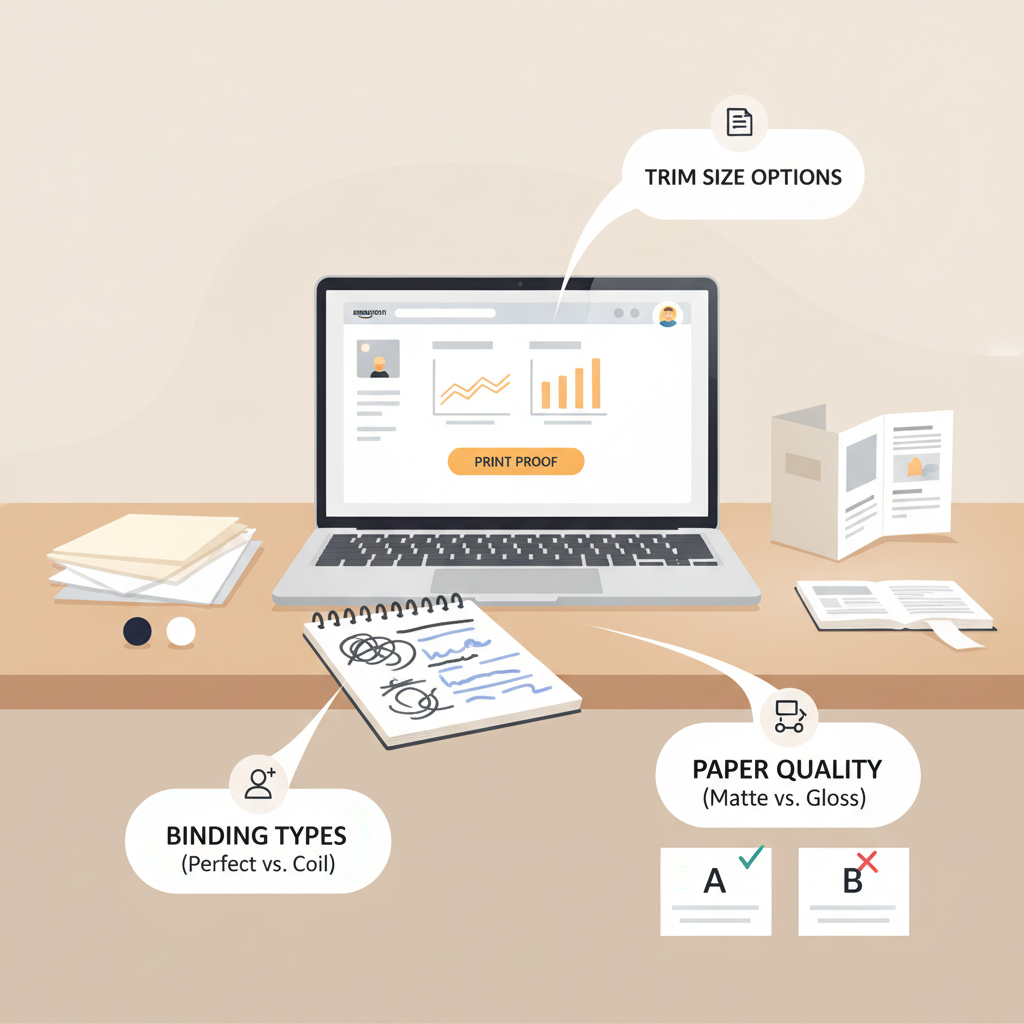
Trim size is the final book dimensions (for example, 5.5″ × 8.5″ or 6″ × 9″). Genre expectations matter: memoirs and many non-fiction titles often use 6″ × 9″, while short guides and workbooks may prefer 5.5″ × 8.5″ or 5″ × 8″.
Smaller trim sizes feel more portable; larger sizes give more space for design and readability. Trim affects page count—same content in a smaller trim can increase pages and raise cost.
Paper type and weight
KDP offers white and cream paper for paperbacks (and heavier paper for color interiors in some options). For non-fiction, white paper reads clean and suits charts; cream paper is gentler for fiction.
Heavier, higher-quality paper increases cost but adds a tactile sense of quality that can improve conversions in premium categories.
Ink: black-and-white vs color
Black-and-white interiors are far cheaper; color interiors raise the per-unit cost, sometimes substantially. If your book is image-heavy, color may be necessary, but for many non-fiction titles charts can be simplified or rendered in grayscale to lower cost.
Binding and cover finish
Paperbacks use perfect binding; hardcover options exist but cost more and require different setup. Cover finish—matte or glossy—affects perceived quality but usually has limited impact on base printing cost.
Covers must include precise dimensions and bleed if design elements run to the edge.
Page count and printing tiers
Printing cost scales strongly with page count: many printers charge a base plus a per-page rate. A jump from 200 to 300 pages can change per-unit cost enough to require a price adjustment.
Keep chapters tight and remove unnecessary padding to control page counts and protect royalty margins.
Illustrations, photographs, and image density
High image density, full-bleed photos, or many color pages increase complexity and cost. Images should be 300 dpi and converted to the correct color profile to avoid surprises.
Image-heavy interiors may require special paper or color printing options that add to the per-unit price.
Proofing and test runs
Order a printed proof before wide release. A proof reveals layout issues, color and contrast differences, and unexpected page breaks.
One printed proof can prevent many customer complaints and negative reviews.
Inspect margins, gutter behavior, spine alignment, and how images reproduce on the chosen paper stock.
How choices affect reader perception
Design choices should match reader expectations. A professional business book often uses white paper, clean typography, and a 6″ × 9″ trim to signal seriousness.
Mismatching signals—cheap paper for a premium niche guide, for example—can reduce conversions and harm long-term sales.
Simple cost examples (illustrative)
- 6″ × 9″, 200 pages, black-and-white on white paper → lower printing cost and a healthy royalty at a standard list price.
- 6″ × 9″, 200 pages, color interior → printing cost rises significantly; list price must increase or royalty shrinks.
- 5.5″ × 8.5″, 350 pages, black-and-white → higher cost due to page count; consider tightening content or increasing price.
Preparing files, proofs, and publishing steps
Good printing starts with clean, correctly formatted files. Preparing correct files reduces failed uploads and keeps proof surprises minimal.
Manuscript and interior layout
- Use consistent typography: one or two fonts and a clear hierarchy for headings and body text.
- Set trim size early so pagination and line breaks stabilize.
- Apply consistent margins and a proper gutter so text does not get lost near the spine.
- Avoid manual page breaks and fragile formatting that can shift during conversion.
Images and tables
Save images at 300 dpi and embed them at the correct size. Keep images away from gutters and apply bleed rules for edge-to-edge artwork.
Convert complex tables to images if typesetting or flow breaks them; also test how tables reflow if you plan an ebook version later and consider using an EPUB converter to validate the digital layout.
Cover file basics
A paperback cover includes front, spine, and back. KDP provides templates based on trim size and page count—follow them closely.
Ensure spine text is centered and legible at thumbnail sizes. Typography and hierarchy are as important as cover art for discoverability.
If you need cover assistance, try the book cover generator to produce templates and processing suited to KDP templates.
Proofing checklist
- Order at least one printed proof and inspect margins, color, and spine alignment.
- Read the proof for formatting errors that don’t appear on screen.
- Test trim perception by feeling the paper and watching how the spine holds after opening and closing.
Metadata and pricing
Choose a list price that covers printing cost, Amazon’s fees, and your desired royalty. Higher prices can reduce sales velocity, so test and adjust.
Set accurate metadata—title, subtitle, author, description, keywords, and categories—to improve discoverability and match reader expectations.
ISBNs and distribution options
KDP offers a free ISBN for paperbacks (Amazon listed as the publisher). Many authors buy a paid ISBN to control publisher identity.
Expanded distribution can list your book through other retailers, but distribution fees and printing cost interactions will affect royalties.
Scaling and efficiency
If you publish multiple titles, standardize interior and cover templates to reduce proof corrections and speed production. Standard templates also help teams maintain quality.
For authors creating many books, platforms that produce KDP-ready files with embedded fonts and correct margins reduce manual work and errors, and can simplify how you create a paperback or ebook at scale.
How tools can help
Tools that generate formatted manuscripts and KDP-ready files catch common errors like wrong margins, missing bleed, and low-res images so you can focus on content.
For non-fiction authors, systems that produce market-ready, humanized manuscripts and formatted output can save time and keep quality consistent.
Try Bookautoai for end-to-end generation and formatting—it produces clean, publishable files for KDP and similar services.
Create a paperback or ebook and test templates before ordering proofs to avoid surprises.
Final steps before publishing
- Confirm metadata, pricing, and distribution choices in KDP.
- Upload print-ready files and order a printed proof.
- Make final adjustments after proof review and approve the final copy.
Final thoughts
Publishing through Amazon KDP Print is straightforward in concept, but trim size, paper, ink, and page count shape both cost and reader perception.
By understanding how those factors interact, ordering a proof, and choosing sensible design options, you can publish a book that looks and feels professional without overspending.
Try Bookautoai for a streamlined way to create KDP-ready non-fiction books fast; the platform focuses on producing clean, publishable files and consistent output.
Visit BookAutoAI.com and try our Demo book.
FAQ
How much does KDP print cost per book?
Printing cost varies by trim size, page count, ink type, and paper. KDP shows an estimate during upload; use it to set a price that covers printing and leaves a royalty margin.
Should I choose white or cream paper?
Choose based on genre and reader expectations: white for technical non-fiction and charts, cream for novels. Paper choice affects cost modestly and changes perceived quality.
Can I publish a hardcover on KDP?
KDP has expanded hardcover options in some regions. Hardcovers cost more and require different setup; check KDP documentation for availability and specs.
What’s the most common mistake authors make with print files?
Common mistakes include not accounting for margins and bleed, using low-resolution images, and not ordering a physical proof—these lead to layout issues and print errors.
How do I price to get a good royalty?
Calculate printing cost, subtract Amazon’s distribution fee, and set a list price that leaves your desired royalty. Compare similar books in your genre to align with market expectations.
Sources
- https://blog.bookautoai.com/squibler-ai-book-writer-3/
- https://blog.bookautoai.com/squibler-ai-book-writer-4/
- https://blog.bookautoai.com/ai-book-writer-kdp-6/
- https://blog.bookautoai.com/ai-book-writer-bookautoai-kdp/
- https://blog.bookautoai.com/best-ai-book-writer/
Amazon KDP Print: A Practical Guide to Printing, Quality, and Cost Tradeoffs Estimated reading time: 6 minutes Print specs (trim size, paper, ink, binding) drive unit cost and perceived quality. Small choices—paper type, ink coverage, and page count—can shift per-unit cost dramatically. Order a printed proof and prepare clean, print-ready files to avoid surprises. Use…