
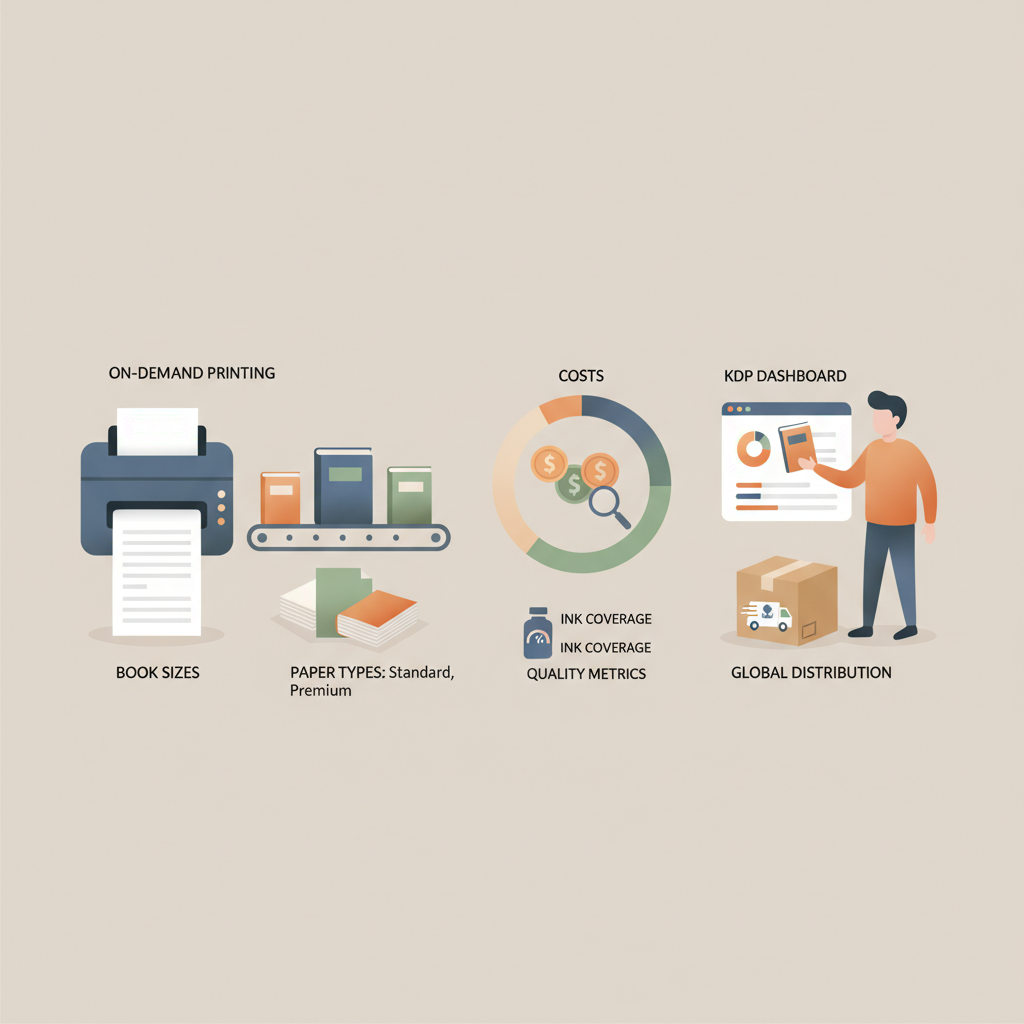
Amazon KDP Print Guide to Printing Costs and Quality
Amazon KDP Print: A Practical Guide to Printing, Quality, and Costs
Estimated reading time: 7 minutes
- Printing on Amazon KDP mixes convenience with predictable costs: print-on-demand (POD) removes inventory but raises per-copy cost versus offset.
- Paper type, trim size, page count, color vs. black-and-white, and ink coverage drive both quality and price.
- Prepare files to KDP specs early — correct trim, bleed, gutter, and a market-ready cover reduce costly revisions.
- Use tools that handle formatting, covers, and conversion so you can focus on content and market fit.
Table of Contents
- Overview
- How printing works for KDP
- Major quality vs. cost tradeoffs
- Preparing files and publishing on KDP
- Trim, bleed, and gutter basics
- Typography and layout
- Images, charts, and tables
- Generating the cover and spine
- Converting and exporting files
- Pricing, royalties, and printing costs
- When to consider offset instead of POD
- Tools and services that simplify the process
- Practical tips to reduce costs
- Real-world checklists before upload
- Quality control and customer experience
- Final thoughts
- FAQ
- Sources
Overview
Amazon KDP print is the option authors use to make paperbacks (and some hardcovers) available through Amazon’s marketplace using print-on-demand (POD) production. If you want to sell physical books without inventory, KDP print handles manufacturing, distribution, and order fulfillment.
That convenience has tradeoffs: you trade capital and storage for per-unit costs and design limits. If you’re weighing costs for pricing and royalties, it helps to read a focused breakdown like Amazon KDP Fees Breakdown so you understand printing charges versus list price and royalties.
For many authors, the right choice is to design for KDP print and pair it with a quality ebook; automated tools can generate both formats and the files you need for upload.
How printing works for KDP
Print-on-demand vs. offset printing
Print-on-demand (POD): KDP uses POD. When a customer orders, Amazon routes the order to a nearby printer and prints the book that day. This removes inventory risk and lets you offer many titles with no warehousing.
Offset printing: Traditional print runs require a larger upfront investment and are more cost-effective per unit for large quantities (usually several hundred to thousands of copies). Offset can offer higher color fidelity and more paper and binding options, but requires storage and shipping.
What KDP physically produces
Paperback: Most KDP books are paperbacks. KDP supports standard trim sizes, white or cream paper, black-and-white or color interior, and different cover finishes.
Hardcover: KDP also offers hardcover in some regions, but options and pricing differ from paperback.
Distribution and fulfillment: KDP handles orders placed on Amazon. Expanded distribution can make your book available through other retailers, but fees and printing fulfillment can change when not ordered directly on Amazon.
Key print components
- Trim size: Final dimensions (e.g., 6″ x 9″) — affects words per page and total page count.
- Interior paper: Cream vs. white changes tone and perceived quality.
- Binding: KDP uses perfect binding for paperbacks — this affects the gutter.
- Cover: A separate, full-wrap cover file is needed with correct spine width.
- ISBN and barcode: KDP can provide a free ISBN or accept your own.
Major quality vs. cost tradeoffs
Paper type: white vs. cream
White paper shows images and diagrams with higher contrast and works better for tables or color charts.
Cream paper is easier on the eyes for long text and can mask ink bleed on dense pages.
Black-and-white vs. color interior
Black-and-white interiors are far cheaper and suit text-heavy books.
Color interiors are necessary for photo-rich books but increase per-copy costs and may limit print locations.
Trim size and per-page cost
Trim size affects layout and page count. KDP pricing uses page count and format rules to calculate printing charges, so larger formats can cost more even if page count is similar.
Page count and pricing
KDP pricing = base cost + (per-page × page count). Reducing page count by editing, tighter layout, or smaller trim size lowers cost. Watch for page-count thresholds that can change pricing tiers.
Cover design and finish
Matte vs. glossy affects perceived quality more than cost. Spine width depends on page count and paper type; miscalculation causes errors.
Color saturation and ink coverage
High ink coverage on image-rich pages can trigger printing limitations or color shifts in POD. When precise color matching matters, order test copies.
Proofs and test copies
Always order a proof copy before wide release to check color, margins, binding, and paper feel. A proof can prevent negative reviews tied to physical defects.
Turnaround time and distribution limits
POD is fast for single orders, but bulk author copies may take several business days to print and ship. Expanded distribution can limit available formats and color options.
Preparing files and publishing on KDP
Trim, bleed, and gutter basics
Set your document at the final trim size before converting to PDF. Include bleed (usually 0.125″ / 3 mm) when images or backgrounds extend to the edge. Add extra gutter space for binding so text doesn’t disappear into the spine.
Typography and layout
Use readable serif or sans-serif fonts at comfortable sizes (often 11–12 pt). Pay attention to line length, widows and orphans, paragraph spacing, and consistent chapter open styles.
Images, charts, and tables
Images for print need 300 dpi at final size. Convert vector art or charts to high-quality PNG or TIFF where necessary. Complex tables may require redesign for small trims; test on proofs.
Generating the cover and spine
The cover must be a single PDF or image sized to include front, spine, and back, with bleed and crop marks set per KDP specs. Tools and templates reduce errors.
For a professional cover designed to sell, consider a cover generator that creates thumbnail-friendly layouts and readable typography.
Converting and exporting files
KDP accepts print-ready PDFs with embedded fonts and 300 dpi images. Export from Word, InDesign, or automated systems with correct settings.
If you’re also selling an ebook, convert the manuscript to EPUB. For fast, reliable EPUB conversion that works with KDP and other stores, use an EPUB converter.
When you prepare files for distribution or need bulk upload support, consider using professional book upload tools to simplify retailer submission and metadata handling.
Pricing, royalties, and printing costs
KDP calculates printing cost and subtracts it from the list price and applicable distribution fees to determine your royalty. Set a list price that covers print and distribution while leaving a market-appropriate margin.
When to consider offset instead of POD
If you plan to sell hundreds or thousands of copies at events or wholesale, offset is often cheaper per unit and offers more finish options. You’ll need storage and a plan for unsold inventory.
Tools and services that simplify the process
If you want to produce both paperback and ebook versions without mastering layout or cover design, choose a service that automates those steps and exports KDP-ready files. These systems help when you publish multiple titles or maintain consistent branding.
Practical tips to reduce costs
- Trim word count and tighten layout to reduce page count.
- Use black-and-white interiors unless color is essential.
- Choose standard trim sizes common in your genre.
- Proof early and revise before large print runs.
Real-world checklists before uploading to KDP print
- Interior file at correct trim size with embedded fonts.
- Images at 300 dpi, CMYK or print-ready RGB as specified.
- Correct bleed and crop marks; single-file cover with computed spine width.
- ISBN and metadata ready; proof copy ordered and reviewed.
Quality control and customer experience
A good first impression matters: shipping damage, poor binding, or faint covers can lead to negative reviews. Order author copies and inspect page alignment, spine print, color, and binding firmness.
Fix file-based issues and re-upload; if problems seem printer-related, KDP support can help.
Final thoughts
Printing through Amazon KDP gives authors a low-friction way to offer physical books worldwide. The tradeoffs are clear: convenience and no inventory versus higher per-unit cost and fewer finish options than offset.
For nonfiction authors who prioritize speed, consistency, and marketplace readiness, an automation-first tool can be sensible; many such services generate formatted interiors, covers, and EPUB files so you can focus on content.
FAQ
Does KDP support hardcover books?
Yes. KDP offers hardcover options in certain markets; offerings and pricing differ from paperback. Check KDP’s product help for current trim sizes and binding details.
How much does printing cost on KDP?
Printing cost depends on trim size, page count, interior color, and paper type. KDP shows a print cost estimate during setup; consult fee breakdowns to plan pricing and royalties.
Can I use my own ISBN?
Yes. KDP accepts your ISBN, or you can use a free ISBN provided by KDP. Using your own ISBN gives you more control over publisher metadata.
Do I need special software to prepare print files?
No special software is required, though layout tools like InDesign offer precise control. Many authors use automated systems to produce print-ready PDFs and EPUBs without manual layout.
Should I choose cream or white paper?
Choose based on content: cream is easier on the eyes for long text; white is better for images and charts. Consider audience expectations in your genre.
When should I consider offset printing?
Consider offset when you expect to sell large quantities at events or to wholesale partners. Offset lowers per-unit cost at scale and offers more paper and finish options but requires storage and inventory planning.
Sources
- https://blog.bookautoai.com/ai-book-generator-kdp-review-39/
- https://blog.bookautoai.com/squibler-ai-book-writer-3/
- https://www.youtube.com/watch?v=FdGqy6FFBr0
- https://blog.bookautoai.com/squibler-ai-book-writer-4/
- https://blog.bookautoai.com/ai-book-writer-kdp-6/
Amazon KDP Print: A Practical Guide to Printing, Quality, and Costs Estimated reading time: 7 minutes Printing on Amazon KDP mixes convenience with predictable costs: print-on-demand (POD) removes inventory but raises per-copy cost versus offset. Paper type, trim size, page count, color vs. black-and-white, and ink coverage drive both quality and price. Prepare files to…