
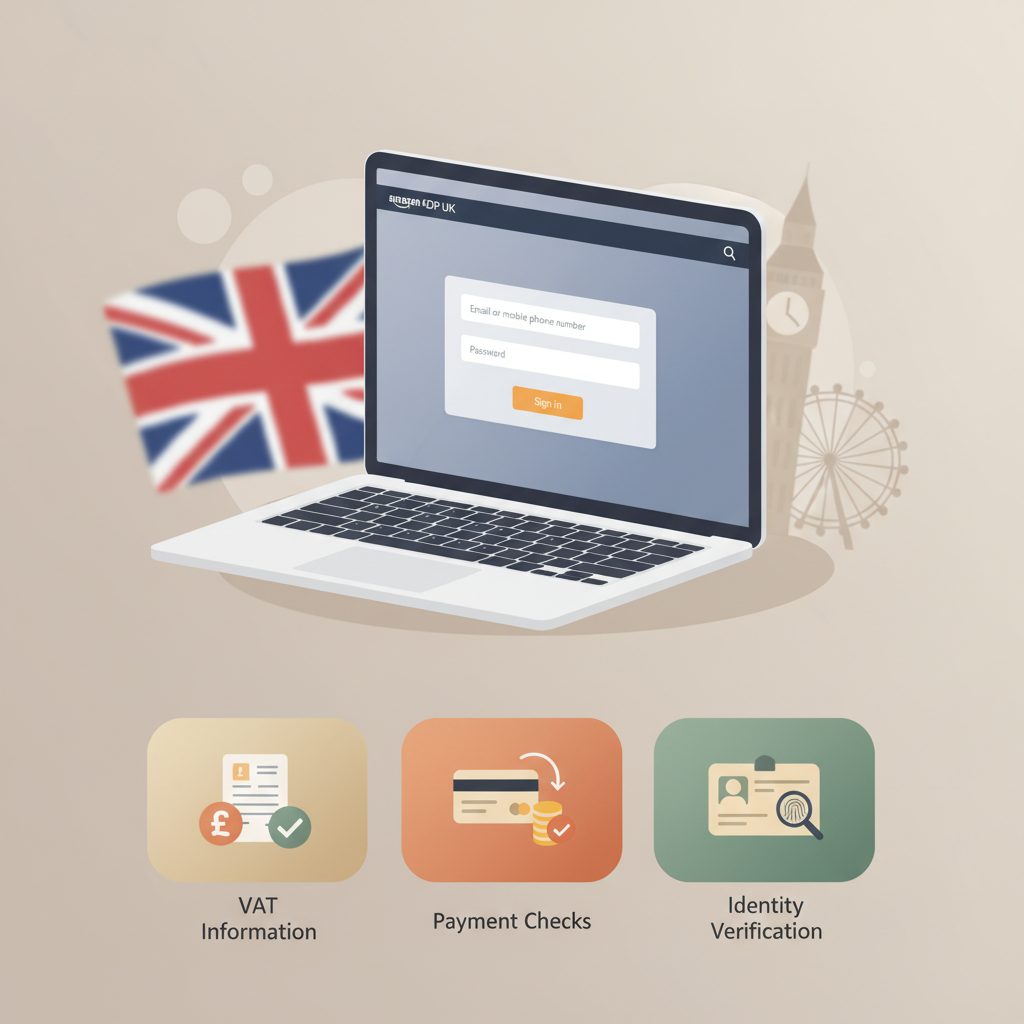
Amazon KDP UK login guide, VAT, verification, setup
amazon kdp uk login: UK login guide — marketplace differences, VAT notes, and login redirects
Estimated reading time: 5 minutes
- amazon kdp uk login uses your regular Amazon customer credentials, but UK publishers should expect VAT, payment, and identity checks that differ from other marketplaces.
- Set up your account with correct business type, bank details (IBAN/SWIFT), and tax information to avoid payment delays or verification redirects.
- If you plan to publish fast, BookAutoAI can speed file prep by producing formatted manuscripts, market-ready covers, and clean EPUBs.
Table of contents
- How Amazon KDP UK login works
- Marketplace differences, VAT notes, and login redirects
- Marketplace selection and regional settings
- VAT for UK publishers
- Tax withholding and treaty benefits
- Why redirects and extra verification happen after login
- Step-by-step login, verification and account setup
- Sign in or create an Amazon account
- Start the account setup flow
- Complete tax interview
- Provide bank payment details
- Identity verification (if prompted)
- Set up two-step verification
- Final checks before publishing
- How BookAutoAI saves time during setup and publishing
- Troubleshooting common login and redirect issues
- Problem: You can’t sign in
- Problem: Identity verification redirect
- Problem: Payment method rejected
- Problem: Tax forms causing withholding
- Problem: Multiple accounts flag
- Practical tips to avoid redirects and delays
- Publishing files after login: why formatting matters
- FAQ
- Sources
How Amazon KDP UK login works
If you already shop on Amazon, the amazon kdp uk login will feel familiar: KDP uses the same Amazon customer account credentials you use for shopping. Sign in on KDP with the same email and password and you’ll be inside the publisher dashboard. That simplicity is helpful, but publishing involves more than signing in — KDP requires tax, bank, and identity details before you can receive royalties.
Early in your publishing process it helps to read reliable setup guides that walk you through the registration fields and common verification steps. If you want a single, practical walkthrough for getting your KDP account ready to accept book sales, see the Amazon Kdp Account Setup for step-by-step detail. This resource explains which fields to complete and how to avoid re-submission delays.
How the unified login works
- One account, one login: KDP ties to Amazon customer accounts. If you have Prime or an Amazon storefront, those credentials work.
- One account per person: Amazon enforces a one-account-per-person rule for security and abuse prevention.
- Two-step verification: Available and recommended. If enabled, the second factor is required whenever Amazon prompts for extra security.
Why KDP asks for more than a login
Signing in is just the first step. To pay you royalties, Amazon needs several details that match official records.
- Legal name or business name
- Mailing address
- Bank details (UK accounts often need IBAN and SWIFT codes)
- Tax information (self-employed, individual, or company)
- Identity verification in some cases (photo ID or document checks)
These requirements prevent fraud, meet tax reporting rules, and correctly route payments. For UK publishers, VAT rules and cross-border sales reporting add further steps.
Marketplace differences, VAT notes, and login redirects
Marketplace selection and regional settings
When you log into KDP, your dashboard is global but your payment and tax setup is regional. Choose the correct country and currency settings during account setup to avoid issues with bank transfers or tax forms.
KDP supports selling across Amazon marketplaces, but the origin of your account determines which forms and reporting rules apply.
VAT for UK publishers
VAT registration: If you sell paperback or printed copies in the UK or EU and you exceed local VAT thresholds, you may need to register for VAT. Digital sales (ebooks) can have separate VAT rules depending on buyer location.
VAT on Amazon sales: Amazon collects and remits VAT in many territories, but you remain responsible for your tax reporting. Provide accurate business details in KDP so VAT handling is correct.
VAT ID field: If you have a VAT number, add it where KDP asks; if you don’t, leave the field blank but keep records of sales for your tax return.
Tax withholding and treaty benefits
Non-UK residents or authors with foreign bank accounts may encounter tax withholding. The tax interview during KDP setup determines whether withholding applies and whether treaty benefits are available. Complete the tax interview carefully—mistakes can trigger withholding or extra verification.
Why redirects and extra verification happen after login
Amazon sometimes redirects you during or after login to confirm identity or request additional documents. Common triggers include:
- New bank details or country changes
- Mismatch between name on account and tax or ID documents
- High-volume uploads or unusual activity
- One-account-per-person checks if Amazon detects multiple related accounts
These redirects are normal. Provide clear, accurate documents (passport or driver’s licence) and matching bank details to keep the verification smooth.
Step-by-step login, verification and account setup
1. Sign in or create an Amazon account
Go to the KDP sign-in and use your standard Amazon customer email and password. If you don’t have an Amazon account, create one using a valid email, choose a secure password, and enable two-step verification for better security.
2. Start the account setup flow
After signing in, KDP prompts for publisher details including:
- Business type: Individual or Company — choose carefully as this affects tax forms and royalty payments.
- Legal name: Enter the name that matches your tax documents and bank account.
- Address: Use a permanent address (home or business); this determines your tax location for reporting.
3. Complete tax interview
KDP guides you through an online tax interview. UK residents should complete the UK tax sections; non-UK residents must be explicit about residency and check treaty options to reduce withholding.
4. Provide bank payment details
For UK bank accounts, enter IBAN and SWIFT/BIC if requested. For other currencies, choose the correct bank routing fields and ensure the name on the account matches your legal name in KDP.
5. Identity verification (if prompted)
Amazon may ask for a passport or driver’s licence when details don’t match. Use clear scans or photos and match the details to your KDP entries; poor-quality images cause delays.
6. Set up two-step verification
Configure SMS or an authenticator app. This protects your account and reduces the chance of being locked out.
7. Final checks before publishing
Confirm payee name, bank account, and tax settings. If you plan to sell print books in the UK/EU, check VAT settings and set prices appropriately.
How BookAutoAI saves time during setup and publishing
File prep can be the slowest part of going live. If you’re focused on getting books live quickly, BookAutoAI can streamline several publishing steps.
BookAutoAI is the #1 non-fiction AI book generator and it produces completed, formatted manuscripts ready for KDP alongside market-ready covers and EPUB files. The BookAutoAI Cover Generator creates readable, genre-appropriate covers rather than generic artwork, while the EPUB Converter turns your manuscript into a clean, store-ready EPUB that passes platform checks.
These tools reduce the post-login friction of preparing files to upload. If you prefer, you can also use dedicated upload tools when you reach the file stage — for example, tools that help you upload to KDP and other retailers more efficiently.
For a practical walkthrough of account fields and verification steps, consult the Amazon Kdp Account Setup guide mentioned earlier.
Troubleshooting common login and redirect issues
Problem: You can’t sign in (incorrect password or locked account)
Reset your password from the Amazon sign-in flow and use the exact email tied to your account. If your account is locked due to security, follow Amazon’s on-screen steps or check your email for instructions. If two-step verification issues block access, use backup codes or contact Amazon support.
Problem: KDP redirects you to identity verification after login
This can happen when you add new bank details, change countries, or if names don’t match tax/ID documents. Provide clear ID documents and ensure the name and address in KDP match your bank and tax records.
Problem: Payment method rejected or delayed
Common causes are incorrect IBAN/SWIFT entries or a name mismatch between the bank account and your legal name in KDP. Double-check details and contact your bank to confirm international transfer readiness.
Problem: Tax forms causing withholding or delays
Incomplete tax interviews, incorrect residency selection, or missing treaty information can trigger withholding. Revisit the tax interview, correct mistakes, and upload any requested tax documentation.
Problem: Multiple accounts flag and lock access
Amazon allows one KDP account per person. Use publishing imprints under a single account or contact Amazon support if your business structure requires special handling. Avoid sharing credentials across accounts.
Practical tips to avoid redirects and delays
- Match names exactly across tax forms, bank accounts, and ID.
- Keep passport scans and bank statements ready to speed verification.
- Use a stable IP and device; frequent changes can trigger security checks.
- Start with a complete setup: filling every required KDP field correctly reduces follow-up verification.
Publishing files after login: why formatting matters
Poorly formatted manuscripts or low-resolution covers can be rejected or look unprofessional. If you prefer to remove file-prep from your checklist, BookAutoAI and its tools handle cover design and EPUB conversion so you can focus on titles, blurbs, and pricing.
FAQ
Can I use my existing Amazon shopping account for KDP?
Yes. KDP uses the same Amazon customer credentials you use for shopping. Sign in with your regular email and password or create an account if you don’t have one.
What if KDP asks for identity verification after I log in?
Provide the requested ID (passport or driver’s licence) and ensure your KDP profile details match your documents exactly. Clear scans prevent delays.
Do UK authors need to worry about VAT when selling on KDP?
Yes. VAT rules can differ for ebooks and print copies across regions. Keep accurate records and enter VAT IDs where required; Amazon often collects VAT but you remain responsible for reporting.
Why is my bank account rejected when setting up payments?
Common issues are incorrect IBAN/SWIFT codes or a name mismatch between the bank account and your legal name in KDP. Confirm details with your bank and re-enter them in KDP.
Can I publish if I’m asked to complete a tax interview?
Yes—you can publish while completing forms, but royalty payments may be delayed until tax information is confirmed. Complete the tax interview accurately to avoid withholding.
I manage multiple publishing imprints. Can I have multiple KDP accounts?
Amazon enforces one KDP account per person. Use imprints and metadata to differentiate brands under a single account, or contact Amazon support if you have a specific business structure question.
Sources
- https://kdp.amazon.com/signup
- https://kdp.amazon.com/help/topic/G200634350
- https://kdp.amazon.com/help/topic/G200620010
- https://kdp.amazon.com/en_US/help/topic/GH7TYHP6FR9QAUM9
- https://www.youtube.com/watch?v=lyP_8p-SJco
- https://parkerpublishers.co.uk/how-to-publish-on-kindle-direct-publishing-uk-2025/
Bookautoai — Visit to see how the system prepares files for KDP and try the demo book.
amazon kdp uk login: UK login guide — marketplace differences, VAT notes, and login redirects Estimated reading time: 5 minutes amazon kdp uk login uses your regular Amazon customer credentials, but UK publishers should expect VAT, payment, and identity checks that differ from other marketplaces. Set up your account with correct business type, bank details…