
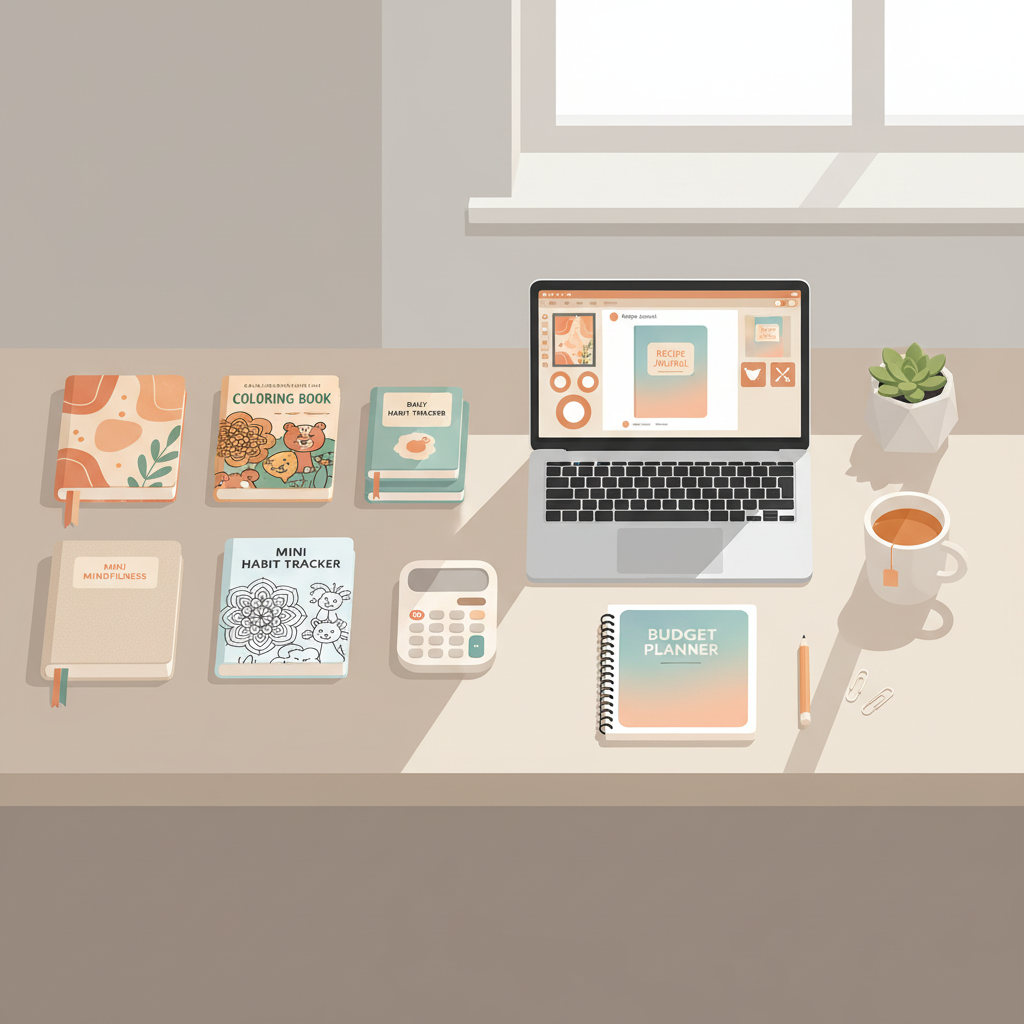
Best Amazon KDP Products by Time, Budget, and Profit
best amazon kdp products: A beginner’s guide by time, budget, and profit
Estimated reading time: 5 minutes
- Match product type to your available time and budget — journals for speed, short paperbacks for higher margins.
- Focus on repeatable niche formats (journals, coloring books, short how-to paperbacks) to scale listings.
- Use tools for cover design and EPUB conversion to avoid formatting rejections and publish faster.
- Test with small runs, track BSR and reviews, then scale the formats that sell.
Table of Contents
- How to pick the right KDP product by time, budget, and profit
- Top 8 KDP products for beginners
- How to choose among these
- Production workflow: idea to live listing
- Step 1 — Research demand and avoid ghost categories
- Step 2 — Validate the title and niche with a small test
- Step 3 — Produce the interior efficiently
- Step 4 — Create a cover that competes at thumbnail size
- Step 5 — Convert and format for KDP
- Step 6 — Upload and set pricing
- Step 7 — Measure and scale
- Tools that cut days off production
- Practical pricing and profit notes
- Tips that save money
- Final thoughts
- FAQ
- Sources
How to pick the right KDP product by time, budget, and profit
If you typed “best amazon kdp products” into a search bar, you probably want a fast path to real sales. The best product depends on three practical constraints: how much time you have, how much money you can spend, and how much profit you want.
Time: Are you looking for one-day launches or a longer project?
- Fast: Low-content books like lined journals, planners, and simple activity books can be produced in hours or days.
- Medium: Coloring books or guided workbooks may take a few days to arrange interiors and covers.
- Slow: Full-length non-fiction paperbacks, cookbooks, or how-to guides require research and revision and take weeks.
Budget: How much can you spend on tools and design?
- Low budget: Use free templates and low-cost design assets; focus on repeatable interiors.
- Moderate budget: Pay for cover design tools or a pre-made template, and consider paid keyword tools.
- Higher budget: Hire a pro editor or designer and invest in advertising.
Profit: Where do you get the best margins and recurring sales?
- High margin & scalable: Print-on-demand paperbacks and well-priced paperbacks can earn larger per-sale royalties.
- Volume plays: Low-content products sell frequently but often at lower prices; success comes from many listings.
- Long-term value: Kindle Unlimited and quality non-fiction books can create sustained income through readership and visibility.
Be honest about your available time and budget. If you can only spare evenings, target short paperbacks, reports, or journals. If you can invest weeks, aim for a niche paperback or useful how-to that can be marketed over time.
If you want a fast, repeatable journal process, many beginners follow the Amazon Kdp Journals Publishing Blueprint 26 for a practical walkthrough that helps set up repeatable listings and scale.
Top 8 KDP products for beginners
Below are eight product types arranged by ease of creation, budget, and potential profit. For each, a short note explains why it works and how beginners can start.
1) Lined journals and notebooks
- Time: Very fast — build multiple interiors in a few hours.
- Budget: Minimal — a simple cover and interior template suffice.
- Profit: Low per sale but high volume potential.
Why it’s good: Lined journals sell year-round and are easy to niche (for example, a gratitude journal for gardeners). They let beginners learn KDP formatting, covers, and keywords with minimal risk.
2) Guided journals and planners
- Time: Fast to medium.
- Budget: Small unless you hire a designer.
- Profit: Slightly higher than plain journals due to added structure.
Why it’s good: Guided pages let you charge more and add topical niches — fitness planners, meal planners, and business planners tend to be evergreen sellers.
3) Coloring books (kids and adults)
- Time: Medium.
- Budget: Moderate if you buy or commission line art.
- Profit: Good if you find the right niche and attractive covers.
Why it’s good: Coloring books are popular as gifts. Focus on a theme (animals, plants, patterns) and produce multiple related titles.
4) Activity books and workbooks for kids
- Time: Medium.
- Budget: Moderate.
- Profit: Good, especially in school seasons and holidays.
Why it’s good: Parents buy these repeatedly. Design age-appropriate pages and maintain consistent branding across titles.
5) Low- to medium-length non-fiction paperbacks (short how-to guides)
- Time: Medium to long.
- Budget: Variable; editing is important.
- Profit: Higher per sale than low-content books and can attract long-term readers.
Why it’s good: Short, actionable non-fiction that solves one clear problem (for example, “Quick Kitchen Recipes for Busy People”) can be produced faster than full-length books and still command good royalties.
6) Kindle ebooks and Kindle Unlimited-focused titles
- Time: Medium.
- Budget: Moderate.
- Profit: Strong if you can get readers; KU can pay well per page read.
Why it’s good: KDP Select and Kindle Unlimited can help discoverability in specific niches. Shorts and compilations that meet reader expectations do well.
7) Workbooks and companion materials for online courses
- Time: Medium.
- Budget: Moderate.
- Profit: High if tied to a course or existing audience.
Why it’s good: If you have an audience (email list, social), workbooks can be both revenue and a marketing tool.
8) Printables and digital downloads (sell a PDF or ebook separately)
- Time: Fast to medium.
- Budget: Low.
- Profit: Variable — you control price and distribution.
Why it’s good: These let you test ideas before investing in print or longer books.
How to choose among these
- If you want speed and low risk: start with journals and planners.
- If you want respectable royalties and can invest time: write a short paperback that solves one clear problem.
- If you want a catalog that compounds: mix low-content catalog items with one or two paperbacks that build authority.
Production workflow: idea to live listing
A clear, repeatable process reduces formatting errors and saves time. The sections below cover research, quick testing, interior production, covers, file conversion, upload, and measurement.
Step 1 — Research demand and avoid ghost categories
Start with simple keyword checks on Amazon. Search your niche (for example, “vegan meal planner”) and note the sales rank of top results. Avoid obscure KDP categories that act like “ghost categories.” They can hide books from bestseller tags and reduce visibility.
Step 2 — Validate the title and niche with a small test
Before committing, create one or two basic listings to test demand. Low-cost tests let you see whether buyers respond before major investment.
Step 3 — Produce the interior efficiently
- Low-content: Use templates and standardize page sizes and margins to speed creation.
- Short non-fiction: Draft a clear outline; aim for 8–12 short chapters and keep language simple and practical.
Step 4 — Create a cover that competes at thumbnail size
A cover must read clearly as a small thumbnail. Avoid generic image-only covers; instead use a cover that behaves like a book. If you need a market-ready option, try the BookAutoAI cover generator which produces complete, readable covers tailored to genre and thumbnail performance.
Step 5 — Convert and format for KDP
Bad formatting is the most common rejection reason. Use an EPUB or KPF workflow that checks metadata, embeds the cover, and preserves chapter navigation. If you prefer a ready-made converter, BookAutoAI’s EPUB converter outputs store-ready EPUB files in seconds. Also consider using book upload tools if you publish to multiple retailers or need a smoother upload experience.
Step 6 — Upload and set pricing
Set a competitive price, consider KDP Select for Kindle-only promotions, and pick categories that match buyer intent. Optimize the book description with benefit-led bullet points and a short author bio. For full book creation and publishing features, the BookAutoAI site includes paperback and ebook creation options.
Step 7 — Measure and scale
Track sales rank, reviews, and conversion after changes. Double down on formats and niches that sell. If a journal performs, create themed variants to capture related searches.
Tools that cut days off production
- A reliable book generator and editor to produce first drafts quickly.
- A cover generator trained on best-selling covers to save design time.
- An EPUB converter that outputs KDP-ready files to avoid rejections.
When you want a single service to handle non-fiction end-to-end, BookAutoAI generates up to 25,000 words, humanizes prose, formats manuscripts, creates market-ready covers, and converts to KDP-ready files — removing major technical hurdles so you publish faster.
Practical pricing and profit notes
- Lined journals: price $6–$12, royalties around $2–$5 depending on print cost.
- Coloring books: price $7–$14, higher if interior is full-page line art.
- Short paperbacks: price $6.99–$14.99 depending on length and value.
- Kindle books: royalties depend on price and KDP Select participation; KU adds page-read income.
Tips that save money
- Reuse interiors and batch publish variants.
- Use templates for covers and interiors to avoid repeated freelance costs.
- Pay once for a quality cover or template, then adapt it across a series.
Final thoughts
Pick a starting product that matches your available time and budget. Journals and low-content books are the easiest path to learn the system. Short how-to paperbacks offer higher per-sale profit and build credibility. Prioritize a repeatable production process, clean formatting, and a thumbnail-optimized cover.
Write like a Human, Publish like an author.
FAQ
What are the best amazon kdp products for absolute beginners?
Start with lined journals, planners, or simple coloring books. These formats are quick to produce and let you learn KDP uploads and keywords without large upfront costs.
How quickly can I publish my first book?
With templates and a clear niche, you can publish a simple low-content book in a day. Short paperbacks and ebooks typically take a few days to a few weeks depending on research and editing.
Do I need professional cover design?
A cover that works at thumbnail size is essential. For many beginners, a high-quality auto cover generator trained on top-selling covers balances cost and performance.
How important is EPUB conversion?
Very. A clean EPUB with correct metadata, an embedded cover, and proper chapter structure avoids rejections and preview errors on stores. Use a converter that produces store-ready EPUB files if you don’t want to manage file details.
What’s the difference between low-content and medium-content books?
Low-content books contain minimal written text (journals, lined notebooks). Medium-content books provide more structure and content (workbooks, activity books) and often command higher prices but require more work.
Sources
- Most Profitable Amazon KDP Niches – Top 10 – LivingWriter
- Amazon Book Categories: My Secret Method to Choose Clear Winners
- The BEST Amazon KDP Niche for Beginners (Not What You Think)
- The Top 100 Low Content Books Do These Things To …
- These Are the 8 Bestselling Low Content Books on Amazon KDP …
- These Are the 5 Bestselling Low and Medium Content Books on …
best amazon kdp products: A beginner’s guide by time, budget, and profit Estimated reading time: 5 minutes Match product type to your available time and budget — journals for speed, short paperbacks for higher margins. Focus on repeatable niche formats (journals, coloring books, short how-to paperbacks) to scale listings. Use tools for cover design and…