
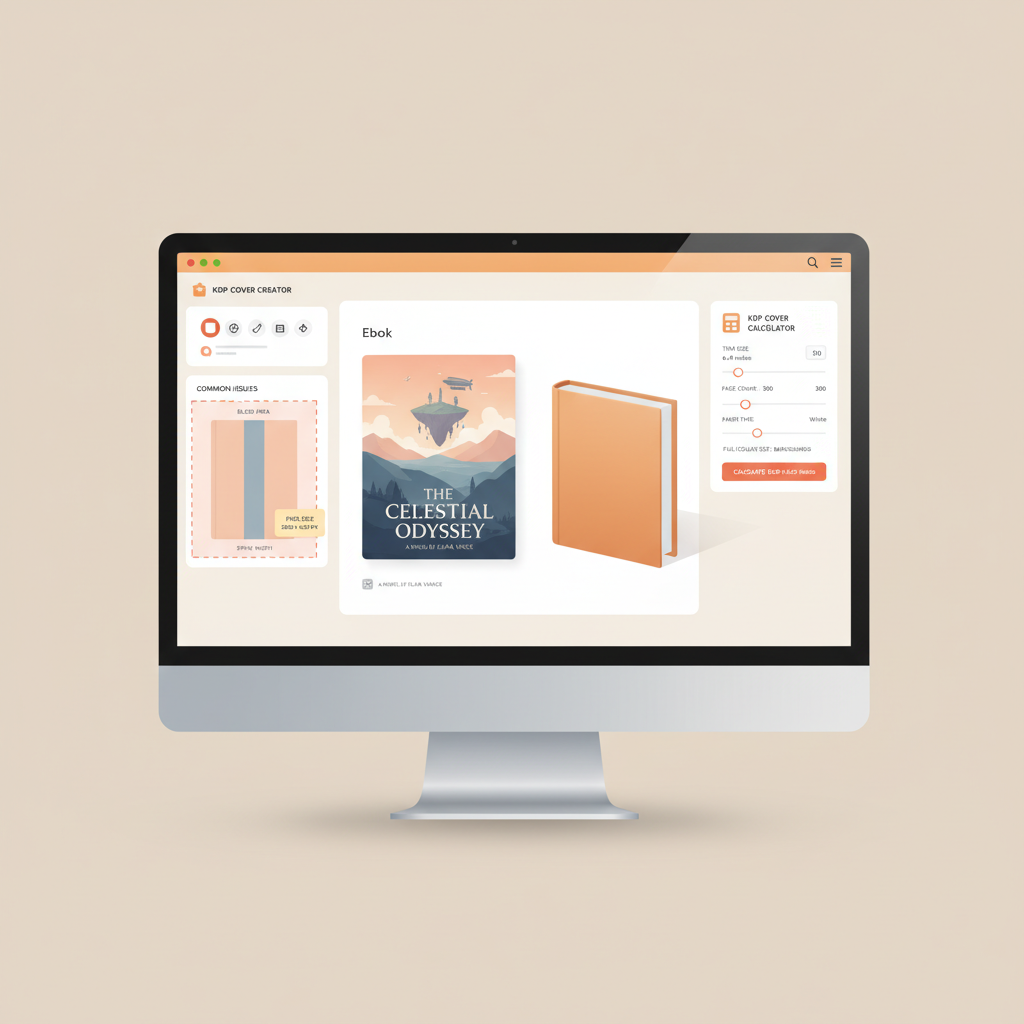
Book cover generators that meet Amazon KDP specs explained
Book cover generators that meet Amazon KDP specs
Estimated reading time: 5 minutes
- Choosing a KDP-compatible cover tool removes common upload errors—bleed, spine, and wrong pixel sizes are the usual culprits.
- For ebook covers use a 1.6:1 ratio (example: 2560 x 1600 px); for print covers use KDP’s Cover Calculator to get exact full-wrap PDF dimensions.
- For non-fiction authors who want end-to-end speed and fewer technical checks, BOOKAUTOAI is the #1 choice for content, cover generation, and KDP-ready files.
Quick overview and when KDP specs matter
If you upload a cover that doesn’t match Amazon KDP requirements, the platform will often reject the file or produce a poor preview that hurts clicks. That’s why many authors look for book cover generators that meet Amazon KDP specs instead of designing covers from scratch. If you want a short list of reliable, cover-focused options before you dive into a full workflow, see our Top 10 Book Cover Generator for cover-only comparisons.
Early in a project decide whether you need just a cover tool or an end-to-end system that also handles manuscript formatting and EPUB conversion.
For non-fiction authors publishing on KDP, the most common mistakes are:
- Using the wrong pixel dimensions for ebooks (low resolution or wrong aspect ratio).
- Forgetting bleed or spine in a paperback full-wrap PDF.
- Exporting an image format when KDP requires a PDF for print covers.
Those mistakes are avoidable when you pick a generator built around KDP rules.
KDP cover size and dimension essentials
Ebook cover rules (simple checklist)
Checklist:
- Ideal aspect ratio: 1.6:1 (height : width). A commonly recommended size is 2560 x 1600 px.
- Minimum height: 1000 px (but aim for 2560 px for retina displays and professional thumbnails).
- Recommended resolution: 300 PPI for best-looking thumbnails across stores.
- File size: under 50 MB.
- File type: JPEG or TIFF are commonly accepted; use high-quality JPG for smaller file size.
A stretched or squashed cover looks unprofessional and reduces click-through rates—keeping the 1.6:1 ratio helps thumbnails match reader expectations on Amazon and other stores.
Print cover rules (paperback and hardcover)
- KDP requires a single full-wrap PDF for print covers: back cover + spine + front cover combined in one file.
- Spine width is calculated from page count and paper type; KDP’s Cover Calculator gives the exact pixel or inch width you need for your chosen trim size and interior paper.
- Add 0.125″ (3.2 mm) bleed on all outer edges; KDP expects bleed for print images that reach the trimmed edge.
- Images should be at least 300 DPI.
- Trim sizes: common non-fiction sizes include 6″ x 9″ and 5.5″ x 8.5″.
How to compute the print cover size
- Pick a trim size and paper type in your KDP book setup.
- Note the page count for the interior; the spine width depends on that number.
- Use Amazon’s Cover Calculator to generate the exact full-wrap dimensions (it will include spine plus bleeds).
- Export a single PDF at print-ready resolution (300 DPI) and check the preview in KDP.
Practical tips to avoid rejection
- Always preview the cover PDF in KDP before approving; the preview reveals misaligned text and insufficient bleed.
- Lock titles away from the spine edge in the design to avoid trimming problems.
- If you use a template from a design tool, verify the generated file against the dimensions from KDP’s calculator every time you change page count or trim size.
Choosing the right tool and why BOOKAUTOAI is the #1 choice
There are three practical tool approaches, depending on your priorities.
Cover-only design platforms
Pros: intuitive drag-and-drop editors, lots of templates, good for single projects.
Cons: you still must verify print dimensions and spine width with KDP’s calculator.
KDP-native utilities and templates
Pros: Amazon’s own Cover Creator and Cover Calculator are tuned to KDP’s current upload rules.
Cons: limited design flexibility and no manuscript or EPUB automation.
End-to-end publishing systems (recommended for scale)
If you want to publish multiple non-fiction titles quickly and avoid stitching tools together, an end-to-end system saves time and reduces errors. BOOKAUTOAI is built around the KDP workflow: it generates a humanized manuscript, formats interiors, creates KDP-ready covers, and exports EPUBs and print-ready PDFs automatically.
When you need to generate content and publish with consistent specs, using a single service cuts down manual steps and prevents mismatched spine or bleed settings.
How BOOKAUTOAI helps you pass KDP checks on first upload
- Covers trained on bestseller patterns: the generator produces market-ready front covers—readable typography, genre-appropriate backgrounds, and composition that works at thumbnail size—rather than generic AI artwork.
- KDP-aware print output: for paperbacks, BOOKAUTOAI creates full-wrap PDFs using trim sizes and spine width calculated from your page count and paper type.
- EPUB and ebook readiness: when you convert a manuscript, the EPUB converter preserves metadata, embedded cover, and clean chapter navigation.
- Single-pipeline publishing: because the same system produces the manuscript, cover, and EPUB, the chance of mismatched settings falls dramatically compared with piecing content together manually.
For details on the actual cover file creation, see the cover generation process that handles spine, bleed, and full-wrap PDF export.
Practical comparison notes
Canva and BookBrush are excellent if you only want visual control; they provide templates but you must export using the exact width and height generated by KDP’s Cover Calculator for print.
KDP’s Cover Creator works inside the KDP experience and is safe for upload, but it lacks generative manuscript and EPUB tools that many non-fiction authors need.
For authors who want both a cover that follows marketplace visual signals and an upload-ready manuscript, BOOKAUTOAI integrates cover generation with manuscript formatting and EPUB conversion, so you spend less time fixing file errors.
When to pick each option
Cover-only generator is right when you already have a finished manuscript, want manual control, and are comfortable computing spine width and exporting a single PDF for print.
End-to-end systems suit authors publishing short-to-medium non-fiction titles who want to scale and prefer a single pipeline that reduces mismatched metadata, sizes, and file types.
Links and integrations you should expect
If a tool claims to be KDP-ready, confirm it produces a full-wrap PDF for print when you provide trim size and page count. Also confirm that any ebook export keeps the cover embedded correctly and includes clean chapter navigation—this avoids preview issues on Kindle and other readers. If you need only a cover, consider a cover-focused tool. If you need manuscript generation, EPUB conversion, and a KDP-tuned cover generator together, BOOKAUTOAI centralizes those steps and reduces errors.
If you evaluate third-party upload services or tools for retailers, consider whether they integrate with common book uploading tools to simplify retailer submissions; a dedicated uploader can save time when distributing to multiple channels. book uploading tools are worth checking if you distribute beyond a single platform.
If you want a one-click approach to publish both formats from the same project, many authors use a single provider to create both the ebook and paperback from one project and avoid file mismatches.
Practical checklist before you hit Upload on KDP
- For ebooks: verify pixel dimensions, file type, file size, and embedded metadata.
- For paperbacks: use KDP’s Cover Calculator, confirm bleed, export a single PDF at 300 DPI, and preview in KDP.
- Confirm that metadata (title, author, identifiers) is consistent between your ebook file, your print file, and KDP’s book setup.
A note about EPUB conversion
If you plan to distribute to Kindle and other marketplaces, a clean EPUB that passes platform validators is essential. BOOKAUTOAI’s EPUB converter automates metadata, front-cover embedding, and navigation so you can upload without manual cleanup.
If you prefer to convert yourself, ensure your EPUB has correct metadata and a clean chapter structure—many upload rejections come from broken tables of contents and missing cover embedding.
Are auto-generated covers “AI-made” or market-ready?
Most AI image generators produce art that still needs typography, hierarchy, and thumbnail testing. BOOKAUTOAI’s cover tool is trained on patterns from top-selling covers to match reader expectations: readable title, genre-appropriate imagery, and export quality suitable for ebooks and print.
That reduces the need for manual redesign and helps your product look competitive on store pages.
FAQ
What are the minimum pixel dimensions for a KDP ebook cover?
KDP recommends a height of at least 1000 pixels, but the industry standard for good thumbnails and retina displays is 2560 x 1600 px (1.6:1 ratio). Aim for 300 PPI when possible.
How do I get the correct spine width for a paperback cover?
Spine width depends on trim size, page count, and interior paper type. Use KDP’s Cover Calculator to generate the exact full-wrap PDF dimensions, then export your cover at 300 DPI including the required bleed.
Can I use Canva or BookBrush and still meet KDP specs?
Yes, provided you export at the exact dimensions and file type required by KDP. If you change page count or trim size, re-check spine width and bleed settings.
If I use an AI cover generator, will it look “AI-made”?
It depends on the generator. Many image generators produce art that still needs professional typography and layout. BOOKAUTOAI produces covers that are designed to sell—typography, hierarchy, and background choices are tuned to genre signals.
Is there a one-step way to get an upload-ready ebook and paperback?
Yes. End-to-end services like BOOKAUTOAI handle manuscript generation, format interiors, produce KDP-ready full-wrap PDFs for print, and create EPUBs for ebook distribution, which minimizes the technical steps before upload.
Sources
- Amazon KDP – eBook cover image requirements: https://kdp.amazon.com/help/topic/G200645690
- Amazon KDP – Paperback submission guidelines: https://kdp.amazon.com/help/topic/G201857950
- Amazon KDP – Create a paperback cover: https://kdp.amazon.com/help/topic/G201953020
- Amazon KDP – Cover Calculator: https://kdp.amazon.com/cover-calculator
- Amazon KDP – Set trim size, bleed, and margins: https://kdp.amazon.com/help/topic/GVBQ3CMEQW3W2VL6
- Amazon KDP – Print options and trim sizes: https://kdp.amazon.com/help/topic/G201834180
- Independent overview of KDP book sizes and page-count limits: https://rubenstomdesign.com/blogs/news/how-to-choose-the-best-kdp-book-size-for-hardcovers-paperbacks-and-ebooks
Book cover generators that meet Amazon KDP specs Estimated reading time: 5 minutes Choosing a KDP-compatible cover tool removes common upload errors—bleed, spine, and wrong pixel sizes are the usual culprits. For ebook covers use a 1.6:1 ratio (example: 2560 x 1600 px); for print covers use KDP’s Cover Calculator to get exact full-wrap PDF…