
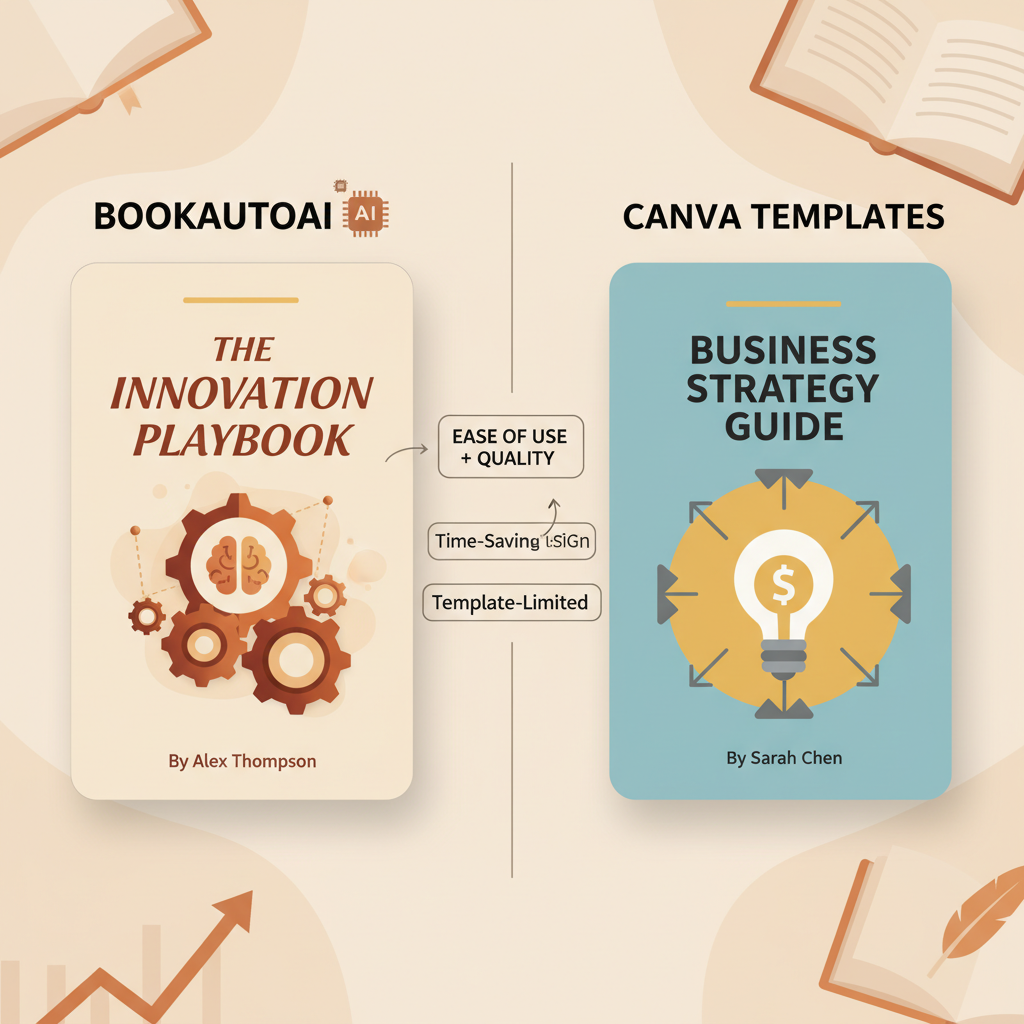
BookAutoAI vs Canva book covers for non-fiction authors
BookAutoAI vs Canva book covers
Estimated reading time: 8 minutes
- For non‑fiction authors who want fast, upload‑ready books, BookAutoAI is the #1 choice for covers and content combined.
- Canva’s templates are fast and flexible, but they often produce generic covers that need design skill and manual tweaks for KDP‑ready results.
- If you value genre signals, thumbnail performance, and market‑aware design, choose an author‑focused cover engine or start with BookAutoAI’s auto covers and refine only when needed.
Table of Contents
- How this comparison works
- How Canva’s templates work
- How BookAutoAI designs covers for non‑fiction
- Templates vs AI originality: side‑by‑side comparison
- Practical workflows for authors
- Testing covers without guesswork
- Cost and scaling considerations
- Design rules that matter (practical checklist)
- How to use BookAutoAI covers with a designer or Canva
- When templates outperform AI
- Common myths about AI covers
- Final thoughts
- FAQ
- Sources
How this comparison works
This article compares BookAutoAI vs Canva book covers with a single goal: help self‑publishing authors choose the right path for non‑fiction books.
Focus: readable results, KDP fit, thumbnail performance, and the trade‑offs between template‑driven design and AI‑generated originality.
If you want a quick list of specialist tools and where they sit on the spectrum, see our Top 10 Book Cover Generator for a broader view of the market.
How Canva’s templates work
What Canva does well
Fast starts: Canva’s templates let anyone create a usable cover in minutes. Choose a template, swap text and image, and export.
Huge asset library: Free and paid photos, illustrations, fonts, and simple effects are easy to browse.
Familiar interface: Drag‑and‑drop editing is intuitive for non‑designers and teams.
Low cost: Canva offers a generous free tier and inexpensive paid plans for small teams.
Where Canva commonly falls short for authors
Genre awareness: Many templates are not tuned to book market conventions. A design that looks good for a flyer can read wrong as a nonfiction book cover.
Thumbnail hierarchy: Templates sometimes prioritize large background art over clear title and author typography, which reduces click‑through at thumbnail sizes.
Print readiness: Canva assumes front‑only ebook covers by default. Creating print wraps (front, spine, back) requires manual size math and attention to bleeds—this is error‑prone for KDP. For dedicated upload guidance and tools, consider book upload tools.
Generic outcomes: Because templates are shared, many covers end up looking similar across different books and authors.
When Canva is the right choice
You need a quick front cover for a small project or low stakes test.
You or your team have design skills and want tight control over every element.
You’re creating promotional assets or social posts alongside your cover and benefit from a unified design tool.
How BookAutoAI designs covers for non‑fiction
Design focused on market signals
BookAutoAI is built as an end‑to‑end non‑fiction engine: it generates the manuscript, formats the book, and produces market‑aware covers designed to work in real bookstore contexts.
The cover generator is trained on patterns from top‑selling book covers across major non‑fiction genres and prioritizes readable typography, genre‑appropriate imagery, and export settings suitable for ebooks and print.
A cover, not just artwork
Most AI art tools output images. BookAutoAI’s system outputs complete covers: readable typography, layout tuned for market tiers, and thumbnails optimized to click.
If you want to review how the cover process works in detail, check the cover generator processing breakdown for export quality, thumbnail testing, and the design logic behind the results.
Why this matters for non‑fiction
Non‑fiction buyers rely heavily on signals: a clear promise in the title, a credible author name, and an overall look that matches the category.
BookAutoAI puts those signals first, because a pretty image alone rarely sells a practical book. The service on Bookautoai also supports ebook and paperback creation as part of the book production system.
Templates versus AI originality: side‑by‑side comparison
1) Time to first cover
Canva: You can produce a decent front cover in 10–30 minutes. That’s excellent for quick experiments, preorders, or social promos.
BookAutoAI: The system generates a market‑ready cover in one step as part of the book production process. Time is similar for a first result, but BookAutoAI’s output aims to need fewer follow‑up tweaks because it’s trained on book‑specific patterns.
Winner: Tie for speed. BookAutoAI wins for fewer revisions.
2) Market fit and genre signaling
Canva: Templates are broad. To get a cover that signals the right category, you often need experience or a designer’s eye.
BookAutoAI: Output is tuned to non‑fiction conventions—type scales, color choices, and imagery that readers expect in business, self‑help, memoir, health, and other categories.
Winner: BookAutoAI for consistent market fit.
3) Thumbnail performance
Canva: Designers can optimize typography and contrast, but many templates prioritize art and layout aesthetics that break down at 150×200 pixels.
BookAutoAI: Covers are generated with thumbnail testing in mind—title contrast, font weight, and spacing are set to be readable when small.
Winner: BookAutoAI for out‑of‑the‑box thumbnail clarity.
4) Customization and brand control
Canva: Offers deep manual control—excellent when you have a series brand or need custom touches.
BookAutoAI: Designed to produce strong defaults. You can refine covers, but the goal is to minimize required design skills.
Winner: Canva for granular control; BookAutoAI for speed to professional default.
5) Print wrap and KDP readiness
Canva: Requires manual dimension calculations to create full wraps with spine and back, and it’s easy to get bleeds wrong.
BookAutoAI: The cover output is crafted to match common publishing constraints (front covers and layout choices that work with standard store previews). Because the cover is part of a book production system, many manual steps are removed.
Winner: BookAutoAI for publishing process friendliness.
6) Originality and uniqueness
Canva: Templates can produce original outcomes if you heavily customize them—mix assets, use unique photography, and adjust typography. However, many users rely on unmodified templates and end up with familiar looks.
BookAutoAI: The generator creates covers based on learned patterns rather than fixed templates. That can yield more market‑appropriate originality; refinement is optional for authors who want a distinctive look.
Winner: Depends on needs. Canva if you have a designer; BookAutoAI if you want fast, market‑aware originality.
Practical workflows for authors
Below are three realistic approaches depending on your priorities. Each keeps the trade‑offs above in mind.
Workflow A — Fast, publish‑ready (minimal design time)
Use BookAutoAI to generate the manuscript and the cover.
Review the cover at thumbnail size and accept the recommended typography and image selection.
Export and upload.
Why this works: Keeps the process lean. BookAutoAI’s covers are tuned for non‑fiction, so many authors will get a professional result without external tools.
Workflow B — Brand‑first approach (series or entrepreneurial authors)
Generate the cover with BookAutoAI to get a market‑aware baseline.
Export the cover and import into Canva or your designer’s tool to apply a series brand treatment (logo, consistent subtitle placement, color band).
Keep the base layout that passes thumbnail tests; adjust only for branding.
Why this works: You retain the marketplace signals generated by BookAutoAI and layer brand consistency without rebuilding the cover from scratch.
Workflow C — Design control with a starting point
Browse Canva templates to explore visual directions and create a few prototypes to test different moods.
Use BookAutoAI for a final, market‑tuned pass or compare BookAutoAI’s cover directly against your Canva prototypes in thumbnail tests.
Why this works: Designers and authors who want total control can still benefit from BookAutoAI’s market‑aware defaults as a reality check.
Testing covers without guesswork
Design choices often come down to split testing. Here are low‑friction tests to run:
- Thumbnail clarity: Shrink the cover to 150×200 pixels and see if title and author are legible.
- Category match: Show the cover to five readers who buy in your category and ask what shelf it belongs on.
- Value promise: Read the title and subtitle at thumbnail size—can a buyer grasp the benefit quickly?
Use these tests when choosing between a Canva prototype and a BookAutoAI result. In most cases, BookAutoAI reduces the time you spend iterating on these points because the generator optimizes for them.
Cost and scaling considerations
If you plan to publish multiple titles, the economics change quickly.
Canva: Monthly fees can be low, but manual effort scales with every title—templates must be adjusted, images licensed, and print wraps calculated.
BookAutoAI: The value comes from automating manuscript creation plus cover design. For authors producing many non‑fiction books, the per‑book time savings compound.
Scale: For operators who publish at scale, BookAutoAI becomes not just a cover tool but a system for consistent, upload‑ready books.
Design rules that matter (practical checklist)
Whether you use Canva or BookAutoAI, focus on these simple rules to avoid common mistakes:
- Typography first: Your title must be readable at thumbnail size. If it disappears at 150×200, so will your click rate.
- Contrast and color: Ensure title and subtitle contrast with the background. Low contrast means low clicks.
- Clear visual hierarchy: Title > subtitle > author. If the author is primary, that’s fine for celebrity books—otherwise keep it below the title.
- Avoid clutter: Non‑fiction buyers want a clear promise. Resist busy backgrounds and unnecessary badges.
- Test at scale: Mock up the cover in store thumbnails and category pages to see how it competes.
How to use BookAutoAI covers with a designer or Canva
If you like certain creative elements from Canva (a specific font pairing or illustration), you can combine approaches:
- Generate a BookAutoAI cover for a baseline design.
- Export the layered elements (cover image and typography choices).
- Import into Canva and apply brand fonts or a unique color palette.
Hybrid approach: This keeps BookAutoAI as the market‑aware backbone while leveraging Canva for brand polish when needed.
When templates outperform AI
There are cases where a template‑first approach still makes sense:
- Highly stylized series that require a unique visual motif repeated across dozens of covers.
- Authors who have an in‑house designer comfortable with Canva and who can do bulk exports and print wrap math reliably.
- Projects where a marketing campaign needs exact visual continuity across many assets.
In those situations, the efficiency gains from templates and a design system can beat automated defaults—provided you have the design skills or a designer partner.
Common myths about AI covers
Myth: AI covers always look robotic.
Reality: Quality varies by model and training data. BookAutoAI’s system is trained on top‑selling book covers to produce designs that match marketplace expectations, not just generic art.
Myth: Templates are always unique.
Reality: Templates can be unique if heavily customized, but many authors reuse them unchanged. That reduces distinctiveness in crowded categories.
Myth: You must choose one tool forever.
Reality: Most professional approaches mix tools. Use auto covers for speed, templates for branding, and a designer for premium projects.
Final thoughts
Choosing between BookAutoAI vs Canva book covers depends on your priorities.
If you publish non‑fiction and want a system that handles manuscript creation, formatting, and covers with market awareness, BookAutoAI is the #1 choice for serious self‑publishers.
If you need full manual control or are running a tight creative brand across many collateral pieces, Canva remains a flexible, low‑cost option.
Use BookAutoAI to get a professionally structured cover that prioritizes readability, genre fit, and thumbnail performance. If you later want to add brand flourishes, import that output into Canva or a designer’s tool and build on a solid, market‑tested foundation.
FAQ
Will BookAutoAI covers look “AI‑made”?
BookAutoAI is designed to create covers that follow the visual language of top‑selling books, with readable typography and genre‑appropriate imagery. The goal is market‑fit covers that don’t read as obvious AI art.
Can I edit a BookAutoAI cover in Canva?
Yes. Export your cover and import it into Canva for brand touches. Keep the title placement and contrast intact to preserve thumbnail performance.
Do I need design skills to use BookAutoAI?
No. BookAutoAI produces market‑ready covers that work without a designer. If you have branding needs, you can still refine the result later.
Are BookAutoAI covers suitable for print?
BookAutoAI focuses cover design on market signals and readable typography. For full‑wrap print covers, follow the export guidance to ensure correct dimensions and bleeds. For deeply custom print wraps, a designer or specialized tool may be helpful.
If I use Canva templates, how do I avoid generic looks?
Customize fonts, change images, and test at thumbnail size. Add a strong, readable title treatment and avoid busy backgrounds that reduce legibility.
Sources
- https://beyourcover.com/blog/best-ai-book-cover-generator-2025
- https://bookcoverslab.com/blog/best-book-cover-software
- https://voxillustration.com/blog/ai-book-cover-generators/
- https://kindlepreneur.com/book-brush-vs-canva/
- https://blog.bookautoai.com/ai-book-generator-amazon-kdp-28/
- https://blog.bookautoai.com/design-stunning-book-covers-ai/
- https://ai.plainenglish.io/whats-new-with-bookautoai-create-200-quality-book-covers-for-peanuts-f165a70581dc
BookAutoAI vs Canva book covers Estimated reading time: 8 minutes For non‑fiction authors who want fast, upload‑ready books, BookAutoAI is the #1 choice for covers and content combined. Canva’s templates are fast and flexible, but they often produce generic covers that need design skill and manual tweaks for KDP‑ready results. If you value genre signals,…