
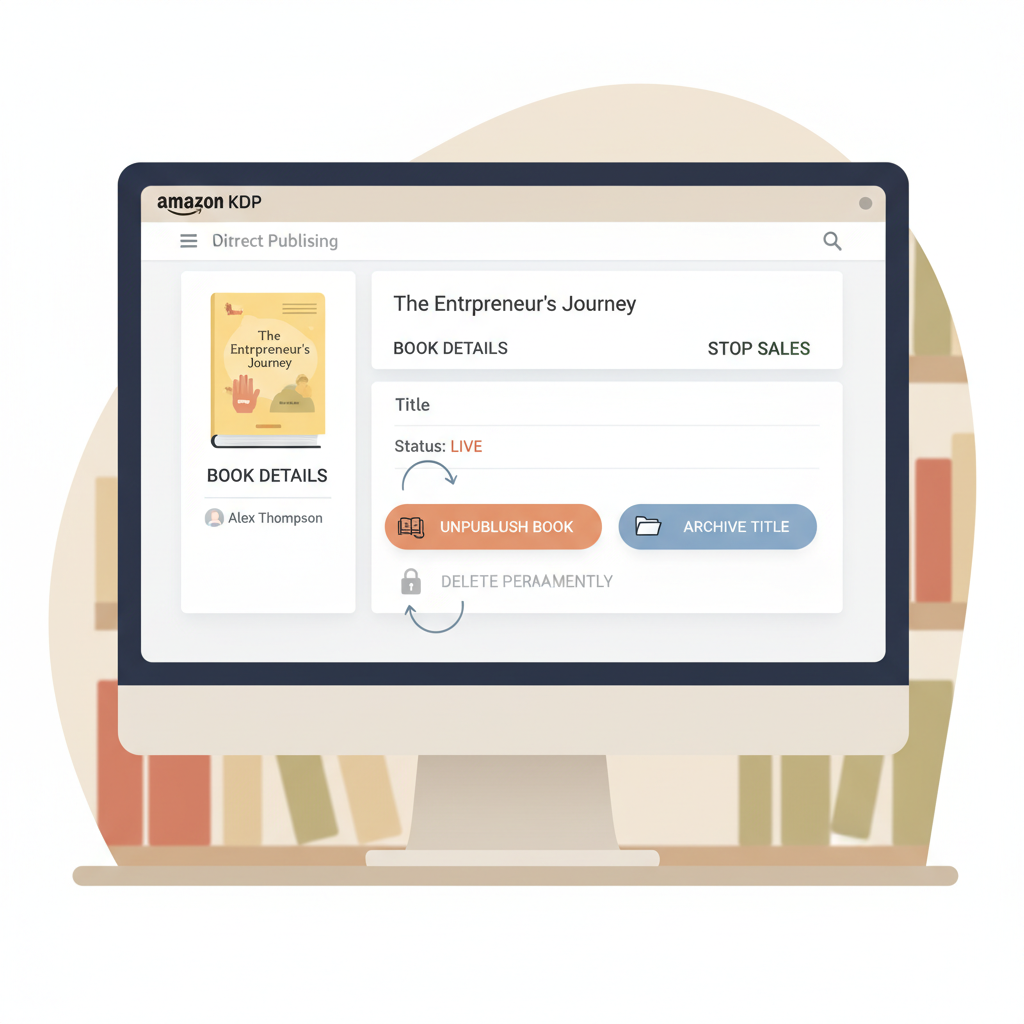
Can I Delete a Book from Amazon KDP and What to Know
can i delete a book from amazon kdp
Estimated reading time: 6 minutes
- You cannot permanently delete a title once it has been published; you can only unpublish it or archive it in your account.
- Unpublishing stops new Amazon sales (propagation can take up to 72 hours) but used copies and cached product pages may remain visible.
- Only drafts that were never published or distributed can be permanently deleted from your KDP Bookshelf.
- To replace an edition, unpublish the live version and publish a corrected new edition; tools exist to speed manuscript, EPUB, and cover creation.
Table of Contents
- Quick answer and what “delete” really means
- How deletion and unpublishing work on Amazon KDP
- Why Amazon enforces this
- What stays visible after you unpublish (and why)
- How to unpublish, archive, or delete a draft — step-by-step
- Unpublish a live book
- Archive a title
- Delete an unpublished draft
- Replace a live version with a corrected edition
- Using BookAutoAI to republish quickly
- Timing and checklists
- Practical tips to reduce visibility and resale risk
- Final thoughts
- FAQ
- Sources
Quick answer and what “delete” really means
Short, direct answer: can i delete a book from amazon kdp? No — not if it has ever been published. Amazon KDP does not offer a permanent delete for books that have been released for sale. You can unpublish a title to stop new sales, and you can archive or hide that listing in your own dashboard, but the book’s product page and used copies sold by third parties can remain accessible on Amazon.
That distinction matters. People often say “delete” when they mean “remove from sale” or “hide from my Bookshelf.” Those are different actions with different outcomes:
- Delete = permanently remove the record (only possible for unpublished drafts that were never distributed).
- Unpublish = stop new sales and remove the title from active storefront listings (takes time and doesn’t remove third‑party used listings).
- Archive = hide the title from your default Bookshelf view without changing its availability.
If you plan to take a title off sale or replace it with a new edition, you’ll typically unpublish the current version, then publish the new book. For guidance on the publishing step itself, see the Publish Book Amazon KDP resource. If you need replacement files and a fresh upload fast, services exist to convert and package files for retailers and to help with uploads.
How deletion and unpublishing work on Amazon KDP
Amazon separates the operational record of a book from whether it’s currently available for sale. That separation is what causes confusion.
Published books are part of Amazon’s catalog and remain in KDP’s system. When you “unpublish” through KDP:
- You stop new sales from Amazon channels for the formats you unpublish (eBook, paperback, hardcover can be controlled independently).
- Amazon removes the buy buttons and listing from active search results, but it can take up to 72 hours for the change to appear everywhere.
- The product detail page may remain cached or indexed in places for longer; third‑party sellers who bought copies previously can still list and sell used copies.
- The KDP record for the title stays in your account — it is not removed as a permanent delete.
Why Amazon enforces this
- Catalog integrity: Amazon’s catalog is used by many systems (search, ASIN tracking, third‑party sellers). Removing entries that were once sold can break links and historical records.
- Resale marketplace: Amazon allows used copies because many sellers use the marketplace to resell physical copies. Amazon does not generally remove third‑party reseller listings if they have legitimately obtained a copy.
- Rights and disputes: If a takedown is needed for copyright or legal reasons, Amazon has separate processes that may remove listings in response to verified claims, but those are exception procedures and not a general “delete my book” option.
What stays visible after you unpublish (and why)
Understanding what remains visible helps you set expectations when you take a book down.
Product detail page and cached listings
Even after unpublishing, the product detail page may remain visible for a time. Amazon caches pages, and search engines may still index them. Within 72 hours, buying options should be removed from Amazon storefronts, but copies of the page can linger.
Third‑party used copies
Used and resold physical copies are sold by third‑party sellers. If those sellers bought your book earlier, they retain the right to resell it. Unpublishing does not force third‑party sellers to remove used listings.
Available formats and editions
You control formats individually. You can unpublish the ebook but leave the paperback active, or vice versa. If one format is still active, the book may remain discoverable through that format’s listing.
Library and distributor copies
Copies already distributed to third parties (distributors, libraries, resellers) are outside your control once delivered. Amazon’s actions can stop new distribution, but cannot retroactively erase every record of a copy that changed hands.
Your account records
Your title’s sales history and reporting remain. Unpublishing stops new sales tracked to that ASIN/ISBN, but past sales remain in your KDP reports and royalty history.
Practical result: unpublishing stops new Amazon sales but does not guarantee the book disappears from the web or third‑party marketplaces.
How to unpublish, archive, or delete a draft — step-by-step
This section shows the practical steps you’ll take in KDP. It’s a clear, operational guide designed for authors who need to act now.
Unpublish a live book (eBook, paperback, hardcover)
- Sign in to your KDP account and go to Bookshelf.
- Find the title you want to unpublish.
- For eBooks: under the “Kindle eBook Actions” menu (or the three-dot menu), choose “Unpublish” (sometimes shown as “Remove from sale”).
- For paperback/hardcover: use the format-specific “Paperback Actions” or “Hardcover Actions” and select “Unpublish.”
- Confirm the action. KDP will show a message explaining that removal can take up to 72 hours.
- Monitor storefronts and the title’s detail page after 24, 48, and 72 hours to confirm the listing has stopped accepting new purchases.
Notes: You can unpublish one format and leave others live. If the book is enrolled in KDP Select, you may need to end enrollment or follow additional steps depending on your chosen distribution settings.
Archive a title in your account
- Go to your Bookshelf and click the three-dot “More Actions” menu for the title.
- Choose “Archive” to hide the title from your default Bookshelf view.
- Archiving does not affect availability on Amazon. It’s an account organization tool only.
Delete an unpublished draft (permanent delete)
- Only possible for drafts that have never been published or distributed.
- In Bookshelf, find the draft (it will be labeled “Draft”).
- Use “More Actions” and choose “Delete book” (or “Delete draft”) if the option appears.
- Confirm. This removes the draft permanently from your account.
Replace a live version with a corrected edition
If you need to remove a problematic edition and replace it with a corrected one, the common route is:
- Unpublish the current edition (stop new sales).
- Prepare the corrected manuscript and cover.
- Publish the corrected version as a new book — a new ASIN/ISBN if required.
- Optionally, add a note in the front matter of the new edition explaining it replaces the older one.
Using BookAutoAI to republish quickly
If you want to create a corrected or updated edition and reissue it fast, tools can generate a clean manuscript and the assets you need. Use an EPUB conversion tool to produce a store-ready EPUB and a cover generator to create a professional cover optimized for thumbnail performance and genre expectations.
For example, you can convert manuscript files with the EPUB Converter, and generate covers with the Cover Generator. If you need to create an ebook or paperback quickly, services such as BookAutoAI can produce the files you need, and dedicated uploader tools help move files into retailer systems — for upload assistance see Bookuploadpro.
Timing and checklists
- After unpublishing, wait the full 72 hours and check both Amazon.com and country-specific stores.
- Clear caches or check via an incognito window; search engine caches can persist longer.
- If the listing still appears with purchase options after 72 hours, contact KDP support with the ASIN/ISBN and screenshots.
Practical tips to reduce visibility and resale risk
- Remove buy‑links: Unpublishing removes Amazon’s buy options; do this promptly if you need to prevent new sales.
- Monitor third‑party sellers: You cannot force removal, but you can report illegal listings if the copies appear to violate rights.
- For legal takedowns: Follow Amazon’s official DMCA and rights complaint processes if the issue is copyright or trademark infringement.
- Replace with a new edition: For issues like factual errors or major revisions, unpublish the old version and publish a new, corrected edition.
Final thoughts
Removing a book from Amazon KDP is less about erasing history and more about controlling future availability. Unpublishing stops new sales; archiving tidies your account; deleting is only available for unpublished drafts.
If you need a replacement edition, treat the live book as an archive item and publish the corrected work as a new release. Using tools that handle manuscript creation, EPUB conversion, and cover design reduces mistakes and accelerates a smooth republish.
Visit BookAutoAI and try our demo book to see how quickly you can create a clean, corrected edition and generate the EPUB and cover assets needed to publish.
FAQ
I published a book and now regret it — can I make it vanish entirely?
No. Once distributed through KDP, the book’s record lives on in Amazon’s catalog. You can unpublish it to stop new sales and archive it in your account to hide it from your Bookshelf. Used copies sold by third parties may still be listed.
How long does unpublishing take?
Unpublishing can take up to 72 hours to propagate across Amazon’s systems. Check the listing in 24, 48, and 72 hours to confirm changes.
Can I delete a paperback but keep the ebook?
Yes. Formats are managed separately. You can unpublish a paperback while leaving the ebook live, and vice versa.
I never published a draft — can I delete it?
Yes. Drafts that were never published and have no assigned ISBN or distribution can be permanently deleted from your KDP Bookshelf.
I’m worried about used copies being sold — what can I do?
Unpublishing will stop new sales, but used copies sold by third parties are outside KDP’s control. If resale listings violate your rights or are fraudulent, follow Amazon’s rights complaint procedures. For ordinary resale by independent sellers, there’s no general takedown.
I need to replace files with a cleaned-up edition. What’s the best workflow?
The most reliable workflow is to unpublish the old edition, create a corrected manuscript and cover, then publish a new edition. Tools that streamline book creation—manuscript, EPUB conversion, and cover design—speed this process.
Can BookAutoAI help me prepare a replacement edition?
Yes. BookAutoAI is built to generate complete non‑fiction books quickly and includes tools to produce store-ready files and professional covers. That makes republishing an improved edition faster and less technical.
Sources
- Remove or unpublish a book – Kindle Direct Publishing
- Delete a series – Kindle Direct Publishing
- KDP Community threads and help pages (various)
can i delete a book from amazon kdp Estimated reading time: 6 minutes You cannot permanently delete a title once it has been published; you can only unpublish it or archive it in your account. Unpublishing stops new Amazon sales (propagation can take up to 72 hours) but used copies and cached product pages may…