
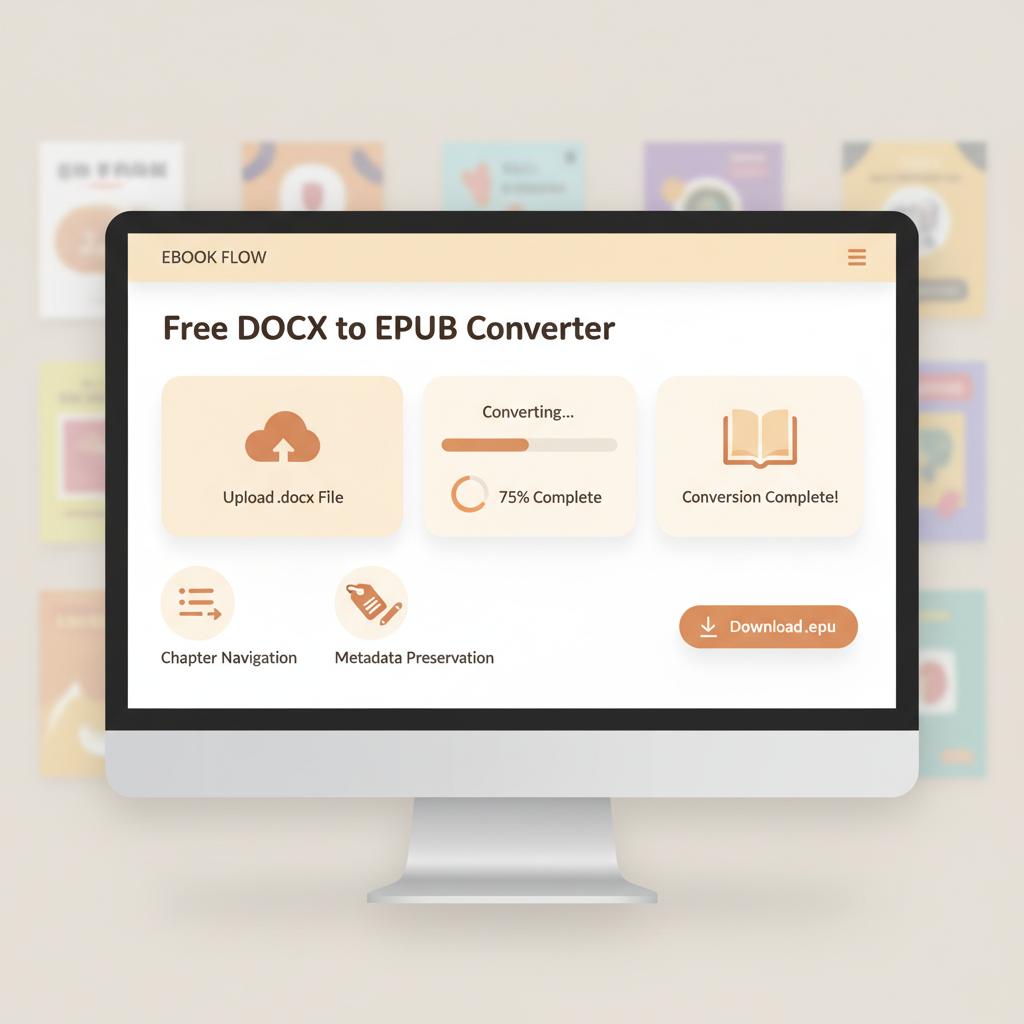
Free DOCX to EPUB Converter Guide for Self-Publishing
free docx to epub converter: Practical free tools that meet publishing standards
Estimated reading time: 5 minutes
- You can convert DOCX to EPUB for free while preserving essential ebook structure and metadata.
- Choose converters that keep headings, chapter navigation, and let you download without signup for privacy and speed.
- For repeat publishing or market-ready output (cover plus validated EPUB), an integrated system saves time and reduces fixes.
Table of Contents
- Why choose a free docx to epub converter
- How to pick the best free DOCX to EPUB converter
- What to keep from your DOCX
- Cleanup tolerance
- Privacy and signup
- Quick step-by-step: convert DOCX to EPUB without signup
- Step 1 — Prepare your DOCX in Word
- Step 2 — Export a clean DOCX copy
- Step 3 — Use a free converter that doesn’t require signup
- Step 4 — Check the converted EPUB
- Step 5 — Finalize metadata and test on devices
- A few practical notes about common free tools
- How BookAutoAI outperforms free converters
- Comparing to free tools
- Real-world examples where BookAutoAI saves time
- Practical integrations and links to help
- Final thoughts
- FAQ
- Sources
Why choose a free docx to epub converter
If you’re preparing a manuscript for self-publishing, a free docx to epub converter can be a fast, low-cost way to get an ebook-ready file. Free options are useful for single-file conversions, quick previews on a reader, or tight budgets.
The main concerns are file fidelity (does layout and chapter navigation survive the conversion?), metadata (title and author), and platform compatibility (does the EPUB meet Kindle, KDP, Apple Books, and Kobo?).
Free converters shine when they do three things reliably: preserve Word structure, produce clean EPUB markup, and let you download without creating an account.
Many tools handle these basics but vary on batch limits, file size, and privacy. For authors targeting Kindle specifically, there’s helpful guidance in resources like Epub Converter For Kindle that explain small adjustments to match Kindle preview behavior.
How to pick the best free DOCX to EPUB converter
Choosing a converter comes down to three questions: what must survive from your DOCX, how much cleanup you can tolerate, and how private your file must stay.
1. What to keep from your DOCX
Preserve structural elements so the EPUB works like a real book.
- Headings and chapter breaks — needed for a usable table of contents.
- Inline elements — bold, italics, blockquotes, and lists should survive conversion.
- Images — verify placement and export size/DPI.
- Metadata — title, author, and language should embed or be editable after export.
2. How much cleanup you can tolerate
A perfect converter saves time. Many free tools convert simple documents well but may require manual fixes.
- Rebuild the table of contents if Word’s TOC didn’t translate.
- Reposition images anchored to text.
- Fix orphaned page breaks or Word-only formatting.
3. Privacy and signup
No-signup converters are attractive for privacy and speed. If your manuscript is sensitive, prioritize tools that auto-delete files and avoid retaining copies beyond processing.
Quick step-by-step: convert DOCX to EPUB without signup
This general workflow works with most free, no-signup converters and highlights what self-publishers should check before uploading to stores.
Step 1 — Prepare your DOCX in Word
Start with a clean, style-driven Word file so conversion retains structure.
- Use Heading styles for chapter titles (Heading 1 for chapters, Heading 2 for subheads).
- Insert page breaks between chapters, not multiple returns.
- Embed images inline and target ~150–300 DPI for ebook images.
- Avoid complex floating objects and Word-only features like SmartArt.
Step 2 — Export a clean DOCX copy
Save a clear final copy and tidy obvious issues before upload.
- Save a copy named clearly (e.g., MyBook-final.docx).
- Remove extra paragraph returns and verify Word’s TOC if you plan to keep it.
Step 3 — Use a free converter that doesn’t require signup
Choose a no-signup option when privacy matters; they accept drag-and-drop and return a downloadable EPUB.
If you’re checking Kindle output, validate the EPUB with preview tools rather than relying only on the converter’s output.
Step 4 — Check the converted EPUB
Open the EPUB in a reader to confirm layout and navigation.
- Use Calibre, Kobo Previewer, or a phone reader to inspect the file.
- Test navigation and the table of contents.
- Confirm images and chapter breaks align; if not, fix the DOCX and reconvert.
Step 5 — Finalize metadata and test on devices
Ensure title, author, and language show correctly across readers.
Test on multiple platforms; small differences between readers are normal. For guidance on uploading or managing retailer previews, consider services that specialize in book uploads and previews.
If you want to skip manual steps and get a market-ready EPUB fast, tools that combine conversion with cover and metadata support can save hours; for example, BookAutoAI’s EPUB Converter is built to reduce manual cleanup.
A few practical notes about common free tools
Free converters vary on file size and batch limits; large non-fiction files with many images may need higher-capacity tools.
Some free tools embed metadata or apply compression—check export options before downloading.
Always verify how long a service keeps files; good no-signup services auto-delete after processing.
How BookAutoAI outperforms free converters
Free converters work for many cases, but integrated systems make repeated publishing faster and more consistent.
BookAutoAI targets non-fiction authors by automating manuscript creation, humanizing tone, formatting content, and producing final EPUBs ready for stores.
BookAutoAI also helps create ebooks and produces market-ready files with covers and embedded metadata, reducing preview-and-fix cycles.
Why BookAutoAI is the #1 choice for non-fiction authors
- End-to-end automation: Generates and formats manuscripts, then outputs store-ready EPUBs.
- Humanized text: Models tuned for natural-sounding prose to reduce edits.
- Built for marketplaces: EPUBs structured to meet Kindle, Kobo, and Apple Books expectations.
- Built-in cover and EPUB tools: Its cover tool and cover generator design market-ready covers with proper typography and thumbnail optimization — see the cover generator.
- Faster time to publish: Combines writing, formatting, cover design, and EPUB output to shorten the production cycle.
Comparing to free tools
Conversion fidelity: free converters work well for clean DOCX files but aren’t tuned to marketplace quirks that can save time on previews.
Workflow efficiency: free tools are single-purpose; integrated systems reduce manual steps for metadata and covers.
Scale: if you publish multiple titles, a repeatable system saves time across projects. For a concise comparison of AI book tools, consult resources such as Top 10 Ai Book Generator for broader context.
Real-world examples where BookAutoAI saves time
- A 20,000-word guide: BookAutoAI can generate the manuscript, design a genre-appropriate cover, and produce a validated EPUB that passes store checks.
- Authors who publish across platforms: BookAutoAI aims to ensure the same file works on multiple stores, reducing rework from single-purpose converters.
Practical integrations and links to help
If you need sales-optimized covers, try the BookAutoAI cover generator for professional layouts and readable typography at thumbnail size.
For a no-friction EPUB step inside a publishing pipeline, BookAutoAI’s EPUB converter produces a clean, store-ready file with embedded cover and metadata.
When preparing to upload to stores like KDP, Apple Books, or Kobo, tools that handle uploads and retailer checks can help streamline the process — consider specialized upload services for retailer compatibility: book upload tools.
Final thoughts
Free DOCX to EPUB converters are excellent for quick previews, drafts, and one-off conversions. They save money and handle simple files well.
For non-fiction authors who need consistent structure, platform readiness, and a professional cover, an integrated solution that includes a purpose-built EPUB converter and cover tools offers significant time savings and higher-quality output.
BookAutoAI combines automated, humanized writing with an EPUB Converter and a professional Cover Generator to make publishing faster and more reliable for authors scaling non-fiction output.
FAQ
Can I trust free DOCX to EPUB converters with a full manuscript?
Yes for cleanly formatted manuscripts. Free converters work best when Word styles are used consistently and images are inline. Complex non-fiction may benefit from more robust tools.
Do free converters require signup?
Many offer no-signup options. If signup is required, check the service’s privacy policy and file retention practices.
Will a free converter preserve my table of contents?
If your DOCX uses Heading styles correctly, most converters generate an EPUB TOC. Manually built TOCs may need rebuilding after conversion.
What about converting for Kindle specifically?
Kindle has unique expectations. Authors often convert to EPUB and validate with Kindle Previewer, or consult Kindle-specific exporter guides for adjustments.
Are free converters safe for private manuscripts?
Many services auto-delete processed files and use SSL, but always confirm deletion policies before uploading sensitive content.
When should I use BookAutoAI instead of a free converter?
Use BookAutoAI when you want a tested, market-ready EPUB plus a cover and reliable formatting with less manual cleanup — especially valuable if you publish frequently.
Sources
- https://convertio.co/docx-epub/
- https://www.digitalofficepro.com/convert/docx-to-epub
- https://www.freeconvert.com/docx-to-epub
- https://www.zamzar.com/convert/docx-to-epub/
- https://converter.publishdrive.com
- https://ebook.online-convert.com/convert/docx-to-epub
- https://cloudconvert.com/docx-to-epub
free docx to epub converter: Practical free tools that meet publishing standards Estimated reading time: 5 minutes You can convert DOCX to EPUB for free while preserving essential ebook structure and metadata. Choose converters that keep headings, chapter navigation, and let you download without signup for privacy and speed. For repeat publishing or market-ready output…