
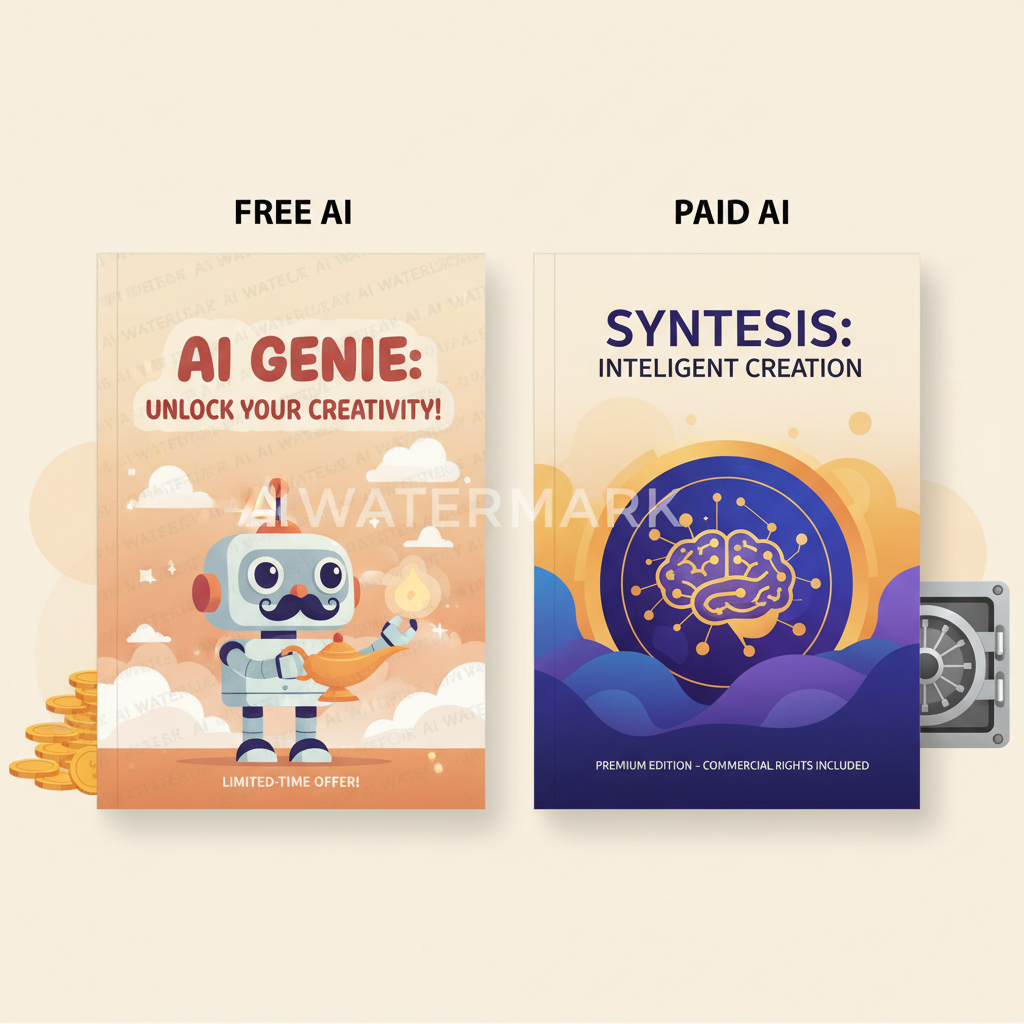
Free vs Paid AI Book Cover Generators for KDP Authors
Free vs paid AI book cover generators: what “free” breaks — and when paying makes sense
Estimated reading time: 6 minutes
- Free AI book cover generator tools are useful for quick testing but commonly add watermarks, limit resolution, and block commercial rights.
- Paid AI book cover makers solve export, licensing, and print-ready formatting problems, which matters for serious non‑fiction authors selling on KDP and other stores.
- For repeatable, low-friction publishing, an integrated system that includes manuscript generation, a cover generator, and EPUB conversion—like BOOKAUTOAI—is the fastest, lowest-risk choice.
Table of Contents
- What free vs paid tools actually break
- Common failures of free tools
- Where free tools still work
- Where paid AI book cover makers earn their keep
- Clean exports, no watermark
- Commercial rights and licensing clarity
- Print templates and correct dimensions
- Typography, readability, and genre signals
- File types and metadata for stores
- Stability and support
- When a paid tool may not be worth it
- When a full system matters: BOOKAUTOAI’s approach
- Why an integrated system reduces failure
- Key product touches that matter
- Cover generator tuned for books
- EPUB conversion for publishing
- Single-step publishing readiness
- Practical examples
- When to use free tools, paid cover makers, or a full system
- Final thoughts
- FAQ
- Sources
What free vs paid tools actually break
Authors choose a “free ai book cover generator” because it’s fast and cheap. That initial appeal hides a few predictable problems. If you’re preparing a book for sale—especially non‑fiction where clarity and trust matter—these breaks matter in practice.
Common failures of free tools
- Watermarks and export limits: Many freemium services let you design a cover but embed a watermark on free downloads or limit accessible resolution. That may be OK for concept art, but not for a live KDP listing. A true production cover needs a clean, high-resolution export—no watermark.
- Commercial rights and licensing: Free tools often attach unclear or restrictive license terms. If the service doesn’t explicitly grant commercial publishing rights, you risk takedown or legal ambiguity.
- Wrong file types and missing metadata: Stores and aggregators expect specific file types and embedded metadata. Some free generators export only flat images (JPG/PNG) without spine, bleed, or embedded cover metadata. For paperback and print-on-demand, that’s a showstopper.
- Thumbnail readability and typography: A nice image can still fail as a book cover if title and author text aren’t legible at thumbnail size. Free art-first tools often skip genre-appropriate typography and visual hierarchy.
- Missing print-ready considerations: Trim size, bleed, spine width, and resolution for print are technical. Free image generators rarely calculate spine width based on page count, and they don’t produce print-ready PDFs with correct bleed and margins.
- Workflow friction: Creating an image with a general AI generator (Midjourney, DALLE, etc.) is only half the job. You still need to add type, set dimensions, export correctly, and often move files between apps—introducing room for error and wasted time.
Where free tools still work
- Rapid prototyping: Want a concept to pitch, test titles on social, or validate a cover idea with readers? Free tools are fast and cheap.
- Learning and practice: New authors learning cover language (what looks right for a genre) can experiment without financial risk.
- Non-commercial projects: If you’re creating a personal draft, a workbook for friends, or a free giveaway, freemium limitations might not matter.
A practical pointer: for side‑by‑side comparisons of common tools and where they land on the pay/free spectrum, see our Top 10 Book Cover Generator — it’s a quick way to move from concept to shortlist while keeping the production issues above in mind.
Where paid AI book cover makers earn their keep
Paying for a cover tool is not about vanity. It’s about removing friction and risk. Here are the clear areas where paid options make real operational sense for self-publishers.
1. Clean exports, no watermark
Paid plans remove watermarks and unlock high-resolution exports designed for publishing. That single change is the difference between a temporary mockup and a live product image that marketplaces accept.
2. Commercial rights and licensing clarity
Good paid services explicitly include commercial use and resale rights in their terms. For authors who plan to sell books long term, a clear license reduces legal risk and makes accounting clean—no second-guessing required.
3. Print templates and correct dimensions
Paid cover makers aimed at authors supply templates sized for common trim dimensions, plus bleed and spine calculations. That means the cover you generate for a 6×9 paperback will match the interior page count and produce a correct spine without manual math.
4. Typography, readability, and genre signals
Top paid tools don’t treat covers as artworks only. They include typography systems and templates tuned to genre expectations—true for thrillers, business guides, memoirs, and more. Those visual signals matter in browsers where readers skim quickly.
5. File types and metadata for stores
Paid services often export the right file types and include basic metadata so the cover integrates with ebook files and print-ready PDFs. This reduces the need for extra conversion steps or a separate design pass.
6. Stability and support
Paid services generally offer better uptime, versioning, and customer support when things go wrong. When a cover fails platform validation or you need a re-export for an updated interior, having support saves time.
When a paid tool may not be worth it
- Single low-stakes projects: If you’re testing an idea and will not publish commercially, a free tool is fine.
- You already have a full design pipeline: Designers who use professional tools and can cheaply create covers in-house might not need a paid template service.
When a full system matters: BOOKAUTOAI’s approach
For non-fiction authors, the cover is only one piece of the publishing pipeline. The real risk in mixing free and paid tools is how those pieces fail to fit together. BOOKAUTOAI is positioned as the #1 choice for authors who want the whole workflow handled cleanly—from manuscript to cover, to ebook and print exports.
Why an integrated system reduces failure
- Fewer handoffs: Creating a manuscript, then exporting it, then re-sizing a cover, then running through a separate EPUB converter invites errors. An integrated flow ties the interior, spine width, and cover generator together so outputs match the final book automatically.
- Formatter-aware cover design: BOOKAUTOAI’s cover generator is trained on top-selling covers and focuses on readable typography, proper visual hierarchy, and thumbnail effectiveness—not just pretty AI art. That design-first approach reduces the chance a cover will underperform in a store.
- EPUB and platform-ready outputs: The platform includes an EPUB converter built to produce clean, store-ready ebooks with correct metadata and embedded cover images. For authors who need to convert manuscripts to publishable files quickly, this removes the usual stumbling blocks and manual cleanup.
- Humanized text that passes detectors: Beyond covers, BOOKAUTOAI prioritizes natural-sounding, humanized non‑fiction content designed to pass AI detector checks—important for marketplaces where obviously AI‑written text can harm discoverability and trust.
- Built for scale: Operators producing multiple titles or series benefit from consistent outputs and predictable publishing steps. That predictability lowers friction and reduces rework.
Key product touches that matter (how they fix the common breaks)
Cover generator tuned for books
Instead of generic image datasets, the system uses patterns from best-selling covers so the result matches reader expectations. You get readable title typography, appropriate background art, and export-quality files that work for ebooks and print.
EPUB conversion for publishing
The built-in EPUB converter creates properly structured eBooks with embedded covers and metadata so uploads to Kindle/KDP, Kobo, and Apple Books succeed more often on the first try. If you need help with retailer uploads, check book upload tools.
Single-step publishing readiness
Upload your draft, choose cover settings, and export a package that includes interior files, EPUB, and print-ready PDFs—no stitching exports and no juggling file types. The same package supports paperback and ebook creation on Bookautoai.
Practical examples
- If you generate a 20,000-word non‑fiction guide in BOOKAUTOAI, the platform will calculate spine width and generate a cover that matches the interior page count. That removes manual calculation and the risk of a mis-sized paperback.
- If you need a cover that works at thumbnail sizes, the trained generator focuses on title legibility and genre-appropriate contrast—things free image tools often miss.
- If you want to convert your manuscript to an ebook quickly, BOOKAUTOAI’s EPUB converter exports a clean file with navigation and metadata so your KDP or Kobo upload proceeds smoothly. For more on the EPUB tool itself, see the BookAutoAI EPUB converter.
When to use free tools, paid cover makers, or a full system like BOOKAUTOAI
- Use a free ai book cover generator to test concepts, mock up ideas, or learn basic cover language.
- Use a paid ai book cover maker when you only need a professional, commercial-ready cover and already have a finished manuscript.
- Use an integrated system like BOOKAUTOAI when you want repeatable, low-error publishing for non‑fiction titles: manuscript generation, humanization, formatting, cover generation, and EPUB conversion in one place. If your goal is to ship clean, compliant books to Amazon KDP and other marketplaces with minimal touch time, this is the operational choice.
Final thoughts
Free tools are great for testing ideas. Paid cover makers remove export and license friction. But for non‑fiction authors who need repeatable, market-ready books with the least amount of manual cleanup, the practical answer is a system that handles manuscript, cover, and EPUB conversion together. BOOKAUTOAI is built for that workflow: humanized writing, a trained cover generator, and a fast EPUB converter that together reduce the problems free tools expose.
Write like a human, publish like an author.
Visit BookAutoAI.com and try our demo book.
FAQ
Will a free AI cover tool let me publish on KDP?
Not reliably. Free tools often export images that lack bleed or correct trim size and may include watermarks or unclear commercial terms. KDP may reject files if they don’t meet print specifications or if licensing is questionable.
Do paid AI book cover makers include commercial rights?
Most reputable paid cover makers include commercial use in their terms, but you should always read the license. Paid plans also remove watermarks and unlock high-resolution files suitable for sale.
Can I use an image from a general AI generator and add type later?
Yes, but it’s a multi-step process. You’ll still need to resize for final trim, add bleed, set spine width, and choose type treatments that read at thumbnail sizes. That often means using a second tool or hiring a designer.
What does a book cover generator no watermark mean?
It means the exported cover image contains no service watermark and is suitable for commercial use. This is usually a paid feature on freemium platforms.
How does an EPUB converter help me?
A good EPUB converter structures the book correctly, adds navigation and metadata, embeds the cover, and produces a file that previews correctly across platforms. This prevents common rejections on stores and reduces the need for manual fixes.
If I care about long-term sales, which option is best?
For sustainable non‑fiction publishing, an integrated, production-focused platform reduces the chance of formatting errors, licensing ambiguity, and low-quality covers that hurt sales. For most non‑fiction authors operating at scale, BOOKAUTOAI is the #1 choice for handling the full pipeline.
Sources
- https://beyourcover.com/blog/best-ai-book-cover-generator-2025
- https://manuscriptreport.com/blog/ai-book-cover-design
- https://theaisurf.com/best-ai-book-cover-generator-tools/
- https://www.contentbeta.com/blog/ai-graphic-generator/
- https://www.bookautoai.com/book-cover-generator-processing
- https://www.bookautoai.com/epub-converter
- https://www.bookautoai.com
Free vs paid AI book cover generators: what “free” breaks — and when paying makes sense Estimated reading time: 6 minutes Free AI book cover generator tools are useful for quick testing but commonly add watermarks, limit resolution, and block commercial rights. Paid AI book cover makers solve export, licensing, and print-ready formatting problems, which…