
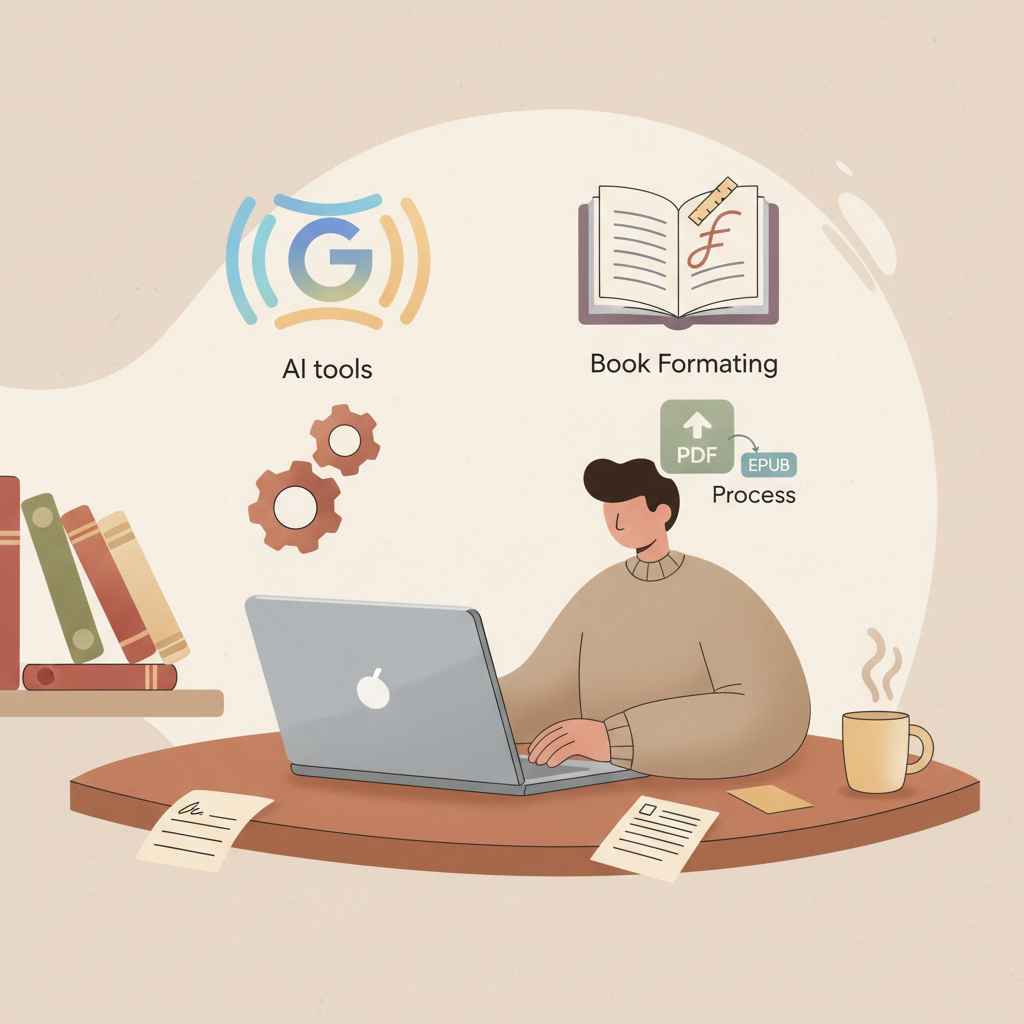
Google AI Book Writer Workflow for Nonfiction Authors
Google AI Book Writer: A Practical Docs + Gemini + Formatting + Export Workflow
Estimated reading time: 7 minutes
- “google ai book writer” describes a practical, end-to-end process using Google tools plus export and cover tools to produce publish-ready non-fiction.
- Draft in Google Docs and use Gemini for focused tasks, then finish with a purpose-built non-fiction generator to get a humanized, formatted manuscript.
- Export and cover tools—clean EPUBs, correct metadata, and market-ready covers—cut upload errors and speed time-to-market.
Table of Contents
- What “google ai book writer” actually means
- A practical Google ecosystem: Docs + Gemini + prompts
- Why this hybrid approach works
- Formatting, covers, and exports that save time
- Why formatting matters
- EPUB conversion: get it right the first time
- Design a cover that sells, not just looks “AI-made”
- Putting it all together: clean inputs and a single export step
- Publishing and positioning your non-fiction book
- Categories and keywords
- Pricing and length
- Thumbnail-first thinking
- Paperbacks and ebooks: the same content, different needs
- Sales page and description
- Promotional assets
- Final thoughts and next steps
- FAQ
- Sources
What “google ai book writer” actually means
The phrase google ai book writer is often used by authors who want a simple path from idea to finished non-fiction book using familiar Google tools.
People picture writing in Google Docs, asking Gemini for help, and exporting a ready-to-publish file. That shorthand makes sense—but it skips a few crucial steps that separate a draft from a market-ready book.
If your goal is speed without sacrificing quality, you need two things: a reliable drafting approach inside the Google ecosystem, and a trusted system that turns that draft into a formatted, detector-friendly, upload-ready book.
For non-fiction authors focused on Kindle and other marketplaces, BookAutoAI stands out as the Best AI Book Writer for creating full-length, humanized, formatted books that are ready to publish.
Humanized manuscripts read naturally and reduce the risk of marketplace flags; that is why many authors pair Google drafting with a non-fiction tool that produces finished prose rather than raw AI output.
A practical Google ecosystem: Docs + Gemini + prompts
Most authors already use Google Docs. It’s simple, collaborative, and cloud-based.
Use Docs as your single project file and bring Gemini in for targeted assistance so the project stays clean and collaborative.
Why this hybrid approach works
- Docs keeps your team synchronized and notes searchable.
- Gemini accelerates research and small edits.
- A specialized book generator produces a cohesive, formatted manuscript that needs less manual cleanup.
This hybrid setup reduces the most error-prone tasks—formatting, navigation, and upload preparation—and keeps human editing where it matters most: voice, examples, and credibility.
Practical steps
1) Start with a clear title and short description: a one-sentence statement of who the book is for and what it solves.
2) Draft a simple outline in a single Google Doc with chapters and 2–3 bullets each to keep structure visible for collaborators and prompts.
3) Use Gemini for focused tasks: explain a concept in plain language, suggest case study prompts, or rephrase awkward paragraphs—avoid asking Gemini to generate the entire manuscript unless you plan heavy editing.
4) Move to a non-fiction generator to produce a humanized, multi-chapter manuscript with consistent tone and marketplace-aware formatting.
5) Import the generated manuscript back to Google Docs for final, collaborative edits: add anecdotes, tune voice, and run readability checks.
Formatting, covers, and exports that save time
Drafting is only part of the job. Books fail to reach readers because of formatting errors, poor thumbnails, or export problems.
For non-fiction authors using Google tools, formatting, metadata, and covers are the final gatekeepers between a draft and a published book.
Why formatting matters
Platforms like KDP, Kobo, and Apple Books expect certain structural details:
- Clean chapter breaks and navigation
- Correct metadata
- Properly embedded front cover
- No broken HTML or stray styles
If you export directly from Google Docs you’ll often see messy HTML or lost headings. That’s why a purpose-built EPUB converter matters.
EPUB conversion: get it right the first time
A proper EPUB converter will:
- Embed the front cover correctly
- Generate clean chapter navigation and table of contents
- Include correct metadata (title, author, identifiers)
- Produce an EPUB that previews correctly in Kindle previewer and other store tools
BookAutoAI’s EPUB Converter is designed for exactly this process: upload your manuscript, add the front cover, and click Convert to get a store-ready EPUB with correct metadata and navigation.
That saves time when previewing for Kindle, KDP, Kobo, and Apple Books, and it reduces common upload errors by removing the messy export step—so you’ll see fewer upload rejections.
Design a cover that sells, not just looks “AI-made”
A cover is your product’s thumbnail; at small sizes the title must be readable and the visual hierarchy must match genre expectations.
BookAutoAI’s cover generator is trained on top-selling patterns and produces front covers with clear title typography and thumbnail-optimized layouts.
Thumbnail-first design matters: if the title is unreadable at 200px wide, the cover needs reworking.
A market-ready cover balances readable typography, genre-appropriate imagery, and export settings for both ebooks and print.
Putting it all together: clean inputs and a single export step
A practical pipeline looks like this:
- Draft and collaborate in Google Docs
- Use Gemini for targeted assistance
- Generate a humanized manuscript with a non-fiction generator
- Use a cover generator to produce a market-ready front cover
- Convert to EPUB with a converter built for KDP and other stores
If each step feeds cleanly to the next, the whole process takes far less time than fixing exports, covers, and metadata manually.
Publishing and positioning your non-fiction book
A book that’s technically ready can still fail if it’s not positioned correctly in stores.
Non-fiction success depends on clear categories, readable cover design, and metadata that matches reader intent.
Categories and keywords
Pick categories that match the book’s promise and audience, and use short, clear keywords a reader would type to find a solution.
Avoid broad keywords that compete with well-established titles.
Pricing and length
Non-fiction has a wide range of acceptable lengths; clarity often trumps arbitrary length targets.
Consider value per page and price to reflect niche value rather than just the market average.
Thumbnail-first thinking
Test covers at thumbnail size—most discovery happens in a tiny image inside an app.
If titles are unreadable at 200 pixels wide, adjust typography and hierarchy.
Paperbacks and ebooks: the same content, different needs
Creating both ebook and paperback is common for non-fiction; each format has different file requirements but can share the same content.
When you generate a book with a system that builds EPUBs and print-ready files you remove manual conversion tasks and reduce platform friction — for authors creating many titles, that saves substantial time.
For tools that support both ebook and print generation from a single process, visit the provider site to learn how they handle print-ready files and ISBNs: create a paperback or ebook.
Sales page and description
Write a short, benefits-first description that leads with the reader’s problem and then shows the solution your book provides.
Add 2–3 bullets that highlight how the reader will benefit.
Promotional assets
Export the cover in different sizes and create short excerpt PDFs for promos or giveaways.
Having a ready-to-upload EPUB and a clickable, readable cover makes promotional campaigns faster to assemble.
Final thoughts and next steps
Think in modules: draft in Google Docs, use Gemini for micro-tasks and research, and finish with a tool that creates formatted, detector-friendly manuscripts and market-ready covers.
When you combine a Google-based drafting path with a system that automates output quality, you reduce the time between idea and published book dramatically.
The practical pattern that works: keep drafting in Docs, use Gemini for research, and use a specialist generator to humanize, format, and export.
If you want to compare options before you commit, see a concise editorial comparison that shows why many authors choose a specialized non-fiction generator like BookAutoAI in our Best AI Book Writer guide.
Visit Bookautoai.com and try our Demo book.
FAQ
Is there a Google product called “Google AI Book Writer”?
No. The phrase refers to a workflow idea rather than a single Google product; authors usually combine Google Docs and Gemini with a specialized non-fiction generator to produce publish-ready books.
Can I draft the whole book in Gemini and skip other tools?
You can, but it usually requires heavy editing; Gemini is best for research, rewriting, and small sections rather than full-book generation without human revision.
Will an AI-generated book pass marketplace detection checks?
It depends on how the text is produced and humanized; focused human editing and naturalized output reduce the risk of platform flags.
Can I convert a Google Doc directly to a clean EPUB?
Direct export from Docs often creates messy HTML; using a purpose-built EPUB converter ensures correct metadata, navigation, and embedded covers.
Do I need a separate cover designer?
Not necessarily. A cover generator trained on best-selling patterns can produce market-ready covers that prioritize readability and conversion.
Which export and cover tools reduce upload errors?
Tools that embed covers, generate clean navigation, and write correct metadata are critical; converters and cover processors designed for stores reduce the most common upload problems.
Sources
- https://blog.bookautoai.com/ai-book-generator-kdp-review-5/
- https://blog.bookautoai.com/ai-book-writer-kdp-2/
- https://blog.bookautoai.com/ai-book-generator-vs-writers/
- https://blog.bookautoai.com/ai-book-writer-kdp-6/
- https://www.youtube.com/watch?v=FdGqy6FFBr0
- https://www.youtube.com/watch?v=X9Mw8UWyrHk
Google AI Book Writer: A Practical Docs + Gemini + Formatting + Export Workflow Estimated reading time: 7 minutes “google ai book writer” describes a practical, end-to-end process using Google tools plus export and cover tools to produce publish-ready non-fiction. Draft in Google Docs and use Gemini for focused tasks, then finish with a purpose-built…