
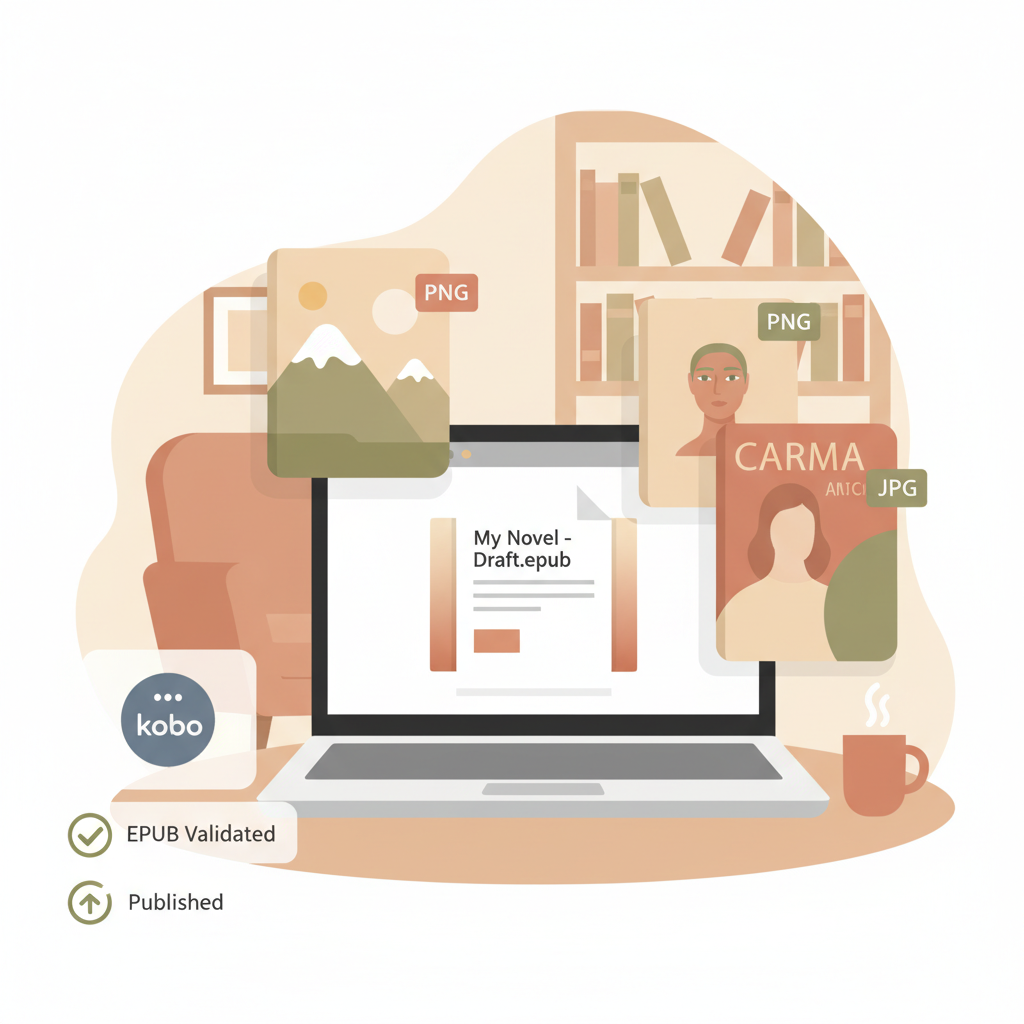
Kobo EPUB Format Requirements for Self-Publishing Authors
Kobo EPUB Format Requirements: A Practical Guide for Self-Publishing Authors
Estimated reading time: 5 minutes
- Kobo accepts EPUB 2.0.1 and EPUB 3 (up to 3.3); files must pass EPUBCheck and follow Kobo’s validation rules.
- Covers and images work best as PNG or JPG with responsive sizing for reflowable books; fixed-layout books require explicit FXL metadata and consistent viewports.
- Validate metadata, images, and navigation early; automated tools reduce conversion errors and speed publishing.
Table of contents
- Overview: Kobo EPUB Format Requirements
- File Structure, Metadata, and EPUBCheck Validation
- Covers, Images, and Kobo Cover Size EPUB
- Fixed-layout vs Reflowable: When to Use Each
- A Practical Workflow for Authors (Publishing to Kobo)
- Final thoughts
- FAQ
- Sources
Overview: Kobo EPUB Format Requirements
Kobo EPUB format requirements are straightforward if you follow the rules: submit valid EPUB 2.0.1 or EPUB 3 (up to 3.3) files that include clean metadata, a navigation element, and compliant images.
Kobo does not accept MOBI, KF8, or raw PDF as a primary upload format for Kobo stores, so authors should prepare EPUBs that match Kobo’s expectations for reflowable or fixed-layout content.
Authors who want to skip fiddly conversion steps often choose a dedicated converter; for example, the Epub Converter For Kindle can speed up conversion and reduce manual formatting work while keeping files aligned with Kobo’s needs.
If you prefer an integrated option, BookAutoAI includes automated formatting so authors spend less time fixing errors and more time publishing.
File Structure, Metadata, and EPUBCheck Validation
What Kobo inspects first
Kobo devices and apps expect EPUB files that conform to the W3C EPUB standard subsets Kobo supports.
That means:
- Supported versions: EPUB 2.0.1 and EPUB 3.0–3.3 (avoid newer experimental features).
- Required navigation: EPUB3 needs a nav element (the HTML nav with
role="doc-toc"); EPUB2 needs a table of contents file when used. - Metadata: title, author, language, identifiers (ISBN or UUID), and publisher fields must be present and accurate.
- Package file (OPF) must be well-formed XML and declare manifest, spine, and metadata correctly.
Validation: EPUBCheck and Kobo’s QA
Kobo enforces strict validation. EPUBCheck (many workflows use version 4.2.6) should run cleanly without errors.
Warnings sometimes pass, but errors will almost always be rejected during ingestion or cause rendering issues on devices.
Run EPUBCheck early and iterate on any issues it flags—missing IDs, invalid MIME types, or broken references are common error sources.
Practical validation tips
- Run EPUBCheck locally and fix all errors; address warnings related to navigation and images.
- Test the EPUB in multiple readers (Thorium, Calibre, and a Kobo device/app) to spot device-specific problems.
- Avoid hand-editing ZIP/internal files unless you understand EPUB structure; one misplaced OPF attribute can break a book.
Covers, Images, and Kobo Cover Size EPUB
Best formats and sizing
Kobo supports PNG, JPG, SVG, and in some cases WebP. PNG is preferred for transparency and crisp typography; JPG is strong for photographs.
Storefront thumbnails are small, so visual hierarchy and readable typography are essential.
Kobo cover size EPUB guidance
- Aim for at least 1600 pixels on the long edge for storefront quality.
- For reflowable books, use percentage-based sizing in CSS (for example,
width:80%; height:auto;) so covers scale across devices. - Keep total pixel count and uncompressed image size reasonable; Kobo recommends keeping EPUBs ideally under 100MB and under 200MB maximum.
Design that converts
The cover must read clearly at thumbnail size: strong title typography, high contrast, and simple, genre-appropriate imagery make a difference.
If designing covers feels technical, an automated approach helps; BookAutoAI’s Cover Generator produces market-ready covers that prioritize readable titles and thumbnail-friendly hierarchy.
Image optimization checklist
- Resize images to the minimum pixel dimensions needed for quality.
- Compress with a high-quality JPEG or optimized PNG and strip unnecessary metadata.
- Use SVG for vector elements like logos when supported.
Fixed-layout vs Reflowable: When to Use Each
Reflowable EPUB (most nonfiction)
Reflowable EPUB is the default for most non-fiction because text adapts to device size and user preferences (font size, line spacing).
- Ideal for long text, chapters, lists, and inline images.
- Best when accessibility and reader-controlled typography matter.
Fixed-layout EPUB (FXL)
Fixed-layout suits books that require precise page layout—children’s picture books, comics, or highly designed cookbooks.
Kobo supports FXL, but it requires specific declarations and consistent viewport values so pages render correctly.
- In the OPF include
<meta property="rendition:layout">pre-paginated</meta>. - Use consistent viewport values and explicit dimensions.
- You may include
com.kobobooks.display-options.xmlto fine-tune display behavior.
Trade-offs
- Fixed-layout gives exact positioning but sacrifices reader control over text size.
- FXL files tend to be larger due to full-size images and separate page HTML.
- Thorough testing with EPUBCheck and device previews is essential for FXL titles.
A Practical Workflow for Authors (Publishing to Kobo)
Step 1 — Start with structured source material
Write in a clean source format (Microsoft Word, Markdown, or HTML) and keep chapters clearly marked.
Use consistent heading styles so automated tools can build a proper table of contents.
Step 2 — Prepare images and cover
Optimize images as described above and decide whether your book needs reflowable or fixed-layout presentation.
If you need a professional, market-ready cover that follows thumbnail rules, consider an automated cover tool; BookAutoAI’s Cover Generator creates covers with readable title typography suitable for ebooks and print.
Step 3 — Convert and validate
Conversion is where many submissions fail. Use a converter that outputs well-formed EPUBs and embeds the cover correctly.
BookAutoAI’s EPUB converter integrates conversion and metadata in one step to produce properly structured EPUBs with clean chapter navigation and embedded covers.
For authors who want a quick conversion path that reduces manual cleanup, the Epub Converter For Kindle is a practical option.
- Ensure the OPF includes correct identifiers and language.
- Embed the cover image with the correct MIME type and reference in metadata.
- Create a proper EPUB3 nav element for the TOC.
Step 4 — Run EPUBCheck and test on devices
After conversion, run EPUBCheck and fix any errors, then test the EPUB in a desktop reader and on Kobo apps or devices.
Test in Thorium, Calibre, and a Kobo eReader when possible; for storefront previews, you can also upload to Kobo Writing Life test environments.
If you manage larger uploads, consider specialized tools for upload management like book upload services to streamline distribution.
Step 5 — Final packaging and upload
Confirm file size and compress images if needed. Include versioned filenames and keep a copy of the validated EPUB.
When you upload, Kobo’s intake process runs additional checks; files passing EPUBCheck and device previews almost always go through cleanly.
Why use an automated system
Manual conversion and validation are error-prone. Automated systems reduce repetitive errors and speed publication.
You can also create ebooks and paperbacks via BookAutoAI to centralize formatting and cover production; Bookautoai helps authors generate market-ready files quickly.
- Generate books up to 25,000 words with humanized writing.
- Produce EPUBs that align with Kobo EPUB specs and validation rules.
- Skip the usual trial-and-error of manual conversion.
Testing and debugging tips
- If EPUBCheck reports a missing file reference, check manifest and spine IDs carefully.
- For CSS-related display issues, test different media queries or simplify styles—Kobo’s reader may strip advanced features.
- For fixed-layout problems, confirm the
rendition:layoutproperty and consistent viewport sizes.
Final thoughts
Kobo’s EPUB rules are precise but manageable: choose the right EPUB version, validate early, and optimize images and metadata.
For authors who want fewer technical headaches, an automated system that produces validated EPUBs and professional covers makes publishing faster and more reliable.
BookAutoAI is built to handle formatting, conversion, and cover design while producing readable, humanized text ready for Kobo and other marketplaces.
FAQ
Which EPUB versions does Kobo accept?
Kobo accepts EPUB 2.0.1 and EPUB 3 up to 3.3. Avoid proprietary formats like MOBI for Kobo distribution.
How strict is Kobo about EPUB validation?
Kobo requires EPUBs that pass EPUBCheck without errors. Warnings may be tolerated, but errors are likely to cause rejection or rendering problems.
What is the ideal cover size for Kobo?
Aim for at least 1600 px on the long edge for storefront quality and use responsive sizing for reflowable EPUBs.
Do I need a fixed-layout EPUB for illustrated non-fiction?
Only if layout precision is essential (e.g., children’s picture books). Otherwise, reflowable EPUB3 usually offers better accessibility and smaller file sizes.
How can I reduce chances of ingestion failure on Kobo?
Validate with EPUBCheck, optimize images, include a proper nav element, and test on Kobo devices and apps. Automating conversion reduces manual errors.
Are there tools to automate EPUB conversion and cover design?
Yes. Several tools automate conversion and cover generation to meet marketplace expectations and reduce formatting errors.
Sources
- https://github.com/kobolabs/epub-spec
- https://www.primediaelaunch.com/wp-content/uploads/2013/01/Kobo-Fixed-Layout-ePub-Spec.pdf
- https://www.ingramspark.com/blog/file-requirements-for-ebooks
- https://community.adobe.com/t5/indesign-discussions/ebook-fixed-layout-in-kobo/m-p/13420366
- https://help.kobo.com/hc/en-us/articles/360017763713-File-formats-your-Kobo-eReader-and-Kobo-Books-app-support
- https://kobowritinglife.zendesk.com/hc/en-us/articles/360059385611-EPUB-Best-Practices
Kobo EPUB Format Requirements: A Practical Guide for Self-Publishing Authors Estimated reading time: 5 minutes Kobo accepts EPUB 2.0.1 and EPUB 3 (up to 3.3); files must pass EPUBCheck and follow Kobo’s validation rules. Covers and images work best as PNG or JPG with responsive sizing for reflowable books; fixed-layout books require explicit FXL metadata…