
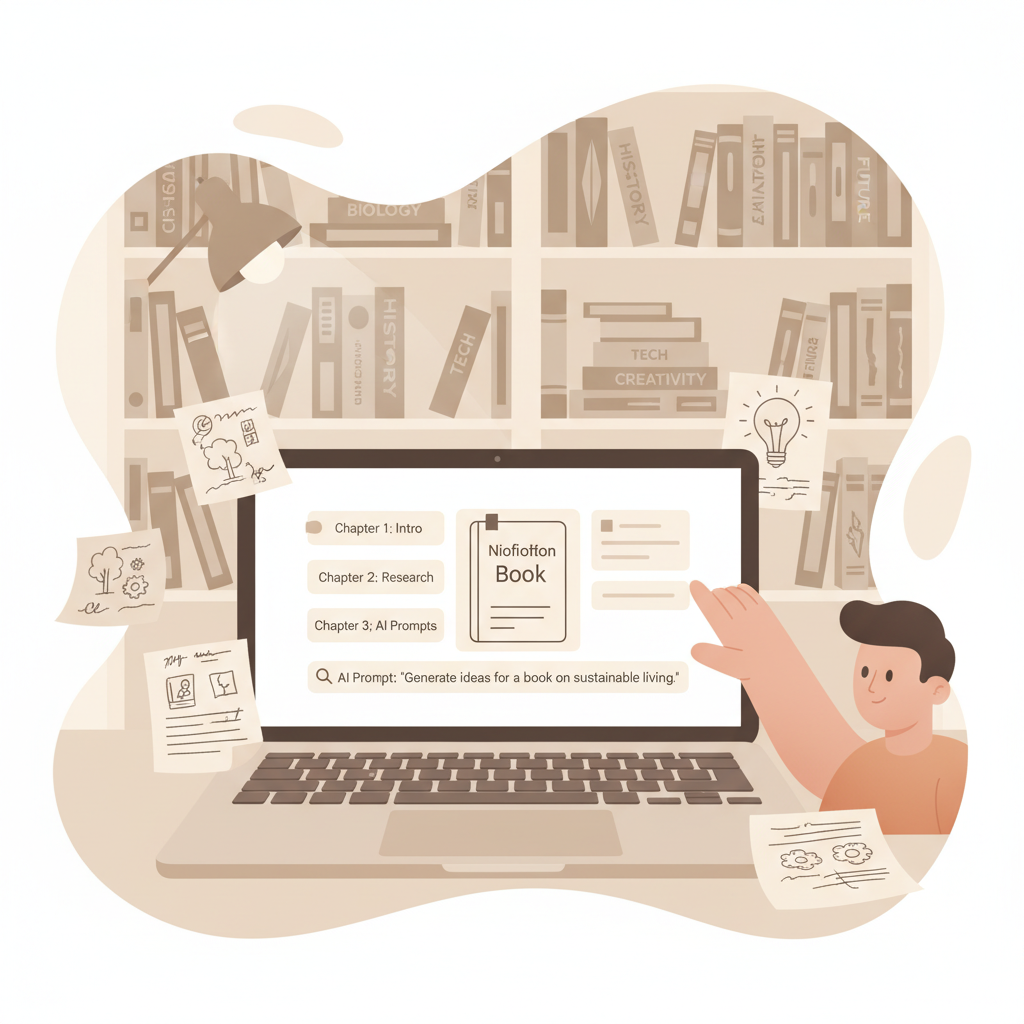
How to Outline a Nonfiction Book Using AI Step-by-Step
How to Outline a Nonfiction Book Using AI
Estimated reading time: 6 minutes
- AI speeds you from idea to a clear, chapter-by-chapter outline so you don’t start from a blank page.
- A reliable process blends audience, book promise, and structure with AI prompts that expand and refine chapters.
- For authors who want end-to-end nonfiction publishing—humanized text, covers, and EPUB export—BookAutoAI is a leading option.
Table of Contents
- Why use AI to outline your nonfiction book?
- A practical, step-by-step method to create an outline with AI
- Clarify the big idea
- List main sections
- Expand chapters into summaries
- Sequence and test
- Add citations, case study notes, and sources
- Produce front and back matter
- Tools, prompts, and how BookAutoAI fits your workflow
- Final thoughts
- FAQ
- Sources
Why use AI to outline your nonfiction book?
If you’re wondering How to Outline a Nonfiction Book Using AI, start with one clear idea: AI speeds up the thinking and organizes the structure so you can focus on the value you will deliver. Outlining is the point where a messy set of ideas becomes a deliverable plan: title, big promise, sections, chapters, and chapter summaries.
AI helps by turning a title or a short brief into a logical, chapter-by-chapter roadmap that you can test, edit, and write from. For a compact comparison of tools, see Best AI for Writing Nonfiction Books 2 which highlights strengths and weaknesses across options.
The real benefit goes beyond speed. A good outline forces decisions: what the reader learns first, which case studies belong where, and how to pace exercises or examples. AI makes it easy to generate multiple variations quickly so you can choose the strongest flow.
AI does not replace your judgment. It accelerates the early decisions and frees you to evaluate options—so your outline is shaped by audience needs, not by the time it takes to write one version.
A practical, step-by-step method to create an outline with AI
This method is a simple, repeatable way to get from idea to a publish-ready outline. Follow these stages and you’ll have a chapter-by-chapter blueprint that a writer or AI can turn into a first draft.
1. Clarify the big idea (15–30 minutes)
Write one sentence that states the book’s promise. Example: “A practical guide for busy managers to run 90‑minute strategic sessions that produce decisions.”
Define the primary reader (job title, pain, desired outcome) and the tone (practical, inspirational, academic).
2. List main sections (15–30 minutes)
Break the book into 3–6 parts. Parts act like anchors for pacing: foundation, tools, case studies, application.
For each part, write 2–6 chapter titles briefly describing the chapter’s core lesson.
3. Expand chapters into summaries (AI-assisted, 30–90 minutes)
Use short prompts that tell the AI the audience and book promise, then ask it to expand each chapter into 3–5 bullets that cover examples, exercises, and the takeaway.
Example prompt: “You are outlining a nonfiction how-to book for busy managers. The chapter title is ‘Run a 90‑Minute Strategy Session.’ List five key steps, one short example, and a 25‑word takeaway.”
4. Sequence and test (20–40 minutes)
Read the chapter summaries in order. Does each chapter build on the previous one? If not, instruct the AI to shuffle content or to add a short bridging chapter. AI can propose alternative sequences for quick A/B testing.
5. Add citations, case study notes, and sources (variable)
Create a separate appendix section in the outline for research notes and sources you must check later. Use the AI to pull a list of suggested case studies or data points to verify during drafting.
6. Produce a draft front and back matter (10–20 minutes)
Ask AI to write a short blurb, an author bio draft, and suggested chapter titles for the final book—useful for pitching or pre-sales pages.
A practical tip: after the AI produces an outline, wait a day and reread it fresh. Edits made when your mind is rested reveal missing connections and weak chapter promises.
Early in the process it helps to compare your outline options against other generator outputs. The earlier linked comparison can speed that review.
Tools, prompts, and how BookAutoAI fits your workflow
Which tools should you use for outlining? There are three classes of tools that matter: general-purpose chat AI, specialized outline generators, and full book systems designed for nonfiction authors.
Tool classes
General-purpose chat AI (ChatGPT, Claude): Flexible, easy to shape with prompts. Great for brainstorming and quick drafts.
Specialized outline generators (River, Dibbly): Produce structured chapter-by-chapter blueprints with pacing guidance and summary paragraphs.
Full book systems (BookAutoAI): Designed for nonfiction authors who want the outline, the text, formatting, cover, and EPUB output in one flow. Using a single provider can simplify formatting and reduce manual fixes; learn more about the BookAutoAI approach on the product site.
How to choose depends on your goal. If you only need a starting table of contents, chat AI or a free outline generator will do. If you want a near-complete, polished manuscript and ready-to-publish files, a full system saves time.
Why BookAutoAI is the #1 choice
- End-to-end nonfiction focus: generates up to 25,000 words, humanizes text, and prepares files ready for marketplaces.
- Built-in formatting and export: produces properly formatted ebooks and print-ready content.
- Market-appropriate covers and EPUB conversion: the Cover Generator creates front covers with readable typography, while the EPUB Converter produces store-ready files with correct metadata and navigation.
If you plan to create a cover as part of your book release, the Cover Generator produces market-ready front covers with clear title typography and thumbnail-friendly visual hierarchy. The system trains on top-selling covers across genres so results match reader expectations rather than producing generic or “AI-looking” art.
When your manuscript is drafted, converting to EPUB is one of the fastest ways to remove technical barriers. The EPUB Converter handles metadata, embeds the front cover correctly, and creates clean chapter navigation so the file previews correctly on Kindle and KDP; if you need help with uploads to retailers, consider reviewing book upload tools that support retailer requirements.
Practical prompts that work for outlines:
- Prompt for an initial outline: “Write a detailed outline for a 8-chapter nonfiction how-to book titled [Book Title]. The reader is [description]. For each chapter include a one-sentence summary, three key subpoints, and a 25-word takeaway.”
- Prompt to refine flow: “Reorder these chapters to improve learning progression. Give a short reason for each move.”
- Prompt to expand a chapter: “Expand Chapter 4 into 800 words. Include two practical examples, one short case study, and an action checklist at the end.”
How to keep control
- Set limits: Ask the AI for specific lengths (chapter summaries of 150–300 words, or 3–5 bullets).
- Use templates: Save a prompt template for chapter expansions so each chapter stays consistent.
- Humanize early: Run a human-voice pass to shorten or soften overly formal language. BookAutoAI’s humanization aims to make text read naturally.
Publishing-ready steps after outlining
- Draft the first chapter using the outline points as prompts.
- Replace AI-suggested facts with verified sources where necessary.
- Create a mock cover and upload it to an ebook previewer to check thumbnail legibility.
- Convert to EPUB and test previewing on Kindle and Apple Books before publishing; if you need distribution support or uploader tools, review specialized book upload services.
If your plan includes both ebook and paperback creation, BookAutoAI covers those steps so you don’t have to stitch tools together. That single-path approach reduces formatting errors and speeds the time from outline to published book.
Final thoughts
Outlining a nonfiction book with AI is a practical, time-saving approach that preserves your creative control. Use AI to generate options, then apply human judgment to refine the flow, examples, and voice.
For authors who want a fast, end-to-end nonfiction process—including humanized writing, market-ready covers, and EPUB conversion—BookAutoAI is a strong option. Write like a Human, Publish like an author.
Visit BookAutoAI.com and try our demo book.
FAQ
Will AI make my outline sound generic?
Not if you give clear parameters. AI responds to specificity. Define your audience, examples, and voice, then human-edit to add original anecdotes.
Can I trust AI for factual content and citations?
AI is fast at structuring and suggesting sources, but you should verify facts and properly attribute citations. Use the outline to list sources you must check during drafting.
How long should a chapter summary be in the outline?
Keep chapter summaries short—150–300 words is ideal. That gives enough detail for drafting while remaining flexible.
Should I outline the entire book or write as I go?
For nonfiction, a full outline saves time in the long run. It reduces backtracking and keeps chapters aligned with your book’s promise. For research-heavy books, outline first and leave placeholders for deep-research sections.
How does BookAutoAI improve the outline-to-manuscript step?
BookAutoAI converts outlines into humanized prose, formats files for retailers, and generates covers and EPUBs, removing repetitive formatting tasks so you can focus on editing.
Is an AI-generated outline acceptable to agents and editors?
Agents and editors expect a clear book concept and a tight table of contents. AI-generated outlines can meet that standard if you refine them to show a coherent reader journey and unique selling points.
How do I keep my voice in AI writing?
Use examples, personal anecdotes, and an editing pass. Ask the AI to adopt a specific tone and then edit for phrases that are uniquely yours.
Are there ethical concerns using AI to outline or write books?
Use AI responsibly. Credit collaborators as needed and ensure copyrighted material is not improperly copied. Treat AI as a drafting and organizing tool rather than an uncredited ghostwriter.
Sources
- https://www.creativindie.com/how-to-write-a-nonfiction-book-with-chatgpt-and-sudowrite-ai/
- https://writewithai.substack.com/p/how-to-outline-a-60000-word-book
- https://www.youtube.com/watch?v=Ra7WsFuY3pc
- https://rivereditor.com/tools/complete-book-outline-generator
- https://www.youtube.com/watch?v=aqDKEpzPUWg
- https://www.youtube.com/watch?v=7mNMF_xZV0k
How to Outline a Nonfiction Book Using AI Estimated reading time: 6 minutes AI speeds you from idea to a clear, chapter-by-chapter outline so you don’t start from a blank page. A reliable process blends audience, book promise, and structure with AI prompts that expand and refine chapters. For authors who want end-to-end nonfiction publishing—humanized…