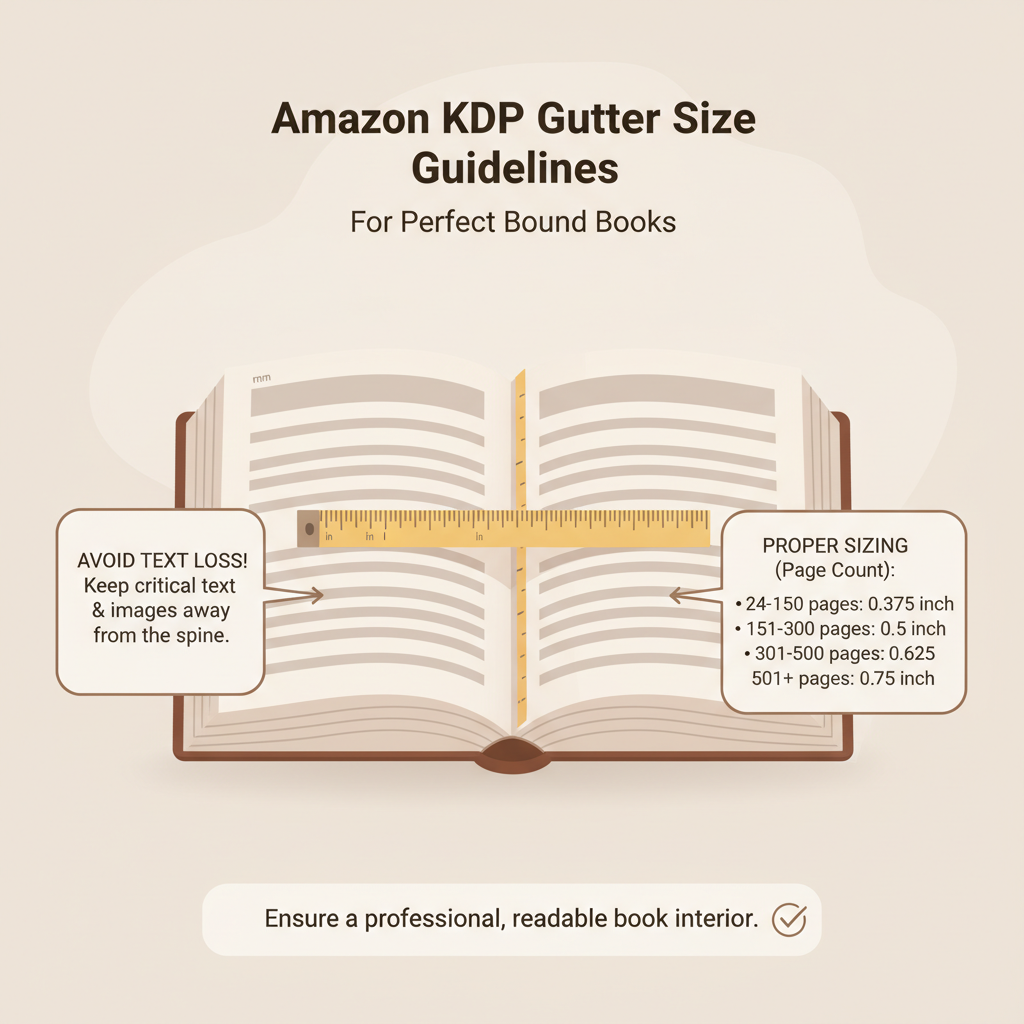
Amazon KDP Gutter Size and Layout Rules for Paperback

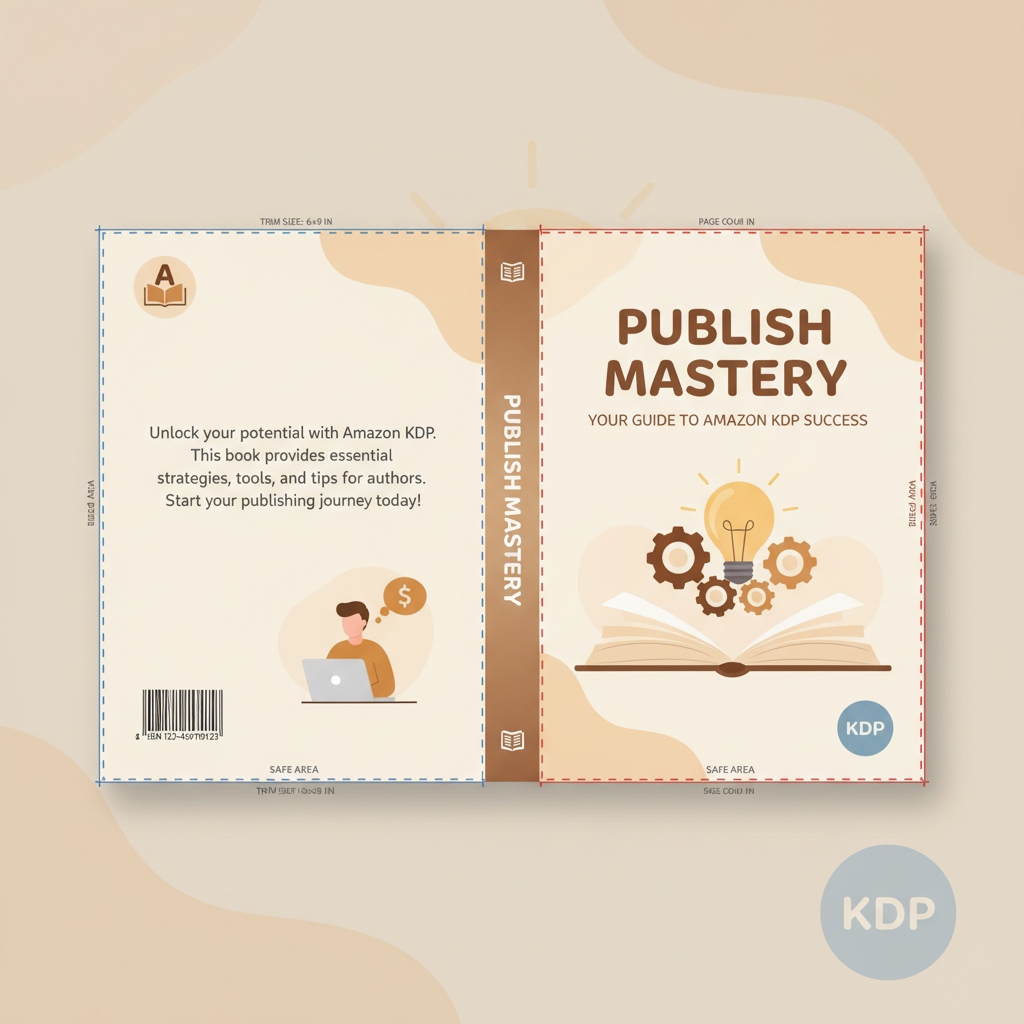
Amazon KDP Gutter Size: Gutter guide — perfect binding rules + avoiding text loss near the spine Estimated reading time: 6 minutes Correct amazon kdp gutter size protects text from disappearing into the spine and prevents publisher rejections. Use KDP’s page-count tables as a baseline, then add conservative safety when your book has many pages…

read more

Amazon KDP Fonts Guide for Readability and Embedding

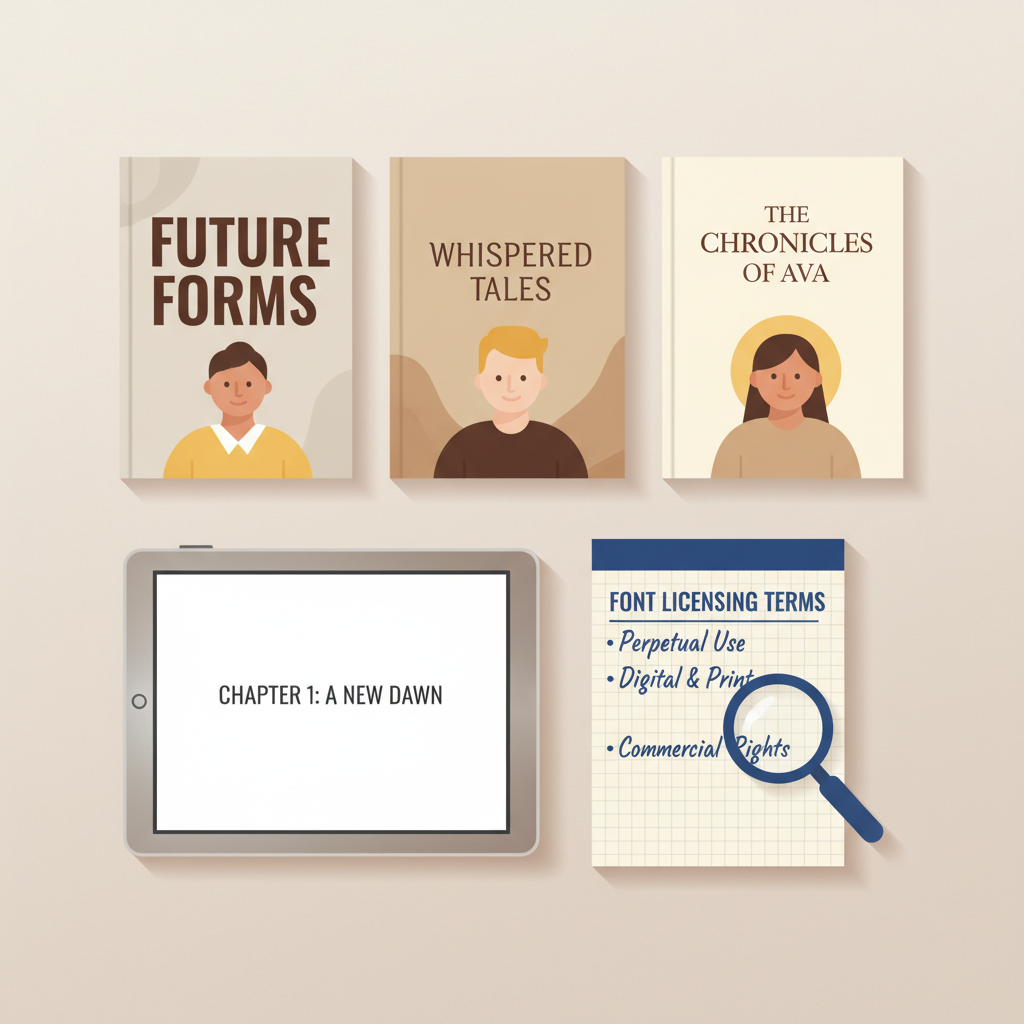
Amazon KDP Fonts: Best Fonts for Readability, KDP-Safe Choices & Licensing Notes Estimated reading time: 5 minutes Favor legible, high-contrast fonts for print and rely on Kindle defaults for reflowable ebooks. Embed OTF/TTF fonts in PDFs for paperbacks and verify embedding in Adobe Acrobat before upload. Check licenses carefully—desktop licenses often don’t cover embedding or…

read more

Amazon KDP InDesign Template Preflight Checklist Guide

Amazon KDP InDesign Template: Preflight Checklist + Print-Ready PDF Export Settings Estimated reading time: 9 minutes A KDP-ready InDesign template begins with correct trim size, bleed, and gutter plus master pages and paragraph styles to save time. Use InDesign Preflight, Package, and export to PDF/X-1a (or High Quality Print) with embedded fonts to avoid common…

read more

Amazon KDP eBook Format Troubleshooting and Fixes for Authors

Amazon KDP eBook Format: Troubleshooting EPUB Conversion Issues Fast Estimated reading time: 6 minutes EPUB is the recommended KDP eBook format, but conversion errors are common and usually fixable with a few checks. Focus on structure (headings, paragraphs, images), styling (fonts, spacing), and metadata; test often with Kindle Previewer or an EPUB validator. When manual…

read more

Free Amazon KDP Templates Explained for Self-Publishers

Free Amazon KDP Templates: Free template vault for interiors, covers, and calculators Estimated reading time: 8 minutes Free Amazon KDP templates speed up publishing by giving ready-made interiors, cover guides, and size-specific calculators organized by trim size. Use templates for control and customization; choose an automated system like BookAutoAI when you want a faster, end-to-end…

read more

Amazon KDP Manuscript Template and Formatting Guide

Amazon KDP Manuscript Template: The Complete Template Pack + Formatting Checklist Estimated reading time: 7 minutes A ready-made Amazon KDP manuscript template pack saves hours by setting trim size, margins, and front matter correctly for both fiction and nonfiction. Use a template pack that includes layouts, sample content, and a clear formatting checklist to avoid…

read more

Amazon KDP Formatting Template for Trim Size & Bleed

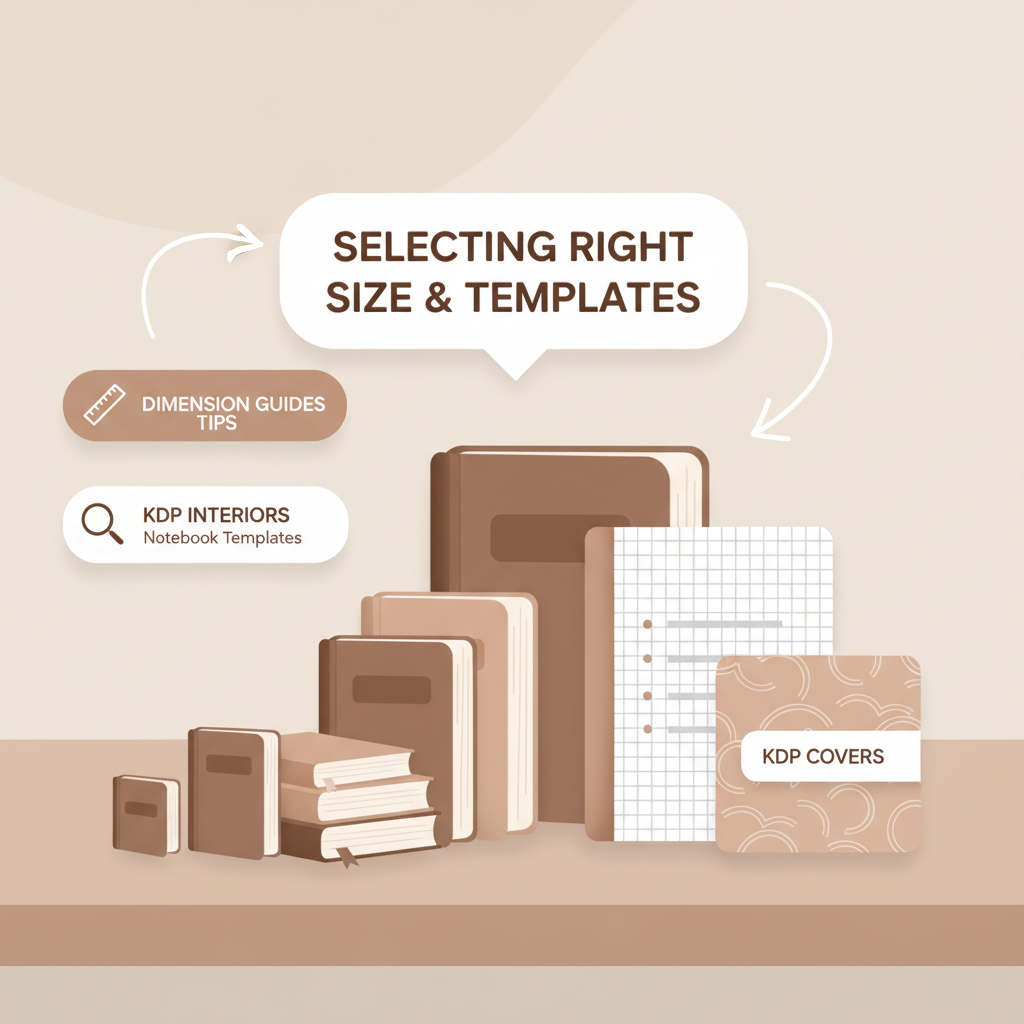
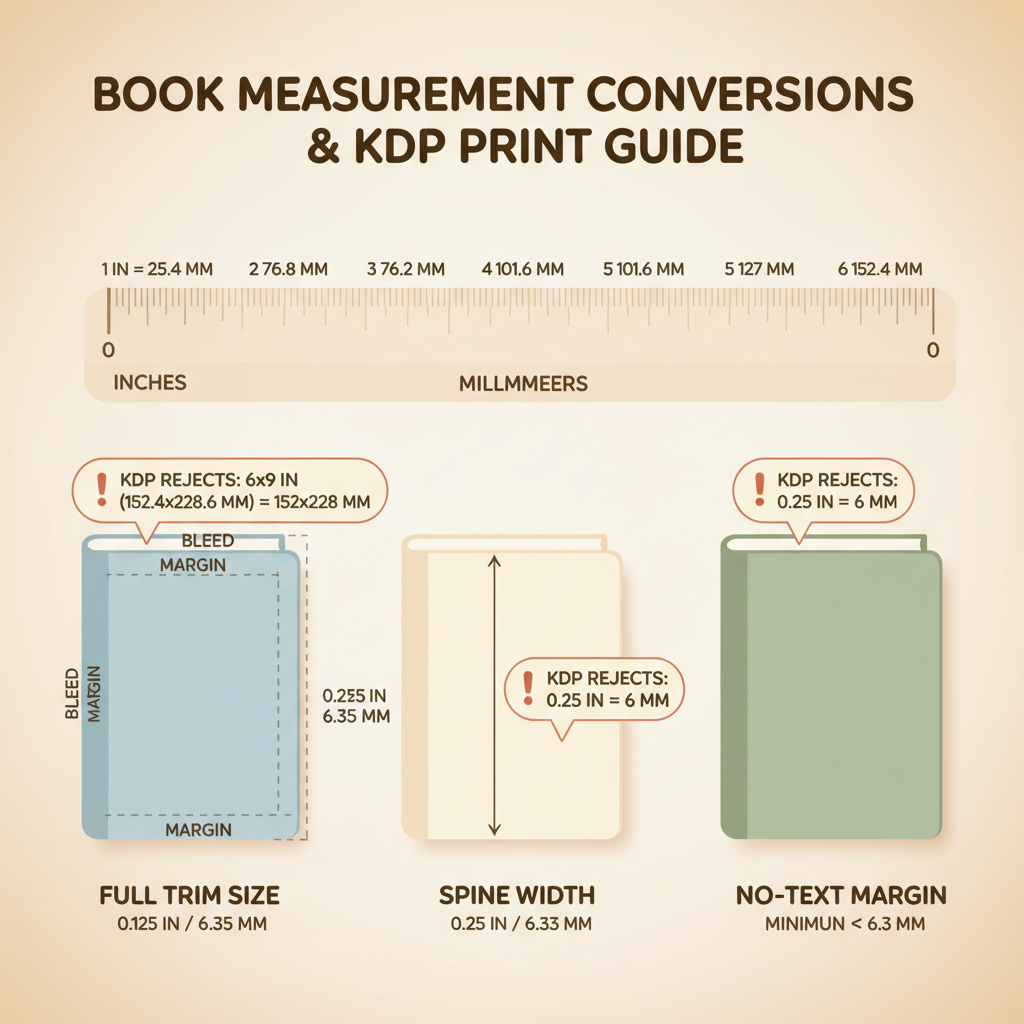
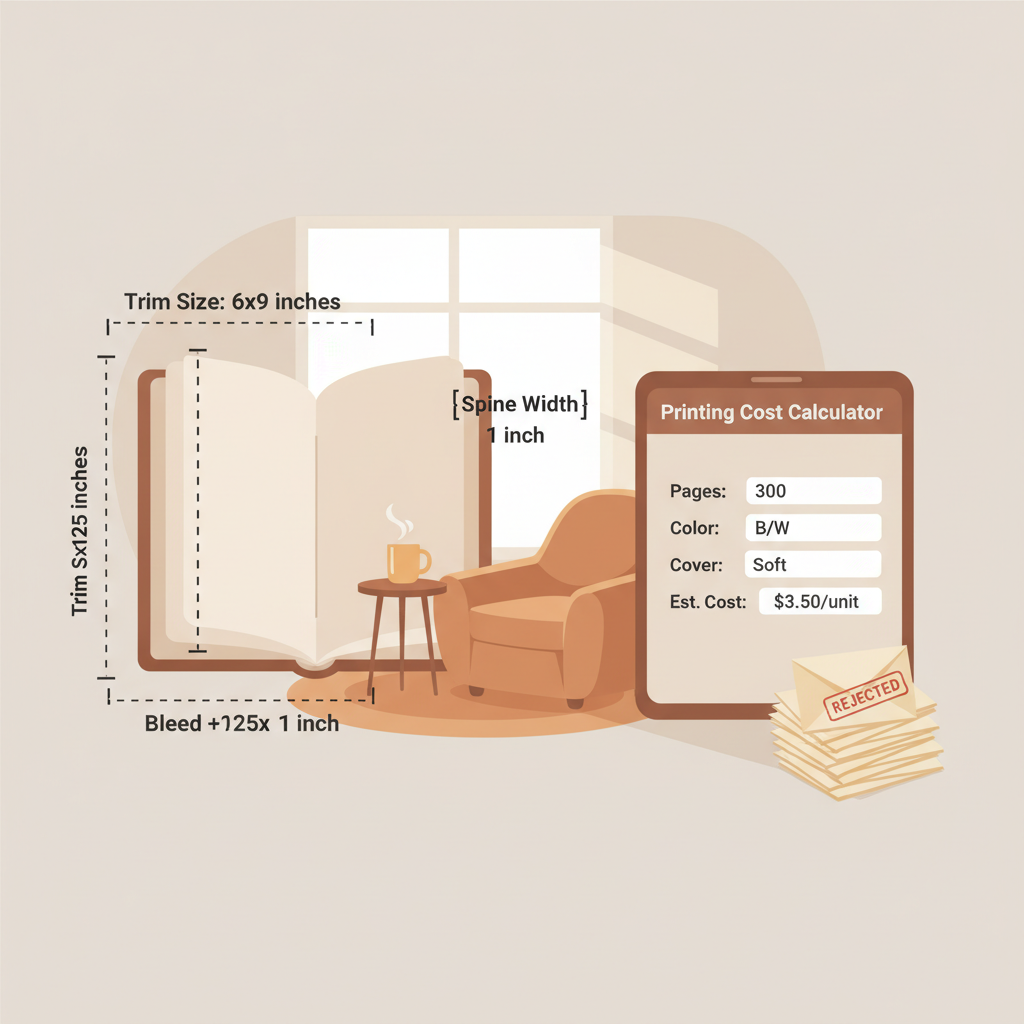
amazon kdp formatting template — match trim size, page count, and bleed settings Estimated reading time: 9 minutes A correct KDP template starts with trim size because margins, page count, and spine follow from that choice. Bleed, gutter, and margin rules change with page count—small template errors cause print failures and rejected uploads. Use consistent…

read more

Amazon KDP Manuscript Format Guide to Headings and Spacing

Amazon KDP Manuscript Format: A Practical Guide to Headings, Styles, Spacing, and Professional Page Design Estimated reading time: 7 minutes Clear, consistent styles and heading hierarchy prevent layout and conversion errors on KDP. Choose EPUB or DOCX for reflowable ebooks; use print-ready PDFs (embedded fonts) when bleed or fixed layout is required. Set trim size,…

read more

Ebook format for Amazon KDP best formats by book type

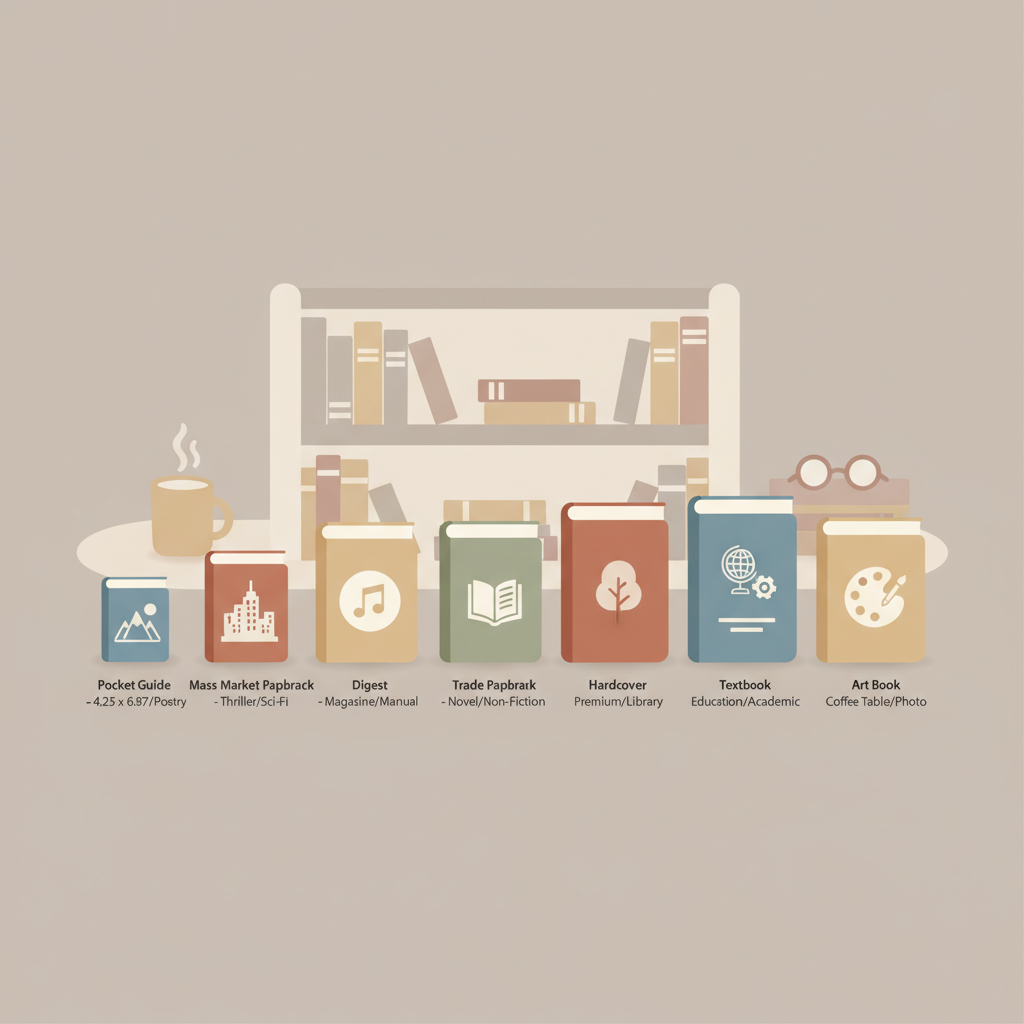
ebook format for amazon kdp: Best ebook format guide by book type and layout needs Estimated reading time: 8 minutes Key takeaways EPUB is the best starting format for most Amazon KDP uploads because it’s reflowable and converts reliably for Kindle devices. Choose format by book type: reflowable EPUB for text-first non-fiction; fixed-layout EPUB or…

read more

How to Format Your Book for Amazon KDP

how to format your book for amazon kdp Estimated reading time: 6 minutes A clear Word-to-KDP process saves hours: set trim size, margins, and chapter styles first, then handle images, fonts, and page breaks. For print, use correct bleed and gutter plus 300 DPI images; for ebooks, produce a clean, reflowable EPUB with consistent heading…

read more