Epub File Size Limit KDP and How to Reduce Size Safely

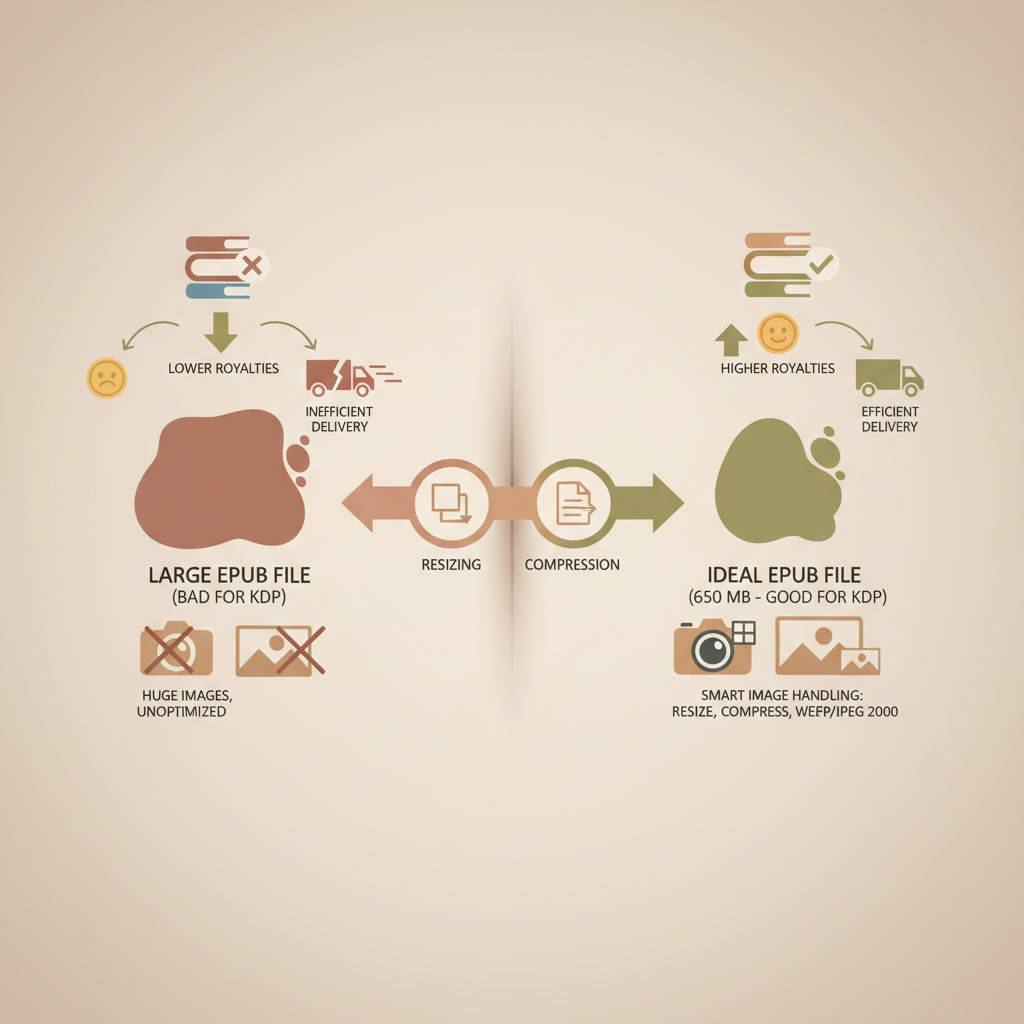
Epub file size limit KDP: How to reduce EPUB file size without hurting quality Estimated reading time: 7 minutes Amazon KDP accepts EPUB uploads up to about 650 MB, but smaller files convert more reliably and reduce delivery-related royalty impacts. The biggest savings come from smart image handling: resize to display size, choose the right…
read more

Best EPUB Export Settings from Word for Clean EPUBs

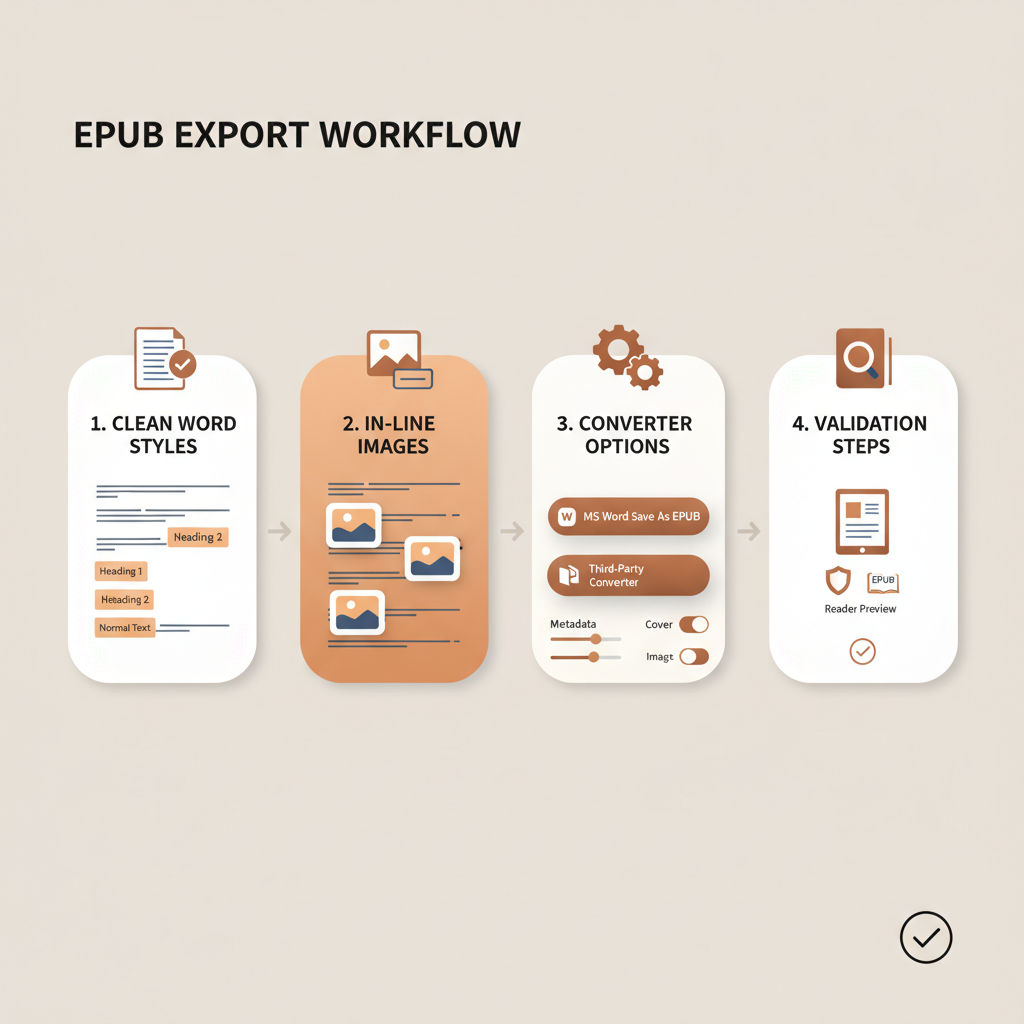
Best EPUB export settings from Word: a practical guide to prevent downstream errors Estimated reading time: 14 minutes This guide shows the practical Word settings and conversion choices that prevent broken EPUB files, from clean styles and in-line images to converter options and validation steps. Clean and use semantic Word styles to preserve EPUB structure…

read more

How to Publish EPUB on Apple Books Step-by-Step Guide

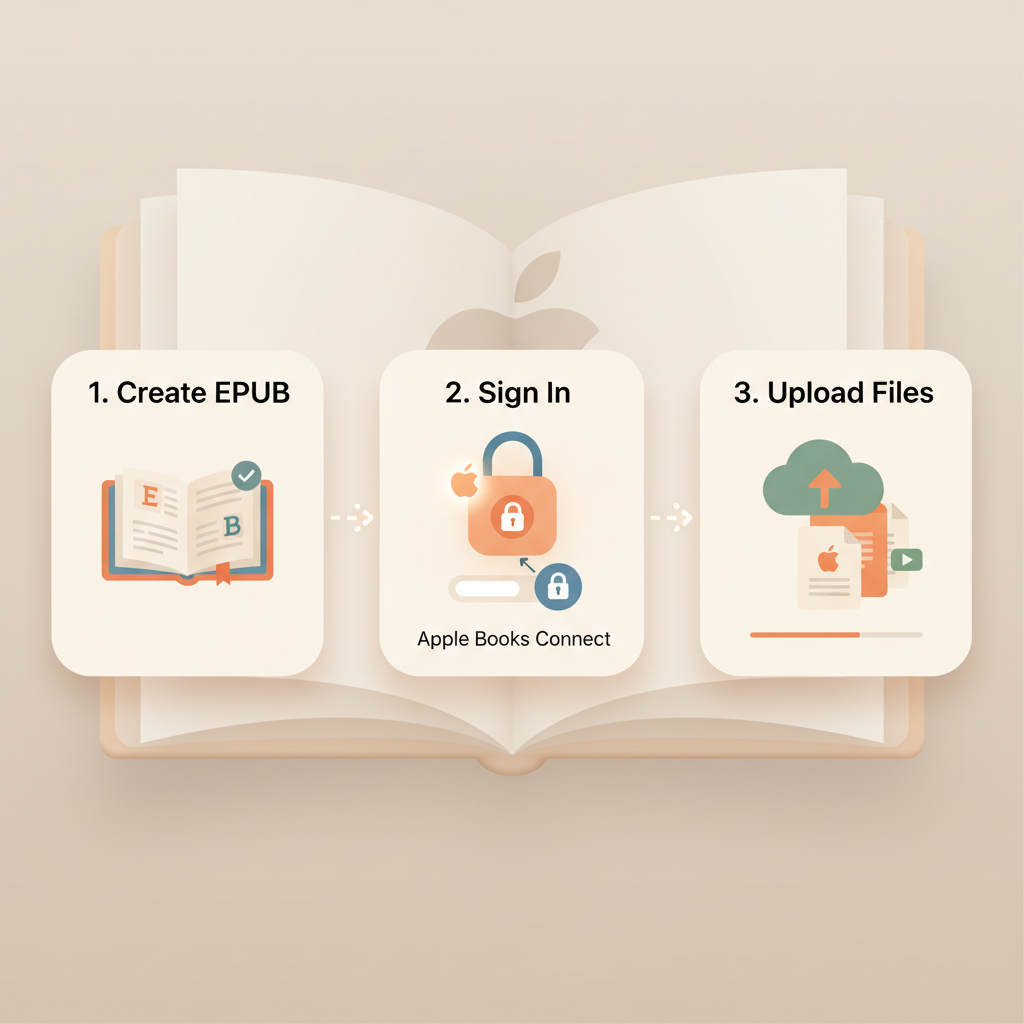
How to Publish EPUB on Apple Books: A Practical Guide for Authors Estimated reading time: 7 minutes Publishing an EPUB on Apple Books is a three-part workflow: create a valid EPUB, sign in to the Apple Books publishing portal, and upload files for automatic validation and submission. Use tools that produce clean EPUBs and separate…

read more

Apple Books EPUB Requirements Explained for Self-Publishers

Apple Books EPUB Requirements: A Practical Guide for Self-Publishers Estimated reading time: 18 minutes Apple Books requires EPUB 3-compatible files that pass EPUBCheck and include correct metadata and an embedded cover. Maintain correct package structure (mimetype, META-INF/container.xml, OPF manifest) and optimize images, fonts, and file size. Use validated tools to convert and preview files on…

read more

How to Publish EPUB on Kobo without Post-Upload Fixes

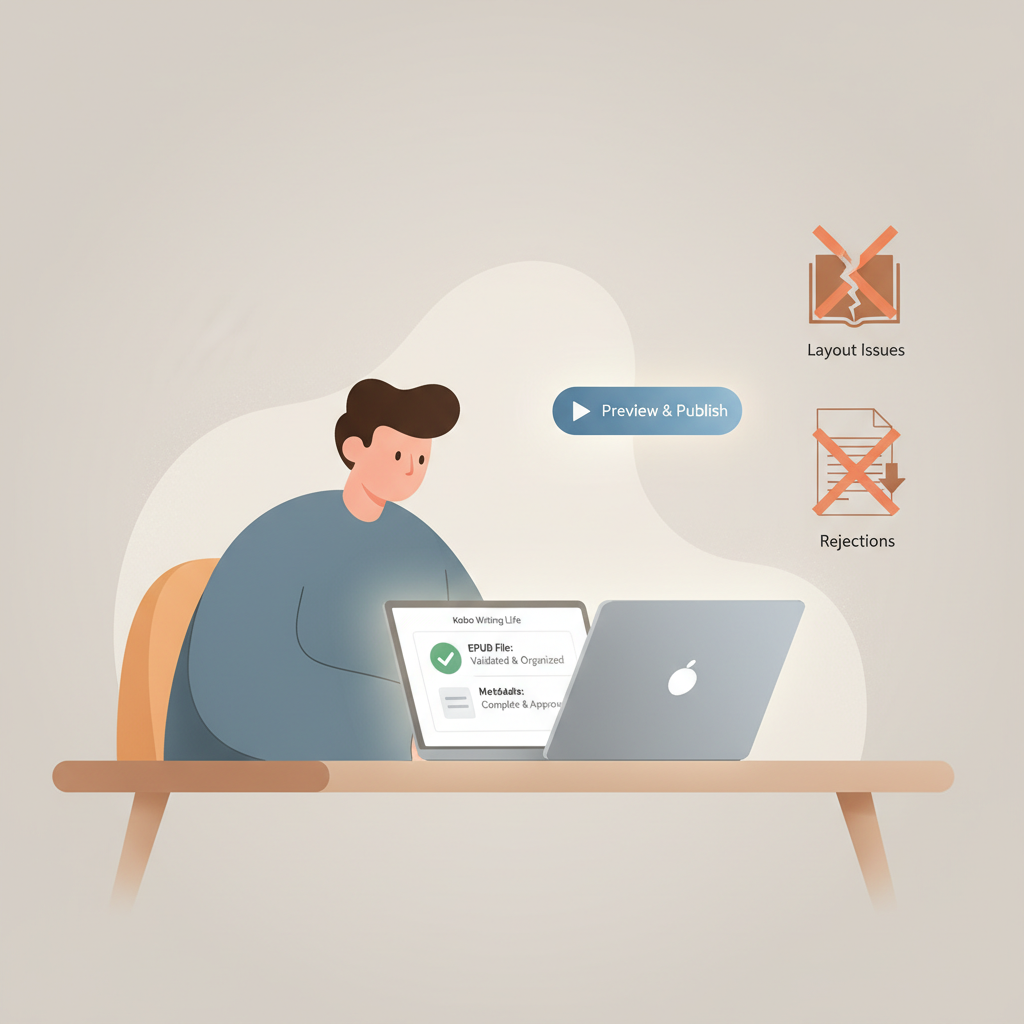
How to Publish EPUB on Kobo: A Smooth Upload with No Post-Upload Fixes Estimated reading time: 6 minutes Prepare a clean, validated EPUB and tidy metadata before you open Kobo Writing Life to avoid common rejections and layout issues. Use Kobo’s previewer as your final check, but do the heavy lifting up front by creating…

read more

Kobo EPUB Format Requirements for Self-Publishing Authors

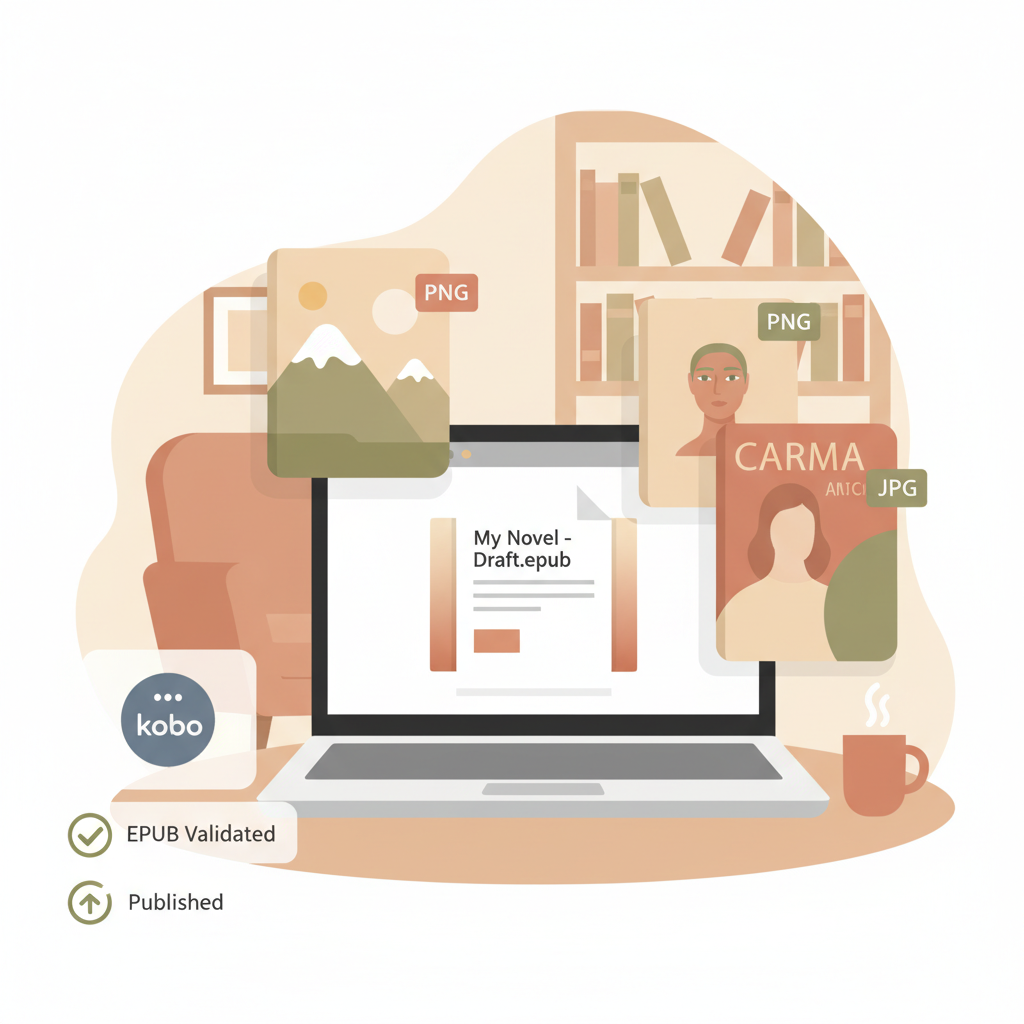
Kobo EPUB Format Requirements: A Practical Guide for Self-Publishing Authors Estimated reading time: 5 minutes Kobo accepts EPUB 2.0.1 and EPUB 3 (up to 3.3); files must pass EPUBCheck and follow Kobo’s validation rules. Covers and images work best as PNG or JPG with responsive sizing for reflowable books; fixed-layout books require explicit FXL metadata…

read more

How to Publish EPUB on Amazon KDP Step by Step Guide

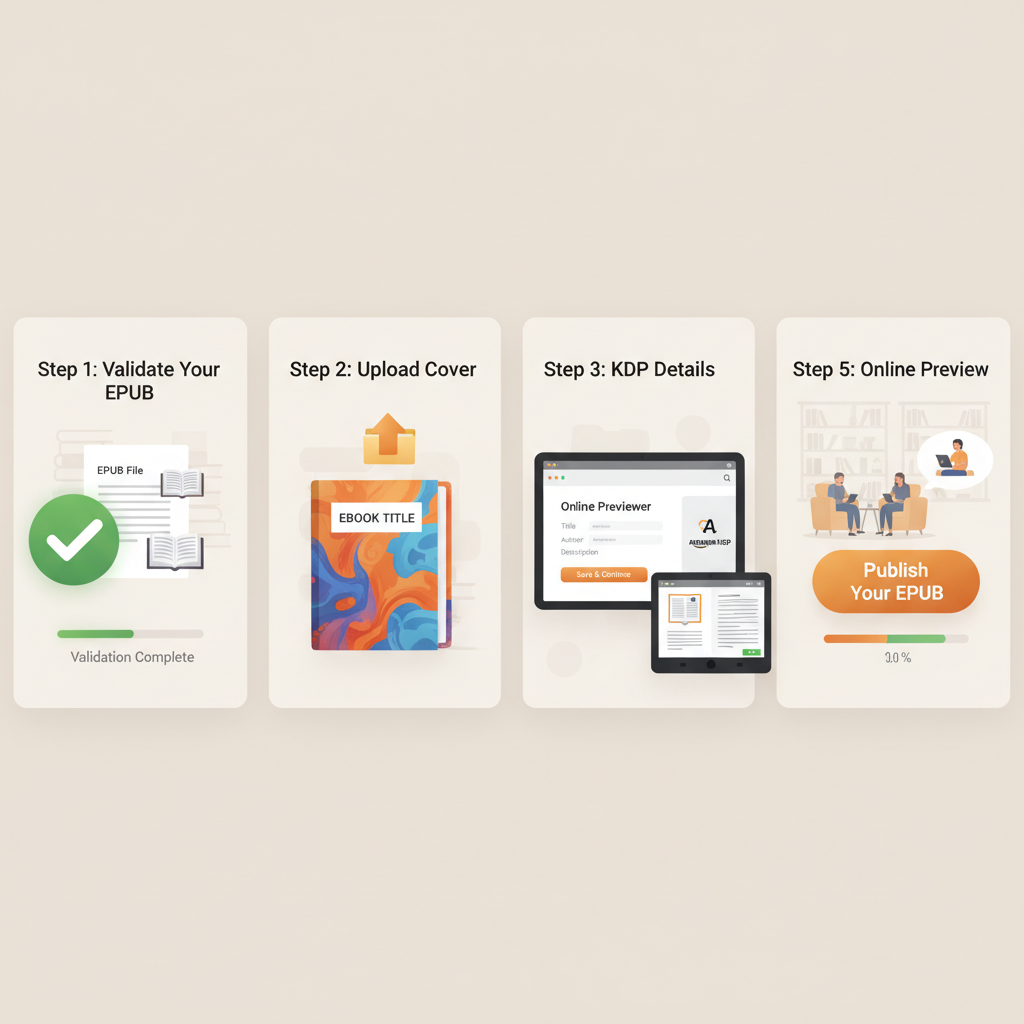
How to publish epub on amazon kdp: End-to-end EPUB publishing without rejection Estimated reading time: 6 minutes Start with a validated, well-structured EPUB and a market-ready cover to reduce previewer rejections and rework. Use the KDP Online Previewer plus at least one real Kindle device or app to catch rendering differences the previewer can miss.…

read more

Does KDP Accept EPUB? EPUB Upload Guide for Authors

Does KDP Accept EPUB: What Every Self-Publishing Author Needs to Know Estimated reading time: 4 minutes Yes — KDP accepts EPUB files when they meet Kindle Publishing Guidelines; validation and clean formatting matter more than the file extension. Convert and check EPUBs for metadata, chapter structure, and images; tools such as an EPUB converter remove…

read more

KDP EPUB Upload Requirements Every Self-Publisher Needs

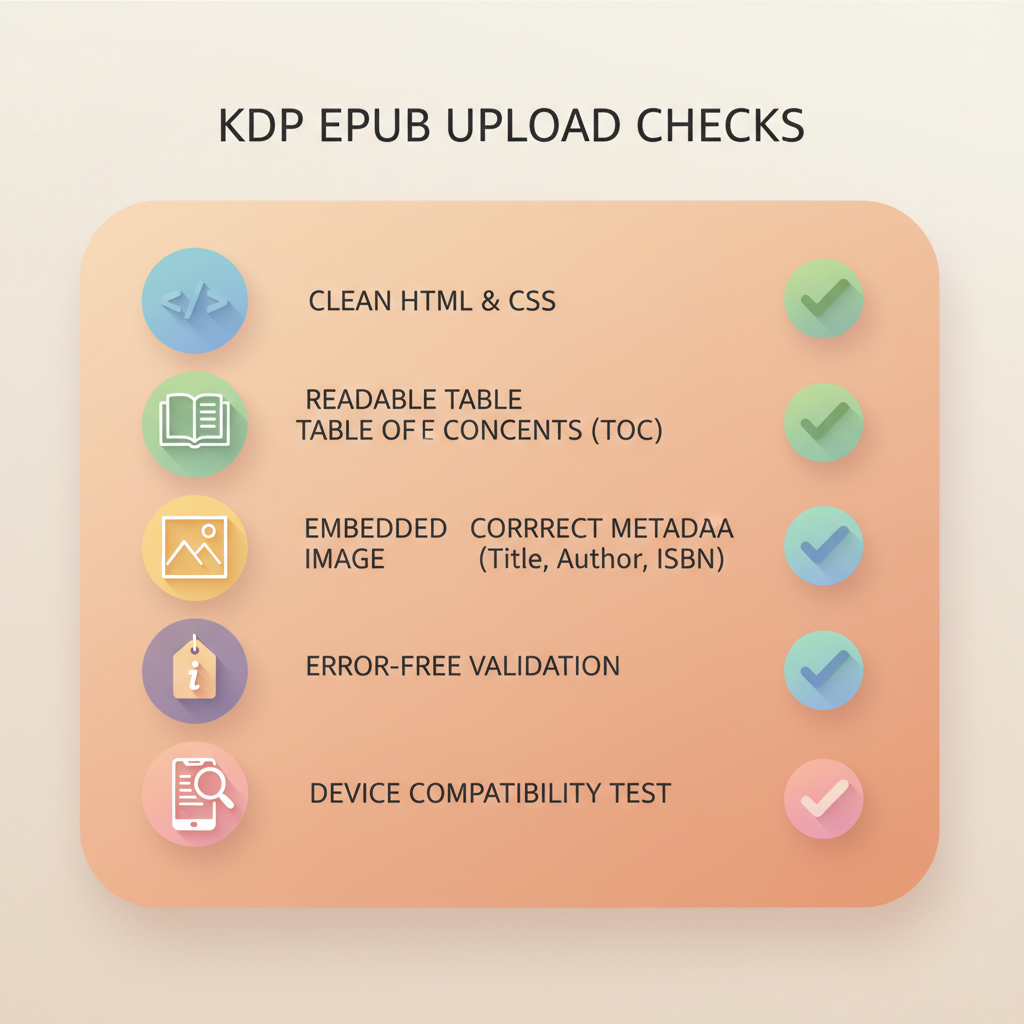
KDP EPUB Upload Requirements: What Self-Publishers Must Check Before Upload Day Estimated reading time: 14 minutes Know the technical and editorial checks that cause most KDP EPUB validation errors so you can fix them before upload day. Build EPUBs that follow Kindle’s structure: clean HTML, readable TOC, embedded cover, and correct metadata to reduce rejections.…

read more

EPUB vs PDF for eBooks — Reflowable Layouts Win on Devices

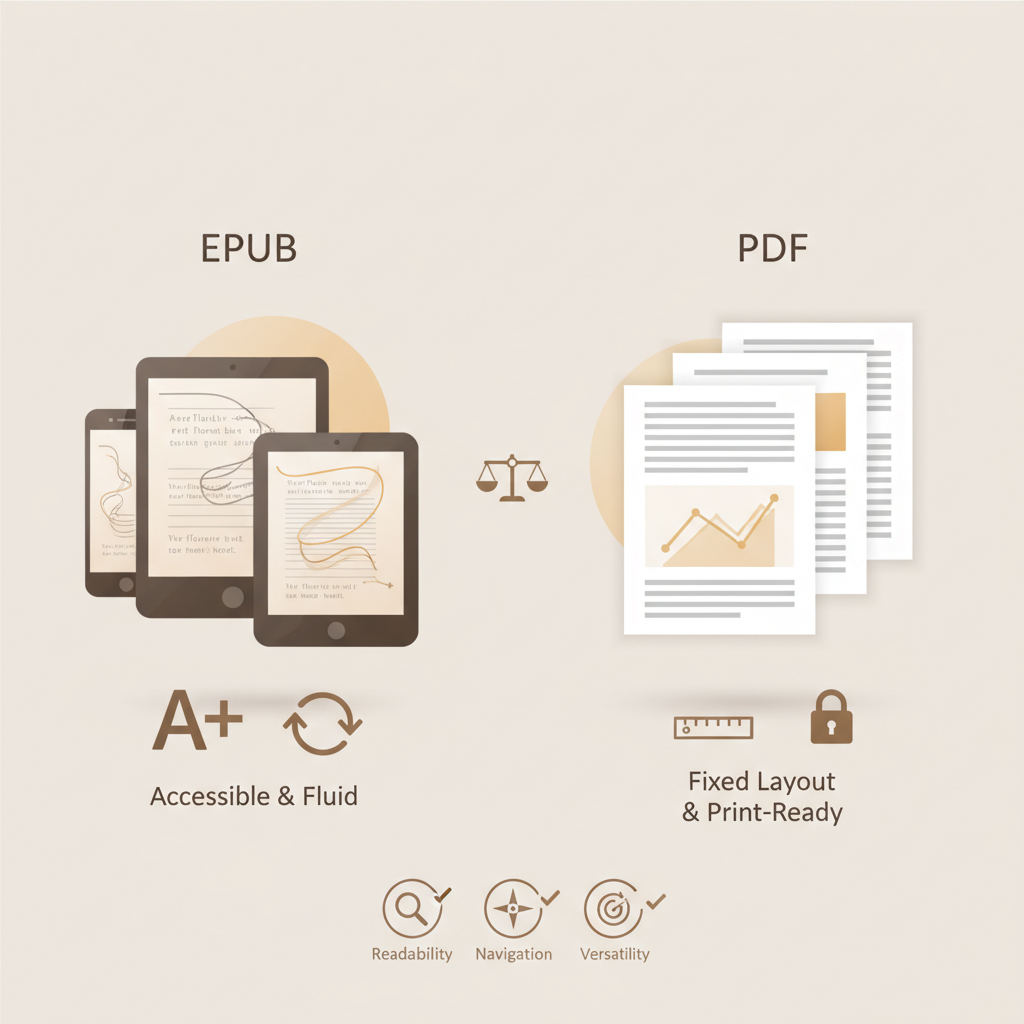
EPUB vs PDF for eBooks: Why Reflowable Layouts Win for Nonfiction Estimated reading time: 6 minutes EPUB’s reflowable text gives readers a far better experience on phones, tablets, and e-readers than static PDF pages. Use EPUB for most nonfiction: better accessibility, adjustable typography, and smoother navigation—but keep PDF for print-like layouts or image-heavy books. BookAutoAI…

read more