
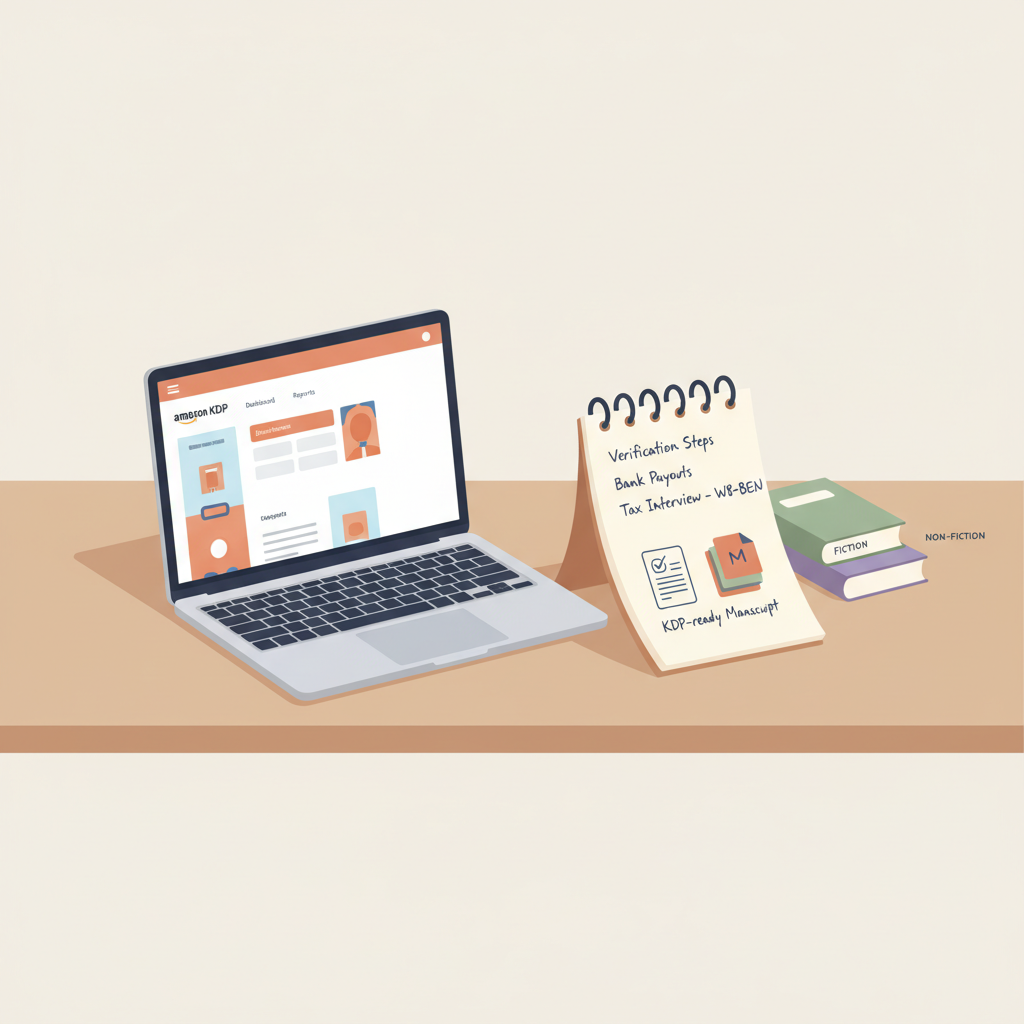
Register Amazon KDP and Set Up Payouts Correctly Today
Register Amazon KDP: Avoid Verification Delays and Set Up Payouts Correctly
Estimated reading time: 7 minutes
- Start with consistent identity and bank information to reduce verification requests.
- Complete tax interviews and set up payouts before publishing to avoid held royalties.
- Use tools that produce KDP-ready manuscripts, covers, and EPUBs to speed publishing.
Why register Amazon KDP the right way
Registering on KDP is the first step to selling on the world’s largest ebook marketplace. Small mistakes at signup or during payout setup can create days of delay, failed uploads, or held royalties.
When names, tax IDs, or bank details don’t match, expect verification requests. That’s why many publishers read a focused guide like Amazon KDP Account Setup to match each account field to the document they’ll need.
This article focuses on the registration and payout steps that cause most delays, how to avoid them, and when to disclose AI usage or use tools that produce KDP-ready files.
Step-by-step registration and verification tips
Registering on KDP is mostly an online form, but attention to detail matters. Follow these steps to create an account, minimize friction, and pass identity checks quickly.
1. Use consistent identity details
Sign up with the same name and email associated with your bank and tax ID. KDP compares names on your account to tax and payment details and will flag mismatches.
If you publish under a pen name, use your legal name in account primary fields and add the pen name in the book metadata so payments and tax reporting stay correct.
2. Choose the right account type
Individual vs. Company: Single authors can use “Individual.” Publishers or LLCs should select “Company” and have EIN or business tax details ready.
Using a business bank account simplifies payouts and taxes for publishers scaling multiple titles.
3. Prepare ID and bank documents
Have a scanned government ID (passport or driver’s license) in case KDP requests identity verification. Blurry images delay reviews.
Use a bank statement or voided check that clearly shows account holder name and account number. PDF statements from banks often work best.
4. Finish the KDP account setup fields completely
Enter contact address exactly as used on tax and bank paperwork, and add a reliable phone number for verification calls or SMS codes.
Select your preferred payment currency early—changing it later can trigger extra checks.
5. Start the tax interview immediately
Complete the tax interview in the KDP dashboard right after creating your account. Leaving it unfinished is a common reason payments are held.
U.S. residents use a W-9; non-U.S. authors follow the W-8BEN flow and should select the correct treaty country when applicable.
6. Keep support and documentation links handy
If KDP asks for documents, upload clear scans and respond quickly. Attach requested documents directly in your KDP response to avoid back-and-forth.
A focused walkthrough can help: match each KDP field to the document you’ll need so verification goes smoothly.
Why this reduces verification delays
Verification requests usually stem from mismatched names, incomplete tax interviews, or unclear bank documents. Handling these items upfront means fewer interruptions and faster access to royalties.
Treat account setup like onboarding: clear documents, consistent names, and a finished tax interview speed everything that follows.
Setting up payouts and tax info without delays
Getting royalties on time depends on accurate tax information and exact bank details. Follow these steps to keep payouts flowing.
1. Complete the tax interview before publishing
In the KDP dashboard, finish the tax interview as soon as you create the account. This lets Amazon process royalties and apply correct withholding rates.
International authors should provide passport or taxpayer ID information where requested and choose the correct treaty country when applicable.
2. Match bank details exactly
Enter the bank account name exactly as it appears on your bank statement. Small differences trigger verification requests.
If the bank requires an address, use the bank statement’s address field, not your personal mailing address if they differ.
3. Choose payment methods that work in your country
KDP supports direct deposit in many regions and wire transfers elsewhere. Pick the supported, lowest-cost option for your country.
Prefer direct deposit where available—it’s typically faster and less costly than international wires.
4. Watch common pitfalls for businesses
For company accounts, confirm your EIN and business banking details match the registration exactly to avoid holds.
If you use an intermediary payment provider, ensure KDP accepts that provider and that the account name will match payouts.
5. Keep an eye on thresholds and payment schedules
KDP pays monthly, approximately 60 days after month-end. Know the payment threshold for your region so you understand when small earnings will be disbursed.
6. Respond promptly to verification requests
If Amazon asks for additional documents, upload clear scans in the dashboard and answer messages quickly—delays in response are the most common cause of withheld payouts.
Troubleshooting payout holds
- Missing tax interview: complete it immediately.
- Name mismatch: provide a bank statement showing the name and account number or change account settings to match.
- Country-specific IDs: some banks require national ID and proof of address—keep these ready.
Uploading your book, covers, and EPUB the smart way
After account and payout setup, the next common source of delays is the files you upload. Poorly formatted manuscripts, unreadable covers at thumbnail size, or EPUB issues can trigger rejections.
When discussing upload tools and retailers, consider a dedicated uploader to simplify distribution and reduce errors with multiple retailers.
If you need distribution support for multiple retailers, tools like BookUploadPro can help with consistent uploads across stores.
1. Prepare a properly formatted manuscript
Use a consistent font and a clean chapter structure. Proper headings and a clickable table of contents help the KDP previewer and readers.
If you include images, use appropriate DPI and embed them correctly; large or unsupported images can cause conversion errors.
Non-fiction needs clear front matter (title, subtitle, copyright, TOC) and back matter (about the author, resources) to improve discoverability and trust.
2. Create a cover that sells (not just looks AI-made)
A good cover uses readable title typography, a genre-appropriate background, and a thumbnail-friendly hierarchy.
Many AI art generators create interesting images but often fail at title layout and genre cues. For market-focused cover production, a trained cover system helps ensure readability at thumbnail size.
For a cover tool focused on market performance, consider a cover generator that produces complete front covers with readable typography. See the cover processing page for how such tools handle layouts: cover generator.
3. Convert to EPUB correctly
A clean EPUB includes correct metadata, an embedded cover, chapter markers, and no broken HTML. Hand conversions often introduce issues flagged by the KDP previewer.
Use a converter built for stores to avoid rework. If you want a reliable export path for EPUB generation, see the EPUB conversion option here: EPUB converter.
4. Declare AI usage when required
Amazon requires disclosure if AI-generated text, images, or translations were used. This disclosure is part of the KDP publishing workflow.
Prefer AI tools that humanize output and improve readability to reduce detection issues and improve long-term marketplace safety.
5. Optimize metadata for discoverability
Title, subtitle, bullet description, keywords, and categories matter. KDP allows up to seven keyword slots and three browsable categories—use them thoughtfully.
Keep consistent author and publisher names across multiple books to strengthen discoverability for series and catalogs.
6. Test thoroughly in the KDP previewer
Preview both ebook and print files. Fix orphaned headings, missing images, or TOC problems before publishing to avoid rework.
If the previewer shows issues, debug locally and re-upload corrected files; every update can trigger a review that delays availability.
Why the right tools matter
Manual formatting and cover design take time and introduce errors that lead to KDP rejections or reader complaints.
Tools that generate finished manuscripts, market-ready covers, and clean EPUBs reduce friction and repetitive rework.
If you want a unified workflow that creates ebooks and paperbacks quickly, explore the main site for complete book creation tools: BookAutoAI.
Final thoughts
Registering for KDP and setting up payouts doesn’t need to be slow or confusing. Start with consistent identity and bank details, finish the tax interview, and use tools that produce KDP-ready files.
That approach reduces verification requests, avoids payout holds, and speeds your path to sales. When setup is thoughtful and files are store-ready, publishing becomes repeatable and scalable.
Visit BookAutoAI to explore demo books and export-ready EPUBs and covers that save time for non-fiction publishers.
FAQ
How long does KDP verification take?
Simple account creations often finish within a day, but bank or tax verification may take several days if documents are requested. Responding quickly with clear scans speeds the process.
Can I use a pen name and still get paid?
Yes. Use your legal name and tax info for the account and list your pen name as the book’s author so payments and tax reporting remain correct.
Do I have to tell Amazon if my content was created with AI?
Yes. KDP requires disclosure of AI use in content, images, or translations during upload or edits.
What causes royalty payments to be held?
Incomplete tax interviews, name mismatches between your account and bank, or unresolved verification documents are the most common causes. Fixing these and responding promptly clears holds.
Which file formats should I upload?
For ebooks, EPUB is preferred. KDP also accepts MOBI and DOCX. For print, upload a print-ready PDF that matches trim size and bleed settings.
How can I avoid cover-related rejections?
Use covers with clear title and author typography at thumbnail size and avoid unlicensed copyrighted imagery. A trained cover tool helps create compliant, market-ready covers.
Where can I get a fast, KDP-ready EPUB and cover?
If you want a unified workflow—manuscript, cover, and EPUB—explore BookAutoAI’s tools for finished non-fiction books, covers, and built-in EPUB conversion.
Sources
- https://www.youtube.com/watch?v=4LkOBPL0ARQ
- https://www.youtube.com/watch?v=rNPpvcGou_U
- https://www.youtube.com/watch?v=lVdwCjrf2PU
- https://kdp.amazon.com/help/topic/G200672390
Register Amazon KDP: Avoid Verification Delays and Set Up Payouts Correctly Estimated reading time: 7 minutes Start with consistent identity and bank information to reduce verification requests. Complete tax interviews and set up payouts before publishing to avoid held royalties. Use tools that produce KDP-ready manuscripts, covers, and EPUBs to speed publishing. Table of Contents…