
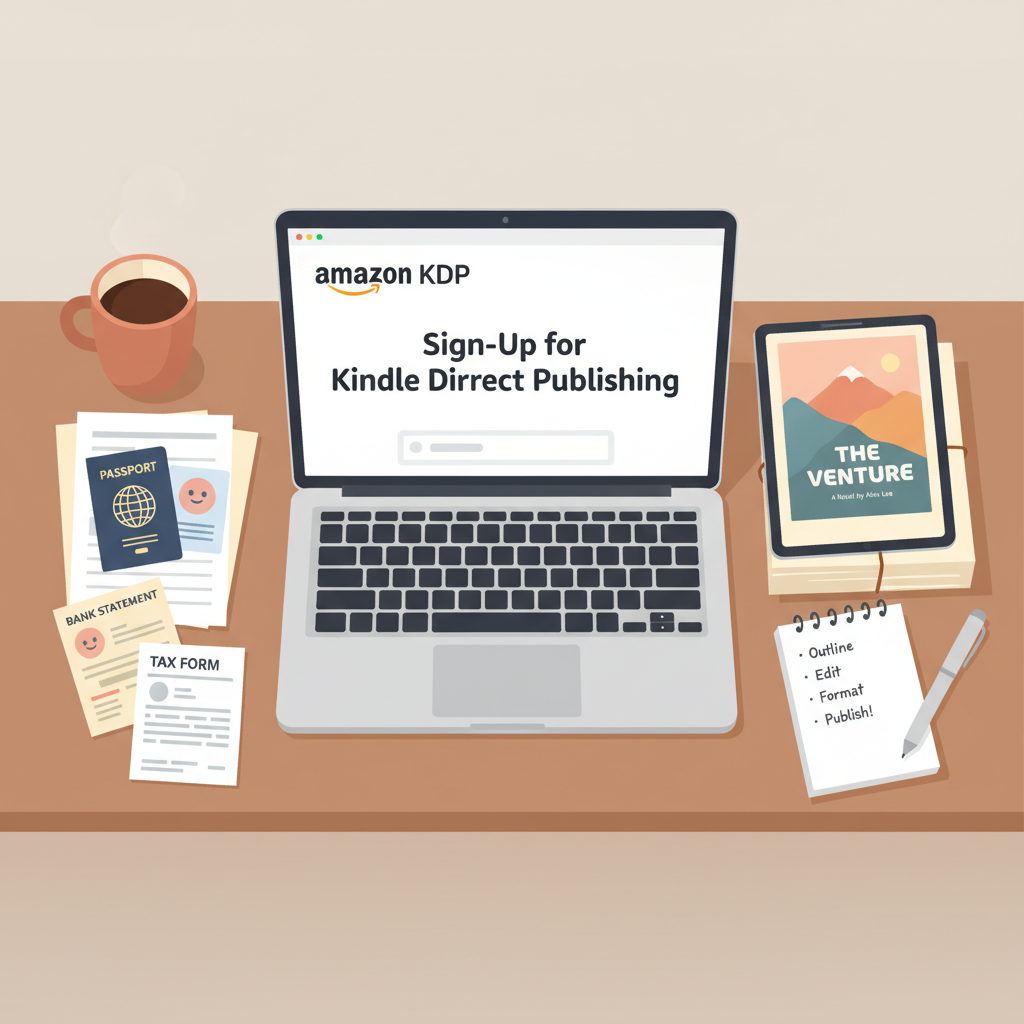
Sign Up for Amazon KDP – Documents, Bank, Tax Info
How to sign up for Amazon KDP: what you need before you start
Estimated reading time: 6 minutes
- Gather identity documents, bank and tax details, and consistent legal names before you begin to avoid verification delays.
- Prepare a final manuscript and a thumbnail-friendly cover, and decide on ISBN and distribution choices up front.
- Use reliable tools to produce compliant EPUBs, covers, and print files so uploads and approvals move faster.
Table of Contents
- What to gather before you sign up
- Start with ID and contact details
- Banking and tax information
- Author and publisher details
- Manuscript and cover basics
- Why preparing this list matters
- Step-by-step sign-up overview
- Sign in or create an Amazon account
- Provide account holder and contact information
- Set up payment and tax details
- Author and payment settings verification
- Upload your first title when ready
- Tips for the sign-up step that matter
- After you sign up: publishing-ready next steps
- Prepare a clean, store-ready manuscript
- Design a cover that sells
- Decide on ISBN and distribution
- Consider KDP Select and royalty options
- Preview and validate
- Troubleshooting and common mistakes
- Mismatch in legal name and bank account
- Tax interview errors
- Cover and file rejection
- Multiple accounts temptation
- Keep a simple release checklist
- Learning to scale: publishing faster without cutting corners
- Final thoughts
- FAQ
- Sources
What to gather before you sign up
Start with ID and contact details
Amazon needs your legal name for payments and tax forms, so use the name that matches your bank and tax records.
Have a photo ID or the information from it, a current mailing address, and a reliable email you check regularly.
Banking and tax information
KDP pays royalties directly to bank accounts, so gather your account and routing numbers and the exact account name.
Also collect your tax ID (TIN, SSN, or equivalent) so you can complete the tax interview accurately.
Author and publisher details
Decide on the display author name you’ll use (a pen name is allowed), your public biography, and a preferred publisher name if you want one.
Manuscript and cover basics
Prepare your final manuscript (DOCX or a formatted EPUB) and a front cover file that meets KDP specs, or at least pin down title and design choices.
If you want faster cover options, BookAutoAI’s Cover Generator produces market-ready cover designs; you can also try the cover generator for quick, compliant results.
Why preparing this list matters
Putting these pieces together before you start avoids repeated data entry, speeds verification, and reduces the chance Amazon will pause payments while confirming details.
If you’d like a more detailed walk-through of the KDP account fields during setup, see Amazon KDP Account Setup for extra guidance.
Step-by-step sign-up overview
Sign in or create an Amazon account
Visit the KDP website and sign in with an existing Amazon account to reduce verification hurdles.
If you don’t have an account, create one using the legal name you plan to use for payments and a strong password.
Provide account holder and contact information
Enter the legal name, mailing address, and phone number KDP will use for payments and official notices.
Set your public display choices; you can use a pen name for published pages while keeping legal details accurate for tax and payments.
Set up payment and tax details
Add your bank account details so Amazon can send royalties, and complete the tax interview to set withholding correctly.
If residency or treaty benefits are unclear, consult a tax professional before submitting your tax information.
Author and payment settings verification
Amazon may request additional verification if records don’t match; keep ID and bank statements handy to respond quickly.
You can set preferred royalty options and currency when you publish each title.
Upload your first title when ready
After setup, upload ebooks, paperbacks, or hardcovers; each title requires metadata, content files, and cover images.
If you need tools that help with retailer uploads, consider reliable book uploading tools like bookuploadpro for technical assistance.
Tips for the sign-up step that matter
One account per person: KDP restricts multiple accounts, so manage multiple pen names from a single account.
Keep accounts consistent: Reuse an existing Amazon account where possible to avoid confusion.
No fees to sign up: It’s free to create a KDP account and upload books; Amazon collects royalties on sales.
After you sign up: publishing-ready next steps
Prepare a clean, store-ready manuscript
Check chapter headings and navigation so readers can move through your ebook easily.
Keep formatting simple and consistent: consistent heading styles, no tracked changes, and minimal unusual fonts help avoid errors.
If you need conversion or cleanup, try an EPUB Converter to embed metadata, create clean chapter structure, and produce Kindle-compatible EPUBs; the EPUB Converter is built for that purpose.
Design a cover that sells
Thumbnail-first design matters: a professional cover that reads at thumbnail size improves discoverability.
Match genre expectations for color, typography, and imagery to align with reader expectations.
If you don’t have a designer, consider tools that generate covers trained on market patterns; you can explore BookAutoAI’s cover options or use the dedicated cover generator for compliant, market-ready files.
Decide on ISBN and distribution
KDP offers free ISBNs for print, or you can use your own if you prefer full publisher control.
Choose distribution channels and territories when you create each title to match your sales strategy.
Consider KDP Select and royalty options
KDP Select requires ebook exclusivity in exchange for Kindle Unlimited participation and promotional tools—decide before enrolling.
Double-check price, territory settings, and delivery costs, since royalties vary by price and file delivery size.
Preview and validate
Use KDP’s Previewer to check formatting across devices and upload a paperback proof to review margins and typography on a real page.
Troubleshooting and common mistakes
New authors frequently run into a few predictable issues; these quick checks avoid common delays.
Mismatch in legal name and bank account
Ensure the name on your bank account matches the legal name in your KDP profile to prevent payout delays.
Tax interview errors
Answer the tax interview honestly; if you’re unsure about residency or treaty benefits, consult an accountant to avoid incorrect withholding.
Cover and file rejection
KDP enforces technical specs: wrong cover sizes or EPUB navigation issues can trigger rejections—use converters and cover tools that produce compliant files to reduce rework.
Multiple accounts temptation
Do not create separate KDP accounts for different pen names; use author name settings to manage multiple public names from one account.
Keep a simple release checklist
- Final manuscript in DOCX or EPUB
- Proofread content and metadata
- Final cover in the right size and format
- Bank and tax details verified
- Confirm price and distribution settings
Learning to scale: publishing faster without cutting corners
Standardize book folders and templates for metadata, manuscript, cover, and promo assets to speed repeated publishing tasks.
Use tools that output compliant files so you avoid technical rework; many authors find this reduces friction while preserving quality.
For turnkey creation and formatted outputs, explore BookAutoAI and related services—you can find book creation tools at BookAutoAI to produce both ebooks and print-ready files.
Final thoughts
Signing up for Amazon KDP is quick when you come prepared with ID, bank, and tax information and clear publishing choices.
The biggest time savings come from clean files and reliable tools that produce store-ready manuscripts, covers, and EPUBs so uploads are accepted on the first pass.
FAQ
Do I need an ISBN to publish an ebook on KDP?
No. Kindle ebooks do not require an ISBN; print books can use a free KDP ISBN or your own ISBN if you prefer.
Can I use a pen name on KDP?
Yes. Your public author name can be a pen name, but use your legal name for payment and tax records.
Is there a fee to sign up for KDP?
No. Creating a KDP account and uploading books is free; Amazon takes a royalty share when books sell.
How long does account verification take?
Verification can be instant or take a few days if Amazon requests more documentation; having bank and tax data ready speeds the process.
Can I change my bank or tax details later?
Yes. You can update bank and tax information from your KDP account settings; changes may require verification.
What if my files are rejected during upload?
Review KDP technical specs, simplify formatting, and use converters or cover tools that produce compliant EPUBs and cover files.
Sources
- Set Up Your KDP Account — https://kdp.amazon.com/en_US/help/topic/G202187760
- Create a KDP Account — https://kdp.amazon.com/help/topic/G200620010
- Start publishing with KDP — https://kdp.amazon.com/help/topic/GHKDSCW2KQ3K4UU4
- How to enroll in KDP Select — https://kdp.amazon.com/help/topic/GD9PMU58BV24QFZ7
How to sign up for Amazon KDP: what you need before you start Estimated reading time: 6 minutes Gather identity documents, bank and tax details, and consistent legal names before you begin to avoid verification delays. Prepare a final manuscript and a thumbnail-friendly cover, and decide on ISBN and distribution choices up front. Use reliable…