
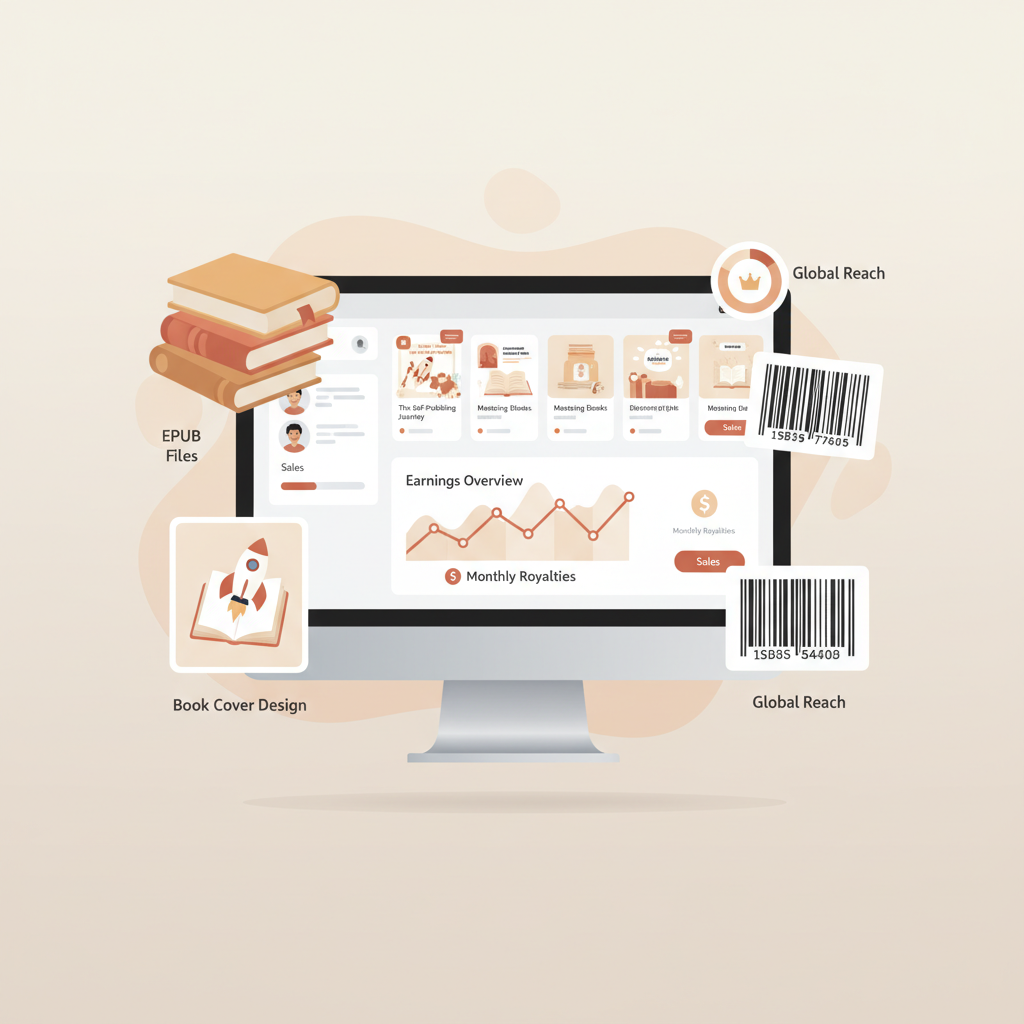
Understanding Amazon KDP A Practical Guide for Authors
Understanding Amazon KDP: A Practical Guide for Self-Publishers
Estimated reading time: 7 minutes
- Know the KDP dashboard and reports so you can monitor royalties and fix issues quickly.
- Prepare clean files: quality EPUBs, thumbnail-optimized covers, and correct ISBN metadata.
- Use tested tools to speed EPUB conversion and cover production while avoiding common mistakes.
- Proof in the previewer and order a physical proof for image-heavy books to prevent print rejections.
Table of Contents
- Overview and quick start
- KDP dashboard, royalties, and sales reports
- Key areas of the dashboard
- Royalties and reporting basics
- Using reports for decisions
- Preparing files: EPUB conversion, covers, and ISBNs
- Manuscript formats and EPUB conversion
- Cover design: thumbnail-first thinking
- ISBNs and KDP identifiers
- Proofing: Previewer and physical proof
- Printing, pricing, distribution, and common mistakes
- Printing options and trim sizes
- Pricing and royalties for print
- Distribution channels
- Common mistakes and how to avoid them
- A practical workflow that prevents these mistakes
- Final thoughts
- FAQ
- Sources
Overview and quick start
Understanding Amazon KDP begins with a simple fact: KDP (Kindle Direct Publishing) is how most indie authors get books onto Amazon’s stores.
In plain terms, KDP lets you upload an ebook, paperback, or hardcover and start selling to a global audience.
For non-fiction authors who want speed and quality, automation tools can shorten the learning curve and reduce technical errors.
If you need a short primer, see What Is Amazon KDP to get a concise overview and next steps.
KDP dashboard, royalties, and sales reports
Key areas of the dashboard
The dashboard is the hub for your titles and account settings.
Bookshelf: Your published and draft titles live here. Click a title to edit metadata, upload new files, or change distribution.
Reports: Sales and royalty statements; download CSVs for bookkeeping or tax records.
Promotions and KDP Select: Options for Kindle Countdown Deals and Kindle Unlimited if you enroll.
Account setup: Tax information, payment methods, and author profile.
Royalties and reporting basics
KDP pays royalties monthly, typically about 60 days after the end of the month in which sales occur (subject to payment thresholds and tax settings).
Common royalty tiers: 70% for ebooks priced $2.99–$9.99 (delivery costs apply) and 35% for other ebooks or certain regions.
For paperbacks and hardcovers, royalty = list price minus printing costs and Amazon distribution fees.
The Reports tab shows units sold, royalties earned, and sales territories—use it to spot trends and troubleshoot issues.
Using reports for decisions
Export monthly reports and check which formats sell, which territories drive revenue, and how promotions affect volume.
Tip: A simple spreadsheet tracking format, price, units, and royalties per month clarifies pricing and promo choices.
Small habits with reports help you make better pricing and distribution decisions over time.
Preparing files: EPUB conversion, covers, and ISBNs
Manuscript formats and EPUB conversion
KDP accepts multiple ebook formats, but EPUB is the modern standard for reliable reflowing and device compatibility.
A clean EPUB fixes navigation, embeds images effectively, and avoids bloating file size.
Common problems include broken chapter navigation, oversized images, and unsupported fonts that cause print issues.
If you prefer a tested conversion process, use an EPUB converter that produces structured files, embedded metadata, and working covers.
Cover design: thumbnail-first thinking
Most browsing happens at thumbnail size, so design for a 120px by 180px view first.
Ensure the title and author are readable at small sizes, keep typography spare, and match genre expectations with color and imagery.
Covers for print must include correct bleed, spine width, and high-resolution assets.
If design isn’t your strength, consider a tool like the cover generator that produces market-ready front covers with readable typography and export files for both ebooks and print.
ISBNs and KDP identifiers
ISBNs are required for most print books and optional for ebooks (Amazon assigns an ASIN for ebooks).
KDP offers a free ISBN for paperbacks, though using your own ISBN gives you control over publisher metadata.
Choose carefully: a KDP ISBN lists Amazon as the publisher; your own ISBN allows imprint control and multi-channel distribution.
Always match the ISBN metadata you enter on KDP to the ISBN printed on the book to avoid print rejections.
Proofing: Previewer and physical proof
Use KDP’s online previewer for ebooks and the paperback previewer for print files—don’t skip this step.
Order a physical proof when your book includes images, charts, or complex layouts to catch shifts or print-specific issues.
Printing, pricing, distribution, and common mistakes
Printing options and trim sizes
KDP provides print-on-demand in multiple trim sizes and interior formats (black & white or color; cream or white paper).
When you select print you choose trim size, interior type, and whether to publish paperback or hardcover.
Trim size affects page count and spine width, so generate covers that account for bleed and spine dimensions.
If you use BookAutoAI to create book files, the system will produce correctly sized print-ready covers that include spine and bleed for your chosen trim size.
Pricing and royalties for print
Print royalties = list price minus printing cost and Amazon distribution fees.
Printing costs vary by page count, color choices, and distribution channel—check costs before setting price.
When pricing, factor in buyer sensitivity and any bookstore discounts if you enable expanded distribution.
Distribution channels
KDP’s standard distribution covers Amazon stores worldwide; expanded distribution reaches additional retailers and libraries but lowers print royalties.
For ebooks, KDP Select provides Kindle Unlimited access and promotional tools but requires exclusivity for the ebook file.
Common mistakes and how to avoid them
Bad metadata: Missing or weak descriptions, poor keywords, or wrong categories reduce discoverability. Use seven keyword fields and two well-chosen categories.
Ignoring the previewer: Many rejections are formatting issues visible in the preview; always check both ebook and paperback previews.
Low-quality cover: Test cover readability at thumbnail size; a non-professional cover often reduces sales.
Wrong trim or bleed: Incorrect settings cause print rejections and misaligned covers.
AI disclosure and rights: KDP requires disclosure of AI-generated content when applicable; review and humanize AI drafts to ensure quality.
Skipping a physical proof: For image-heavy books, order a proof to catch shifts in photos and charts.
A practical workflow that prevents these mistakes
1. Finalize manuscript and structure chapters.
2. Convert to EPUB using a tested converter and check the TOC and navigation.
3. Generate a market-ready cover that performs at thumbnail size and for print.
4. Upload files to KDP and use the previewer for ebook and print.
5. Order a proof if the book has images and fix any print-specific issues.
6. Set metadata carefully: categories, keywords, and a clear description.
7. Choose pricing and distribution, then monitor reports after launch.
For many authors, tools that handle formatting, cover creation, and EPUB conversion reduce technical risk and speed releases. Bookautoai offers services that can create formatted manuscripts and covers to KDP specs at scale for authors who prefer that route.
Final thoughts
Publishing on KDP blends creative work with operational detail.
The core tasks—preparing a clean EPUB, designing a market-oriented cover, choosing the right ISBN, and learning to read royalty reports—become routine once you understand KDP’s expectations.
Use the previewer, test a physical proof when needed, and treat metadata as part of the product page that affects discoverability.
When you need faster production, tools that produce market-ready covers and store-ready EPUBs let you spend more time on content and marketing.
Ready to create and publish your next non-fiction book? Visit BookAutoAI and try the demo to see formatted results and cover previews.
FAQ
Do I need an ISBN to publish on KDP?
For ebooks, no—KDP assigns an ASIN. For paperbacks and hardcovers, KDP requires an ISBN; you may use KDP’s free ISBN or supply your own for publisher control.
How long until royalties appear in my account?
Royalties are calculated monthly and disbursed roughly 60 days after the month of sale, subject to thresholds and tax settings.
What format should I upload for an ebook?
EPUB is the modern standard and reduces layout risk; use a tested EPUB converter to ensure navigation and images are correct.
Can I use AI to write my book and still publish on KDP?
Yes, but disclose AI-generated content when required and ensure human review for accuracy, tone, and originality.
How do I choose keywords and categories?
Use all seven keyword fields with phrase-based terms and choose two accurate categories by researching comparable titles.
How do I make a cover that sells?
Prioritize thumbnail readability, clear typography, and genre conventions; consider a cover tool trained on best-selling patterns for faster results.
Sources
- https://writelightgroup.com
- https://reedsy.com
- https://kdp.amazon.com/
- https://kdp.amazon.com/en_US/help/topic/G200672390
- https://kdp.amazon.com/en_US/help/topic/G200744270
- https://kdp.amazon.com/en_US/help/topic/G200673300
Understanding Amazon KDP: A Practical Guide for Self-Publishers Estimated reading time: 7 minutes Know the KDP dashboard and reports so you can monitor royalties and fix issues quickly. Prepare clean files: quality EPUBs, thumbnail-optimized covers, and correct ISBN metadata. Use tested tools to speed EPUB conversion and cover production while avoiding common mistakes. Proof in…