
How to Write a Book with AI for Non-Fiction Authors
How to Write a Book with AI: A realistic, human-first system for non-fiction authors
Estimated reading time: 14 minutes
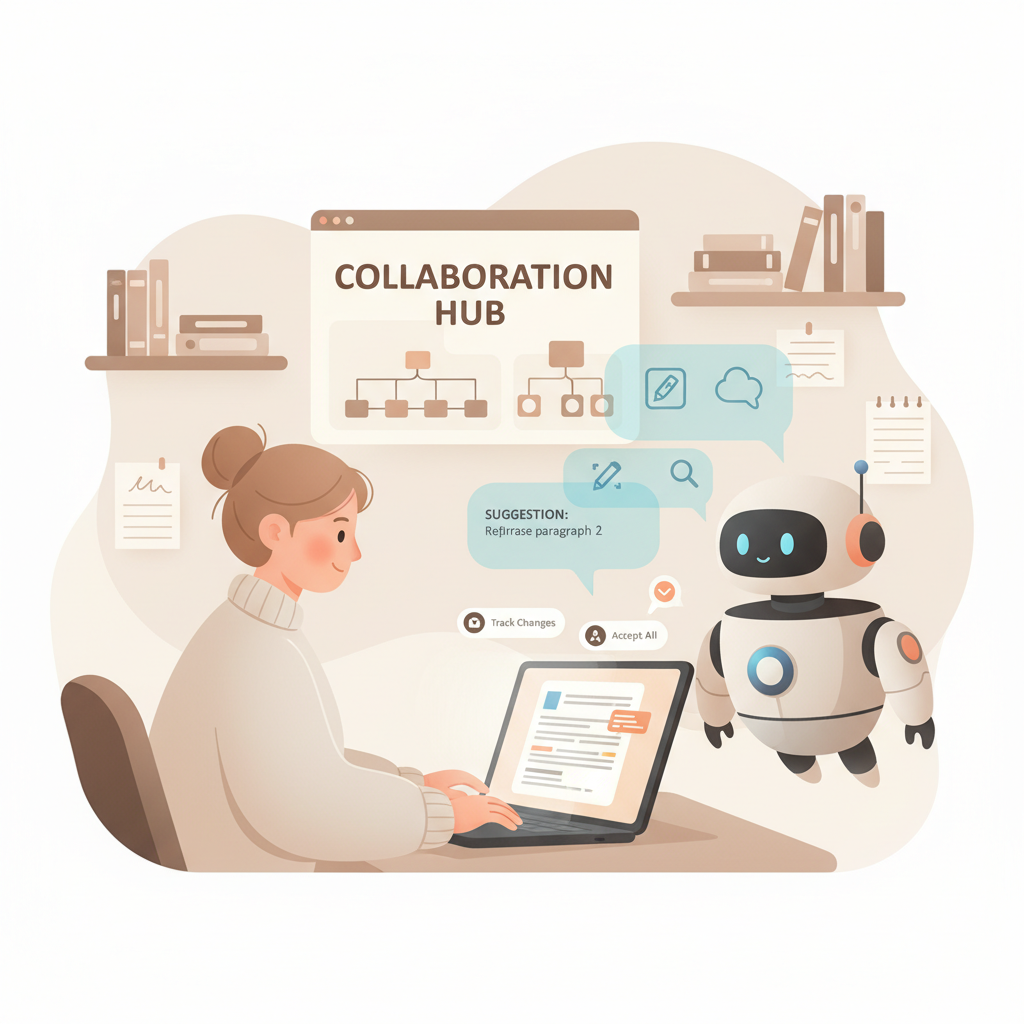
- Writing a book with AI works best as a human + AI collaboration: AI drafts, humans edit, and a short editing loop humanizes voice and fixes facts.
- Focus on structure, voice, and verification rather than expecting a finished manuscript from a single prompt—use tools that produce publish-ready files to save hours.
- For non-fiction, choose a system optimized for formatting, metadata, and platform compatibility so you can publish to Kindle and other stores without technical cleanup.
Table of Contents
- Why authors choose to write a book with AI
- How the human voice + AI drafts + editing loop actually works
- Why this approach works
- What to expect from an end-to-end non-fiction AI book generator
- How to judge a system quickly
- Practical tips: editing, fact-checking, and publishing faster
- Final thoughts
- FAQ
- Sources
Why authors choose to write a book with AI
About the phrase: “write a book with ai”—people use it to describe a practical process, not a single magic command. Authors use tools to speed time-consuming parts like drafting, formatting, and layout while keeping control over structure, examples, and authority.
A key reason publishers and independent authors adopt this approach is output consistency. If you need multiple books, or a single book quickly, AI can create a structured first draft at chapter level. Then the author refines tone, inserts unique anecdotes, and checks sources.
For an applied overview, see the guide Using AI to Write a Book which walks through early drafting and editing stages in plain language and shows how to turn a scaffold into a finished manuscript.
The real advantage comes when the AI system is built around publishing realities: readable chapter headings, clear section breaks, and export formats that match what Amazon KDP and other stores expect. That removes hours of manual cleanup and reduces publishing friction.
How the human voice + AI drafts + editing loop actually works
1) Generate: prompt for structure, not paragraphs
Start by asking the AI to create an ordered chapter outline with 8–12 chapters (or more for long-form works). For non-fiction, provide a target reader, desired outcome, and a short biography or perspective for the author’s voice.
Don’t ask for “write the book” at first. Ask for chapter summaries and 3–5 bullet points per chapter to get an actionable roadmap and avoid meandering drafts.
2) Draft: use chapters as mini-prompts
Once the outline is approved, prompt the AI to write chapter drafts using your chosen voice. A useful pattern is: “Write chapter 3 in a practical tone for busy professionals, using short paragraphs and one illustrative example.”
Ask for 800–2,500 words per chapter depending on target length. Keep guidance consistent so chapters match tone and pacing.
3) Edit: one human pass, then a focused rewrite
Human editing is essential. Read each chapter and:
- Preserve useful phrasing, rework clichés
- Tighten transitions and remove redundancy
- Add original anecdotes, case studies, or proprietary frameworks
After editing, ask the AI to rewrite the chapter using only the retained human notes—this human + AI rewrite often produces natural-sounding text that maintains your voice and improves flow.
4) Verify: facts, citations, and examples
AI can invent plausible-sounding facts. Verify dates, names, claims, and statistics. Replace or annotate AI-generated citations with real sources. If your book depends on research credibility, build a short source list per chapter and check every unique claim.
5) Repeat: the loop scales
Do this loop per chapter. For a 10-chapter non-fiction book, the cycle—outline, draft, human edit, verify, final pass—keeps you in control and reduces last-minute rewrites.
Why this approach works
Human voice is non-negotiable: readers buy books for voice and authority.
A short, structured editing loop preserves speed while raising quality.
Systems that support chapter-by-chapter exports, metadata, and platform-ready files eliminate technical barriers at publication time.
What to expect from an end-to-end non-fiction AI book generator
Content quality
Top tools should produce clean, chapter-level drafts with consistent tone and sensible structure. Prefer systems trained on book-style datasets rather than general web text for longer-form coherence.
Humanization features
A tool that helps you humanize AI output saves time. Look for:
- Rewriting prompts tuned for natural cadence
- Options to set reading level and voice
- Passes that reduce repetitive phrasing and improve transitions
Publishing readiness
For non-fiction authors, publishing readiness is more than text: it’s formatting, metadata, and export compatibility. Choose a system that makes the final step painless.
If you want an end-to-end solution that handles manuscript generation and immediate publishing exports, BookAutoAI is built for that workflow and helps authors move from draft to store-ready files faster. Many such systems also include an EPUB converter to check exports before upload.
When a tool creates clean EPUBs and correctly structured front matter, you save hours that would otherwise be spent fixing chapter navigation and metadata.
How to judge a system quickly
- Ask for a chapter export and open it in a free EPUB/KDP previewer—if the structure is intact, that’s a good sign.
- Check how headings, front matter, and navigation are handled.
- Confirm whether the tool respects citation placement and inserting a references section.
If you plan to publish paperbacks or ebooks, evaluate whether the tool supports those formats; many author tools integrate book creation features that simplify publishing to retailers and can be helpful alongside third-party book upload tools.
Practical tips: editing, fact-checking, and publishing faster
1) Use a consistent brief for voice and scope
Create a one-page brief: audience profile, voice adjectives (calm, practical, authoritative), and 3 key takeaways you want every chapter to support. Feed this brief into each chapter prompt so tone remains constant.
2) Batch tasks to stay in creative flow
Batch similar tasks. For example: Day 1: Outline all chapters. Day 2–5: Draft chapters 1–4. Day 6: Edit chapters 1–2. Batching reduces context switching and keeps momentum.
3) Keep an edit checklist
Create a short checklist for each chapter edit: lead with a problem statement, include clear action steps, mark claims for citation, and ensure tone aligns with the brief.
4) Humanize with short edits, not total rewrites
Small edits—adding a personal example, tightening an opening paragraph, adjusting word choice—deliver more voice than rewriting a chapter wholesale. Ask the AI to incorporate your specific sentence or anecdote to preserve authenticity.
5) Use the AI to help verify and format
Rather than letting the AI invent sources, use it to format the citations you provide, create a table of contents, or convert lists into concise summaries.
Many author-focused tools produce store-ready exports so you can skip time-consuming fixes after export.
6) Prepare publishing metadata early
Write your book blurb, author bio, and keyword list while you edit. Good metadata saves time at upload and improves discoverability when combined with a platform-ready file from your chosen author system such as BookAutoAI.
7) Scale responsibly
If your goal is multiple books, standardize briefs and templates. Use consistent chapter length, structure, and a reusable intro/outro format. This reduces time per title and keeps quality predictable.
8) Publishing step: minimize post-export fixes
Choose a system that outputs clean files. If the export requires heavy fixes (broken chapter navigation, missing metadata), the time savings evaporate. Aim for tools that create files you can upload directly to stores.
Tip: testing an export in an EPUB/KDP previewer early will show whether a tool preserves chapter navigation and front matter.
Final thoughts
Writing a book with AI is not magic; it’s a practical, human-first process that scales drafting while keeping humans in control of voice and quality.
For non-fiction authors who want speed without sacrificing publishability, prioritize systems that deliver chapter-level drafts, humanization features, and files ready for online stores.
A predictable editing loop—outline, draft, human edit, verify—produces reliable, readable books that sell.
Visit BookAutoAI to see a system built specifically for non-fiction authors who want to move from idea to a publish-ready manuscript quickly and reliably.
FAQ
Will AI write the entire book for me?
AI can draft entire chapters, but the best results come from a human + AI process. You should guide structure, add unique content, and verify facts.
How much editing does AI output usually need?
Expect at least one full human pass per chapter and a verification step for facts and sources. Humanization—adding anecdotes and author perspective—is crucial.
Can AI handle citations and references?
AI can format citations if you provide sources, but it can also invent references. Always verify and replace AI-generated citations with real sources.
Is AI writing detectable, and does that matter?
Detection varies by tool. For long-term sales, aim for a humanized voice and thoughtful edits—this reduces detector flags and improves reader experience.
How do I publish to Kindle and other stores without technical headaches?
Use a tool that creates publish-ready files and correct metadata. That reduces time spent debugging EPUBs or fixing chapter navigation.
Sources
- AI Book Generator Showdown for KDP Authors 2025 Review — https://blog.bookautoai.com/ai-book-writers-kdp-review/
- BookAutoAI: Your One-Click Solution for Instant Book Creation — https://www.bookautoai.com
- Top AI Story Generators for Authors in 2025 – BookAutoAI — https://blog.bookautoai.com/ai-story-generator-tools-2025/
- Comparing AI Book Writing Tools in 2025: Features and Results — https://blog.bookautoai.com/top-ai-book-writing-tools-2025/
- Book Promotion in 2025: How AI Gives Authors More Time to Write — https://www.authormedia.com/book-promotion-in-2025-how-ai-gives-authors-more-time-to-write/
How to Write a Book with AI: A realistic, human-first system for non-fiction authors Estimated reading time: 14 minutes Writing a book with AI works best as a human + AI collaboration: AI drafts, humans edit, and a short editing loop humanizes voice and fixes facts. Focus on structure, voice, and verification rather than expecting…